commonasmuckjohnsmif
Members
-
Joined
-
Last visited
-
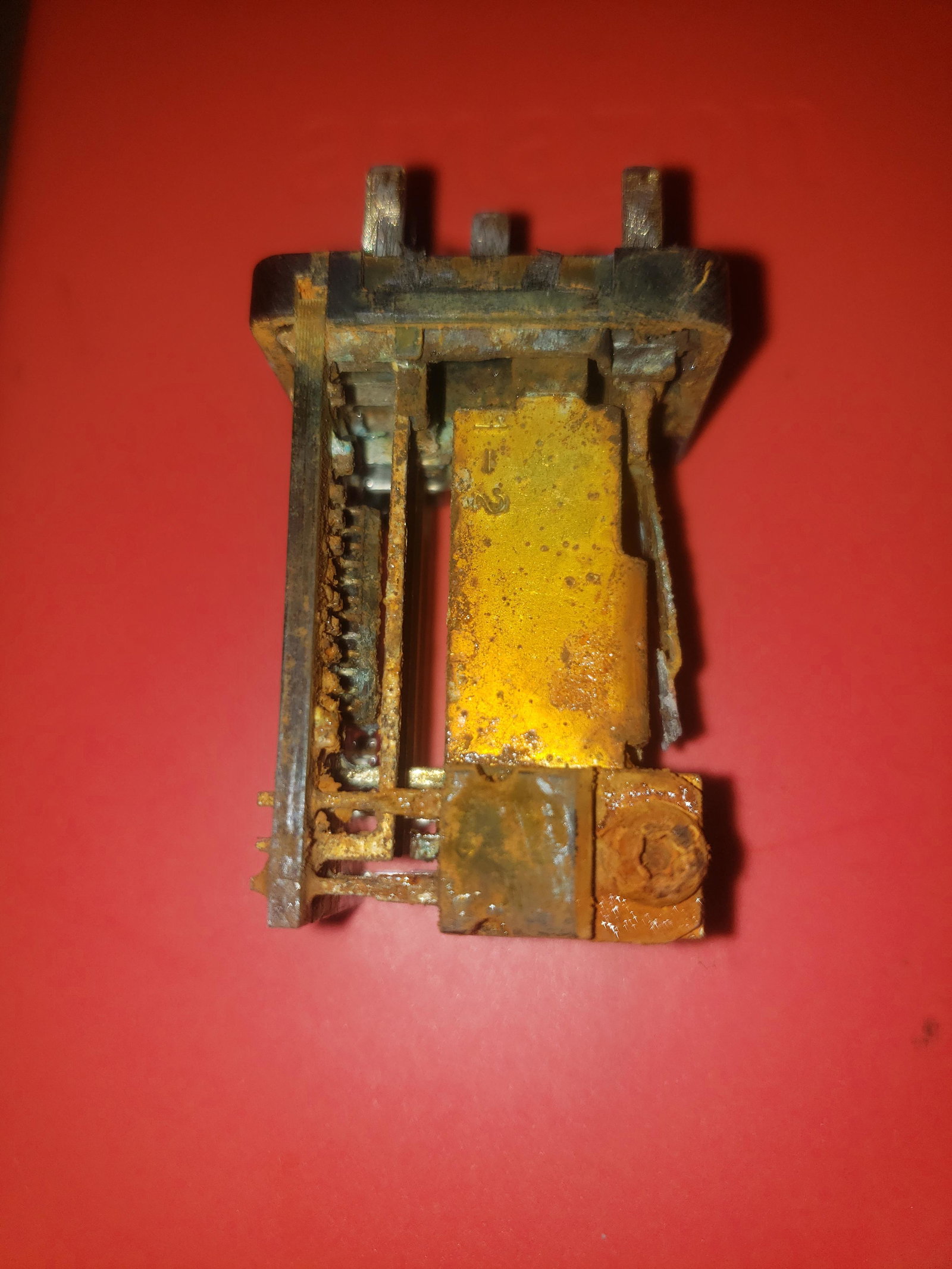
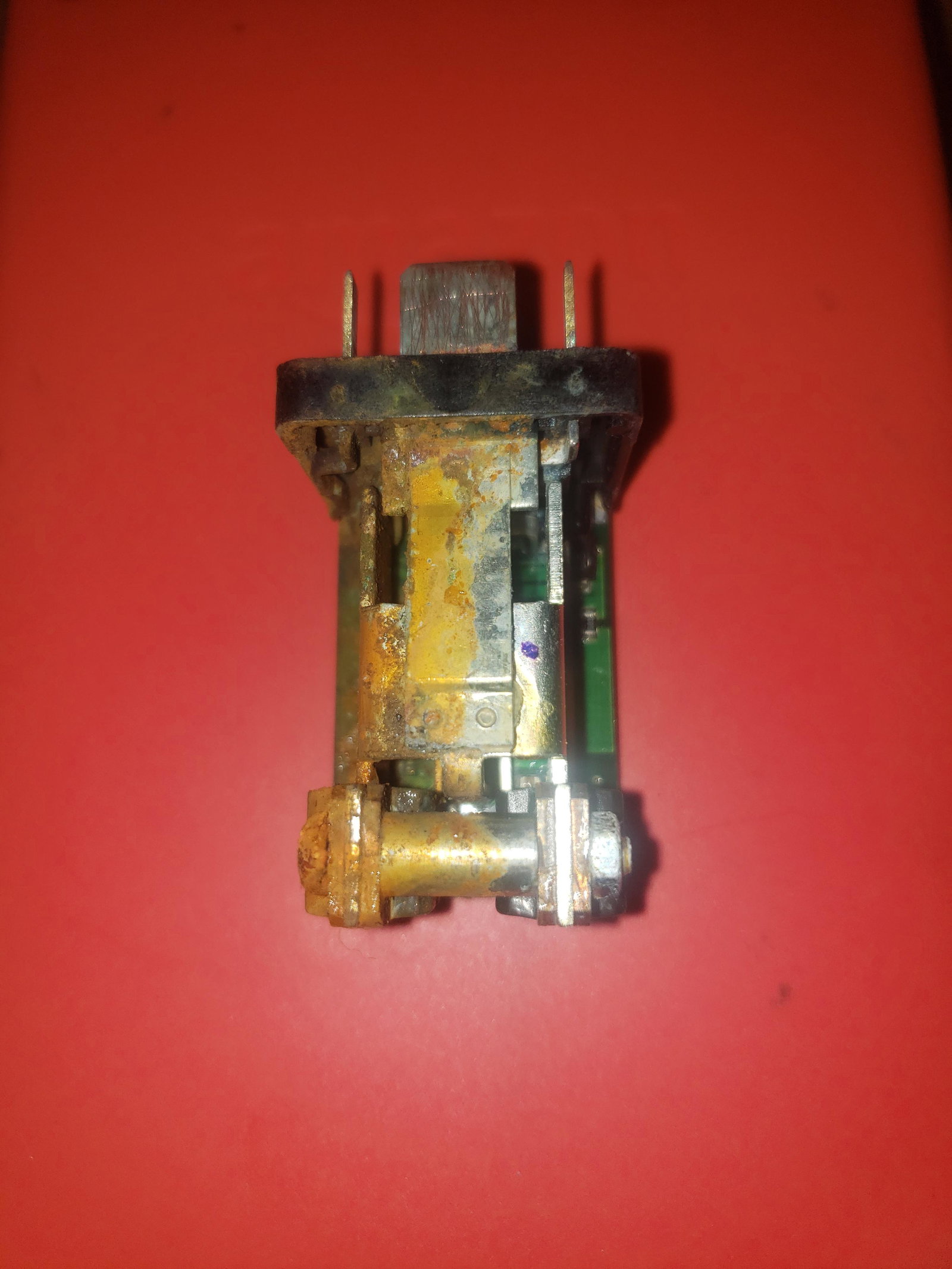
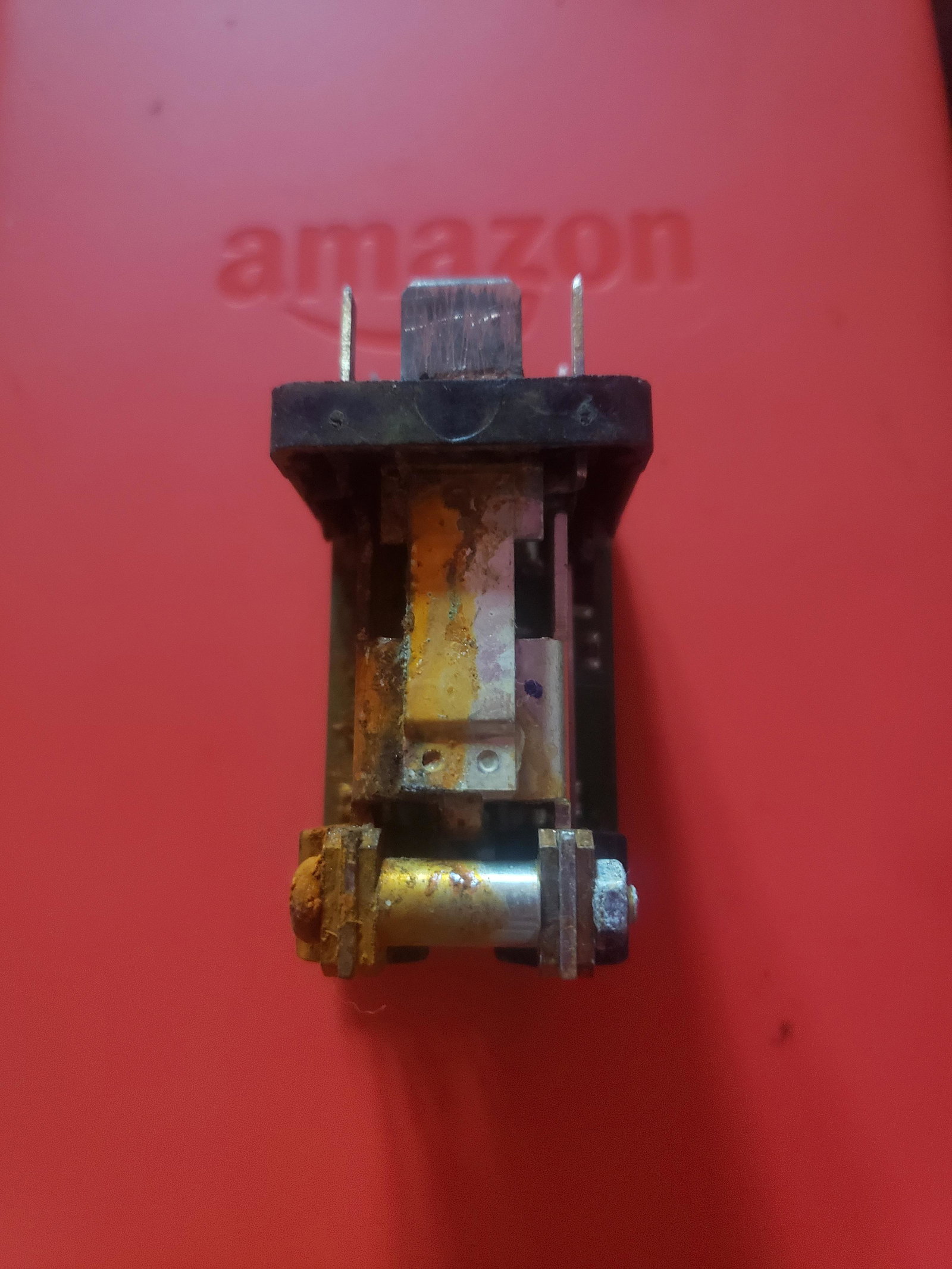
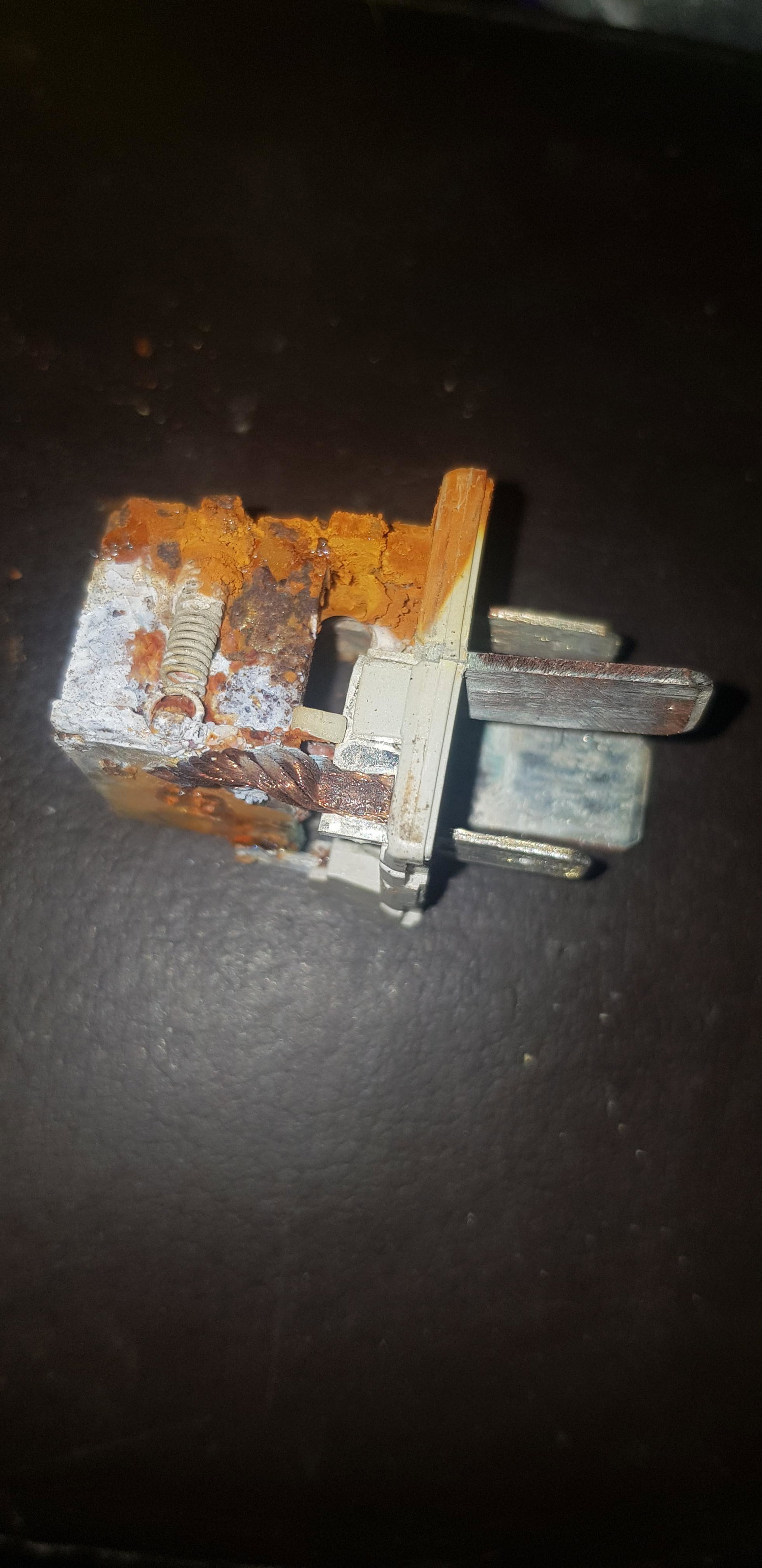
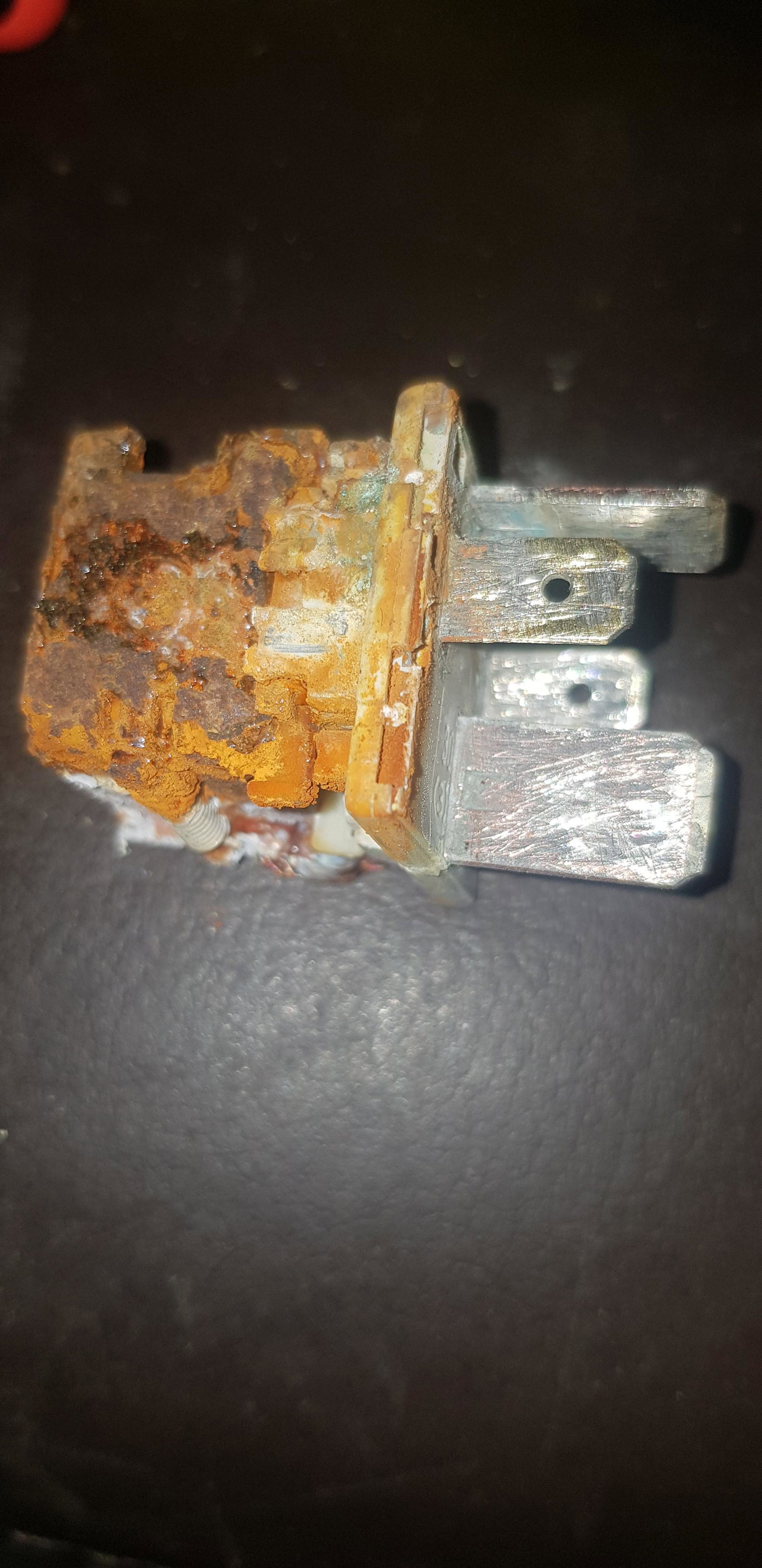
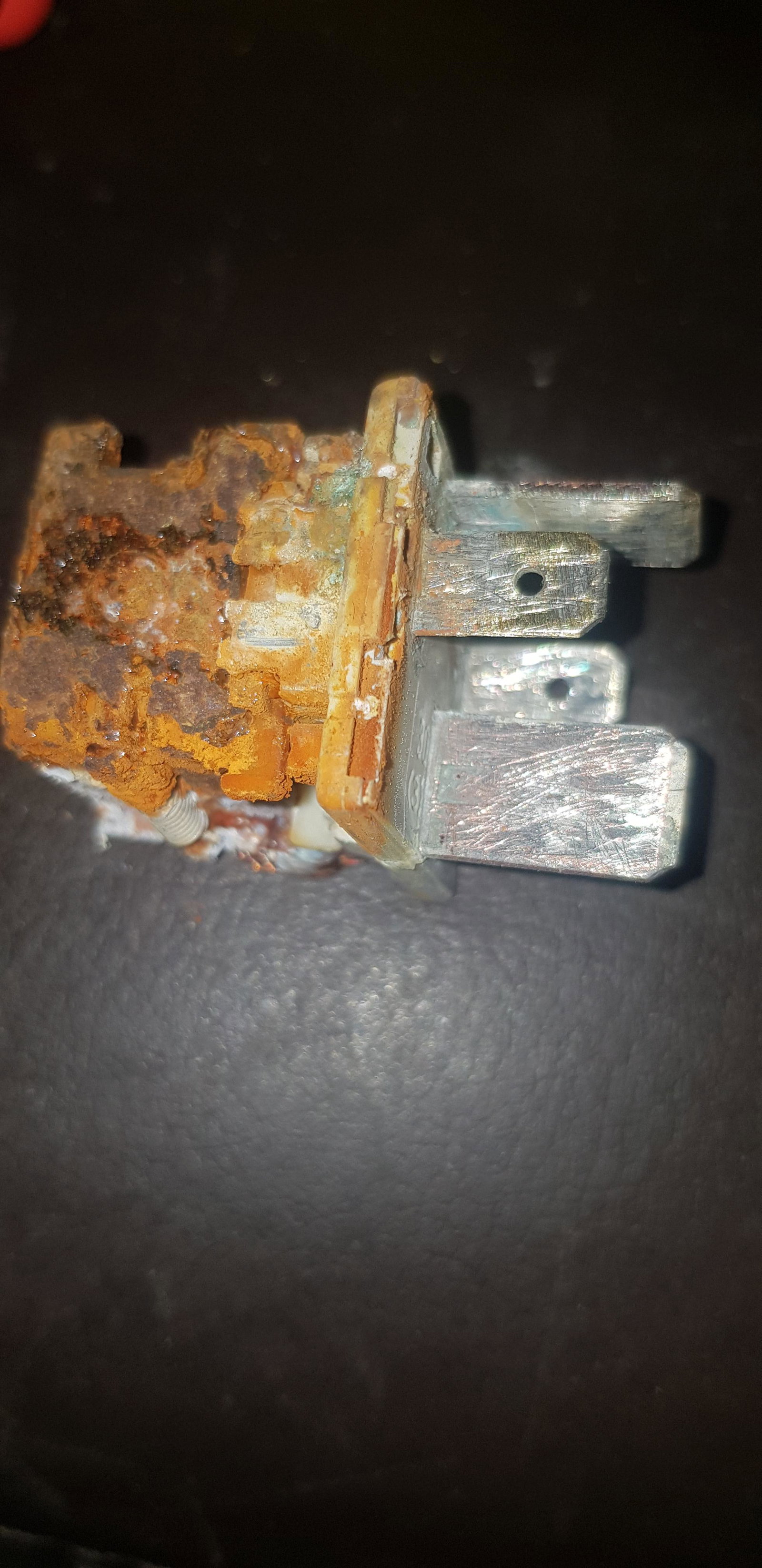
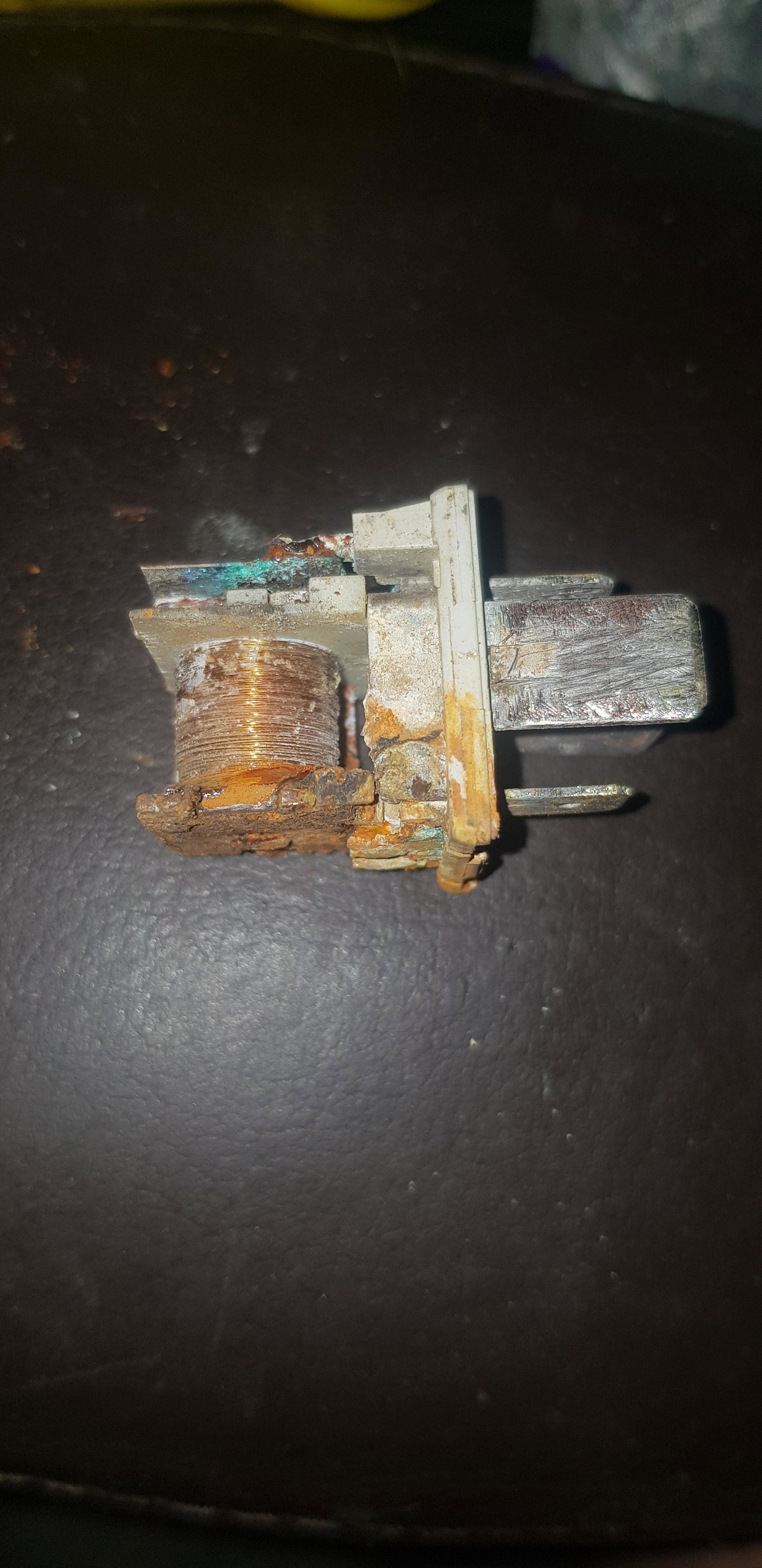
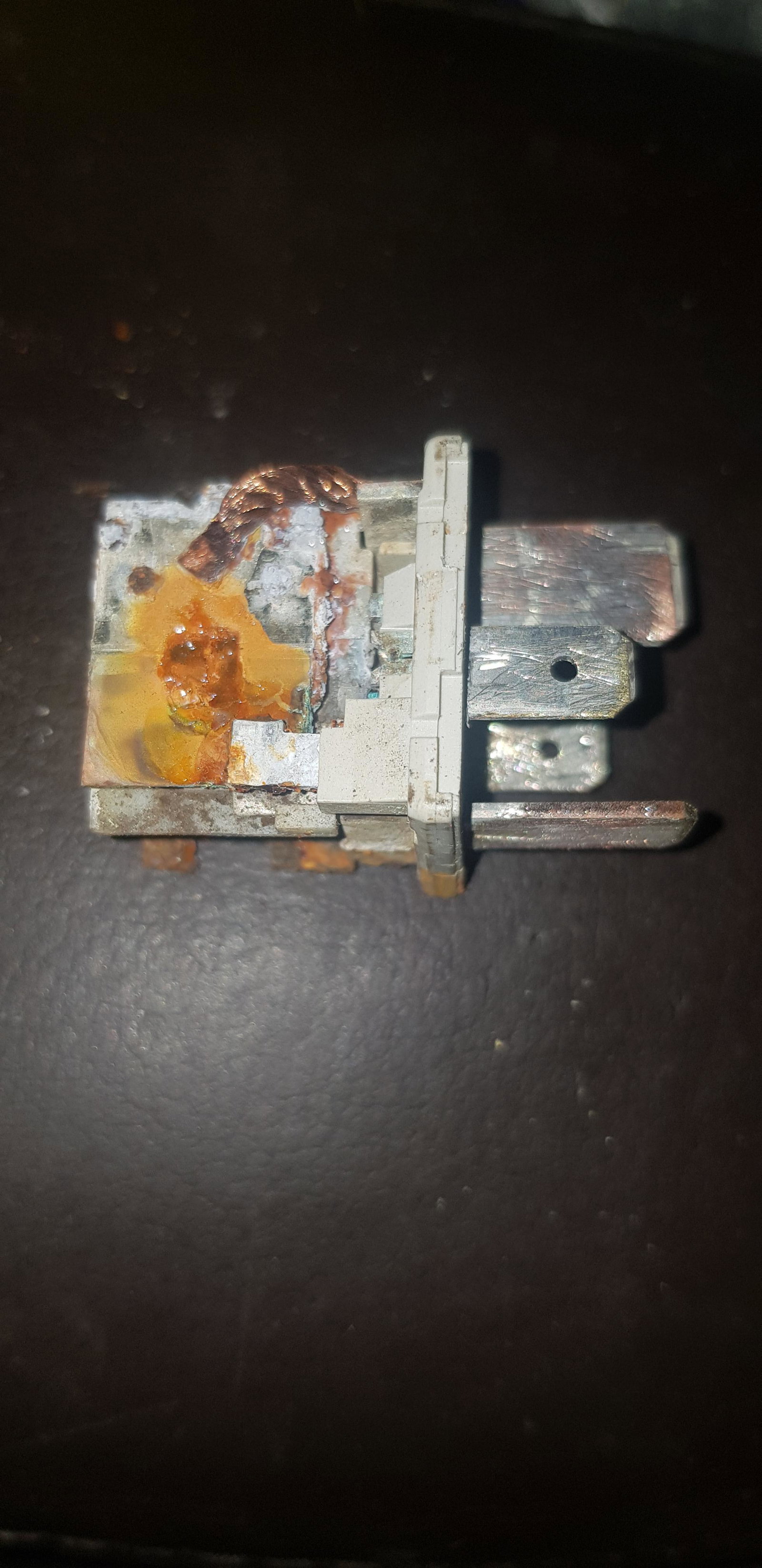
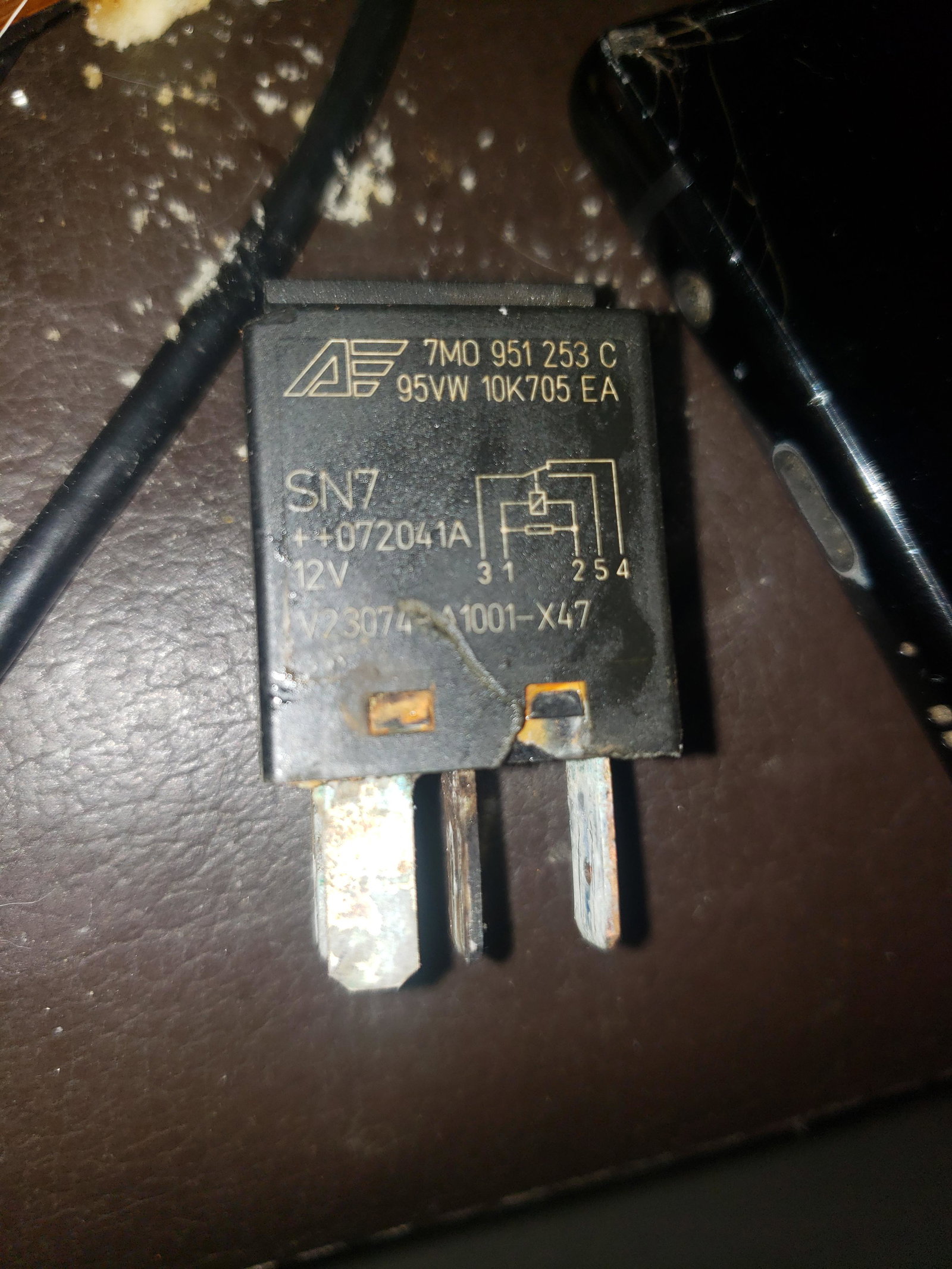
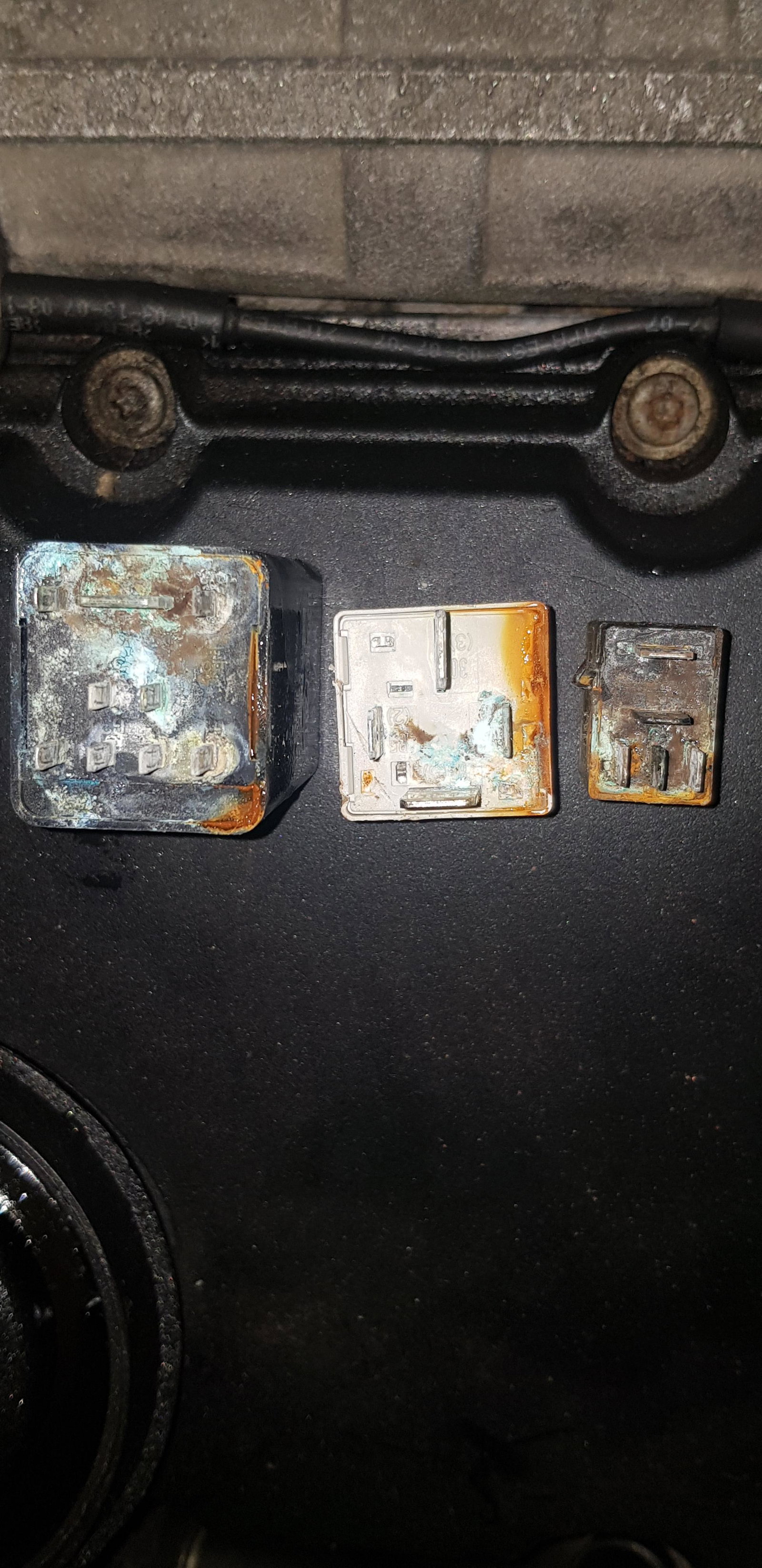
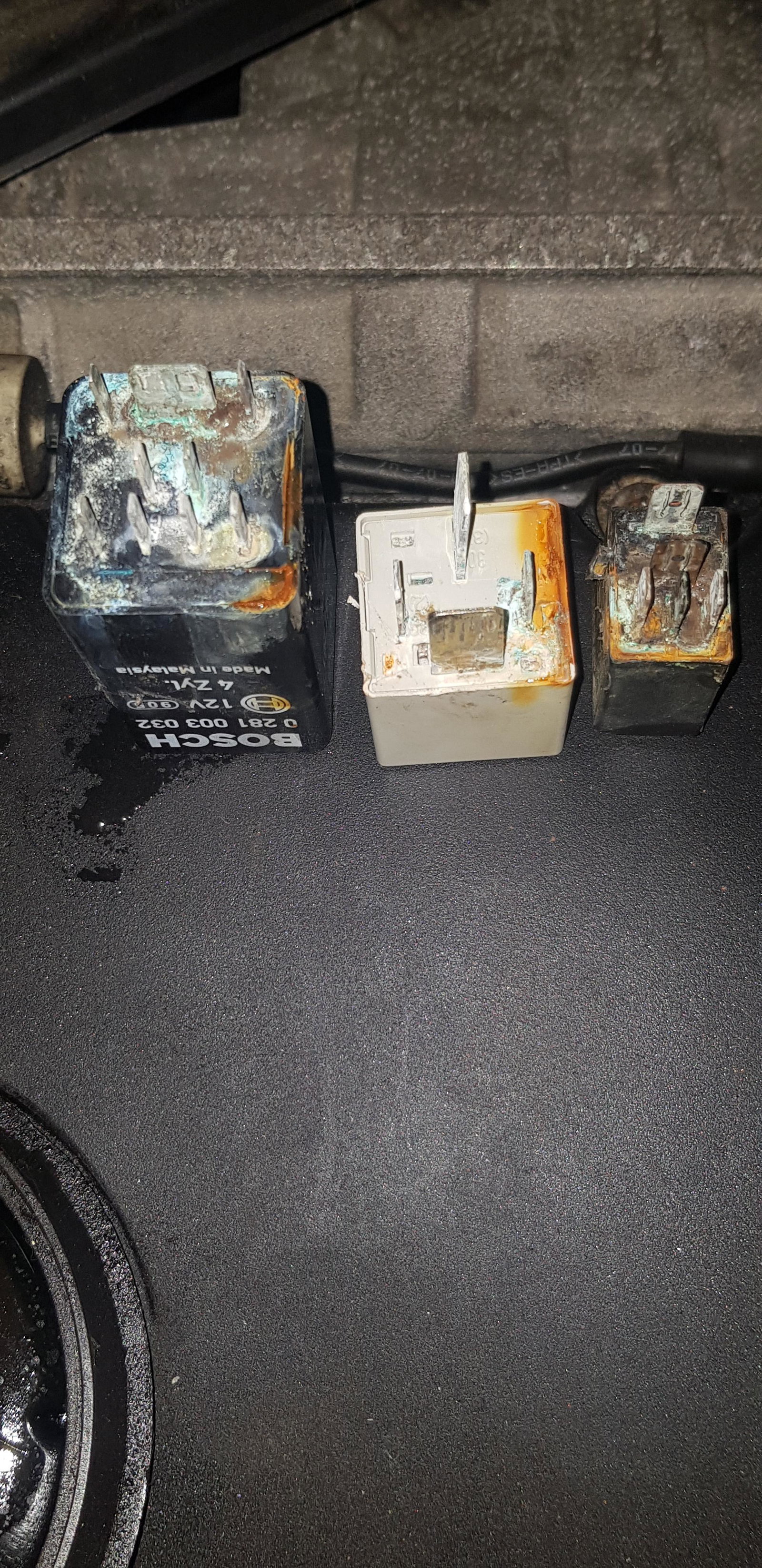
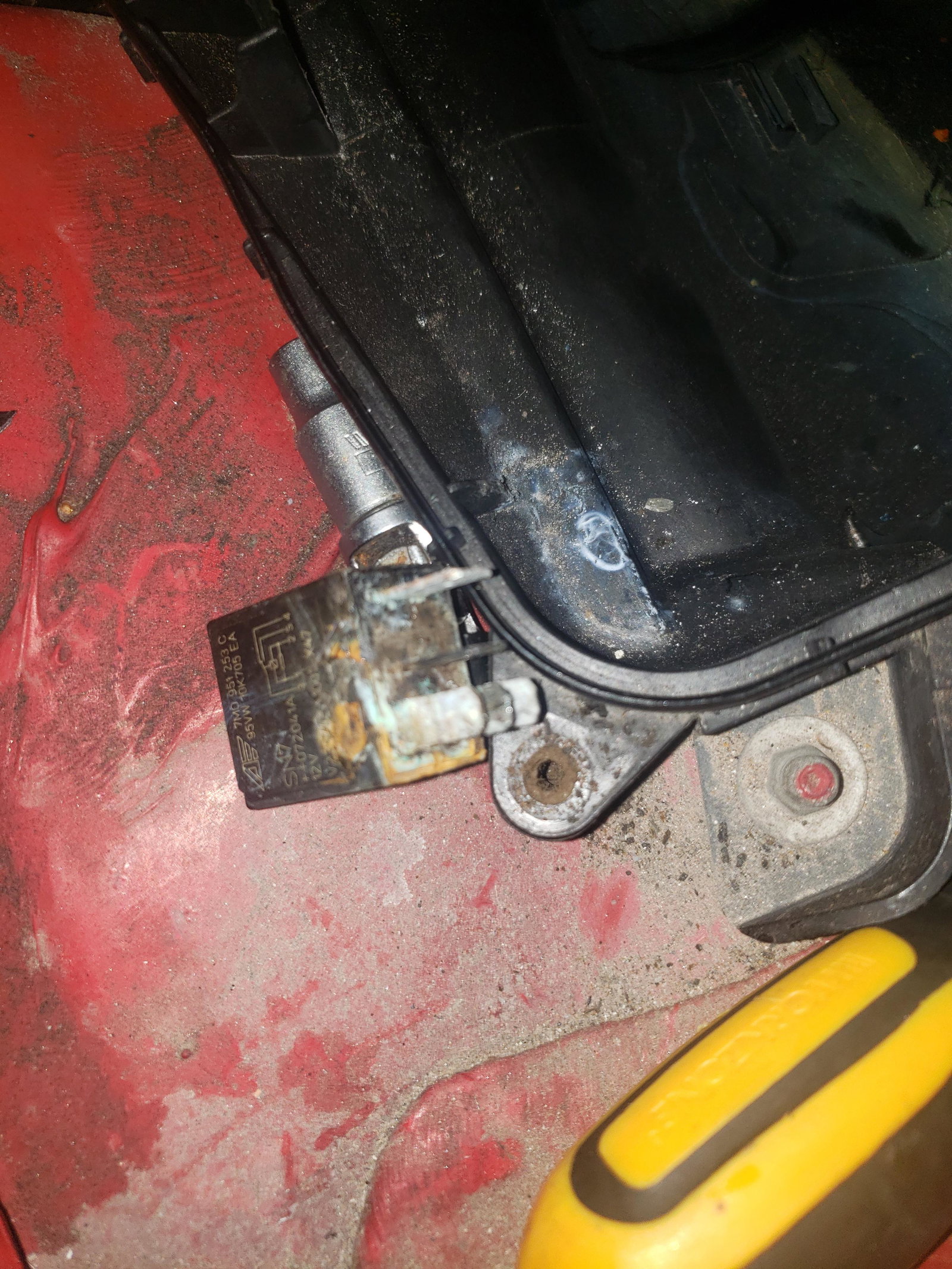
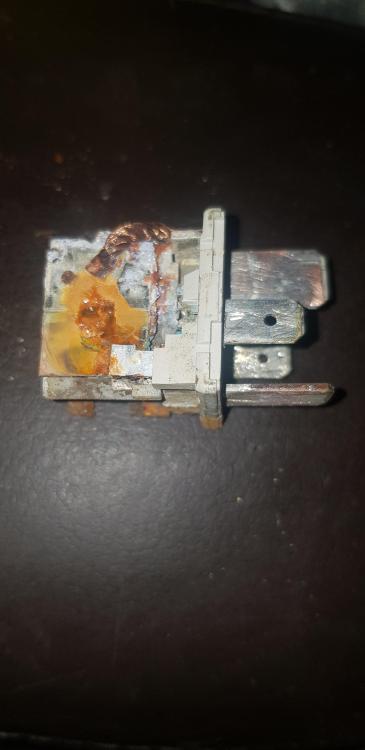
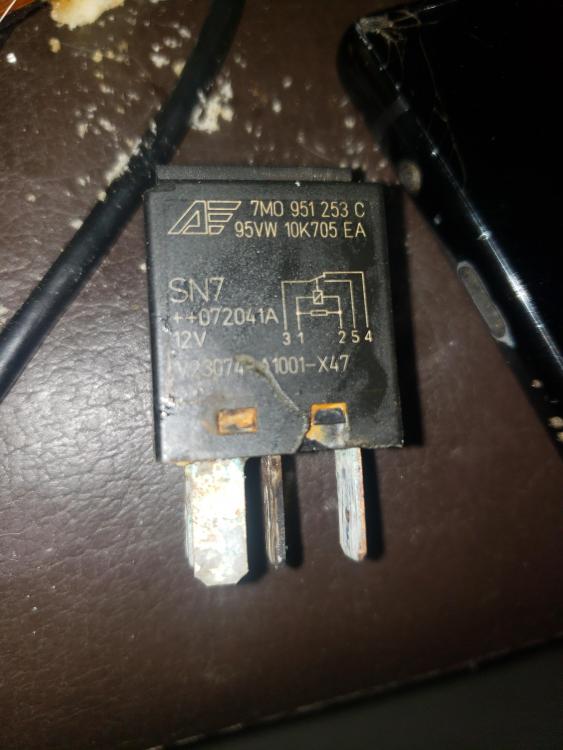
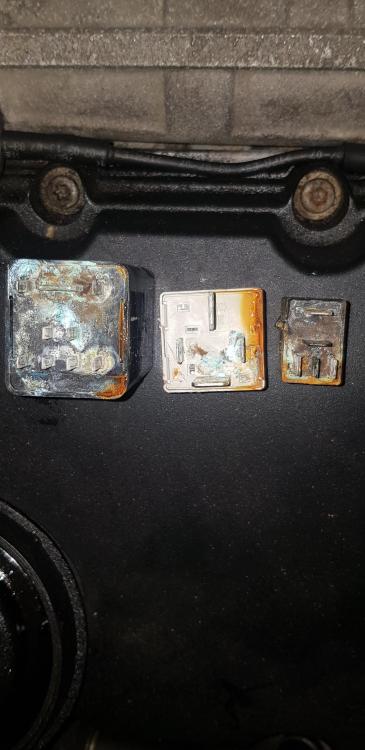
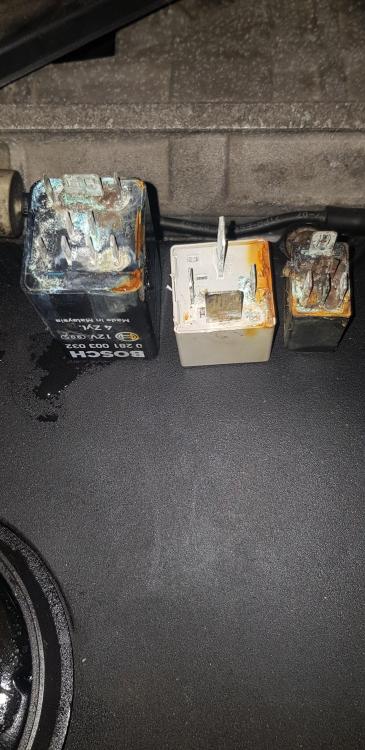
Thanks very much to those that suggested solutions to my problem & a special big shout out to Steve Q it's not who I knew it's what I knew after cleaning up my relay plug contacts & 2 relays posted from Autodoc online from Germany the 3rd I managed to clean up I found the coded spare basic blade key which stopped the alarm from sounding (the 3 button original was lost by redman autos Poulton Le Fylde) the dash code L3 1-2 was for the key that wasn't coded so the correct key in the ignition, the fuel filter now filled with fuel there was a sound I remembered from a while ago after almost 9 months she's running again this clip wasn't a cold start but thanks for all the help 20211211_185914.mp4
-
Yes don't go to Redman Autos Cocker Ave, Poulton Industrial Estate, Blackpool, Poulton-le-Fylde FY6 8JU I thought he would have been fine I've been getting my cars tested by him for quite a few years & nowhere else was willing to touch my mates 1995/1996 RS2 after he put a con rod through his block it got passed around & eventually to him he did it good time, the cost was ok & nothing missing or spare nuts/bolts/bits leftover so I thought he would have had it done & out of the way big mistake it's not as if I wanted it done on the cheap either
-
commonasmuckjohnsmif changed their profile photo
-
The wiring loom is ok I've done a continuity test on that I'm just waiting to see if a fault code reader picks up the ecu now & as well vag com is saying anything else it didn't help with the place I thought would have been ok doing the work but he lost the key & after 5 months of seeing nothing much being done I got the car back finding more out myself than he did
-
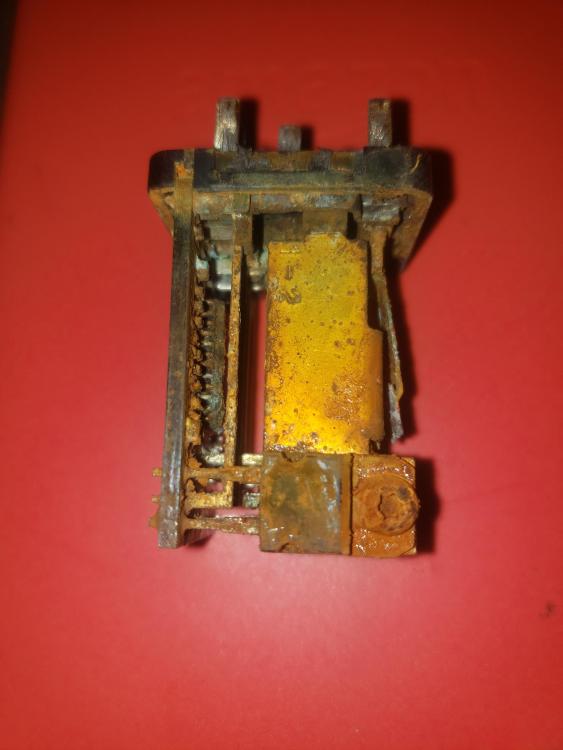
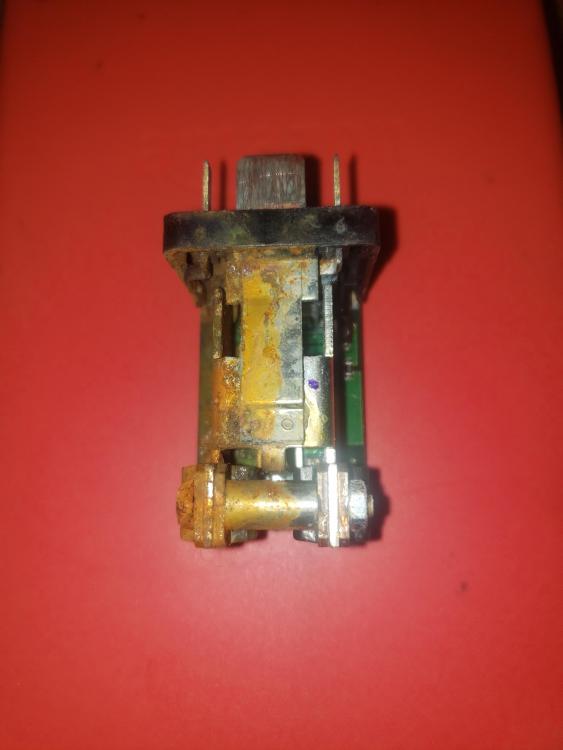
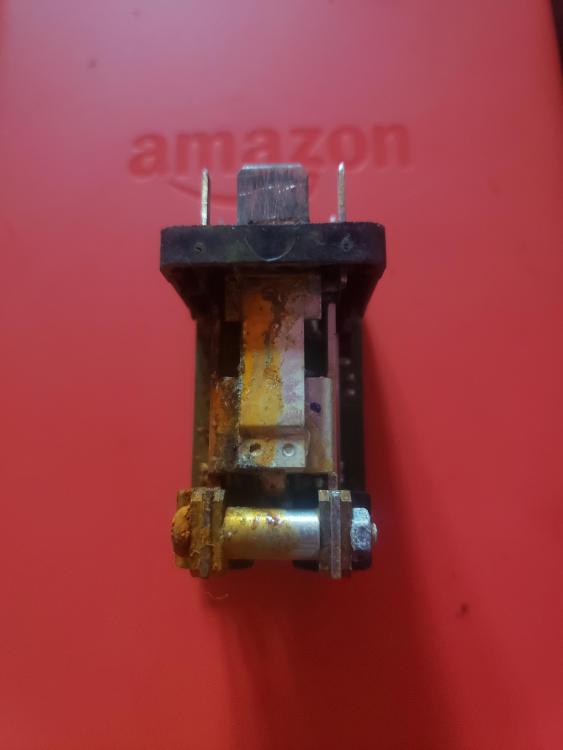
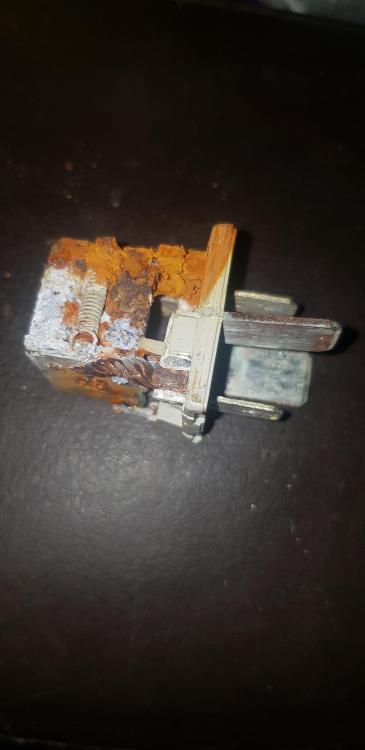
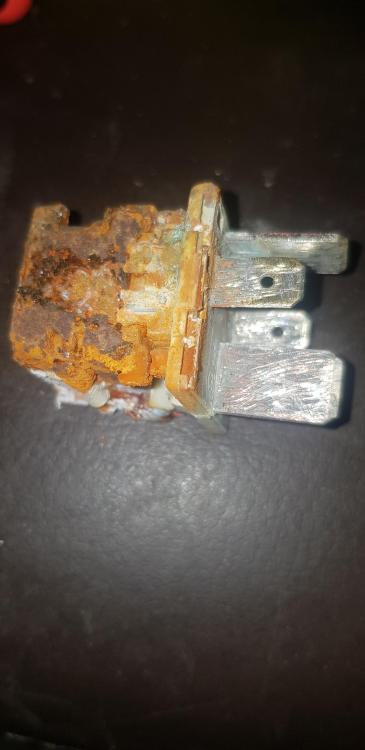
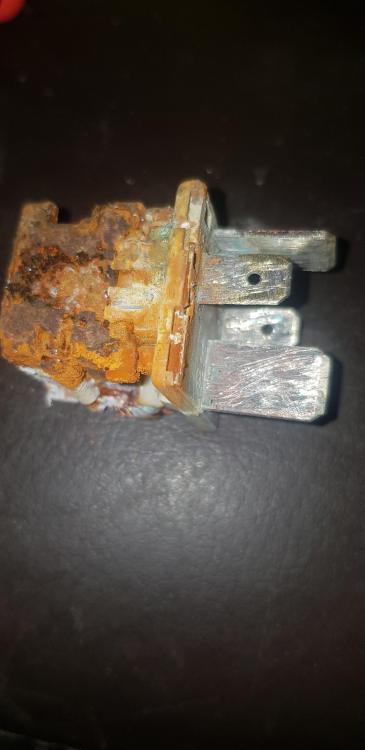
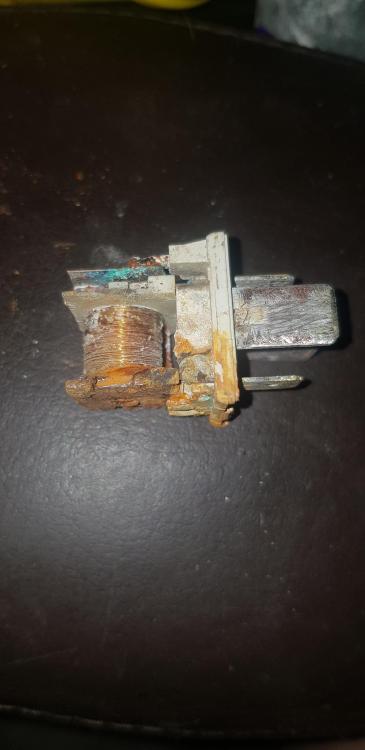
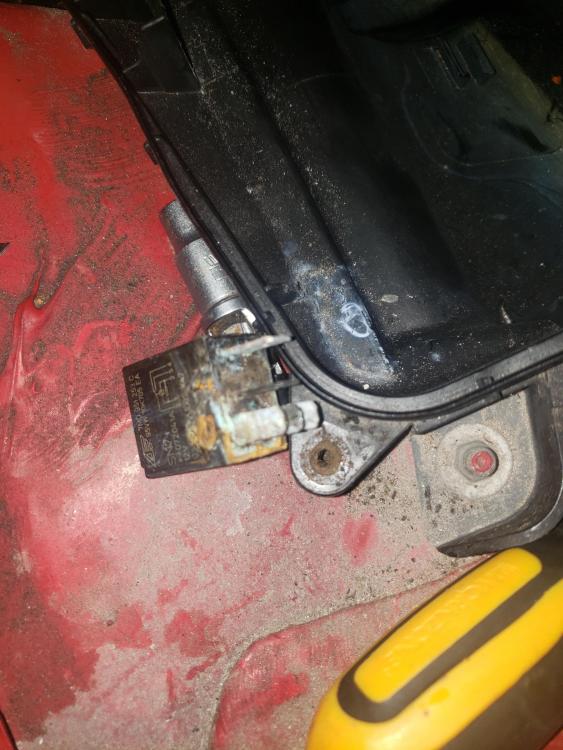
Yes thanks I've dried it all out & made a temporary 'umbrella' to go over the top of the ecu lid & I've already fitted 2 brand new relays & the 3rd is the expensive 1 that didn't suffer like the other 2 they were absolutely beyond it I've done continuity tests on the relay plugs I remember now when I had purchased an oem key from volkservice in Blackpool when they were coding the new key there was a code on the dash very similar to the 1 on my dash
-
Hi any help would be very much appreciated I have a similar issue with my A4 B7 170ps Black Edition with the BRD engine the code showing in mine is L3 1-2 the problem started with a possible engine management light coming on & sometimes being sluggish up some slight gradients 2 day it finally gave up, stalled & took ages to start again then 300 metres down the road she died I called RAC out I ended up telling him to leave after I watched him pour diesel out on to the tarmac so she went to be looked at eventually I was told no communication between the fault code reader & ecu so the ecu is at fault a while later I enquire have we any news? Oh the key has gone missing so eventually I got her back minus the key I got a replacement key & an ecu both matching to my car an AQ ecu & 433mhz key I dropped them off & asked again a few weeks later no nothing after 5 months I got the car returned after in 5 days I've found out more than him in 5 months that my relays in the ecu box have been submerged in water I've cleaned the plug contacts up & I've got new relays but the code L3 1-2 is showing