Skip to content
View in the app

A better way to browse. Learn more.

Audi Owners Club (UK)

A full-screen app on your home screen with push notifications, badges and more.

To install this app on iOS and iPadOS
  1. Tap the Share icon in Safari
  2. Scroll the menu and tap Add to Home Screen.
  3. Tap Add in the top-right corner.
To install this app on Android
  1. Tap the 3-dot menu (⋮) in the top-right corner of the browser.
  2. Tap Add to Home screen or Install app.
  3. Confirm by tapping Install.


Gordano

Members
  • Joined

  • Last visited

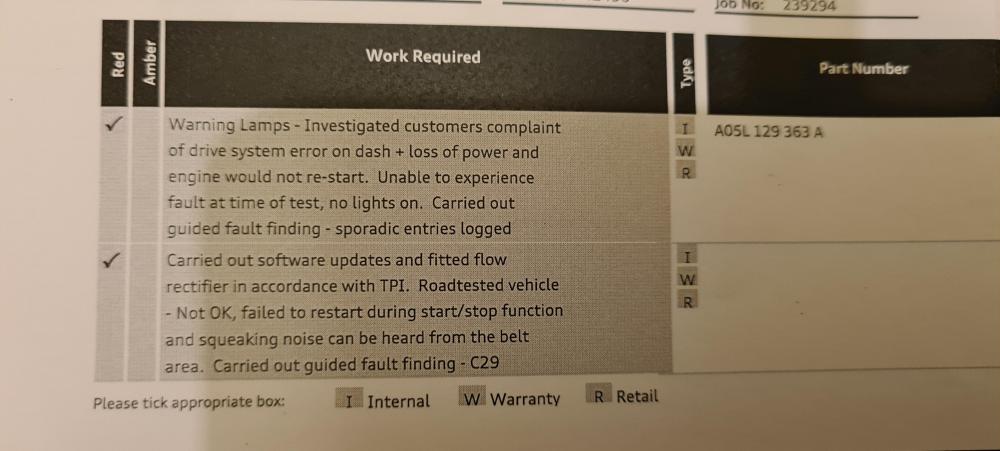
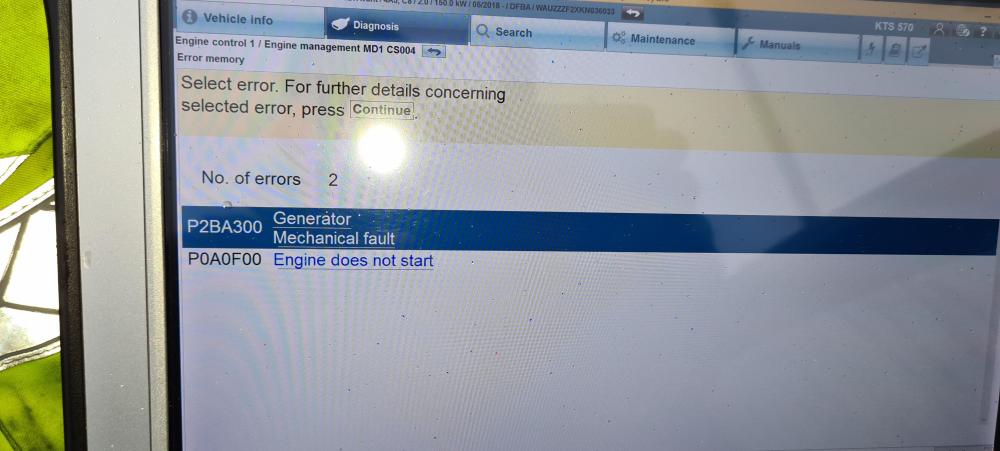
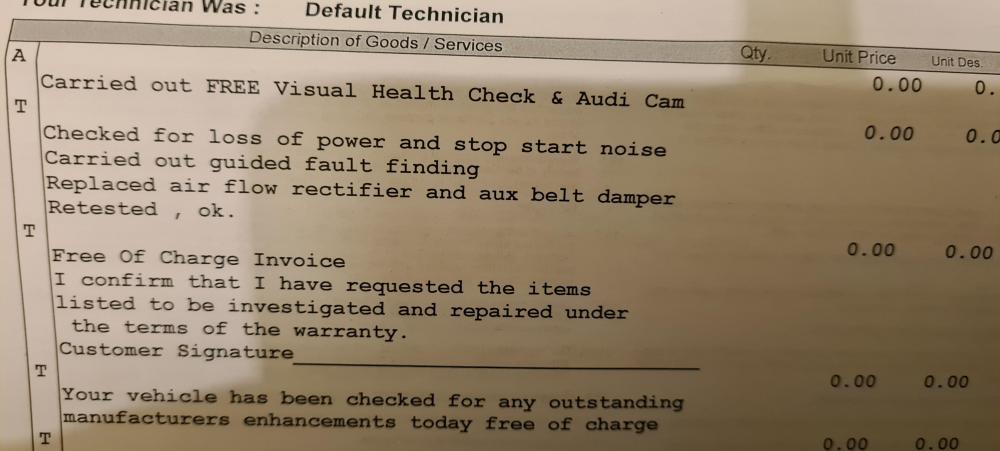
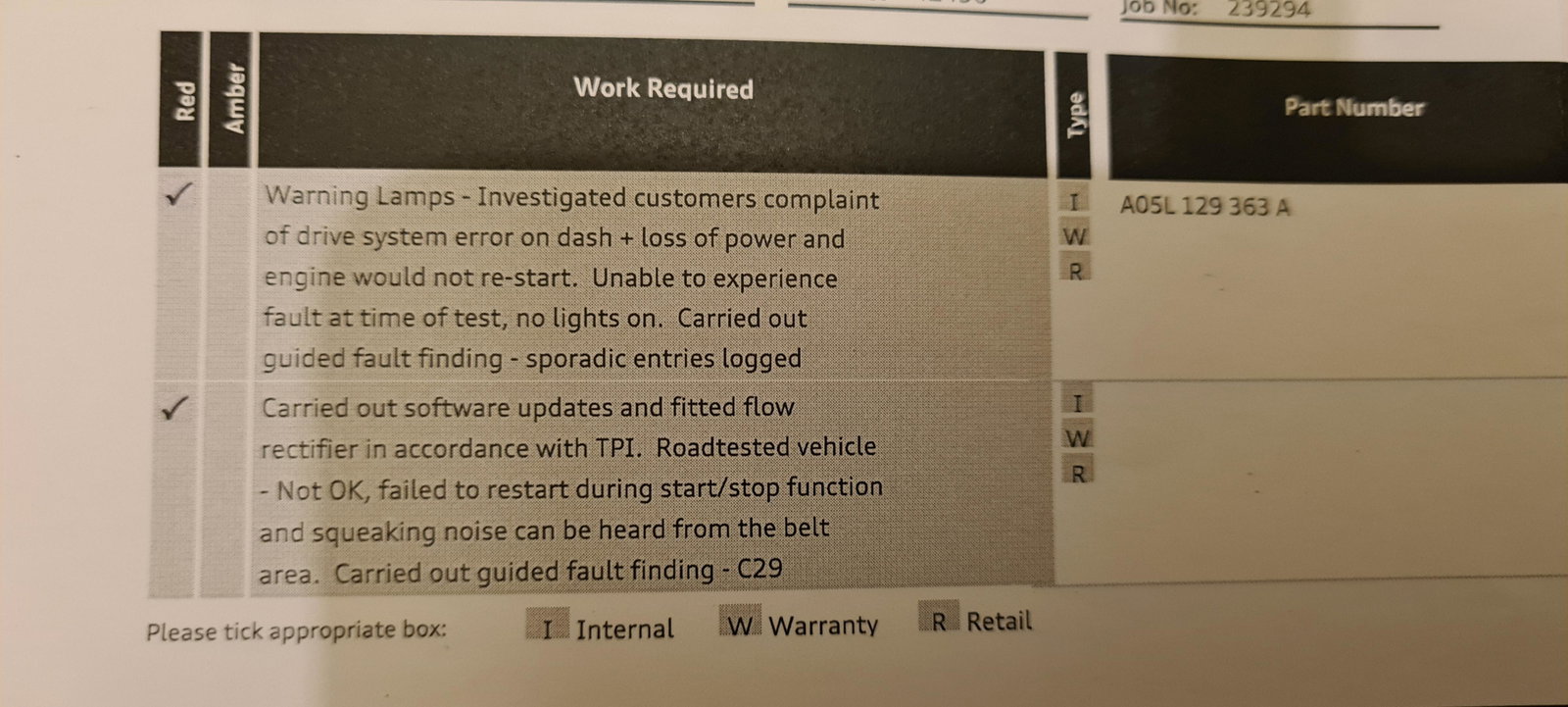
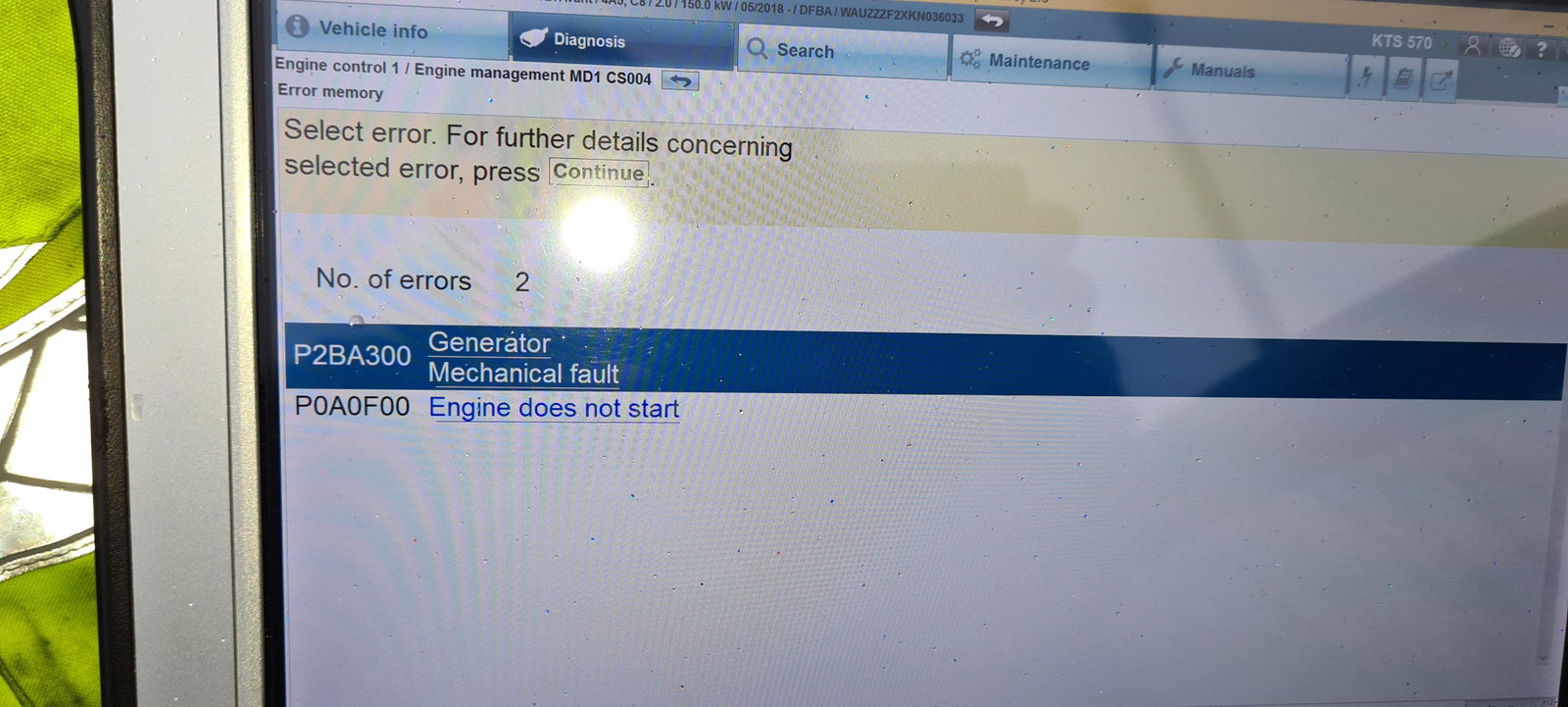
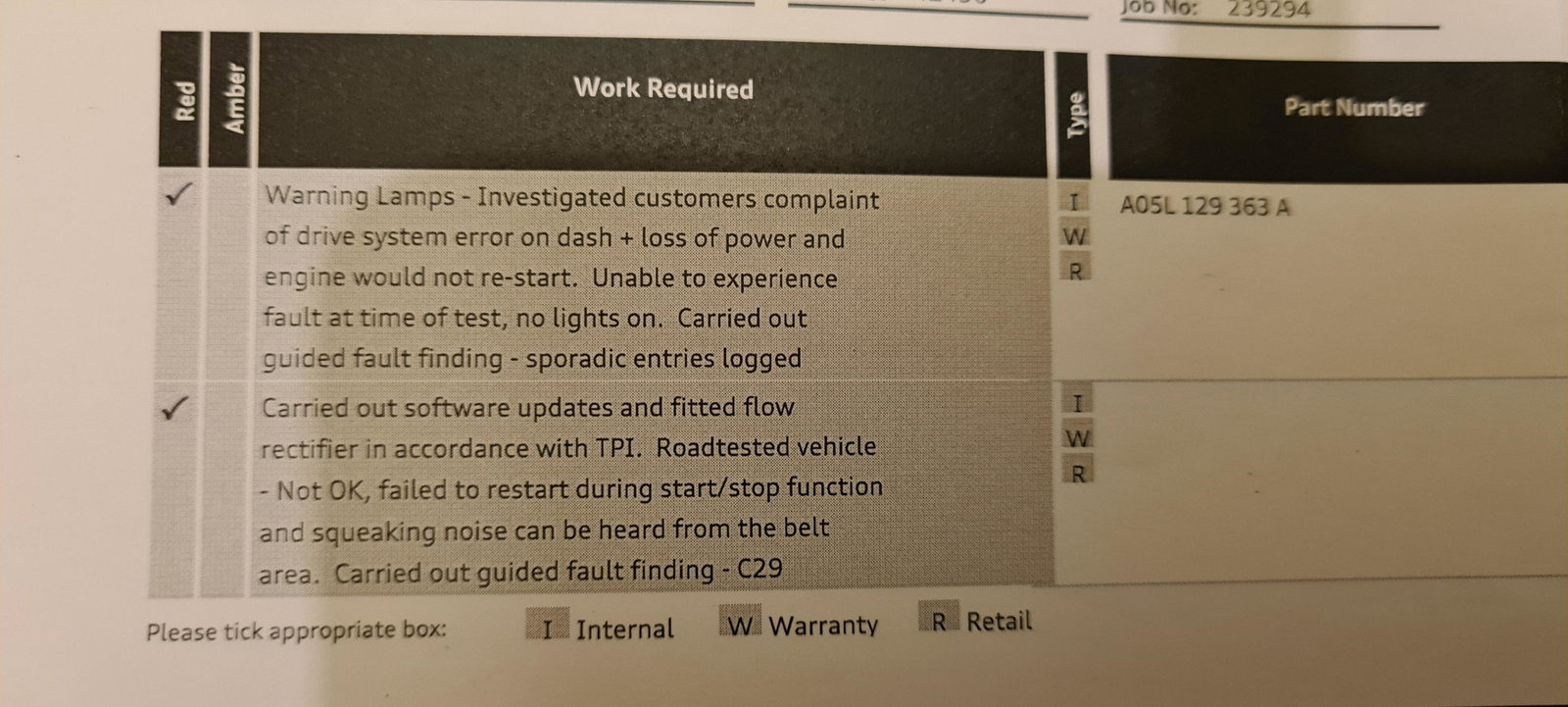
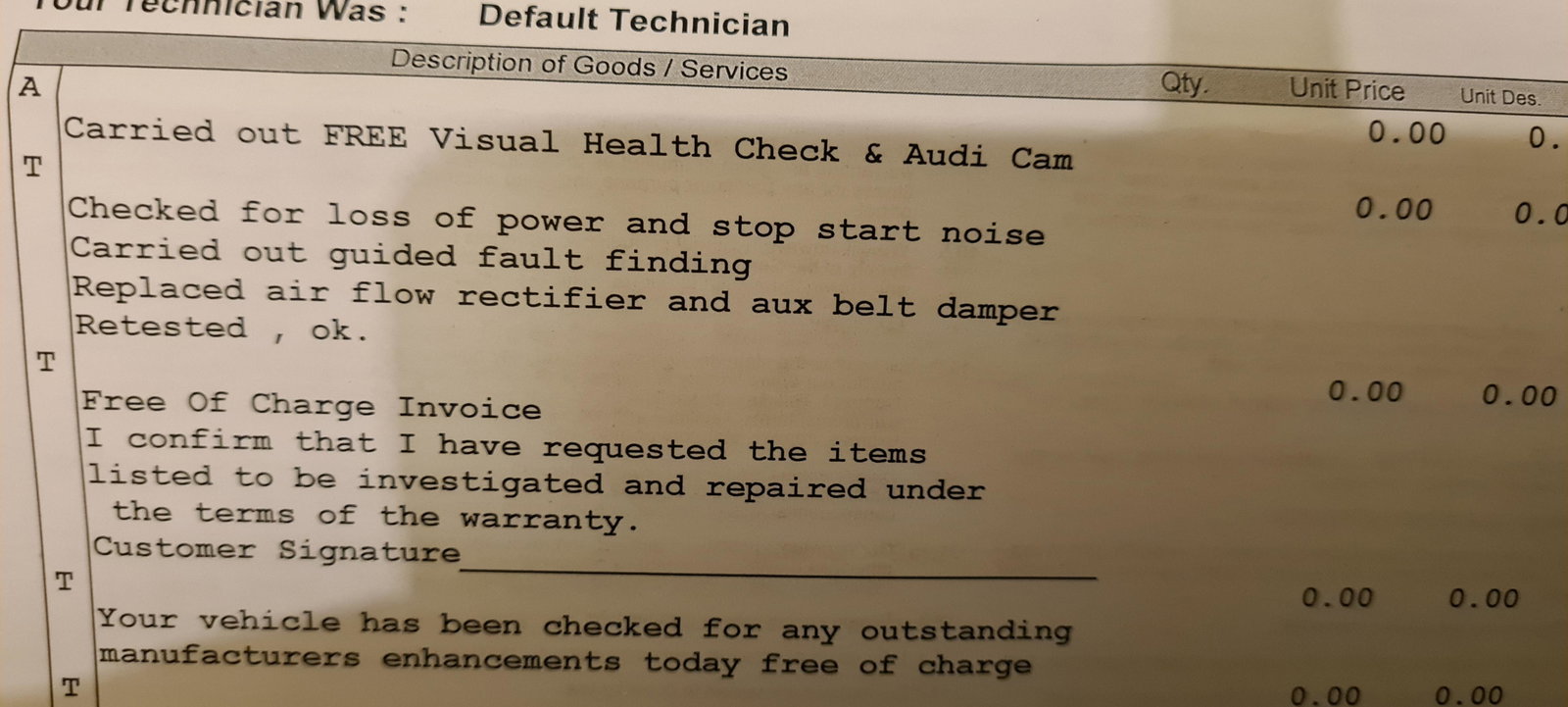
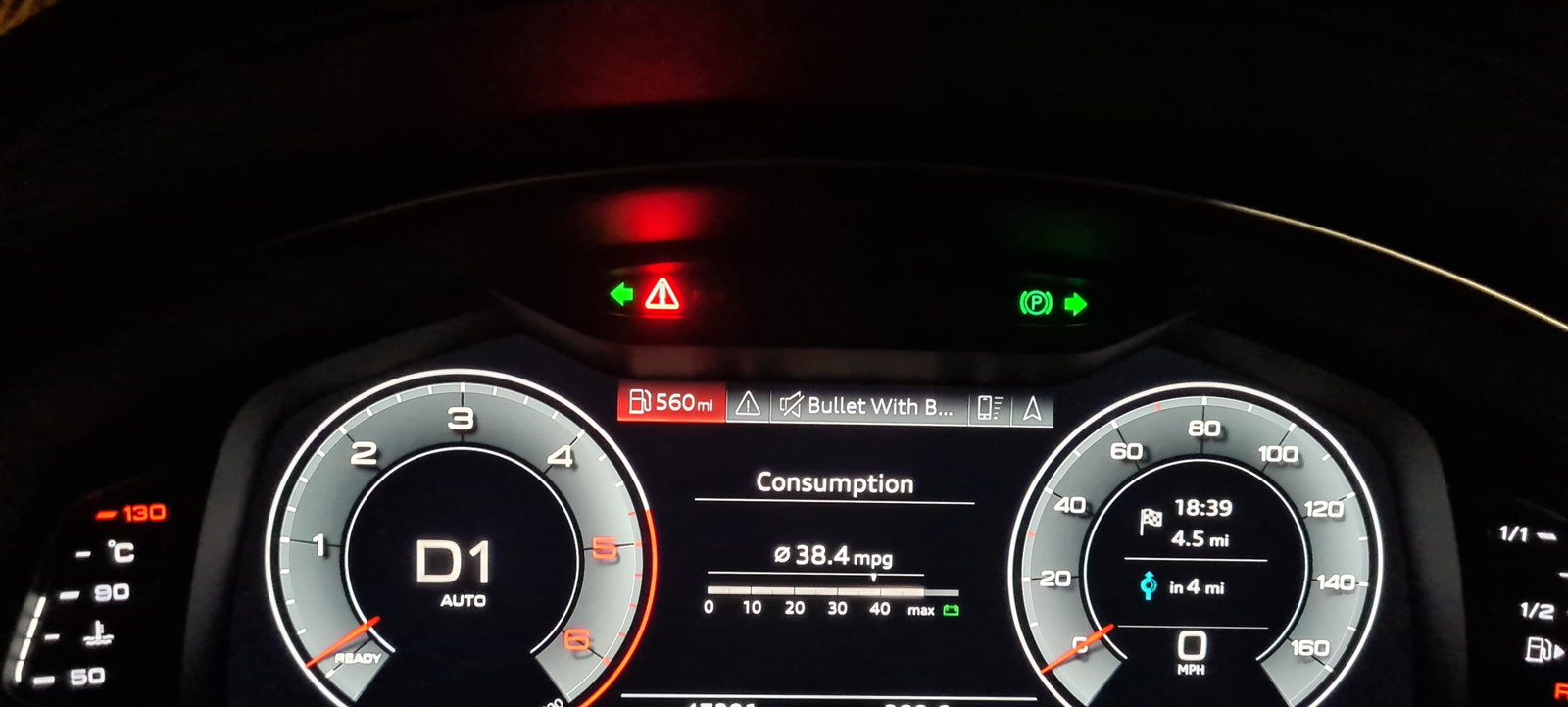
  1. Hi, yes all working now. The problem was stop start at stand still and I guess the same system puts the car into coast mode when driving. That was when driving is when the warning came up.
  2. It's already booked in for Wed. 👍
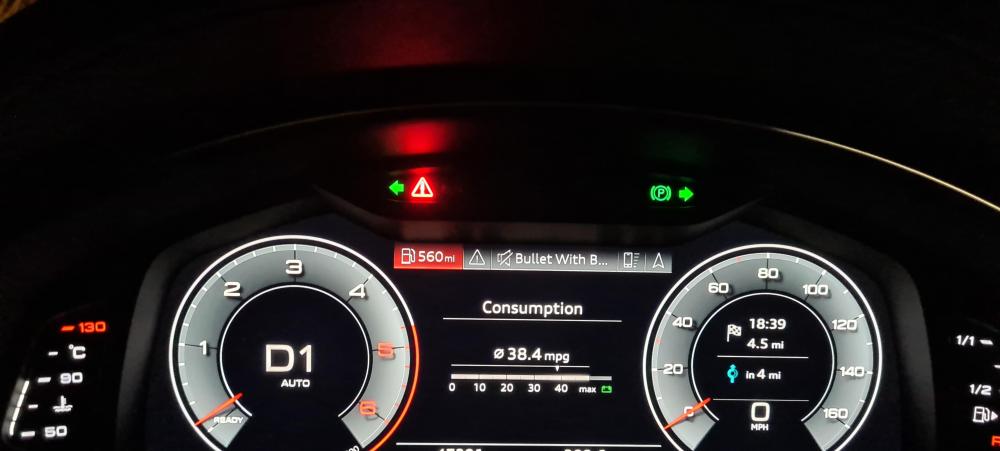
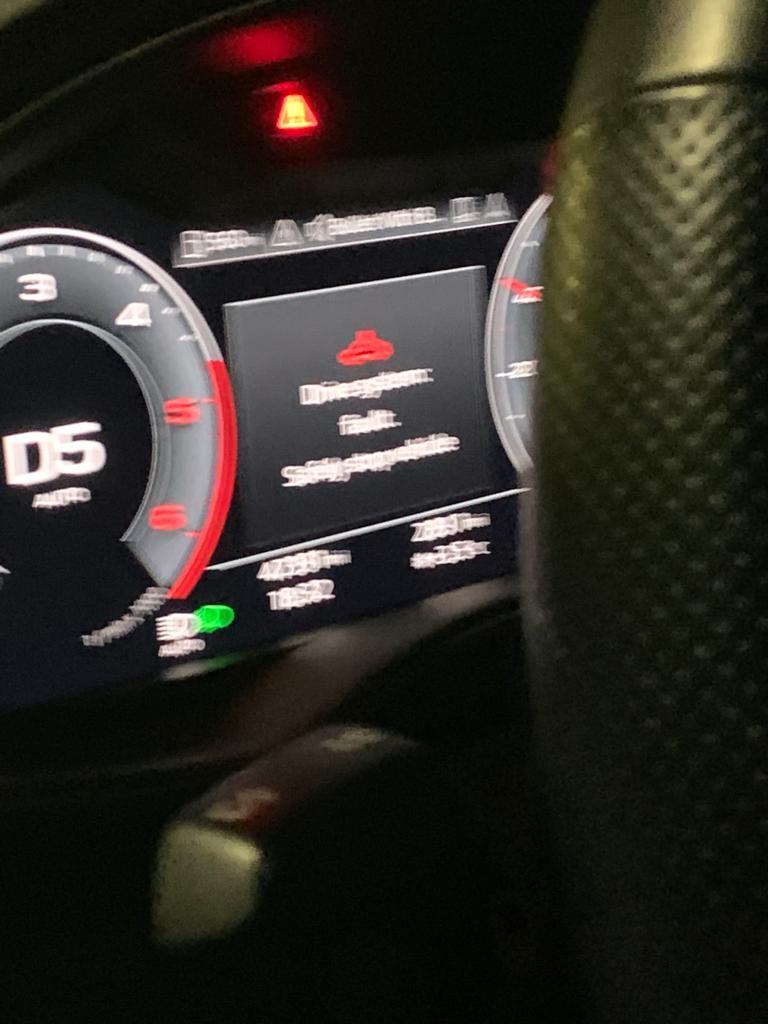
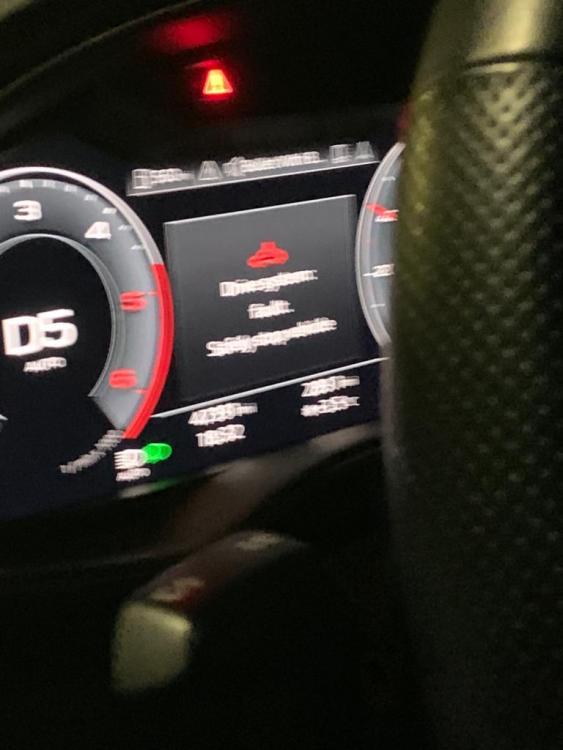
  3. Hi, had this warning up 3 times, any words on this before it goes back to dealer. System warning no power at all. 40 tdi s line 2019
  4. Is this the cost for renewing the Audi connect, or is this something else?



Background Picker
Customize Layout

Account

Navigation

Search

Search

Configure browser push notifications

Chrome (Android)
  1. Tap the lock icon next to the address bar.
  2. Tap Permissions → Notifications.
  3. Adjust your preference.
Chrome (Desktop)
  1. Click the padlock icon in the address bar.
  2. Select Site settings.
  3. Find Notifications and adjust your preference.