Caddy2156
Members
-
Joined
-
Last visited
-
Hi Thanks for the input Good to know that different part number works!!
-
Hi Have replaced coolant temperature sensor today and the problem is fixed. Happy days Thanks all.
-
Hi Thanks for reply I will look at replacing the coolant sensor and see what happens Many thanks
-
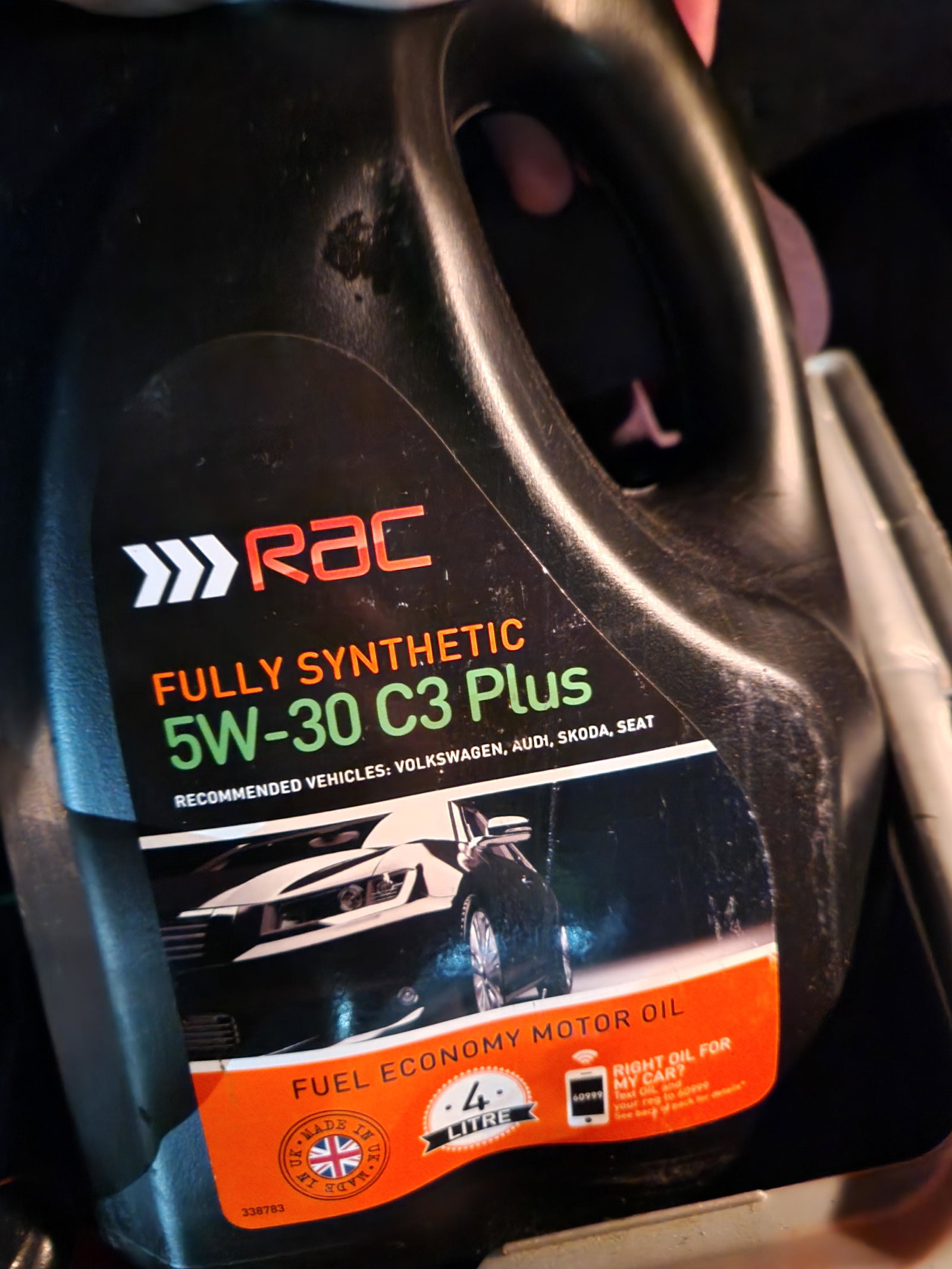
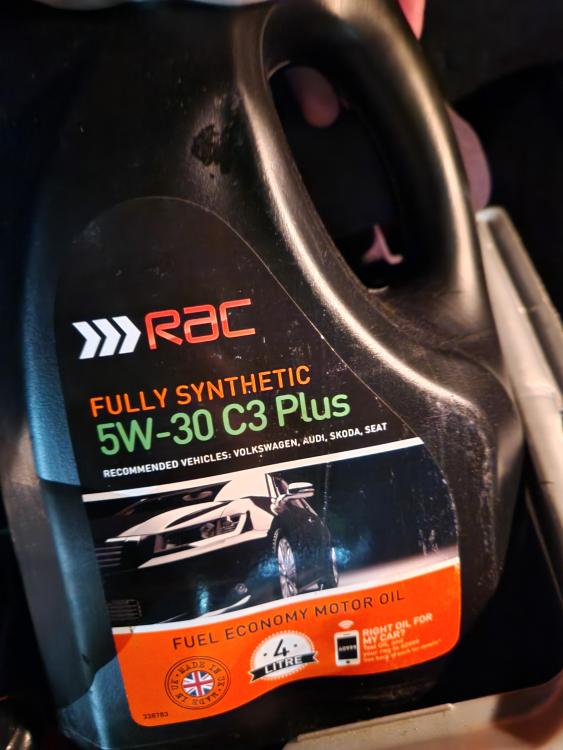
Hi Oil change is due Have been Topping up with 5w30 c3 ? Don't know if it could be oil as always use 5w30. But first time using this oil
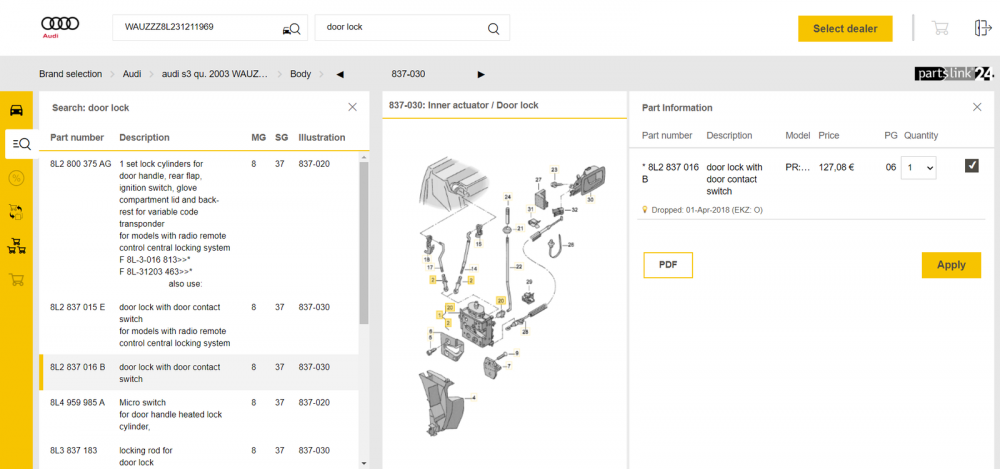
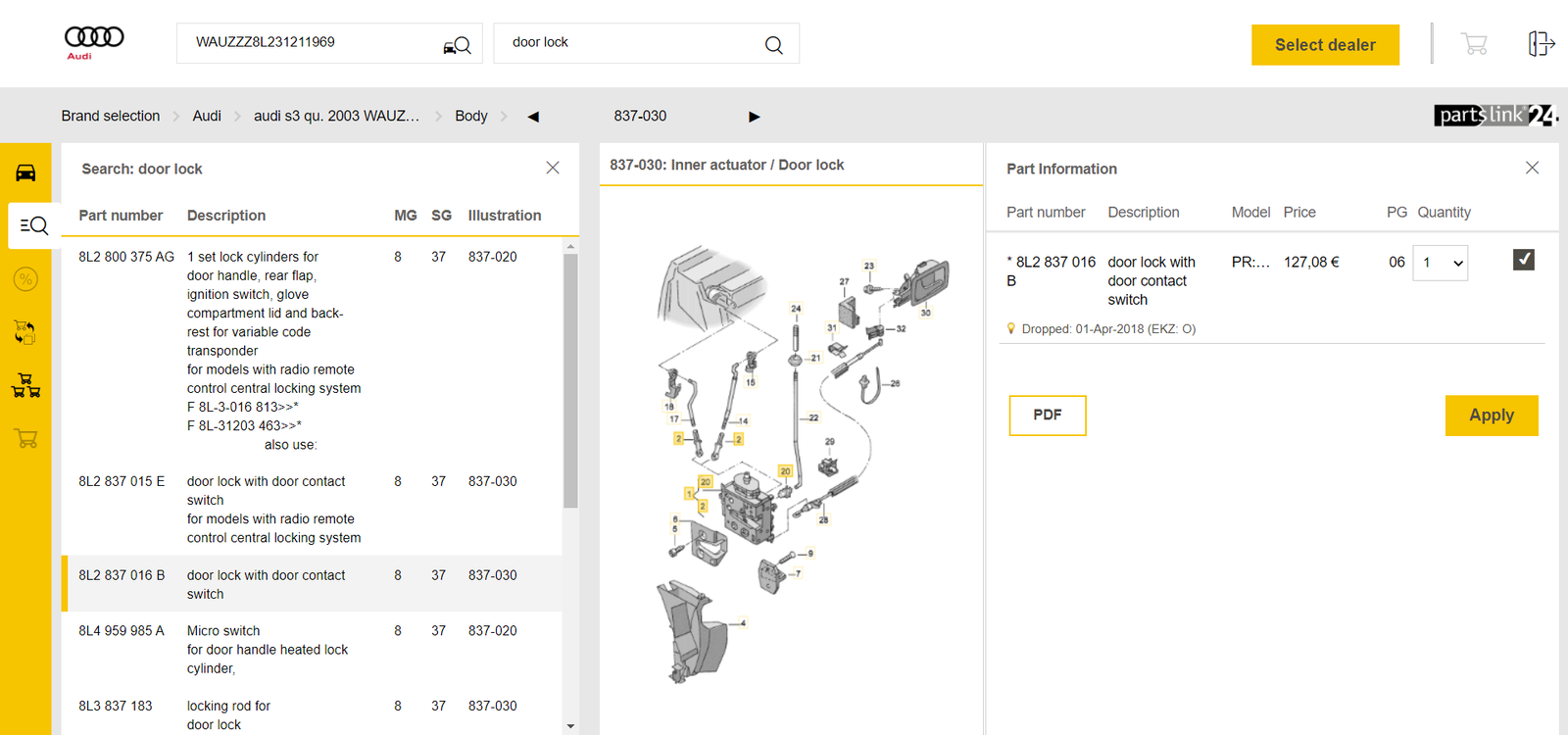
 Hi Thanks for reply Battery is good ,spark plugs and coil packs changed 2 months ago, no clicking from starter motor.. It doesn't seem to want to fire up straight away takes like 4 attempts then it will start.makes like a puffing noise for a few seconds then runs fine..and will start everytime after. until car is cold again then same problem starting. Don't know if there's a sensor that could be affecting the starting problem? Or maybe a broken air pipe?Hi audi s3 mk1 8l My car used to idle above 1000 revs on cold startup then drop to below 1000 revs after 1 minutes.it has now stopped doing this? Did have new inlet pipe fitted..and fuel filter. If I leave car over 12 hours it doesn't start until maybe 4 to 5 turns and when started idles under 1000 revs Once started it will start first time until I leave 12 hours or more.. No codes on ecu and engine management light is off Any ideas what it could be?? ThanksHave been to audi today Was told can only use the part number 8l2 8370 16b But no longer sell since 2018 Will keep looking.Hi Have look on ebay search online & online scrapyards no luck. Part no longer available brand new. Can see part numbers 8l2837016 & 8l2837016a but not sure if compatible Many ThanksHi audi s3 8l mk1 2003 Having trouble with osf drivers side door catch will not close properly.been told part number is 8l2837016b but having no luck finding this part!! Does anyone know if there is other part number that is compatible with this model? Many Thanks.