Beany1
Established Member
-
Joined
-
Last visited
-
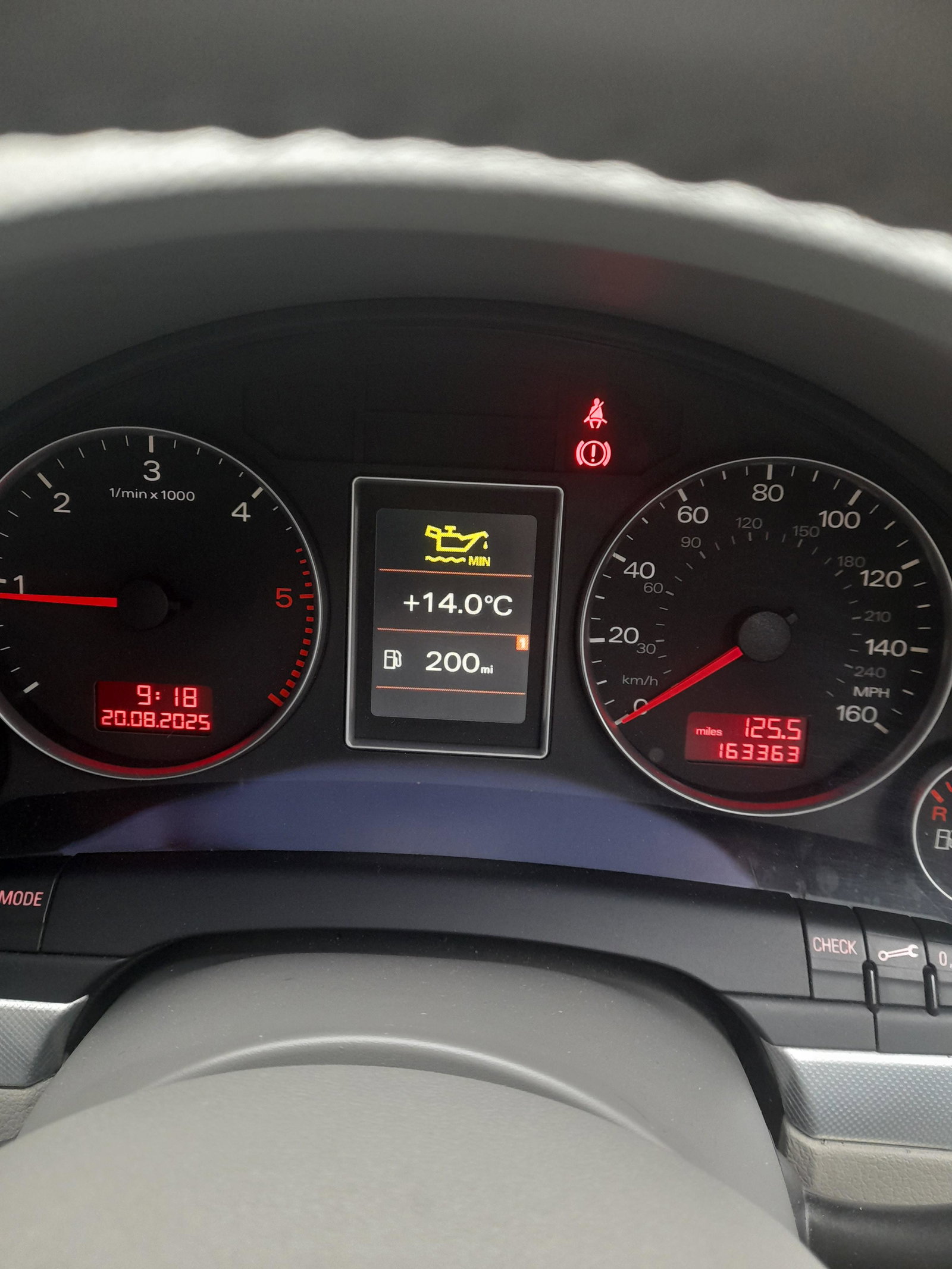
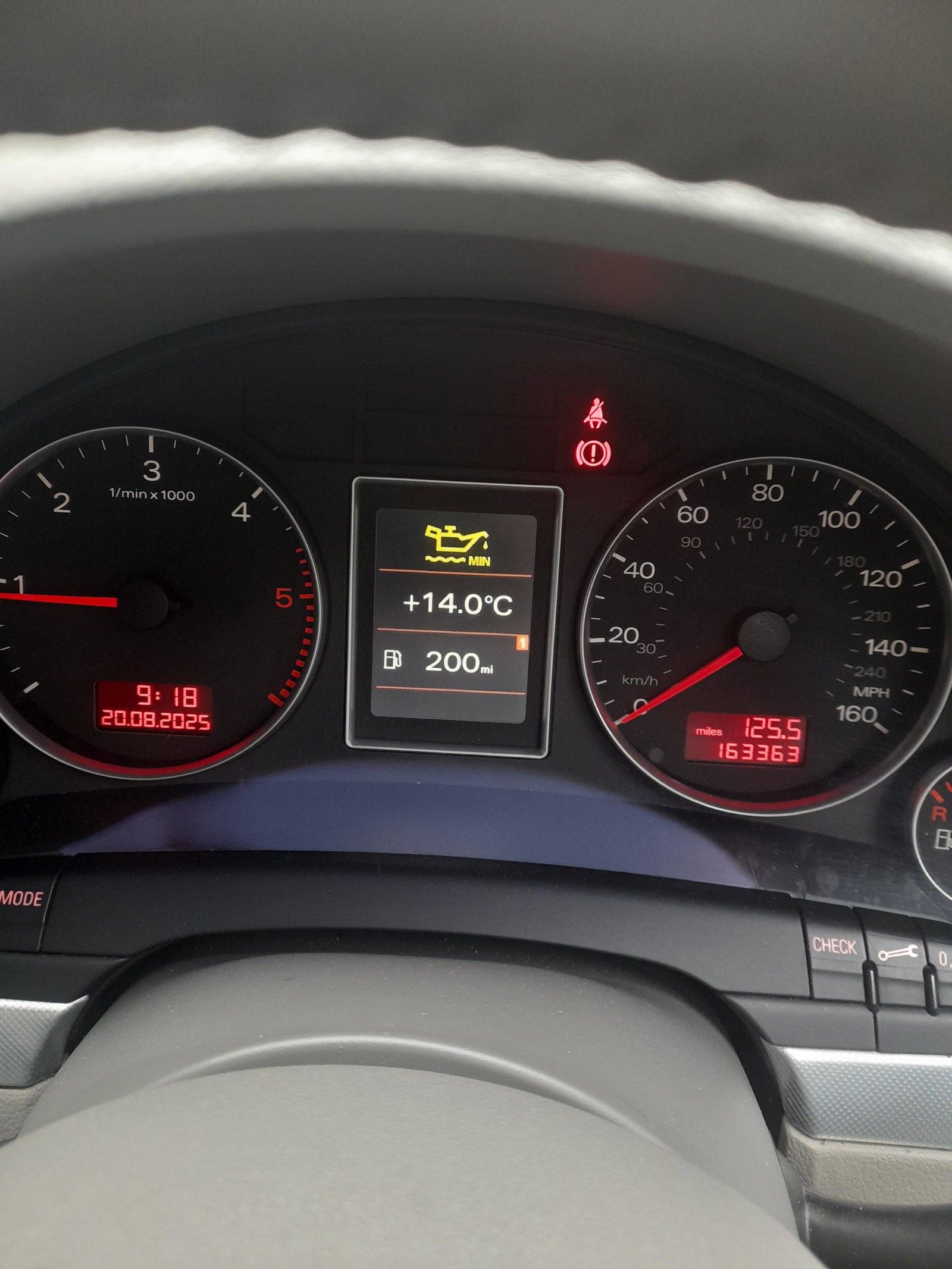
Checked the owners manual it says if yellow oil light comes on check engine oil level and top it up but my oil is at max so im guessing its a sensor fault that sits at bottom of oil sump
-
Car is an audi a4 b7 2.0 tdi sline 140 2006
-
Thanks for your help
-
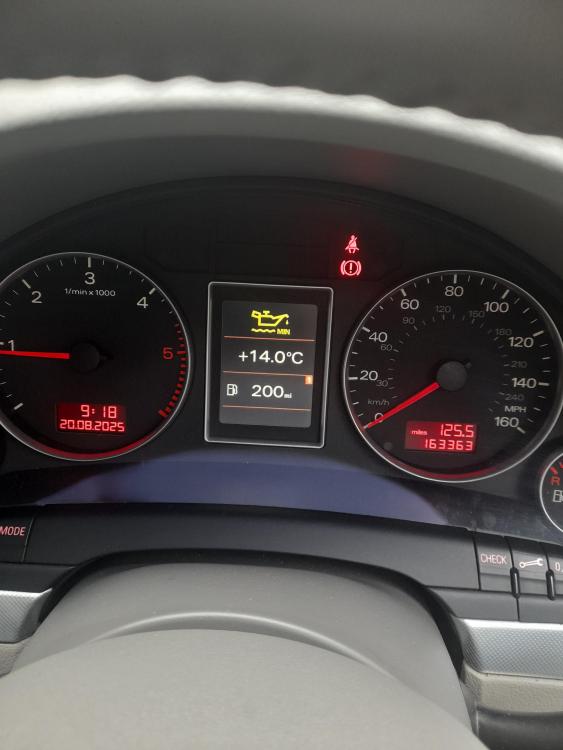
It's the oil level light as it has a yellow oil sign and it says min on it but I have check oil level and it is at max on dipstick
-
I have uploaded a picture thanks
-
It's the yellow oil light and it says min ... I checked my oil level and it is at max no oil leaks . Its not the red oil sign but yellow oil sign so has plenty of oil inI had my oil change done last december i do it once a year i do around 3 thousand miles a year so i thought if its ok to get sensor done when i get oil change as it will need draining to put sensor inAm I ok to drive it till my service due in December .. I checked oil and its on maxIt's the yellow light and says min on itMy engine oil light just came on checked oil its full and no leaks is this sensor problem
 No problem thank youThanks for the help in my videos what colour would you say the smoke is i cant tell as its really light thanksThanks ye it dissapears within few seconds and its light as you can see in videos so guess ill leave it aloneYes got mot no emissions problem no oil consumption so I guess all good thanks