.png.4e711cef38f7884d72cc91b11ba79f9a.png)
Rusko187
Members
-
Joined
-
Last visited
-
Wow that's a long wait. I ordered mine in July and got it in April... really hope it hurries up for you.
-
Rusko187 changed their profile photo
-
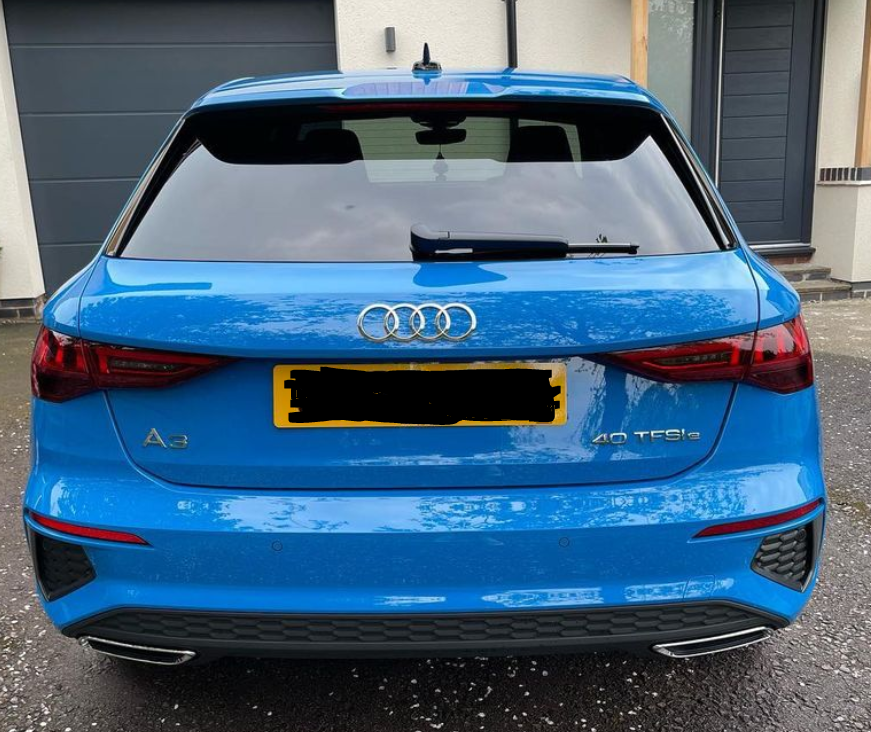
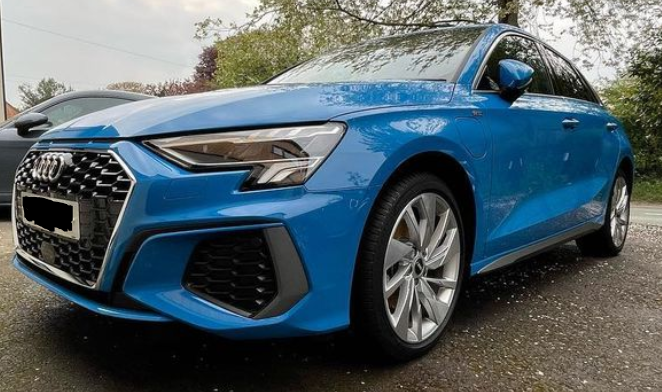
Usually I go with black cars but the moment I saw it in this colour.. I had to get it. Really happy with how it looks, think if I had the black edition kit so it got rid of all the chrome it would look nicer.
-
I'm on my second hybrid (both been company cars), current one is around 1 month old and I do really like it. That said, if you're looking at this as an economy saving, if you're driving sensibly you will get in the area of 400 miles from a filled petrol tank. Sadly I don't have the ability to charge the battery right now, but when the car has had charge you are likely to get around 30-40 miles of pure electric driving. The self-charging system absolutely drinks the tank and can't recommend it, but I don't have enough experience to tell you if when fully charged, it impacts the petrol mileage. To drive? It's really fun, the older model of hybrid that I had which was a 19 plate from memory handled quite poorly. This one on the other hand is much nicer but I'm not sure if that's down to it having a more sportier profile. Let me know if you want anymore info on it, happy to help.
.thumb.png.ce36382fc934d8a3e5b5b4fcfdcf99af.png)