


RoyC
Established Member
-
Joined
-
Last visited
Everything posted by RoyC
-
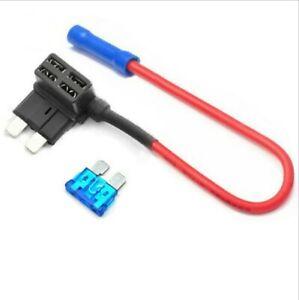
I used a piggy back fuse holder.
-
I used a permanent live on the end of the dash, drivers side for my reversing camera.
-
If possible, give it a scan to see if any codes pop up. Also give it a good test drive, get the engine warm.PressureRubberThat's good going, how often do you service it ?It's almost a classic. What's your mileage ?KraftwerkVery nice, see what you mean about the badges. I fitted an S6 grill on my A6 but fitted the S-line badge to it.
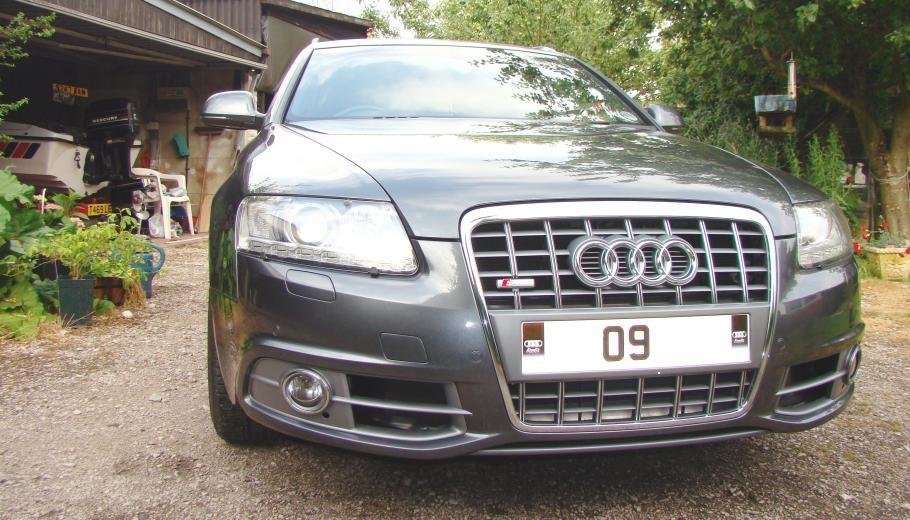 I wanted it to look clean without sticking out like a sore thumb.Got a photo of your car ?I had no problem at all getting those on. Just put the two ends under the calliper and lever the square tag into the brake pad, making sure not to scrape the paint in the groove in the carrierNo problem at all. It is actually stuck to the square on the spring so almost no heat at all.I purchased new callipers and sprayed them thunder grey.
 GermanWindGreaseI personally wouldn't bother. Audi sat nav is cr4p. I have sat nav in my A6 but prefer to use my Tom Tom.Retired 23 years ago. Started my working life as a pattern maker. Then went into shop fitting for better money.Have you tried places like Quick fit ?StrongerAllHolePolitics



