R0bb0
Members
-
Joined
-
Last visited
Everything posted by R0bb0
-
Hi Brian thanks for your note. Very reassuring
-
Thanks Gareth. Good idea. I’ll do that.
-
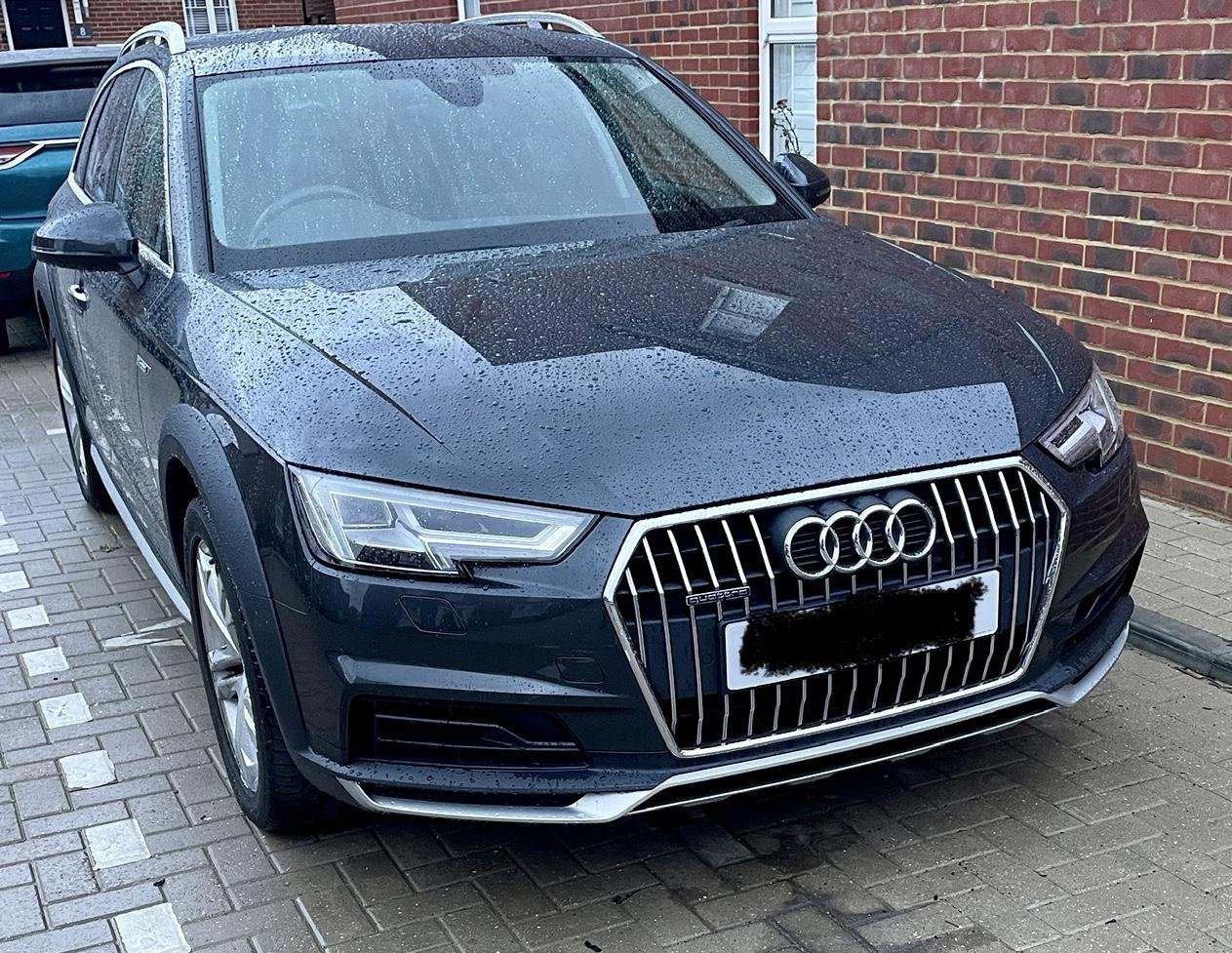
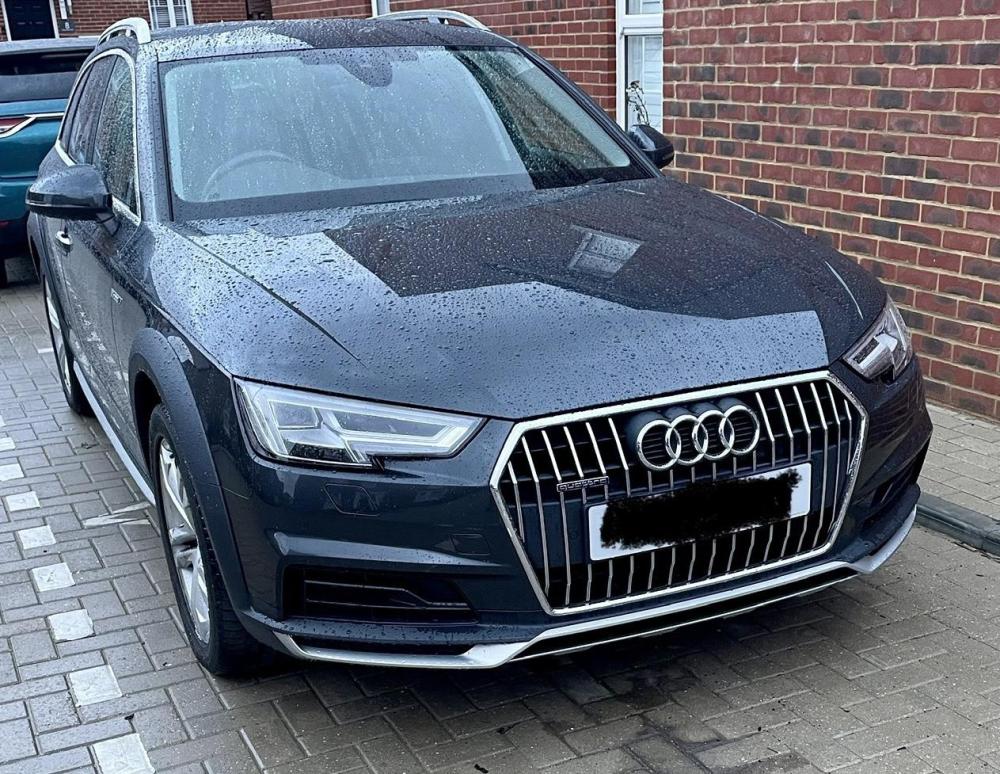
Thanks for your reply. Hmm. Very strange. This is my grill. Looks like B9
-
Hey there, I bought a 2017 Audi Allroad the other day and i've just received the V5C doc, wherein it states that it is a B8. I'm confused as i thought Audi updated from the B8 to B9 in 2016. My Allroad, certainly looks like the new shape in front bumper (vertical slats) and interior but thought i'd ask here. Should i be concerned? Bought from an Audi Dealer from where it was first registered , in case this helps. Thanks. R
-
i've just changed my 2010 A4 Avant with 187,000 miles because the electrics were playing up. other than that it ran very sweetly.
-
Yes - just ask the dealer to order it but they will need to code it to your vehicle. I know this because i enquired about updating mine from 2017 as my home address in 2017 was in the middle of a field. £199 was the cost. I decided against it in the end as , below, Apple car play and Google maps is a better system and is constantly updated
-
I've just bought them from my dealer - £93 for all 4 so very similar price if not slightly cheaper at Audi