Skip to content
View in the app

A better way to browse. Learn more.

Audi Owners Club (UK)

A full-screen app on your home screen with push notifications, badges and more.

To install this app on iOS and iPadOS
  1. Tap the Share icon in Safari
  2. Scroll the menu and tap Add to Home Screen.
  3. Tap Add in the top-right corner.
To install this app on Android
  1. Tap the 3-dot menu (⋮) in the top-right corner of the browser.
  2. Tap Add to Home screen or Install app.
  3. Confirm by tapping Install.


NickA3S

Members
  • Joined

  • Last visited

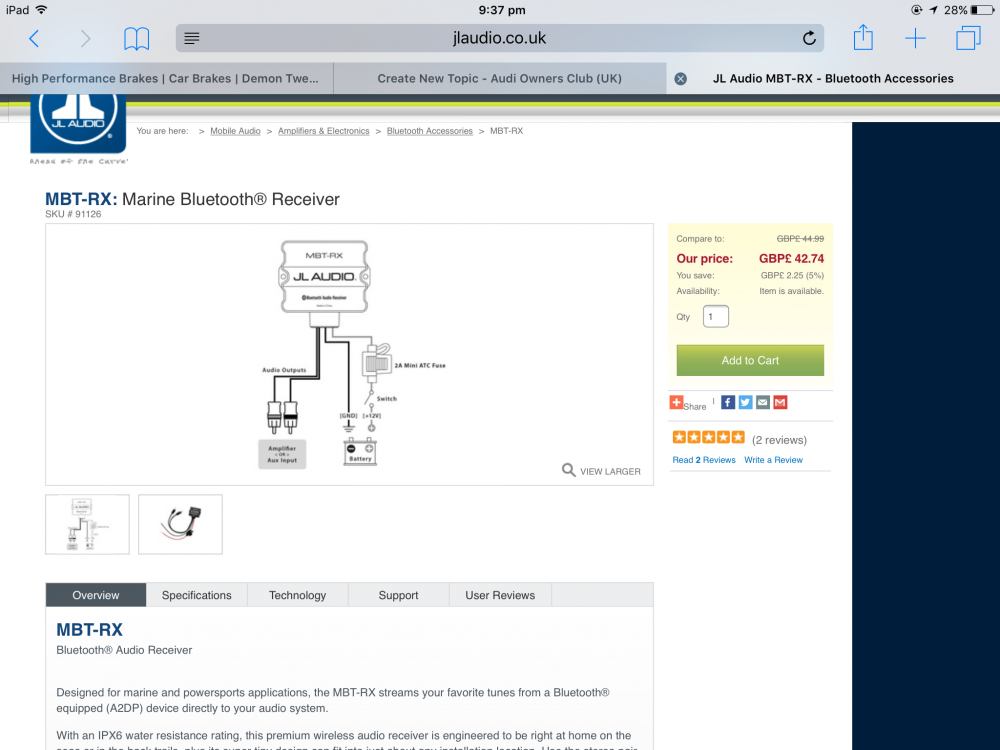
  1. I'll ask a specialist I think haha
  2. It says aux or amplifier? Won't I be able to just plug into the amp?
  3. It doesn't have a Aux that's why I want to get one, so I can listen to music from my phone.
  4. NickA3S changed their profile photo
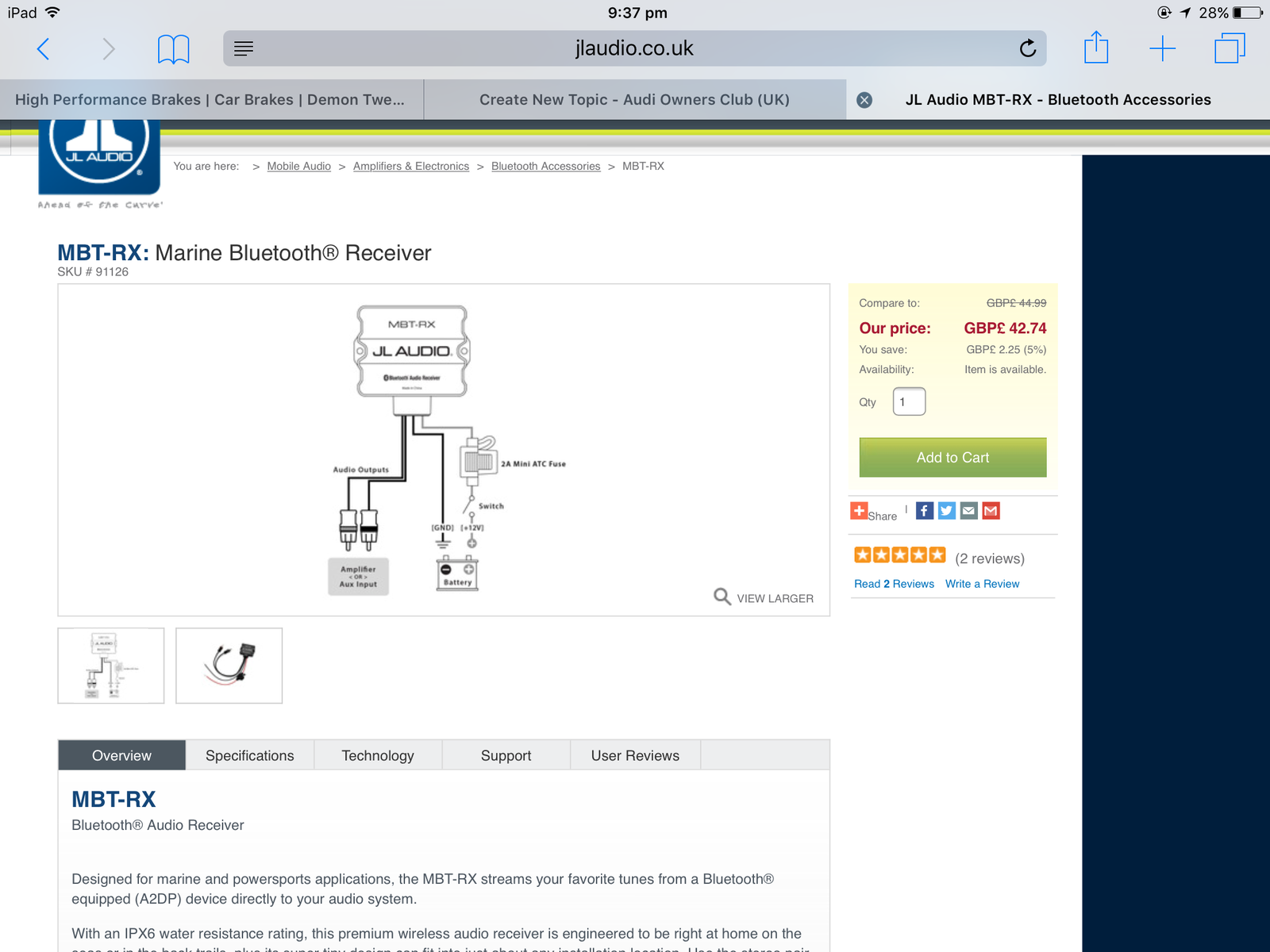
  5. Hi, Will the JL Audio MBT-RX enable me to listen to my phone directly through the standard head unit? And is it easy to install? If any knows? Thanks Nick
  6. NickA3S replied to NickA3S's topic in Audi A3 (8P) Forum
    Cheers pal, it's also going about 50mm down on coilovers will I need a specific offset to go well and fit?
  7. NickA3S posted a topic in Audi A3 (8P) Forum
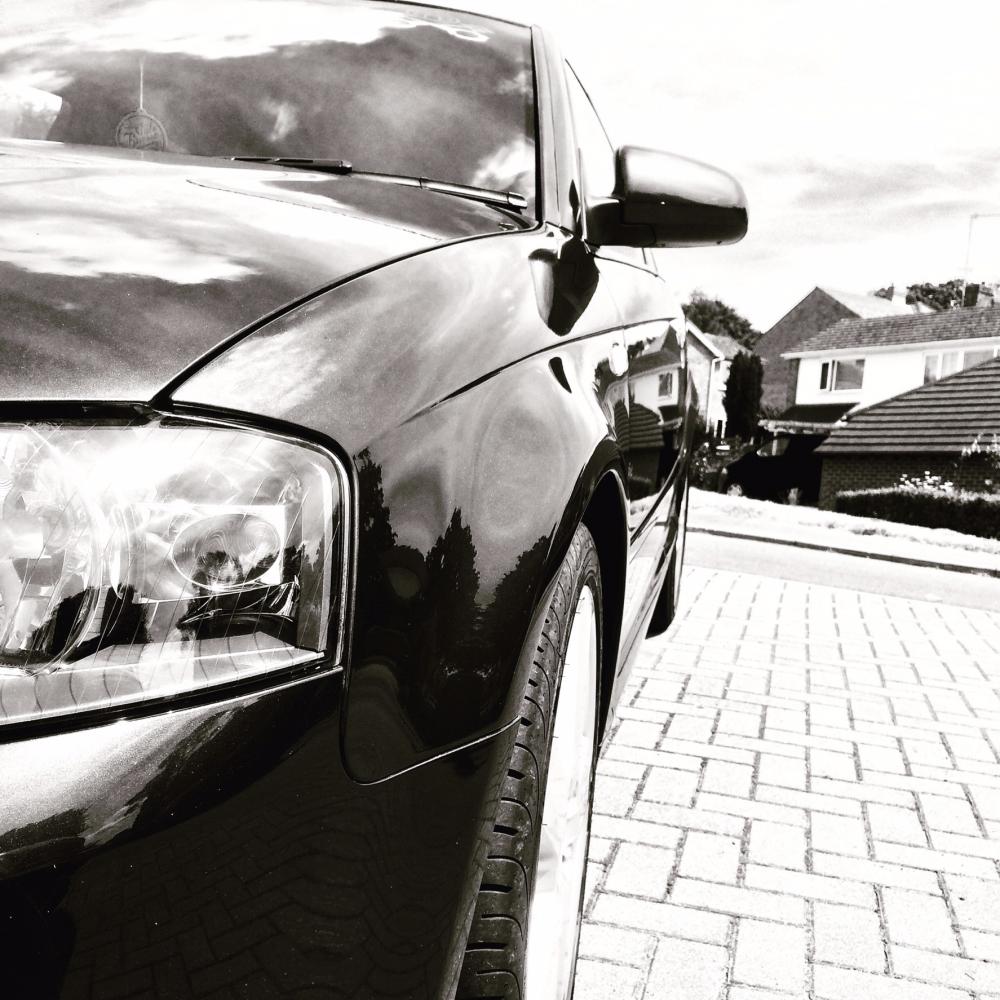
    Hi guys, Need some help finding the offset of my car, i have an Audi A3 S Line 170. looking to get some new wheels for it and need to know the offset. Thanks :)


Background Picker
Customize Layout

Account

Navigation

Search

Search

Configure browser push notifications

Chrome (Android)
  1. Tap the lock icon next to the address bar.
  2. Tap Permissions → Notifications.
  3. Adjust your preference.
Chrome (Desktop)
  1. Click the padlock icon in the address bar.
  2. Select Site settings.
  3. Find Notifications and adjust your preference.