Skip to content
View in the app

A better way to browse. Learn more.

Audi Owners Club (UK)

A full-screen app on your home screen with push notifications, badges and more.

To install this app on iOS and iPadOS
  1. Tap the Share icon in Safari
  2. Scroll the menu and tap Add to Home Screen.
  3. Tap Add in the top-right corner.
To install this app on Android
  1. Tap the 3-dot menu (⋮) in the top-right corner of the browser.
  2. Tap Add to Home screen or Install app.
  3. Confirm by tapping Install.


Geoff64

Members
  • Joined

  • Last visited

  1. Geoff64 replied to Dave321's topic in Audi Q3 Club
    All back on dab, how weird
  2. Geoff64 replied to Dave321's topic in Audi Q3 Club
    Just found it. Surely this is getting into the Trading Standards realm?
  3. Geoff64 replied to Dave321's topic in Audi Q3 Club
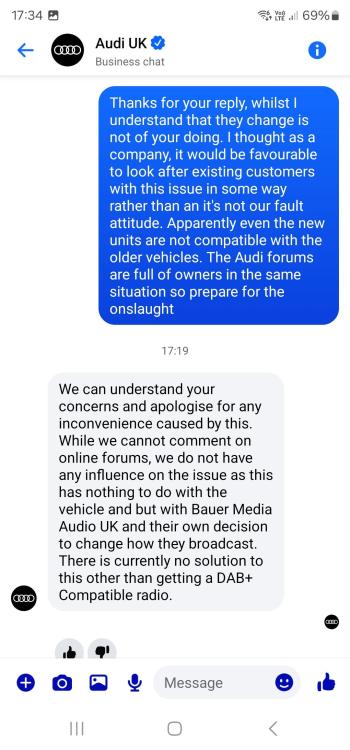
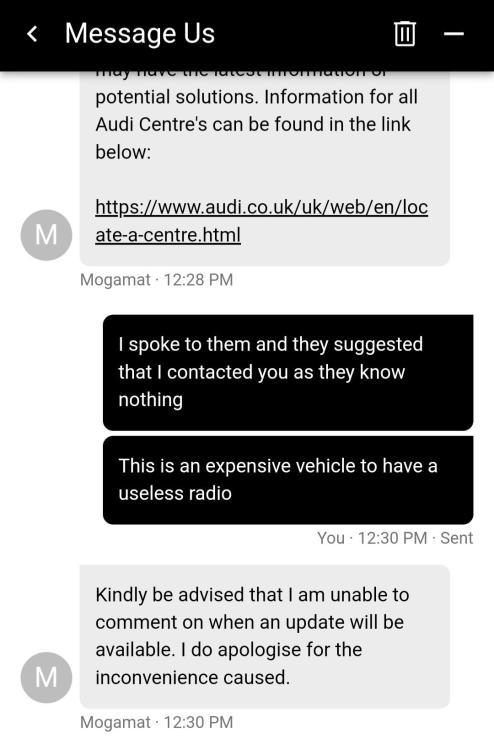
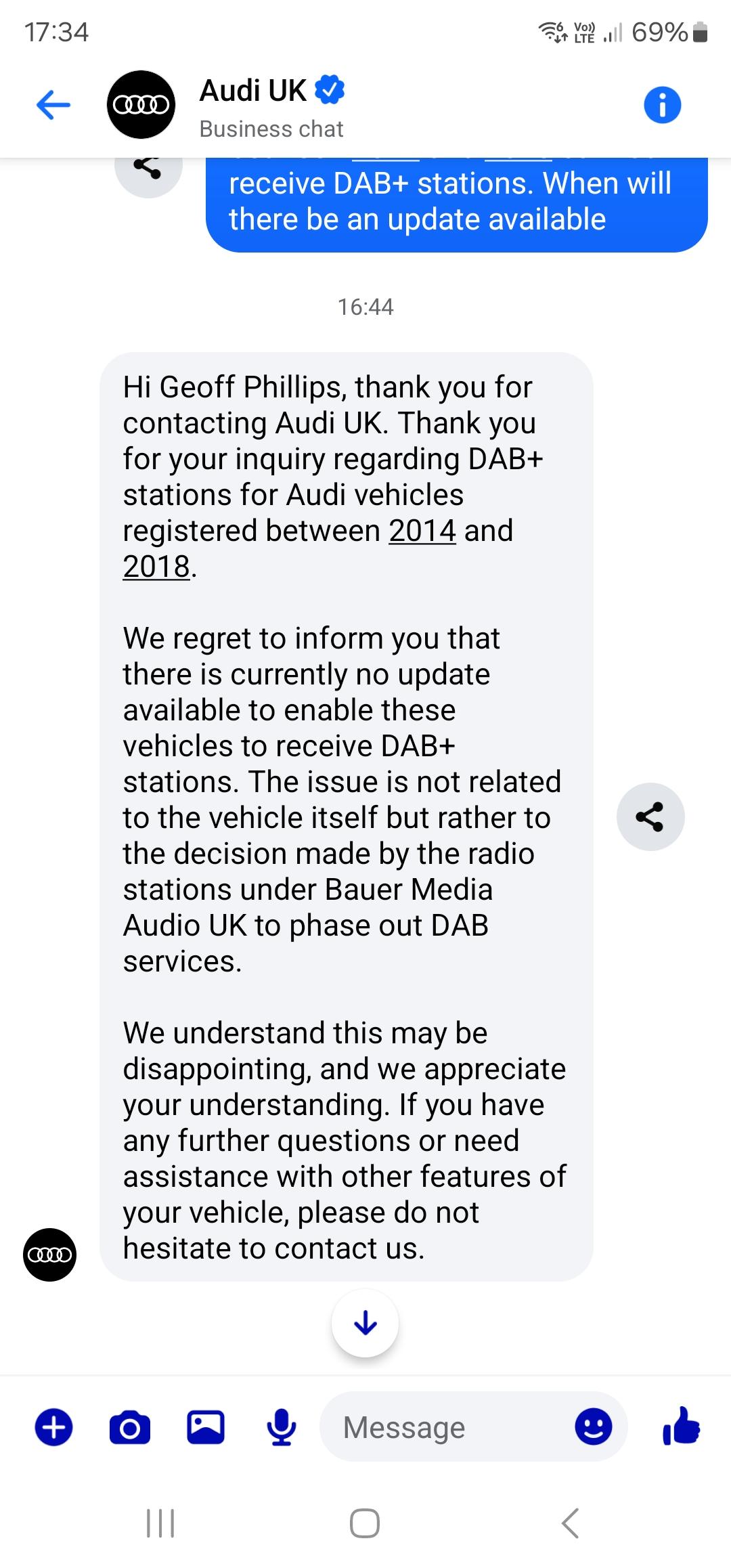
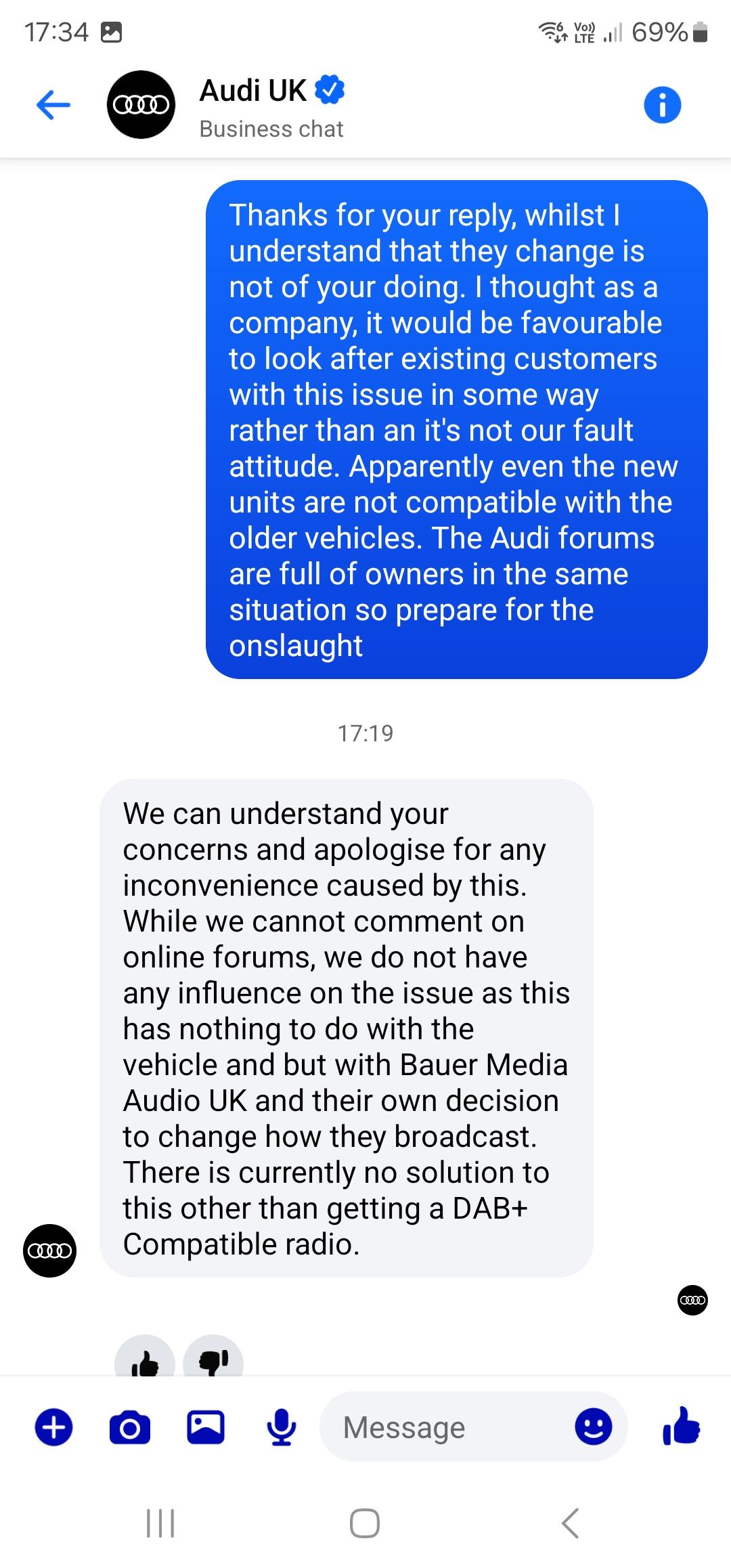
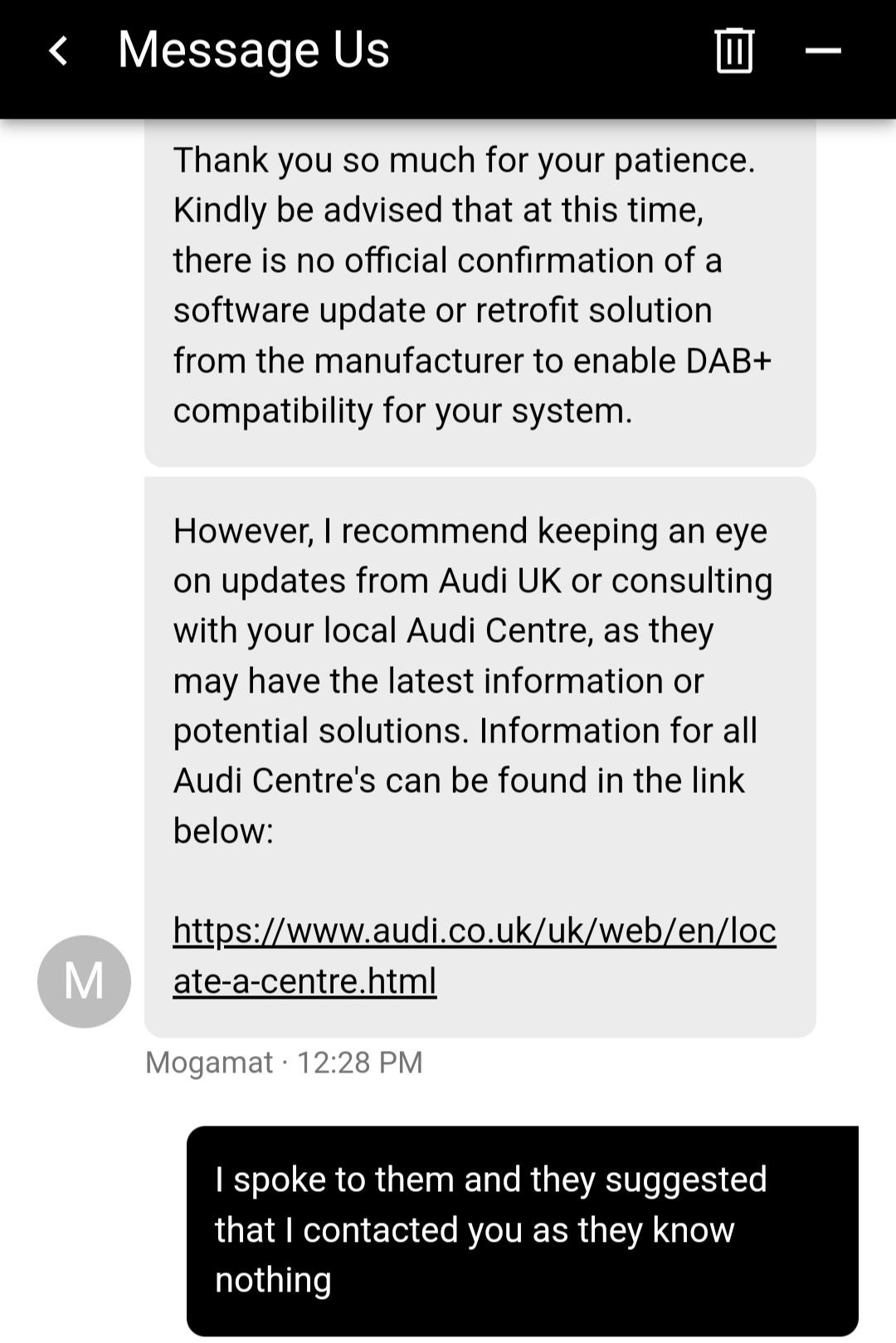
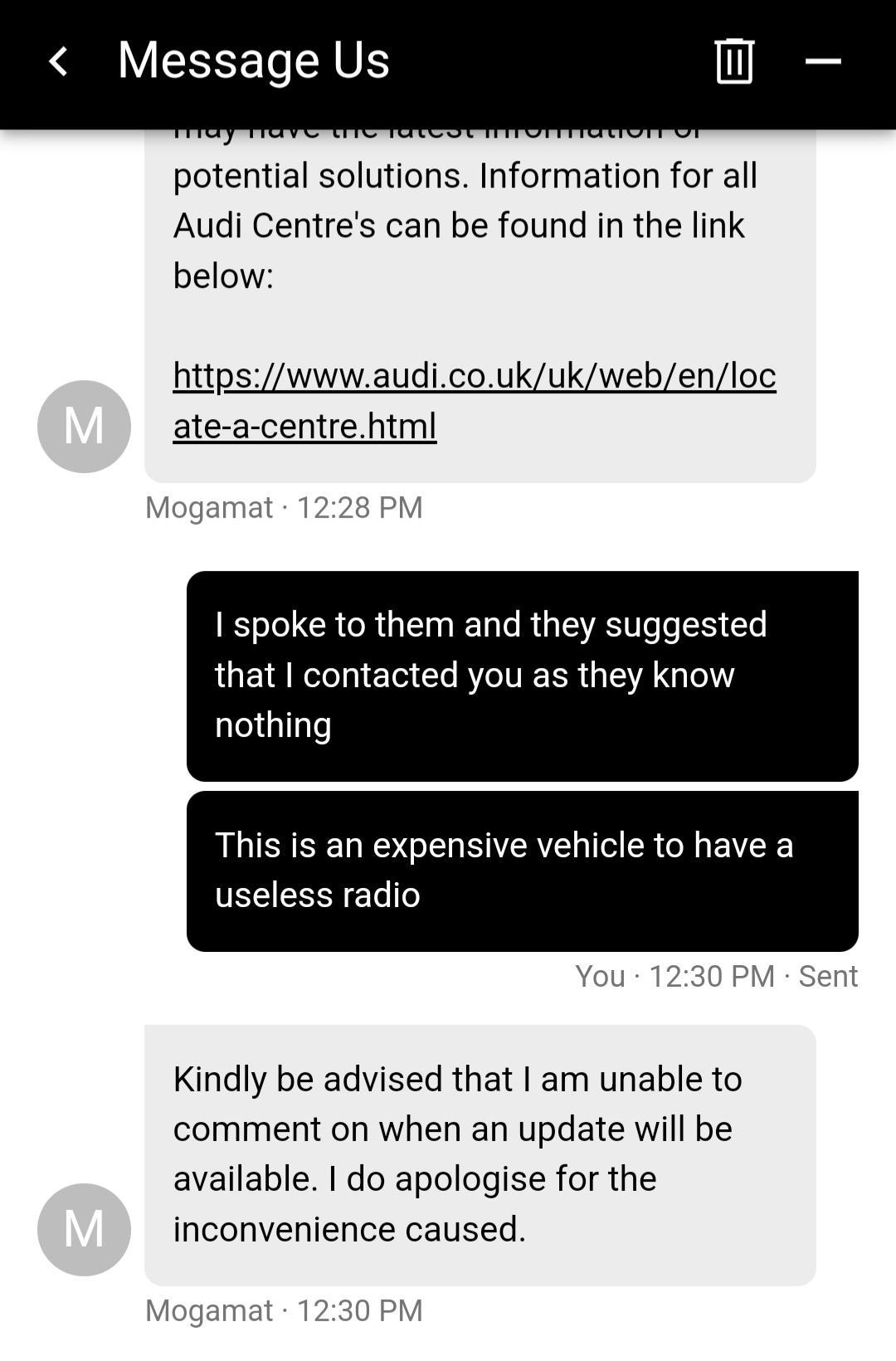
    Just a further note, this is Audi UK response
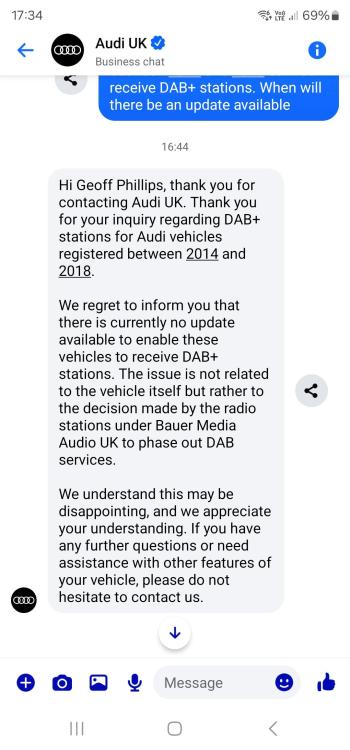
  4. Geoff64 replied to Dave321's topic in Audi Q3 Club
    Messaged Audi UK. response attached. We all need to push them
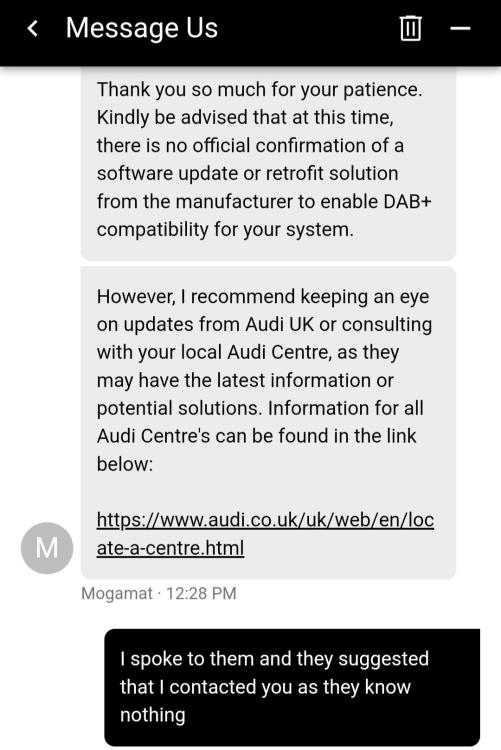
  5. Geoff64 started following DAB Radio
  6. Geoff64 replied to Dave321's topic in Audi Q3 Club
    Hello peeps, We have all lost our favourite DAB channels since the end of March as they have all switched to the new DAB+. Audi currently have no solutions to this problem. The only solution at the moment is to play the required radio station app on your phone through your media player via Bluetooth. Maybe if enough of us complain directly to Audi UK they may search for a solution?

Background Picker
Customize Layout

Account

Navigation

Search

Search

Configure browser push notifications

Chrome (Android)
  1. Tap the lock icon next to the address bar.
  2. Tap Permissions → Notifications.
  3. Adjust your preference.
Chrome (Desktop)
  1. Click the padlock icon in the address bar.
  2. Select Site settings.
  3. Find Notifications and adjust your preference.