Skip to content
View in the app

A better way to browse. Learn more.

Audi Owners Club (UK)

A full-screen app on your home screen with push notifications, badges and more.

To install this app on iOS and iPadOS
  1. Tap the Share icon in Safari
  2. Scroll the menu and tap Add to Home Screen.
  3. Tap Add in the top-right corner.
To install this app on Android
  1. Tap the 3-dot menu (⋮) in the top-right corner of the browser.
  2. Tap Add to Home screen or Install app.
  3. Confirm by tapping Install.

Mthom

Members
  • Joined

  • Last visited

Everything posted by Mthom

  1. Mthom replied to Dave321's topic in Audi Q3 Club
    Yes, was just want to post. I rescanned and all D1s are back. Capital Dance and all D1 were down since beginning of April. @Smithers01 you were one the first to post and replied to me. All working now?
  2. Mthom replied to Dave321's topic in Audi Q3 Club
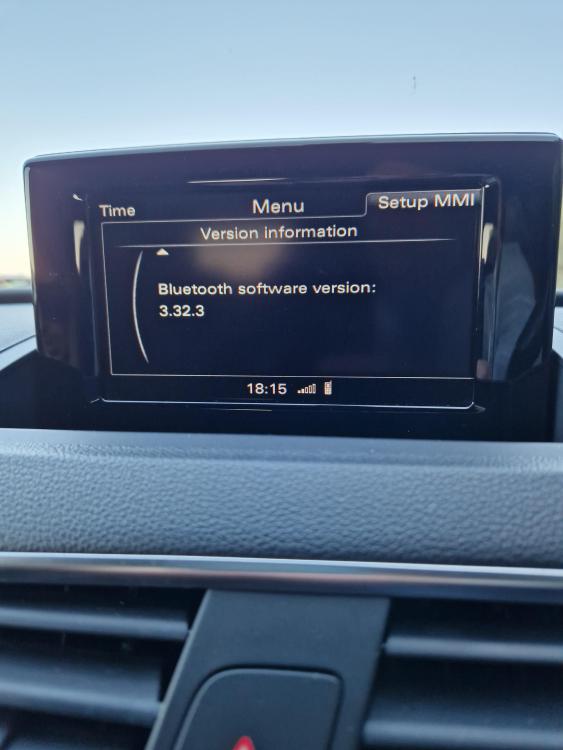
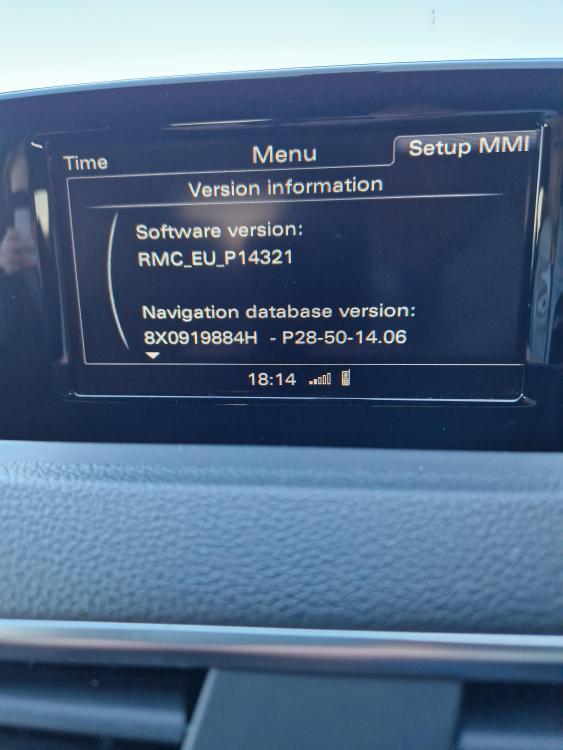
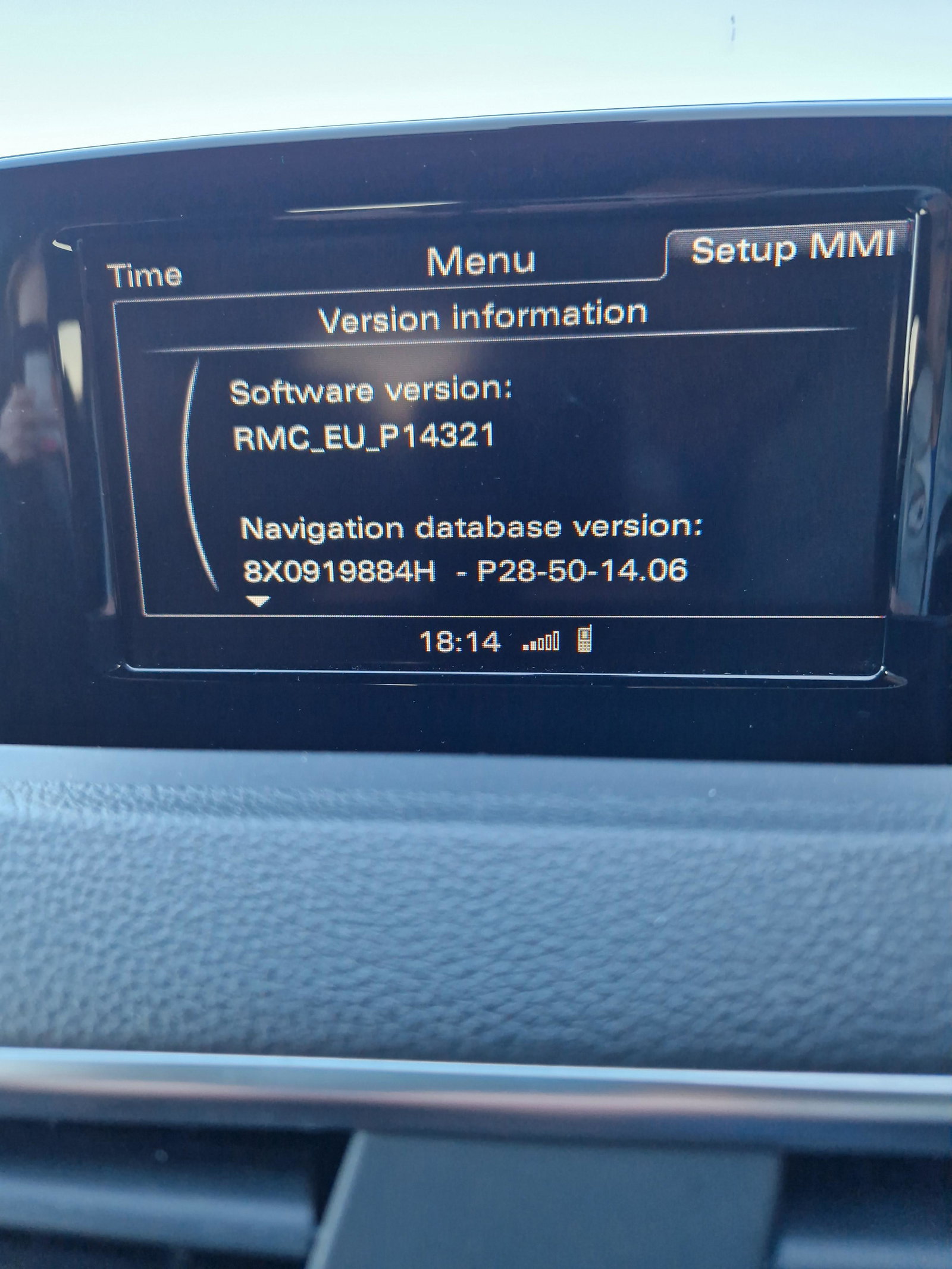
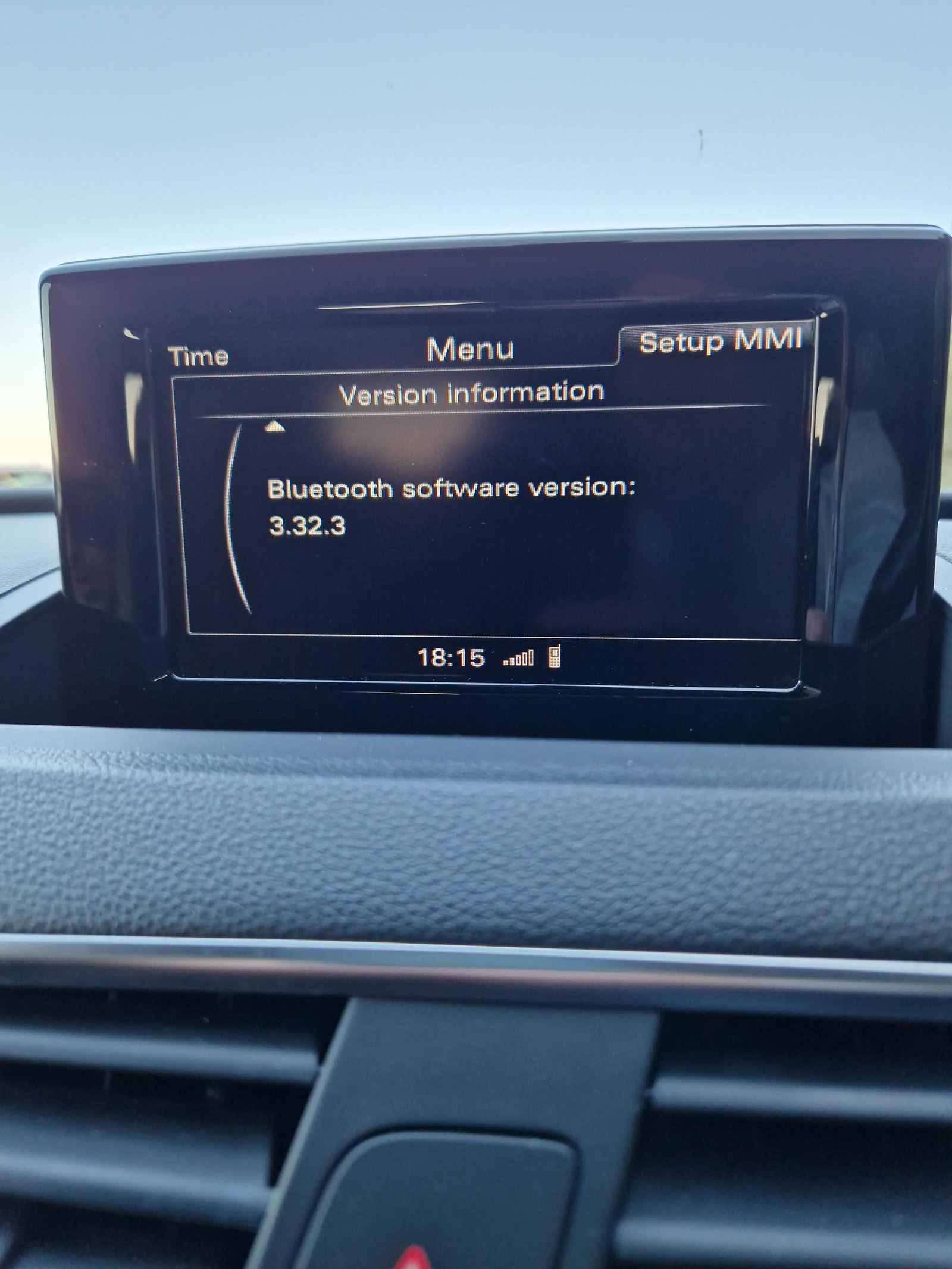
    2015 Q3 so looks like the software version is older, but same issue if no D1 national DAB stations
  3. Mthom replied to Dave321's topic in Audi Q3 Club
    Will do, like you say too coincidental. The fact it's the same issue and timeline makes it look like a tech glitch or in need of a software update.
  4. Mthom replied to Dave321's topic in Audi Q3 Club
    I've just had the same issue on my q3. All stations are there but the D1 National ones are not working, no sound then when you move the volume it shows the no connection symbol. The only one that works is classic which flips to FM. The BBC ones work on Dab though. Mine stopped working roughly last Saturday as well.


Background Picker
Customize Layout

Account

Navigation

Search

Search

Configure browser push notifications

Chrome (Android)
  1. Tap the lock icon next to the address bar.
  2. Tap Permissions → Notifications.
  3. Adjust your preference.
Chrome (Desktop)
  1. Click the padlock icon in the address bar.
  2. Select Site settings.
  3. Find Notifications and adjust your preference.