




Skip to content
View in the app

A better way to browse. Learn more.

Audi Owners Club (UK)

A full-screen app on your home screen with push notifications, badges and more.

To install this app on iOS and iPadOS
  1. Tap the Share icon in Safari
  2. Scroll the menu and tap Add to Home Screen.
  3. Tap Add in the top-right corner.
To install this app on Android
  1. Tap the 3-dot menu (⋮) in the top-right corner of the browser.
  2. Tap Add to Home screen or Install app.
  3. Confirm by tapping Install.

DavidLincs

Members
  • Joined

  • Last visited

Everything posted by DavidLincs

  1. DavidLincs replied to Dave321's topic in Audi Q3 Club
    Anyone who paid for the diagnostic test that revealed nothing should be asking for a refund !
  2. DavidLincs replied to Dave321's topic in Audi Q3 Club
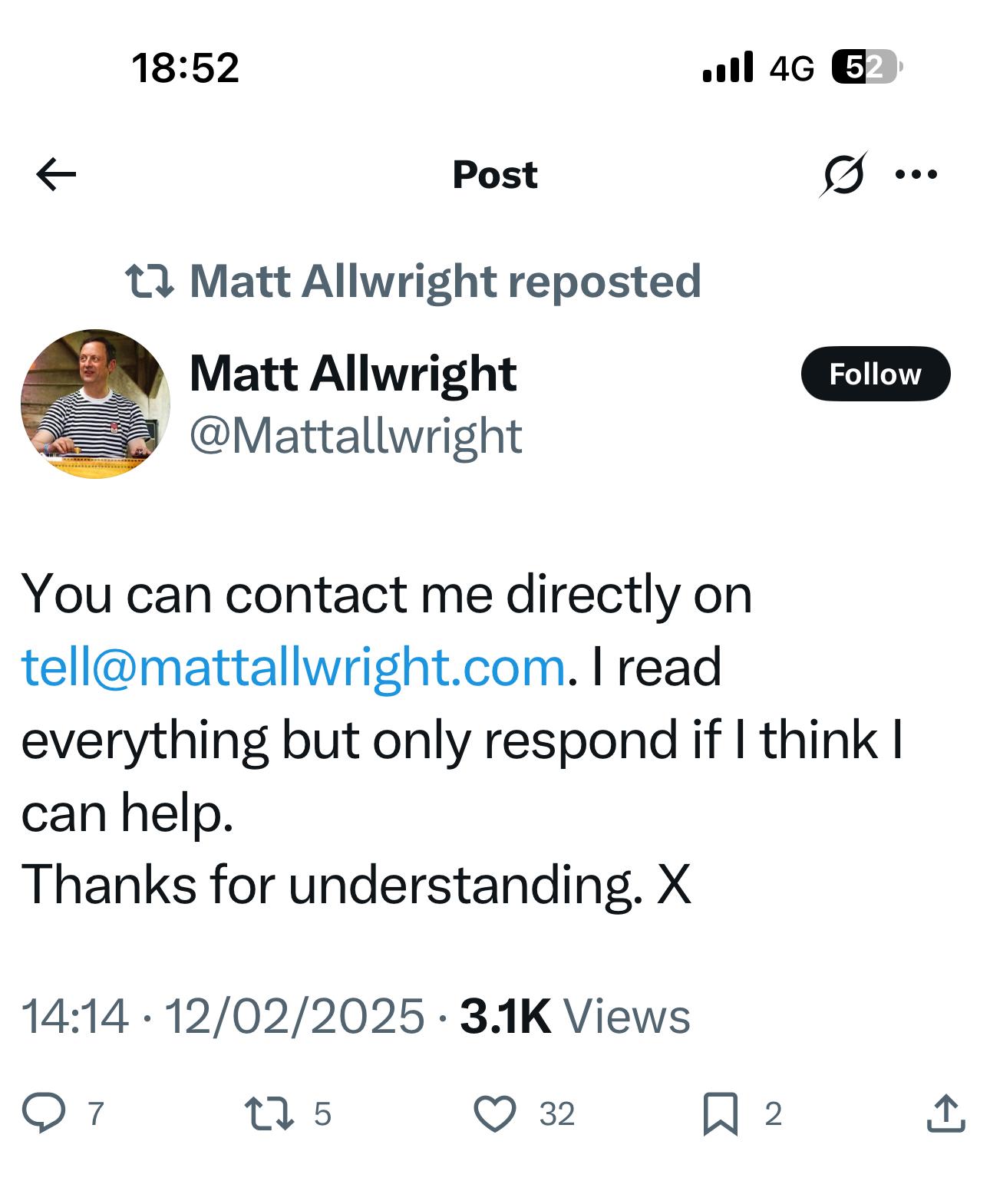
    I’m emailing Matt
  3. DavidLincs replied to Dave321's topic in Audi Q3 Club
    So I “tweeted” @audi uk , responded saying basically it’s nothing to do with my car and it’s Bauer Media UK . They’ve since deleted their response 🤬
  4. DavidLincs replied to Dave321's topic in Audi Q3 Club
    Maybe we all need to start emailing one senior person within Audi ?
  5. DavidLincs replied to Dave321's topic in Audi Q3 Club
    Just joined having seen a link earlier and reading the messages . Exact same issue 2018 Q3 , drove to work 25 March parked up a week and when on return drive ( 1st April) not getting any of my favourites on D1 National or SDL National DAB . Still getting the BBC and some local ( ish ) stations on DAB . Very frustrating 🤬



Background Picker
Customize Layout

Account

Navigation

Search

Search

Configure browser push notifications

Chrome (Android)
  1. Tap the lock icon next to the address bar.
  2. Tap Permissions → Notifications.
  3. Adjust your preference.
Chrome (Desktop)
  1. Click the padlock icon in the address bar.
  2. Select Site settings.
  3. Find Notifications and adjust your preference.