Skip to content
View in the app

A better way to browse. Learn more.

Audi Owners Club (UK)

A full-screen app on your home screen with push notifications, badges and more.

To install this app on iOS and iPadOS
  1. Tap the Share icon in Safari
  2. Scroll the menu and tap Add to Home Screen.
  3. Tap Add in the top-right corner.
To install this app on Android
  1. Tap the 3-dot menu (⋮) in the top-right corner of the browser.
  2. Tap Add to Home screen or Install app.
  3. Confirm by tapping Install.


Jerbear

Members
  • Joined

  • Last visited

  1. Thanks Brian, i will. 👍
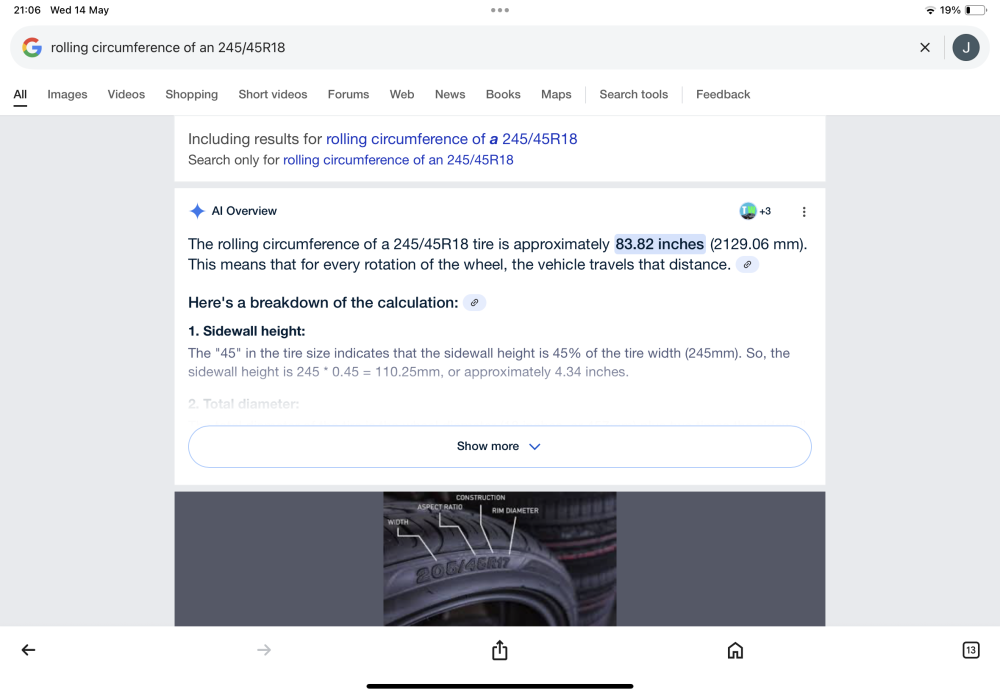
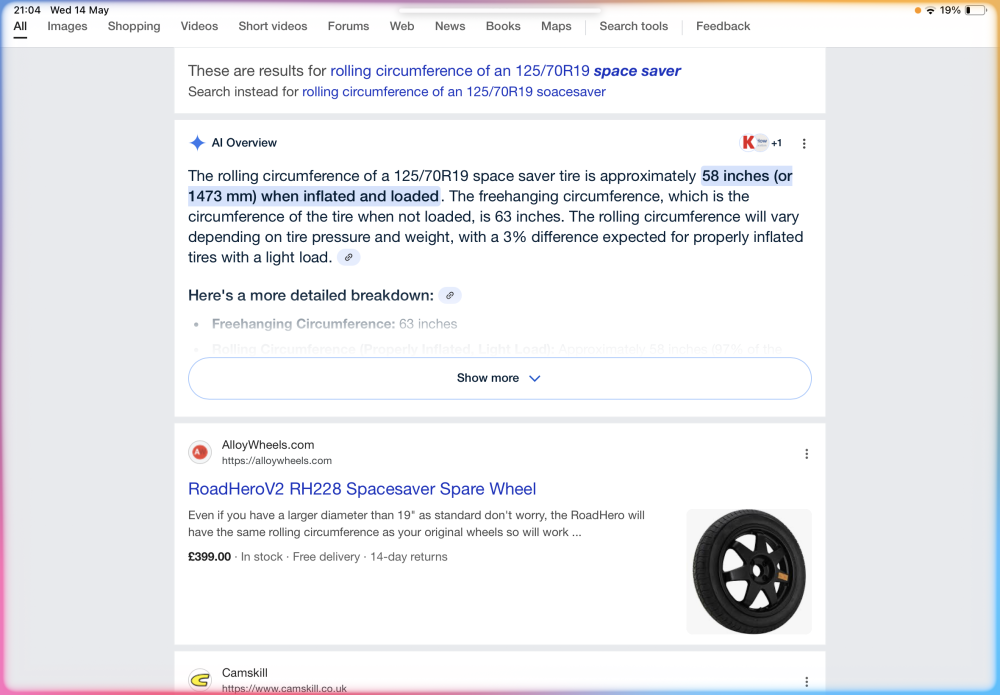
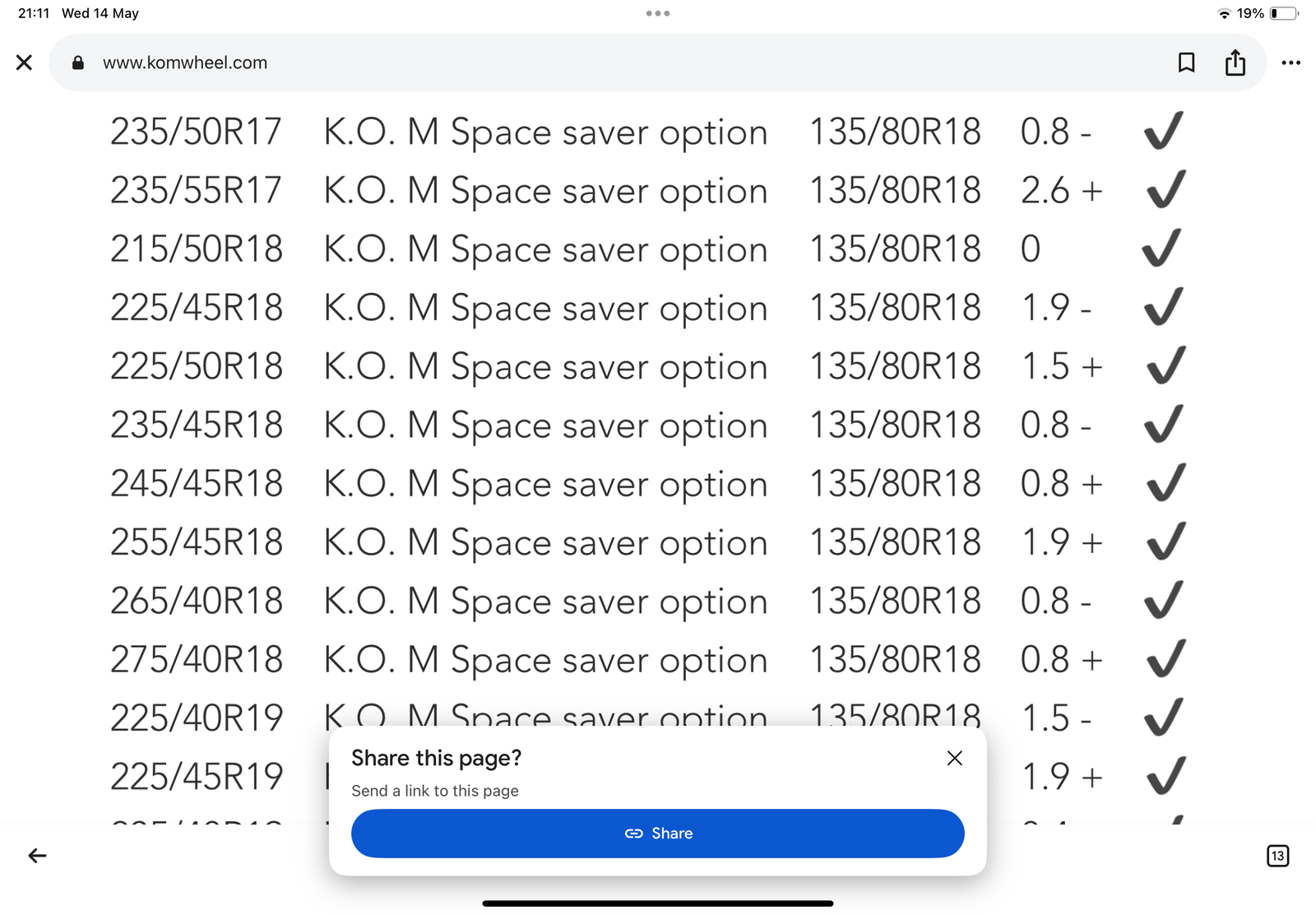
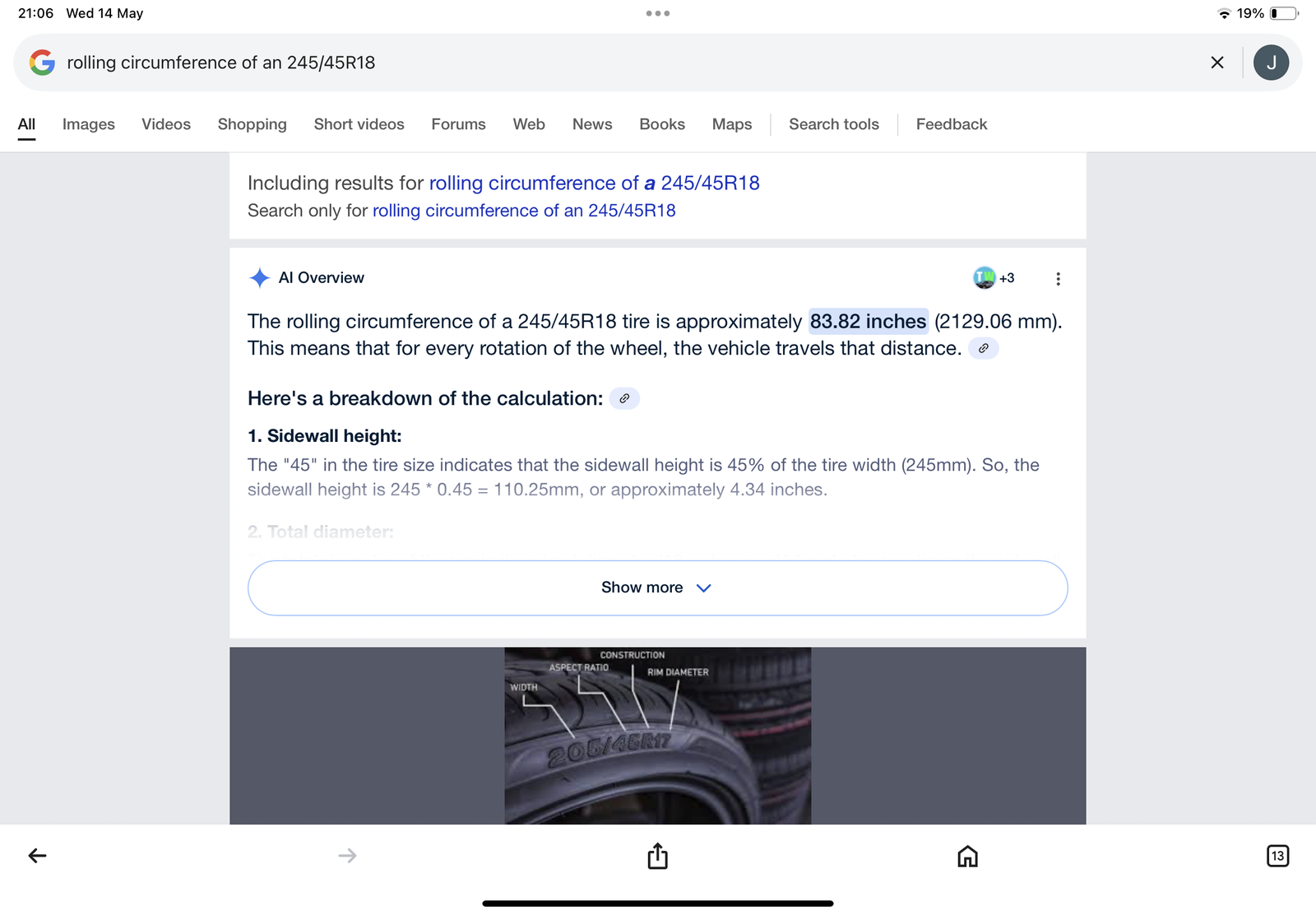
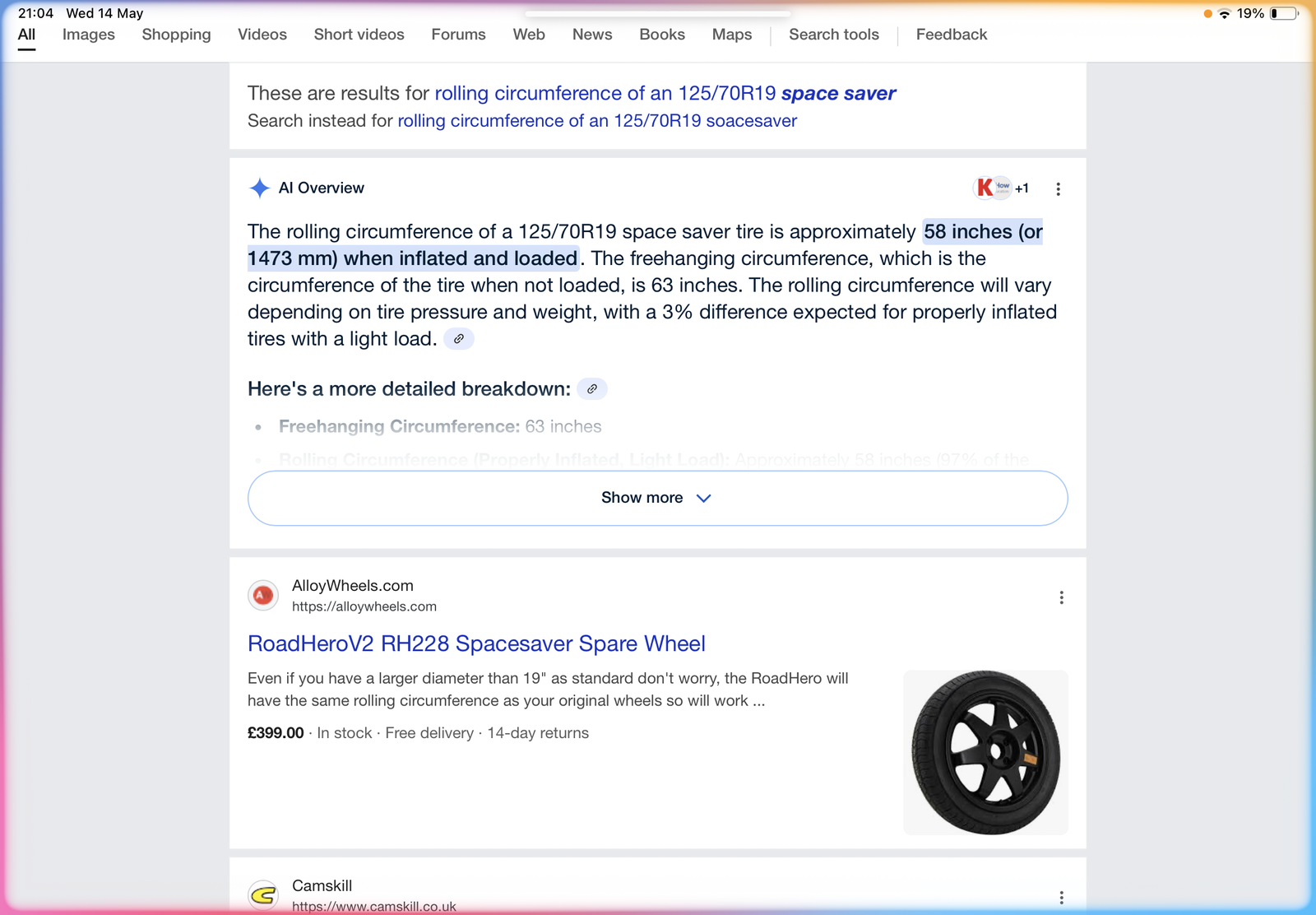
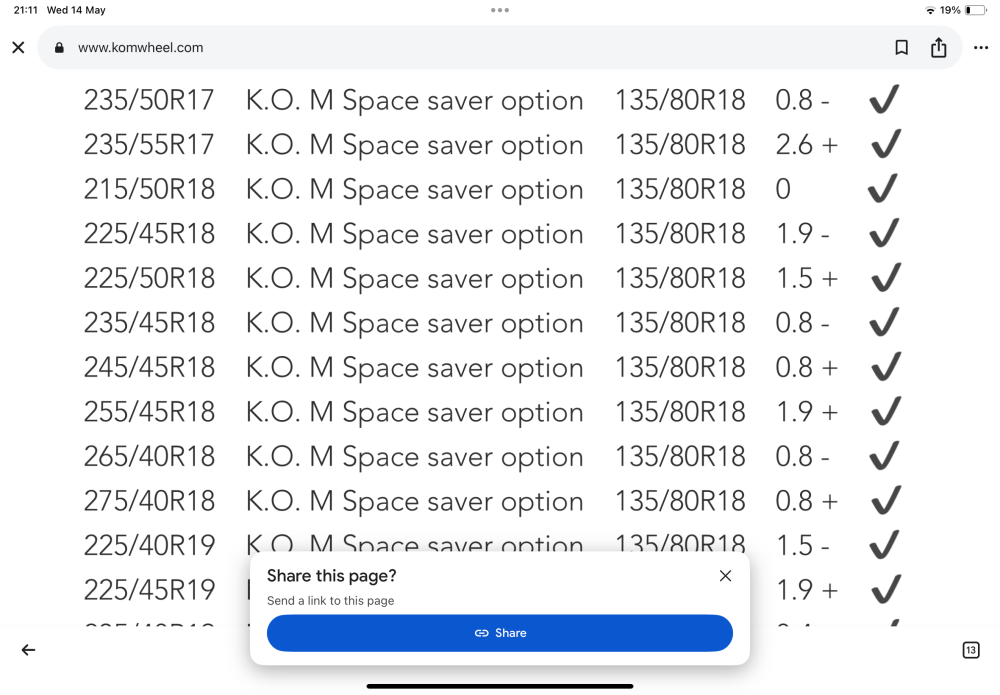
  2. Hi all. I have been through the search functions but still unsure as to what size space saver to get for my Allroad. I see people have bought a 19” and got it to fit in the boot.When checking the rolling circumference of these they do not match the rolling circumference of my 245/45 R 18 wheels and tyres. I assume as a 4 wheel drive , this is more important. The size of the space saver is 125/70 x 19. Any help appreciated
  3. Thanks Gareth, will do. Always had a spare of some sort, doesn't feel right without .
  4. Hi all. Quick question, I have 18" on my Allroad yet the Wheelshop recommended a 19" spacesaver ?


Background Picker
Customize Layout

Account

Navigation

Search

Search

Configure browser push notifications

Chrome (Android)
  1. Tap the lock icon next to the address bar.
  2. Tap Permissions → Notifications.
  3. Adjust your preference.
Chrome (Desktop)
  1. Click the padlock icon in the address bar.
  2. Select Site settings.
  3. Find Notifications and adjust your preference.