DeanT
Members
-
Joined
-
Last visited
-
I have had similar on my 2018 A5. Heard the sloshing around, looked on this forum, and found this thread. Had a look under the car on Saturday, and there are 5 plastic "plugs" on each side of the car. Started on the passenger side (where the sloshing noise was coming from) at the front - First 3 all had 1-2 drops of water come out, nothing special... Last 2 (the back 2 under the rear door) both emptied about a pint of water each. Nothing at all on the driver side from any plug... I've got assume this is a blockage somewhere, since the driver side was completely empty in all compartments, so does anyone have any ideas where the water is coming from, and what I'd need to do to remove the clog? Thanks in advance...
-
Hello both. Not sure if Riddy ever found out why, but I did the exact same thing, and after (a LOT) of back and forth with Audi connect, I was informed that my 2018 A5 (or any others before 2020) were not fitted with the auxiliary heater required to allow remote heating. This was confusing, since on the spec list on my myaudi app for the car, it clearly lists auxiliary electric heater, but when speaking to the Audi guy on the phone (pretty certain he was, in fact, a robot....) I told him that the app states the car must be fitted with the aux heater, and the spec says it is, but he simply kept repeating that the car was not compatible. Eventually after speaking to someone else, they advised that apparently this was only started to be built in to the cars to be able to remotely operate the heater from 2020 onwards, so A5's from 2018, 2019, and some 2020 will not be able to access this feature. Hope this helps.
-
Having looked through Ebay, I cannot find these (genuine Audi mirrors) any cheaper than £150 (each) + postage, so honestly don't think they are expensive.
-
I have no idea what that means… 🤷🏼♂️
-
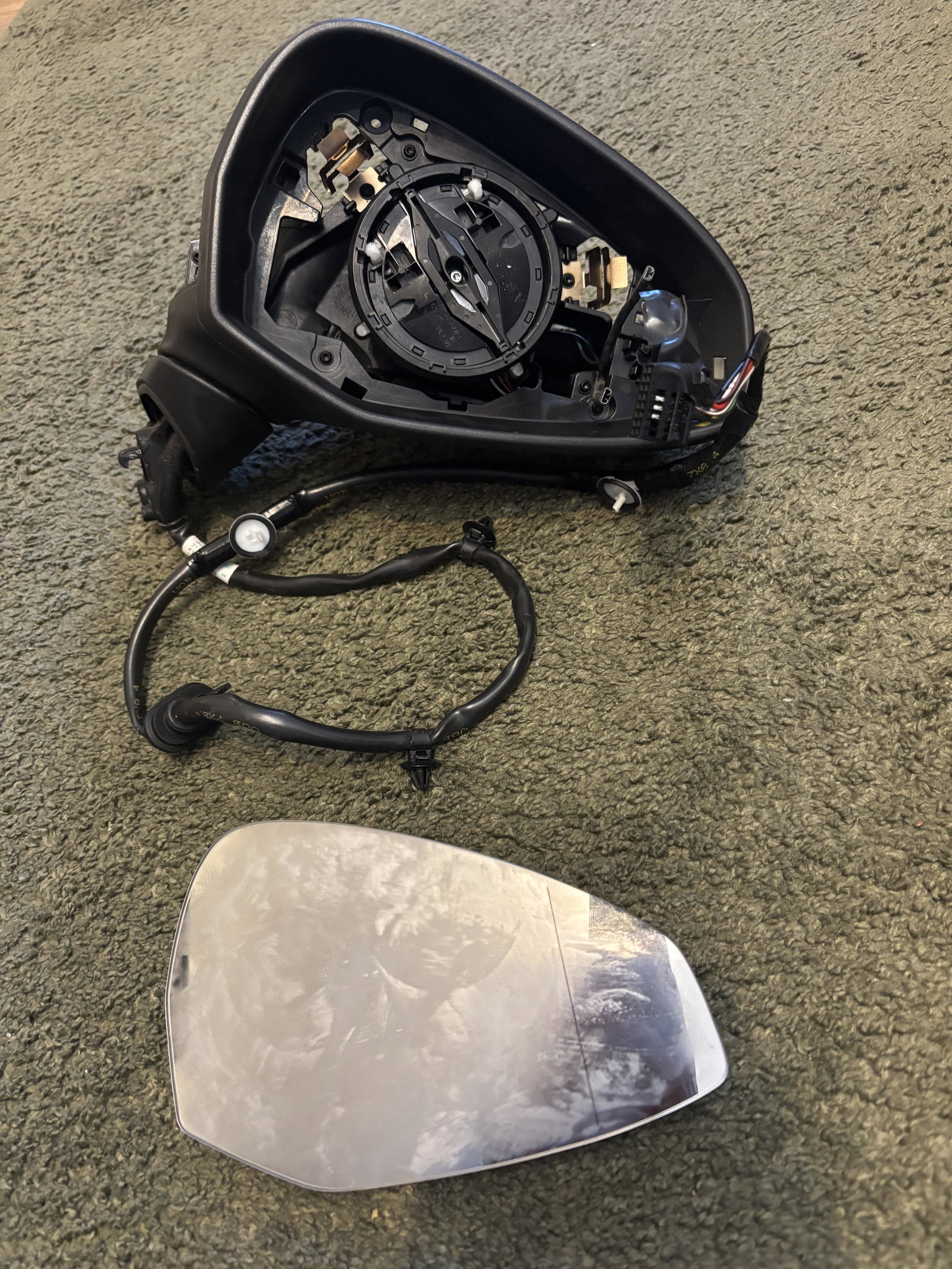
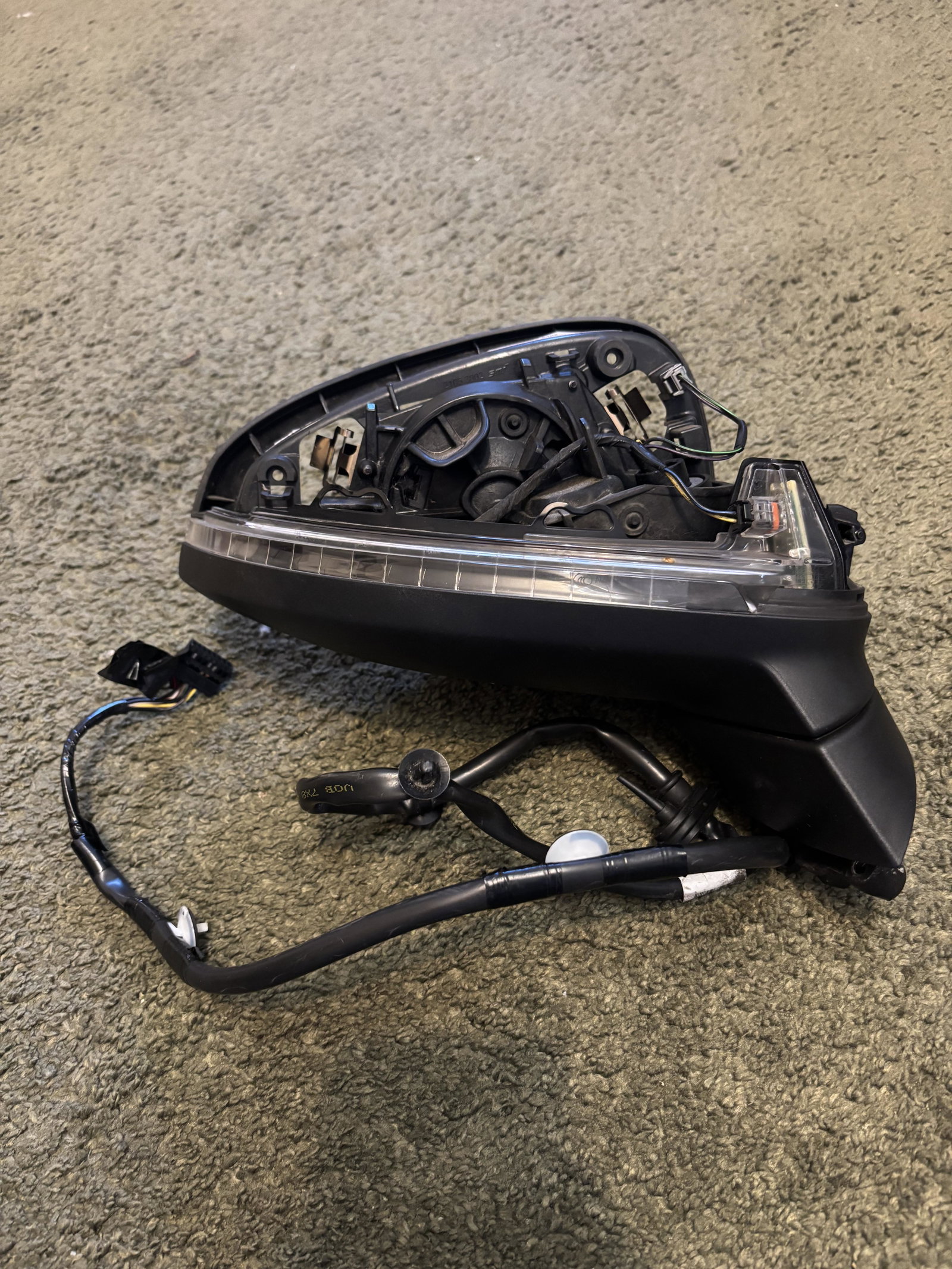
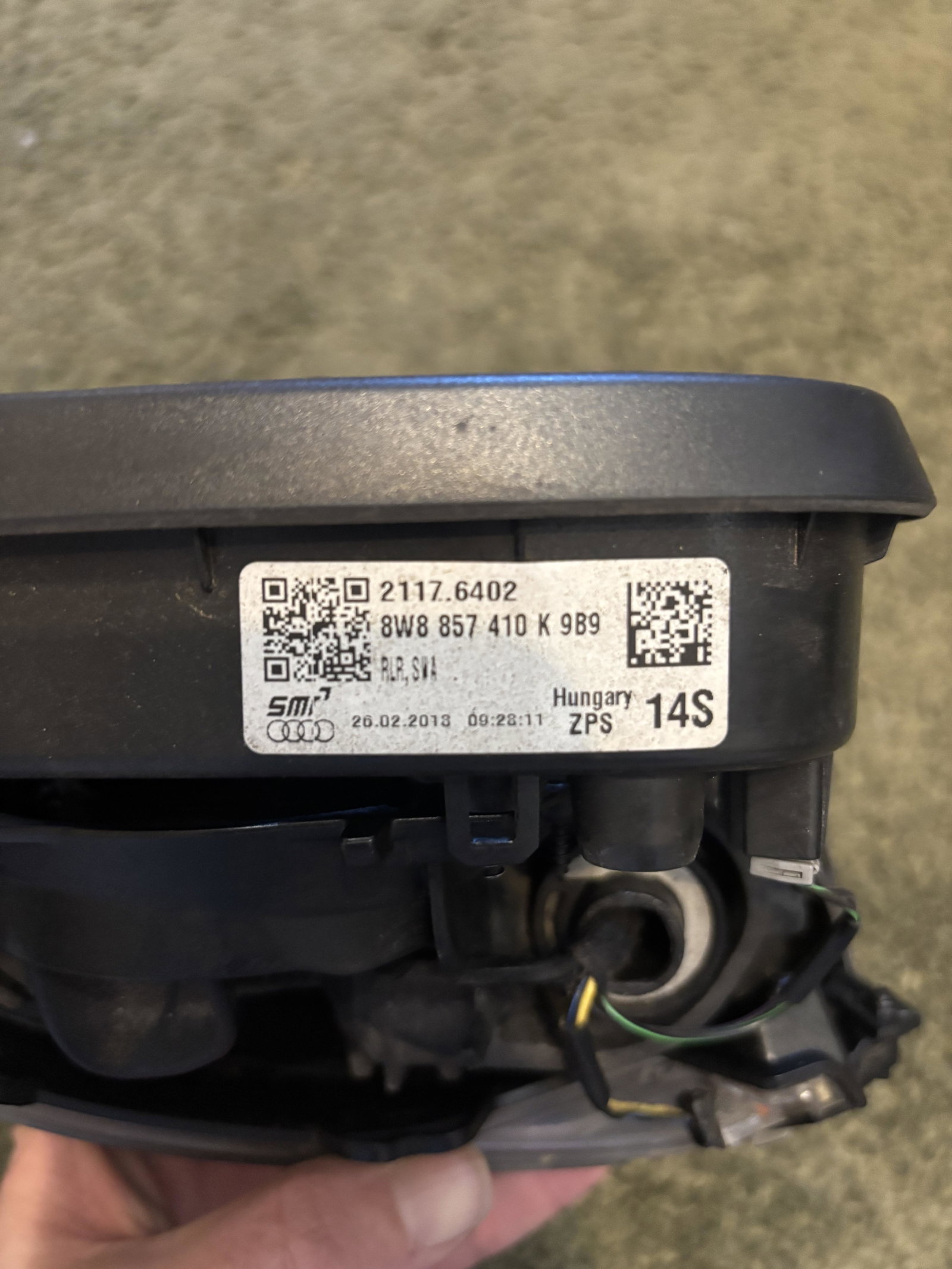
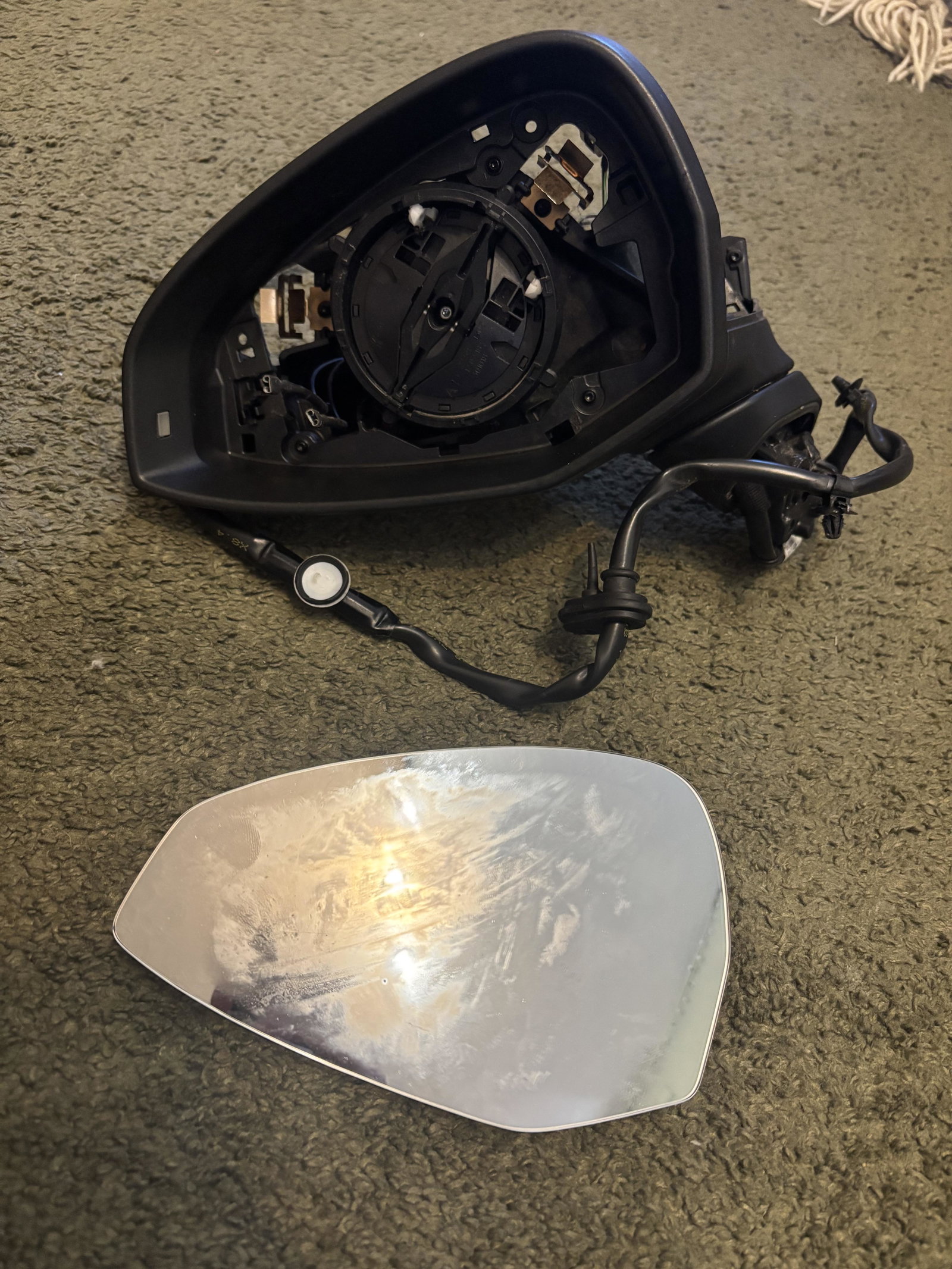
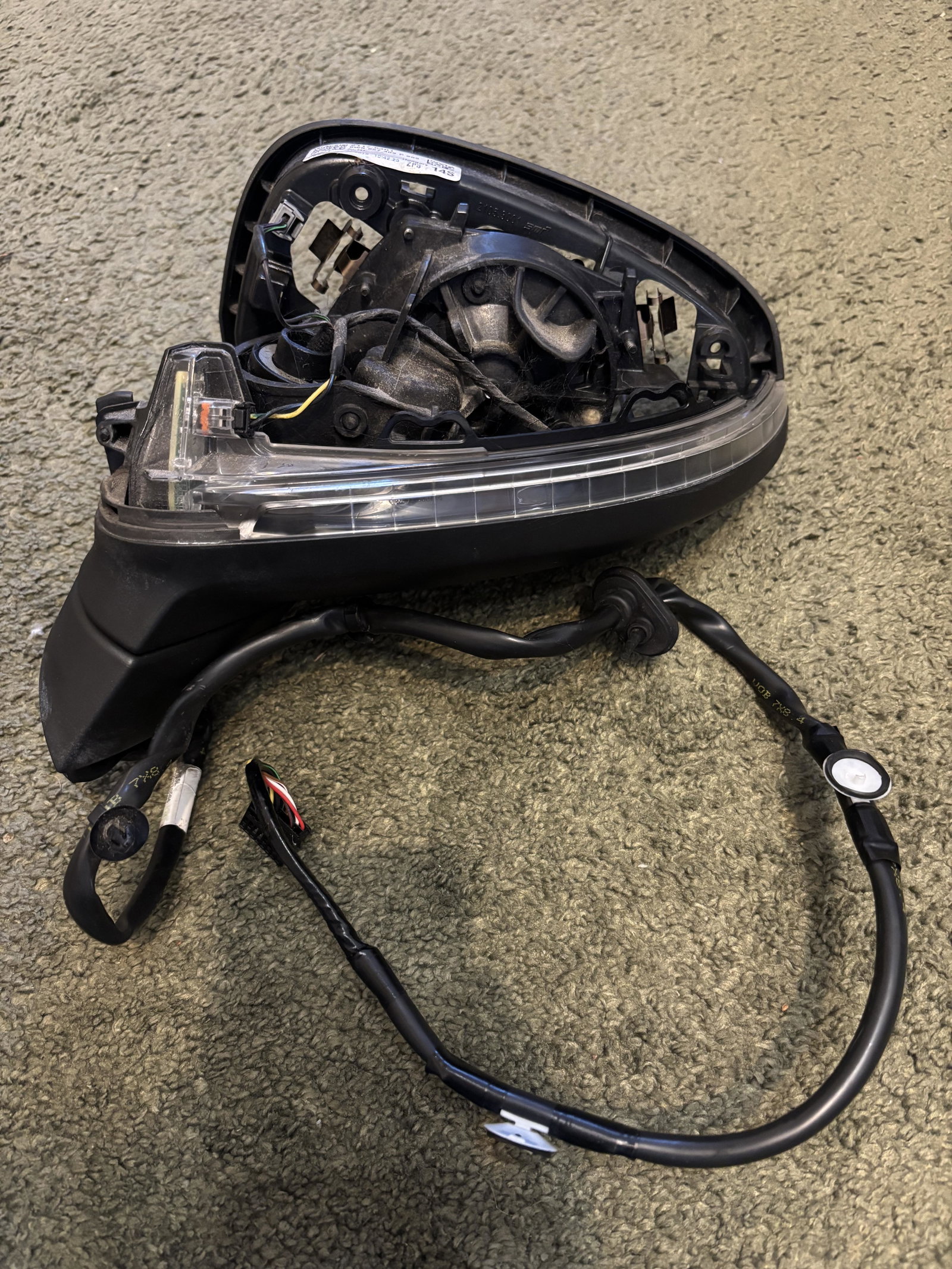
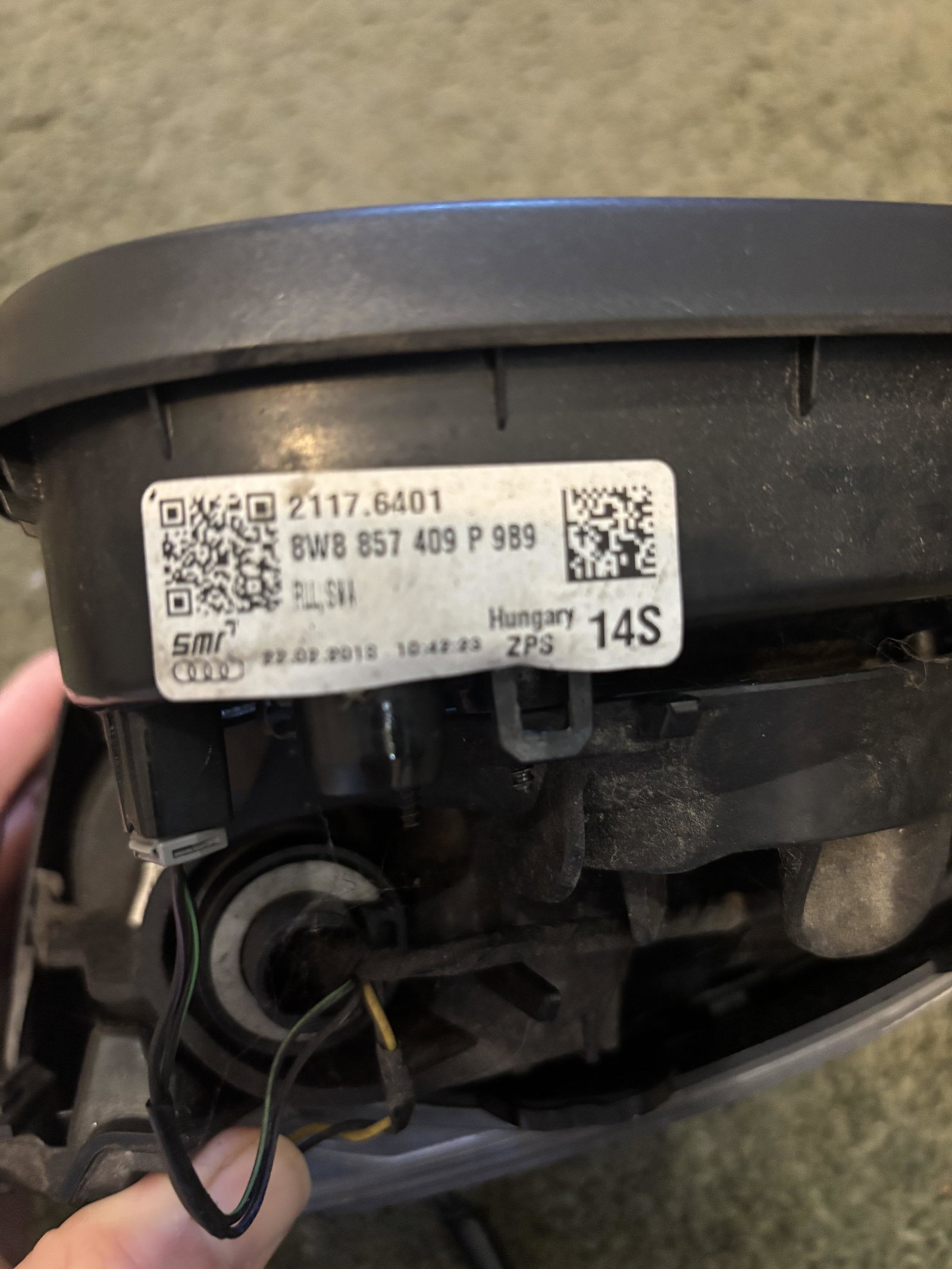
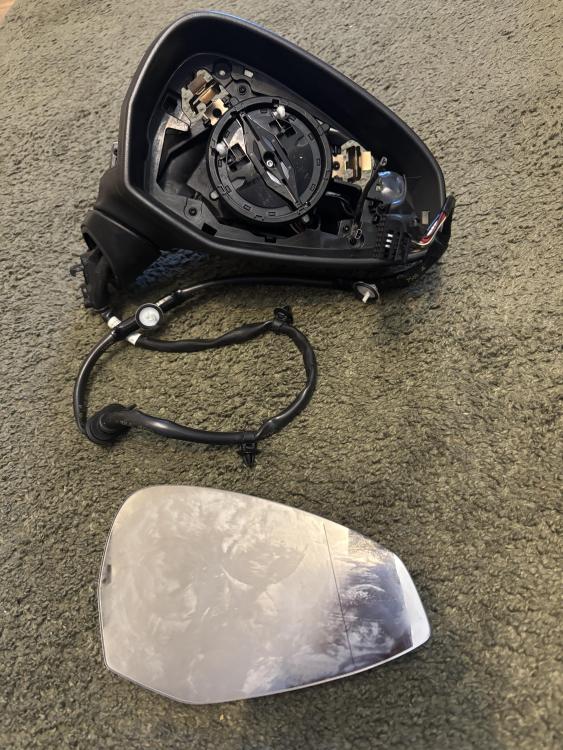
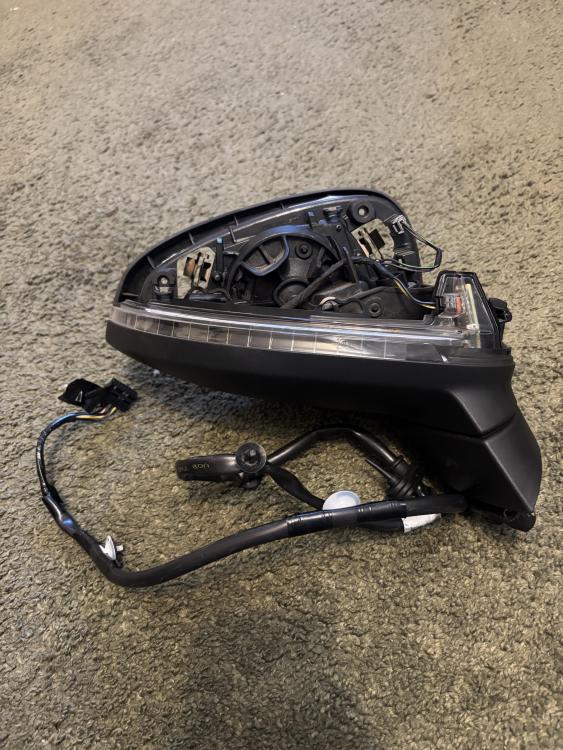
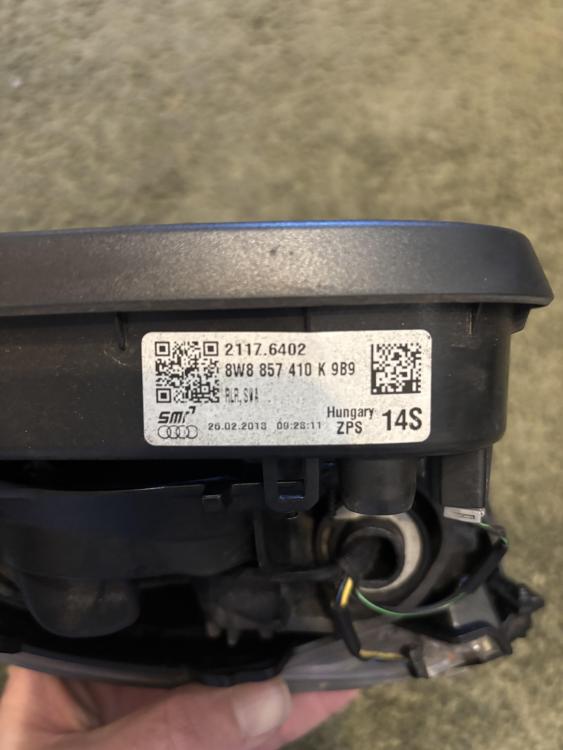
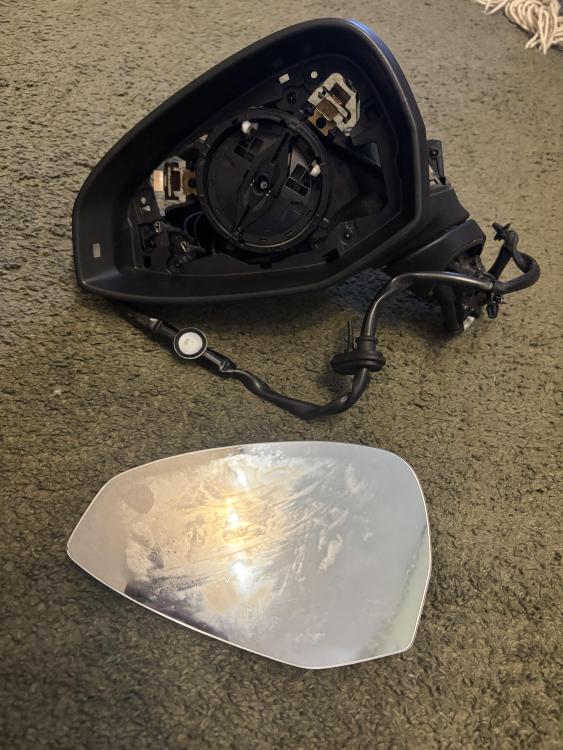
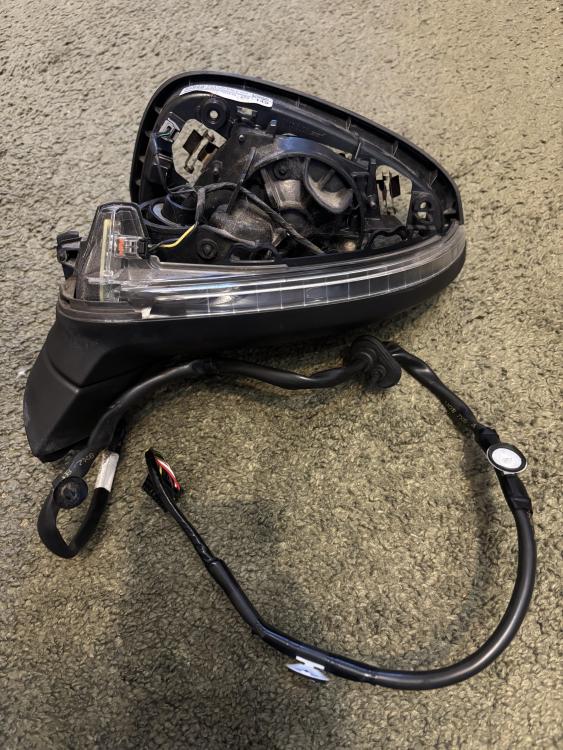
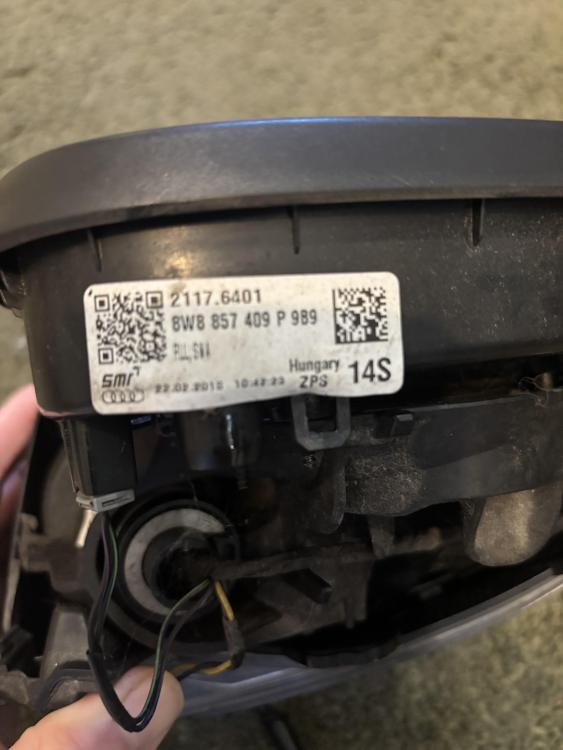
Having recently had power folding mirrors retrofitted, I have the original wing mirror units for sale to fit a 2018 (or similar) A5 sport back. These are the electric heated units, but ARE NOT power folding (manually foldable if required). Each unit has all original wiring, and would serve as a direct replacement if an existing unit had been broken. Please note that the “cover caps” (the coloured plastic bit that closes the unit) are not included. It is simply the mirror base unit. Both mirrors will be sent with the glass. Purchased separately RHS/Driver side - £110 + £10 postage LHS/passenger side - £110 + £10 postage Purchased together - £200 + £20 postage UK mainland only. Scottish Highlands, Northern Ireland, or UK island networks will cost extra postage. Collection from UK (Warwick) available. Returns would not be accepted, and no refund possible so please check these would fit before purchasing.
-
Hello Macey. I've got a similar problem but in reverse (car only blows cold air, not hot) in the GF's A3. One of the potential issues is a faulty Blend Door Actuator. This is a small motor behind the dash that moves the flap to allow hot in to the cabin. It sound's like yours is stuck open, rather than stuck closed. I'd suggest looking into this, as it will be a relatively cheap part (£30ish) and can be done yourself with minimal tools and little cost. I may be wrong, but I'd look at that first. Hope this helps.