




Skip to content
View in the app

A better way to browse. Learn more.

Audi Owners Club (UK)

A full-screen app on your home screen with push notifications, badges and more.

To install this app on iOS and iPadOS
  1. Tap the Share icon in Safari
  2. Scroll the menu and tap Add to Home Screen.
  3. Tap Add in the top-right corner.
To install this app on Android
  1. Tap the 3-dot menu (⋮) in the top-right corner of the browser.
  2. Tap Add to Home screen or Install app.
  3. Confirm by tapping Install.

Bob1k

Members
  • Joined

  • Last visited

Everything posted by Bob1k

  1. Sounds a nice car mate. Would not waste my money on tech pack as now you do get the big screen and audi connect as standard. I would add privacy glass. And rather spend the money on comfort & sound pack rather thab individual options as it may work out a better buy. What BW is your car?
  2. Bob1k replied to James's topic in Audi RS Club
    I've collected mine 3 days ago. Love it. Think the list was just under £50k. Don't know why I have B&O as so far I did not turn the radio on
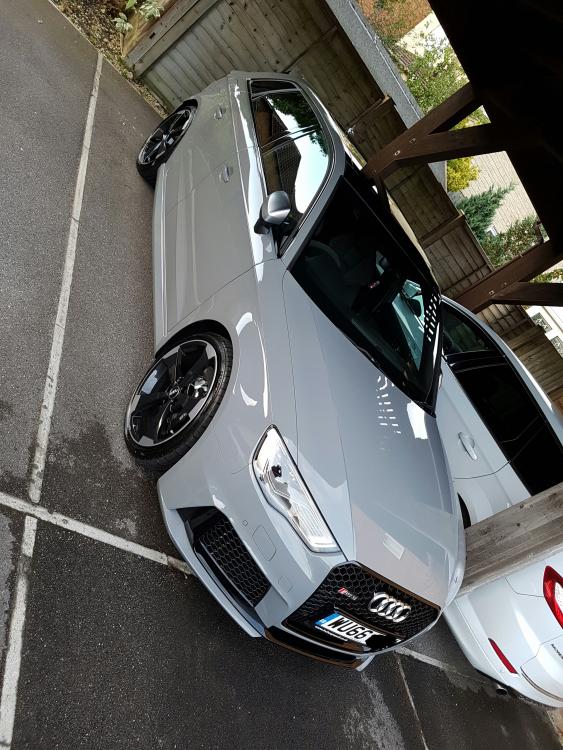
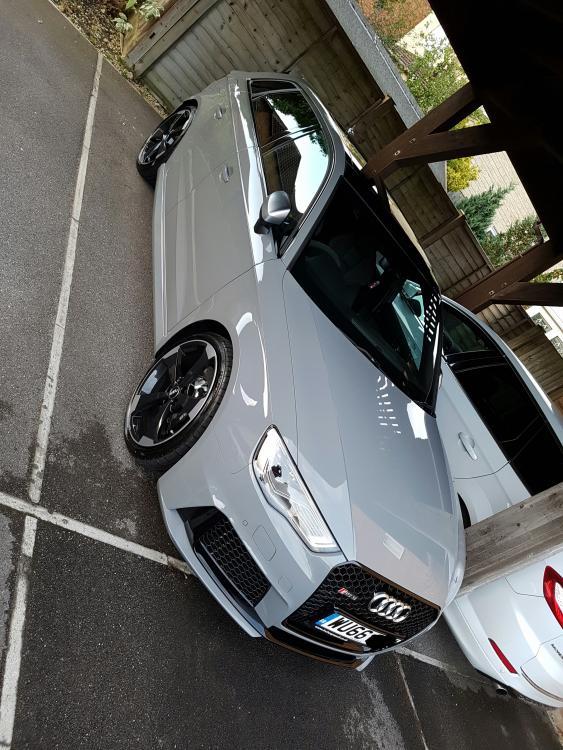
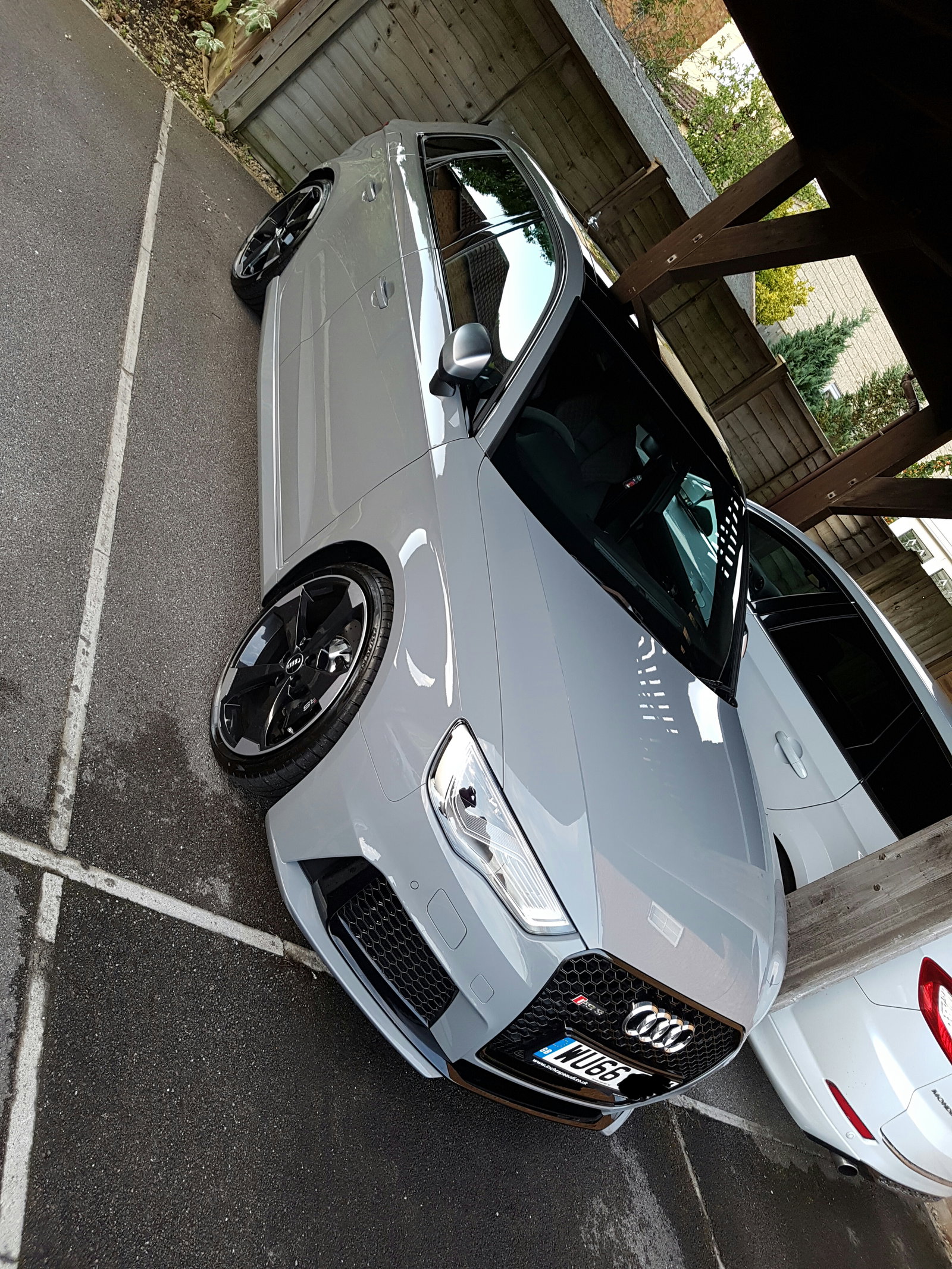
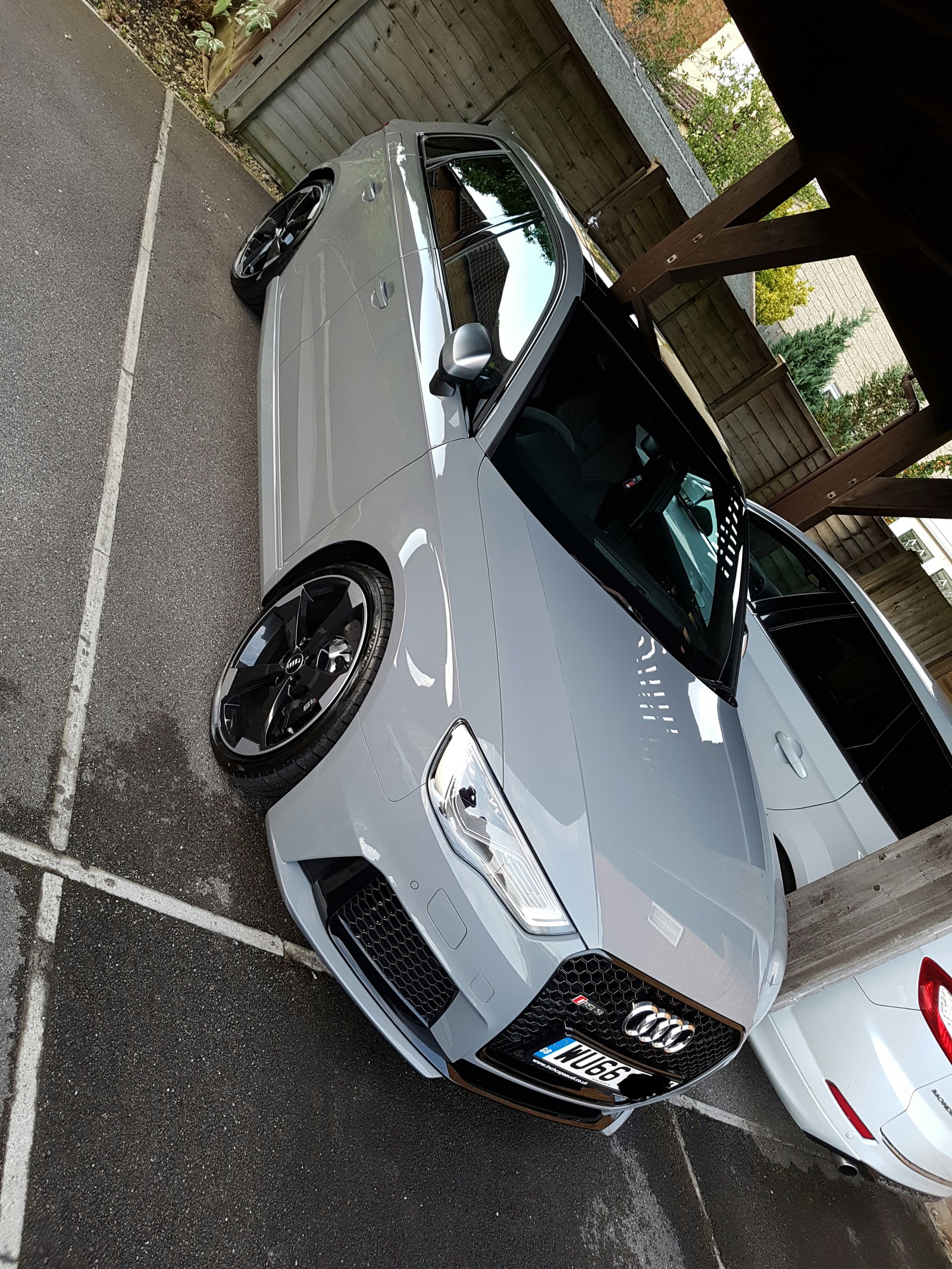
  3. Hello to all, I'm new here to AOC. Really looking forward to getting settled in. Also for some meets in around Swindon area. New motor collected on the 2nd ... love it

Background Picker
Customize Layout

Account

Navigation

Search

Search

Configure browser push notifications

Chrome (Android)
  1. Tap the lock icon next to the address bar.
  2. Tap Permissions → Notifications.
  3. Adjust your preference.
Chrome (Desktop)
  1. Click the padlock icon in the address bar.
  2. Select Site settings.
  3. Find Notifications and adjust your preference.