




Skip to content
View in the app

A better way to browse. Learn more.

Audi Owners Club (UK)

A full-screen app on your home screen with push notifications, badges and more.

To install this app on iOS and iPadOS
  1. Tap the Share icon in Safari
  2. Scroll the menu and tap Add to Home Screen.
  3. Tap Add in the top-right corner.
To install this app on Android
  1. Tap the 3-dot menu (⋮) in the top-right corner of the browser.
  2. Tap Add to Home screen or Install app.
  3. Confirm by tapping Install.


Bogdan

Members
  • Joined

  • Last visited

Everything posted by Bogdan

  1. i have something like that in my Audi A6 and believe me the music quality is not so good . For ex: when is a rain , storm or right next to a police car or taxi the device start's to make a strange noise or when you go under a tunnel that device stops because does not have signal. That's why i need something like this => Hope i am gonna find a person in Nottinghamshire who knows how to make this. 😐
  2. If you order that and is working like they say on website please let me know because i want to have aux mp3 in my audi . I also try to find somebody to make'it but with no results...Thanks mate.
  3. I hope so mate. If i can make'it i will def tell you how to make'it work. But i still wait ansewrs and help from somebody
  4. hi. I have audi a6 2007 and i want to put aux input and i dont know how :) if somebody is responding to you that would be awsome ! :)
  5. hi Trevor. I dont have stereo i have only in glove box the CD changer
  6. hi everybody. I'm new on forum. I want to put aux imput in my Audi A6 2007 . I have cd changer and to be honest i dont know how to do'it . Im from Nottingham/Nottinghamshire if any of you knows please let me know . Thank you very much i appreciate !
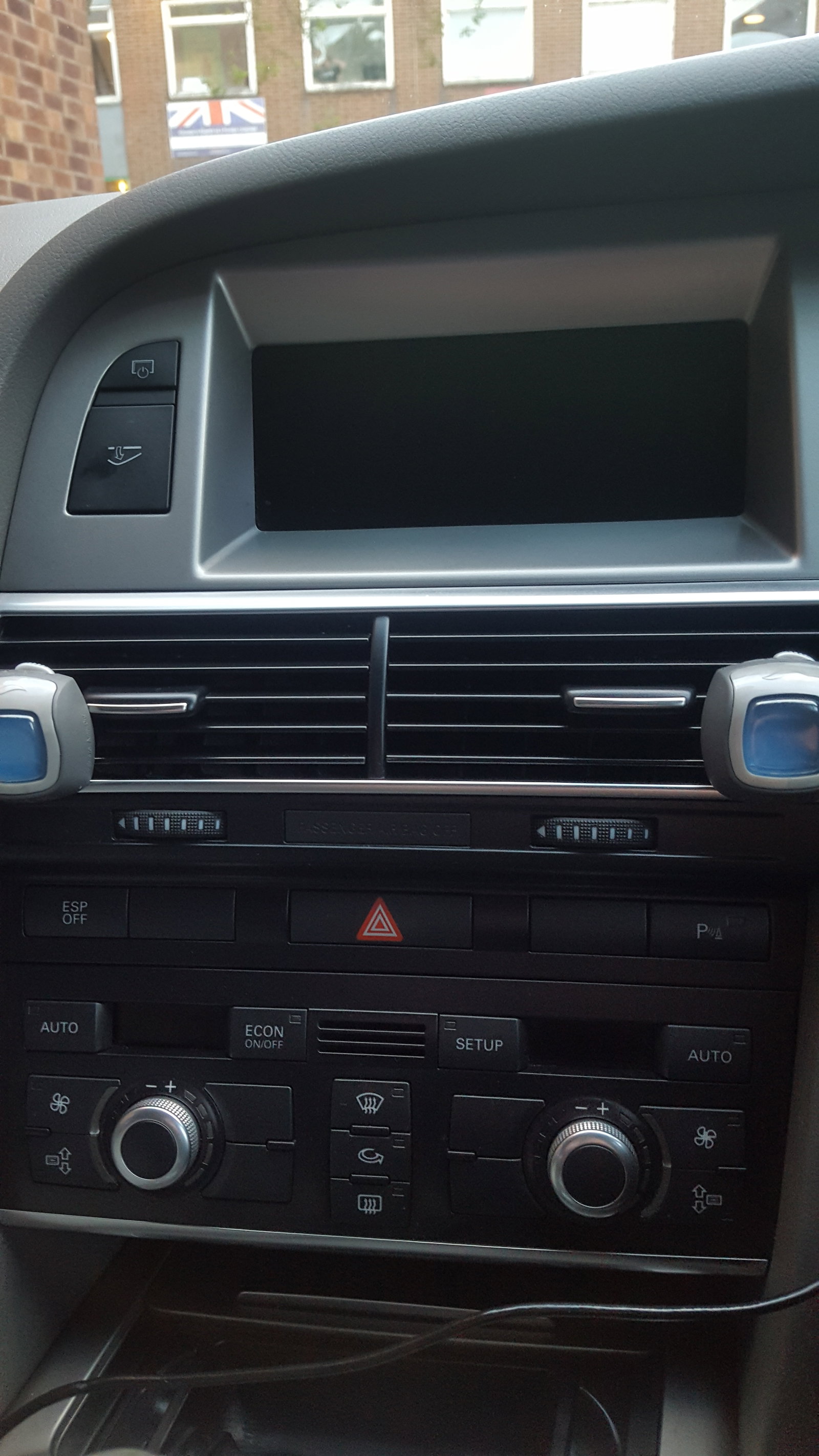
  7. hi everybody. I'm new on forum. I want to put aux imput in my Audi A6 2007 . I have cd changer and to be honest i dont know how to do'it . Im from Nottingham/Nottinghamshire if any of you knows please let me know . Thank you very much i appreciate !


Background Picker
Customize Layout

Account

Navigation

Search

Search

Configure browser push notifications

Chrome (Android)
  1. Tap the lock icon next to the address bar.
  2. Tap Permissions → Notifications.
  3. Adjust your preference.
Chrome (Desktop)
  1. Click the padlock icon in the address bar.
  2. Select Site settings.
  3. Find Notifications and adjust your preference.