Welshdragon
Members
-
Joined
-
Last visited
-
Welshdragon changed their profile photo
-
Yes Gareth, that would be me! The A35 is away in the warm and dry of the garage, as is the cab..... used the A35 new years day, the cab away till April, its changed a little since you last saw it..... i had iton my club stand at the NEC, went down really well. Wil bump into you soon im sure! Mark
-
iv known this too happen, hopefully with the ecu recoded and reset this should fix the problem!
-
they side out too stop the sun blinding you when looking into the rear view mirror,, extentions if you like
-
-
have you looked on facebook under audi "80" cab/coupe cars,parts for sale wanted??? a few guys on there break these and will have the parts you need i did have a set by sold them a few weeks ago! only just joined! sorry
-
Hello cab / coupe owners out there, are you on the face book group? come and say hello, too mover 1,800 likewise people who have a love of these cars! also have a spares section for those looking to find parts!
-
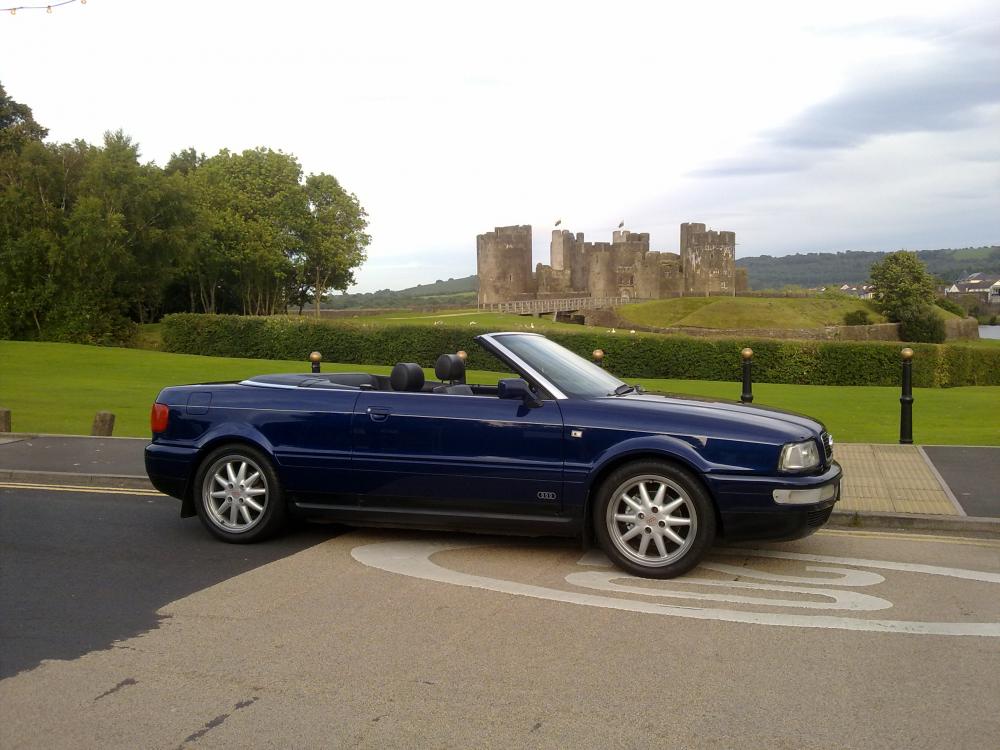
Hello... Dont let me beeing Welsh put you off, New here, own a 1998 Cab, and a 2003 A3 tdi.............