ElSkin
Members
-
Joined
-
Last visited
Everything posted by ElSkin
-
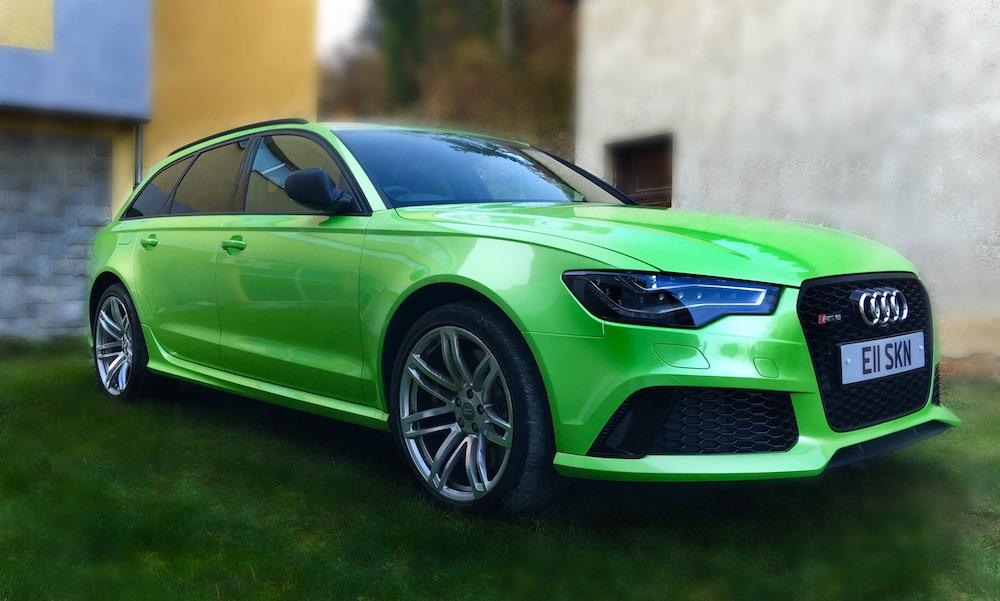
Hi, Hoping someone might be able to help I have an RS6 2014 with MMI 3G (not with sim) and a few months ago I was driving through France and my GPS system started messing up and telling me I was back in London, for the rest of my journey it was acting erratically, since then its been on and off sometimes showing my correct location other times say I'm in Leeds when I'm in London and so on, I've tried few things like reseting the MMI by holding the three buttons at the same time, driving round in an open space in circles and resetting the Sat Nav system settings all with no joy, I've also noticed recently that other devices in ym car can't pick up a proper GPS signal from a Dashcam to a radar speed camera detector.. it all seems a bit odd to me really even my phone doesn't always work correctly, I've tried removing everything that uses GPS to see if for whatever reason it could have been one of those blocking the signal, anyone have any ideas or help how to reset the GPS on the MMI? Thanks Eric