BiPolarGhost86
Members
-
Joined
-
Last visited
Everything posted by BiPolarGhost86
-
Without looking at it I cant say for sure but sounds like the retro fitter has mismatched the red (LIVE) and yellow (ACC) wires, redoing this should solve the radio issue. As for the aux, is it connected at back of stereo, should be a blue connector.
-
Ebay sells twhat you need. http://www.ebay.co.uk/itm/Audi-A2-A4-A6-ALLROAD-TT-S4-S8-Car-Interface-USB-Mp3-AUX-In-Adapter-High-Quality-/282311272519?hash=item41bb102847:g:8p8AAOSwEppUNfok This will give you aux and usb connectivity. For a bit more you can get it from UK seller on Ebay.
-
In my experience, some new cables have to be coded in via VCDS. Luck of draw if factory coded it at new.
-
I agree with this. There is a company that comes to your home/work and completely carbon cleans your engine. Maybe worth looking into.
-
On mine there is a button just below the light switch you press. On the DIU menu you change length of time it stays on for.
-
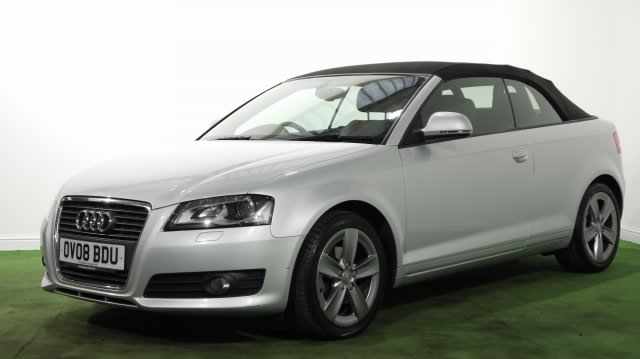
I've just bought my Audi A3 convertible. I would like to use my USB pen to play music. The car has a concert stereo??? An aux port near handbrake and a 30pin iPod socket in the glove box. How could I use my USB to play music?