Skip to content
View in the app

A better way to browse. Learn more.

Audi Owners Club (UK)

A full-screen app on your home screen with push notifications, badges and more.

To install this app on iOS and iPadOS
  1. Tap the Share icon in Safari
  2. Scroll the menu and tap Add to Home Screen.
  3. Tap Add in the top-right corner.
To install this app on Android
  1. Tap the 3-dot menu (⋮) in the top-right corner of the browser.
  2. Tap Add to Home screen or Install app.
  3. Confirm by tapping Install.

Mushy

Members
  • Joined

  • Last visited

  1. Mushy commented on Mushy's gallery image in Members Albums Category
  2. how are you all
  3. Mushy replied to Mushy's topic in New Members Introductions
    thanks man
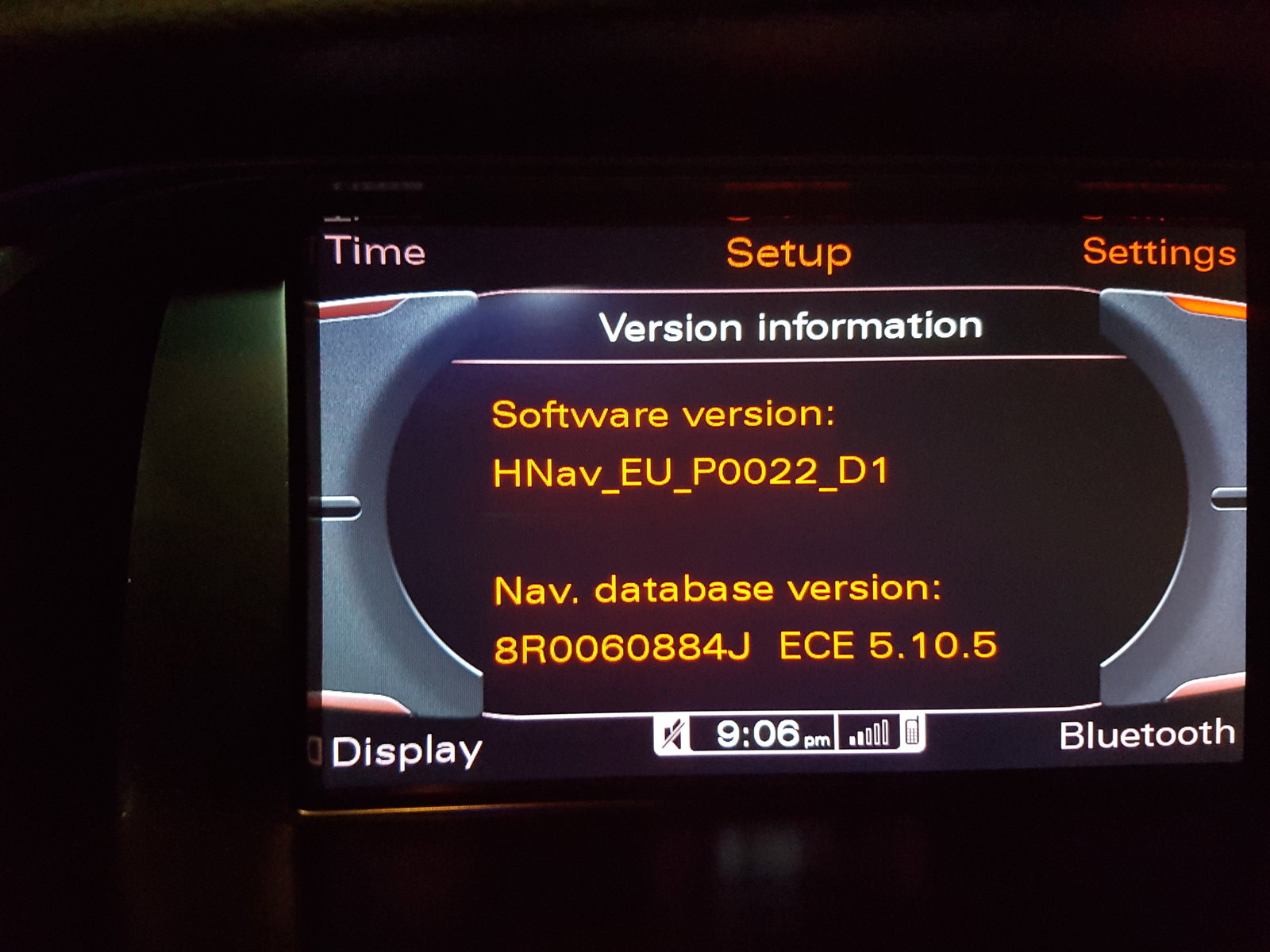
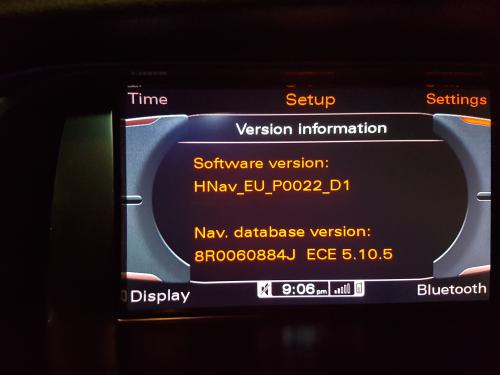
  4. hi can some one pleas help me upgared firmwere and maps as thay are very old EU_P0022_D1 £100 on ebay should I get it
  5. Mushy commented on Mushy's gallery album in Members Albums Category
  6. Mushy replied to Mushy's topic in New Members Introductions
    2.0 tdi 170 now 205
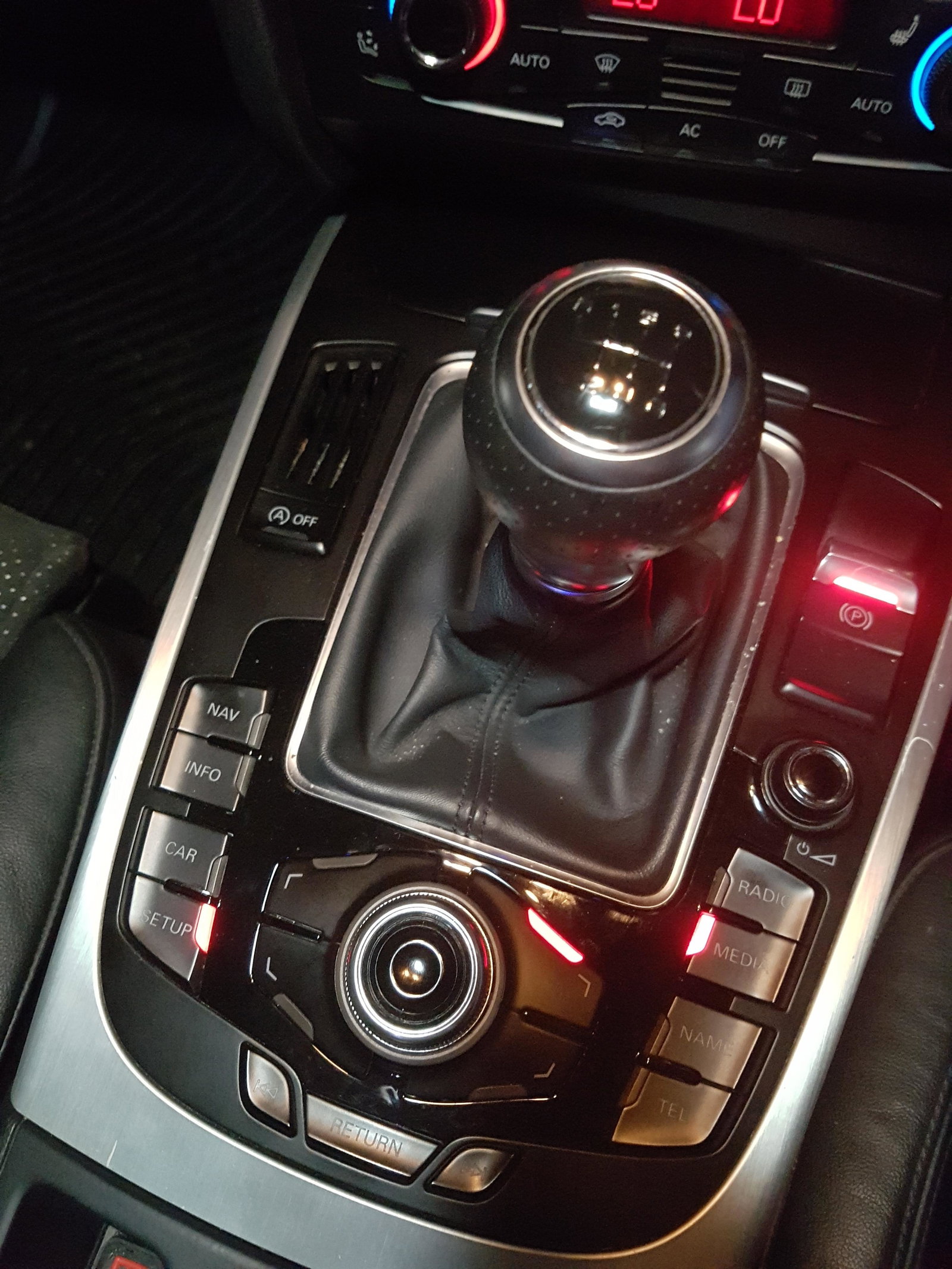
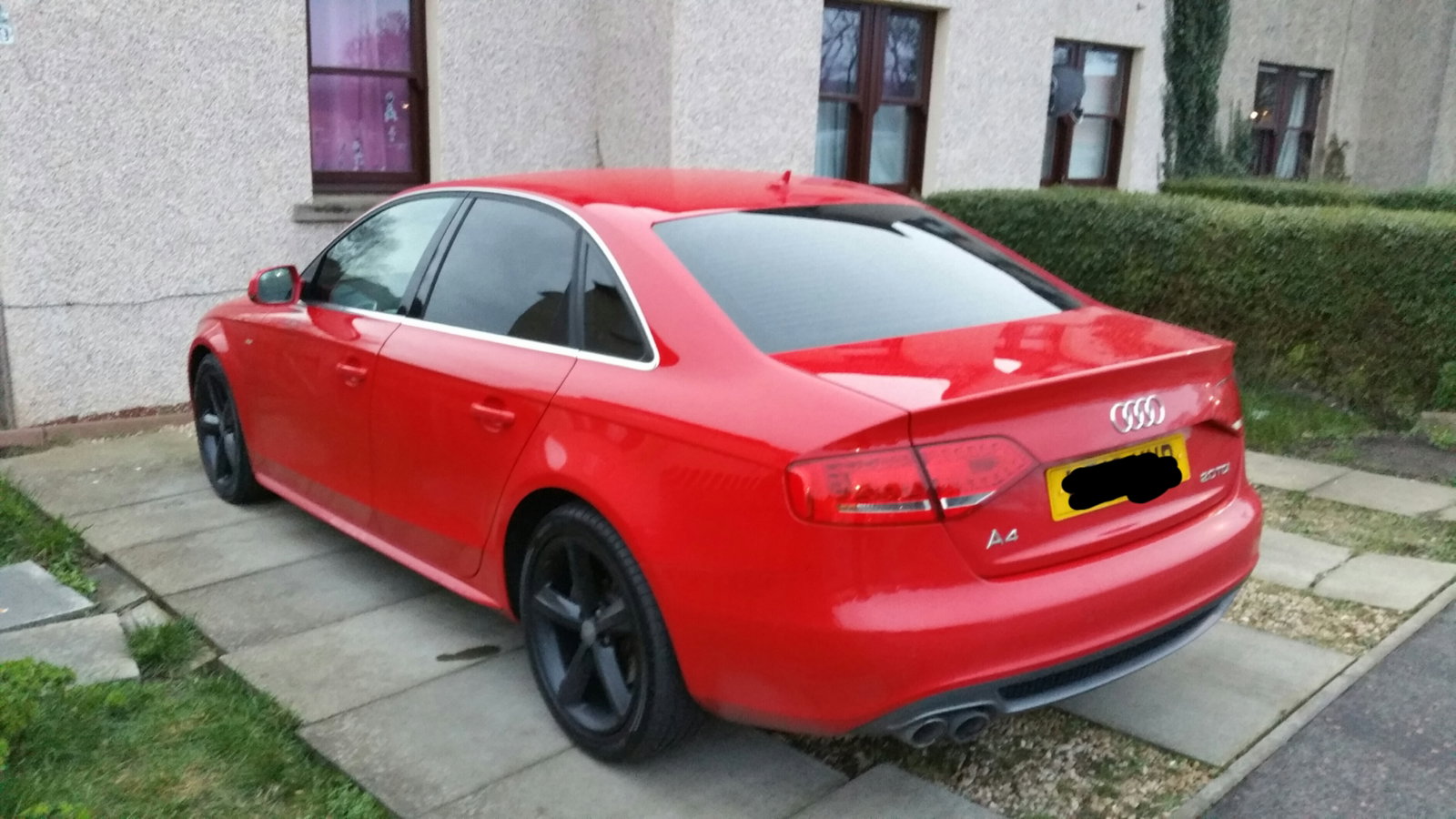
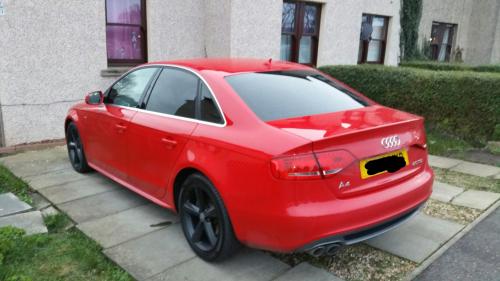
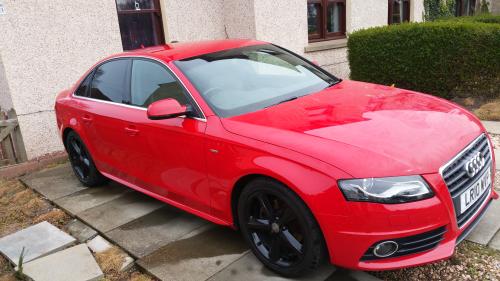
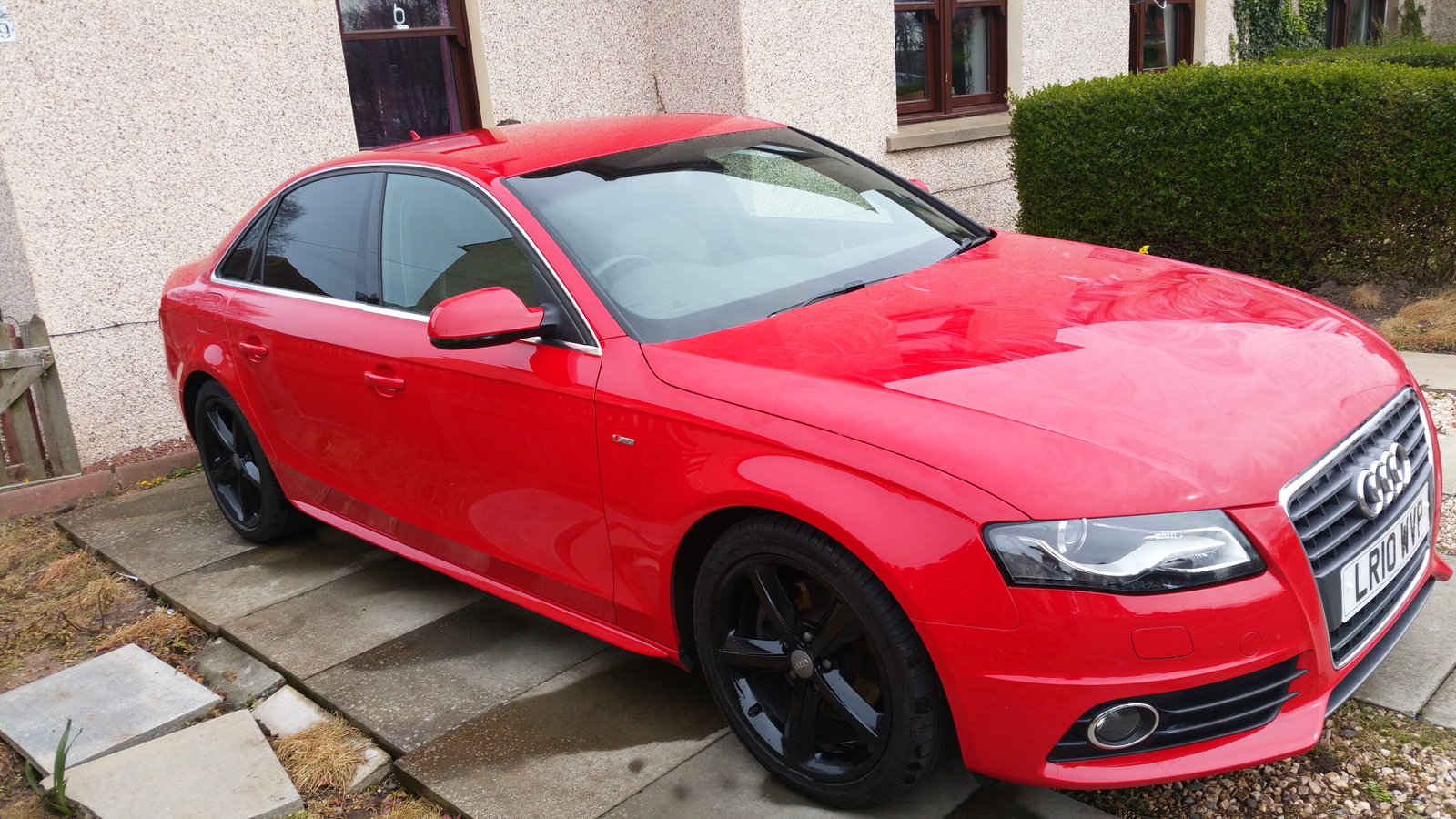
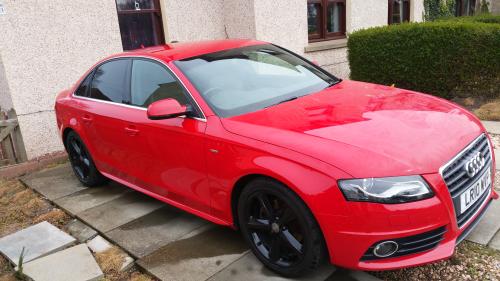
  7. hi I'm david audi a4 b8 s line how is every one how do I update the maps on the cheep
  8. Images added to a gallery album owned by Mushy in Members Albums Category


Background Picker
Customize Layout

Account

Navigation

Search

Search

Configure browser push notifications

Chrome (Android)
  1. Tap the lock icon next to the address bar.
  2. Tap Permissions → Notifications.
  3. Adjust your preference.
Chrome (Desktop)
  1. Click the padlock icon in the address bar.
  2. Select Site settings.
  3. Find Notifications and adjust your preference.