stefantomas
Members
-
Joined
-
Last visited
-
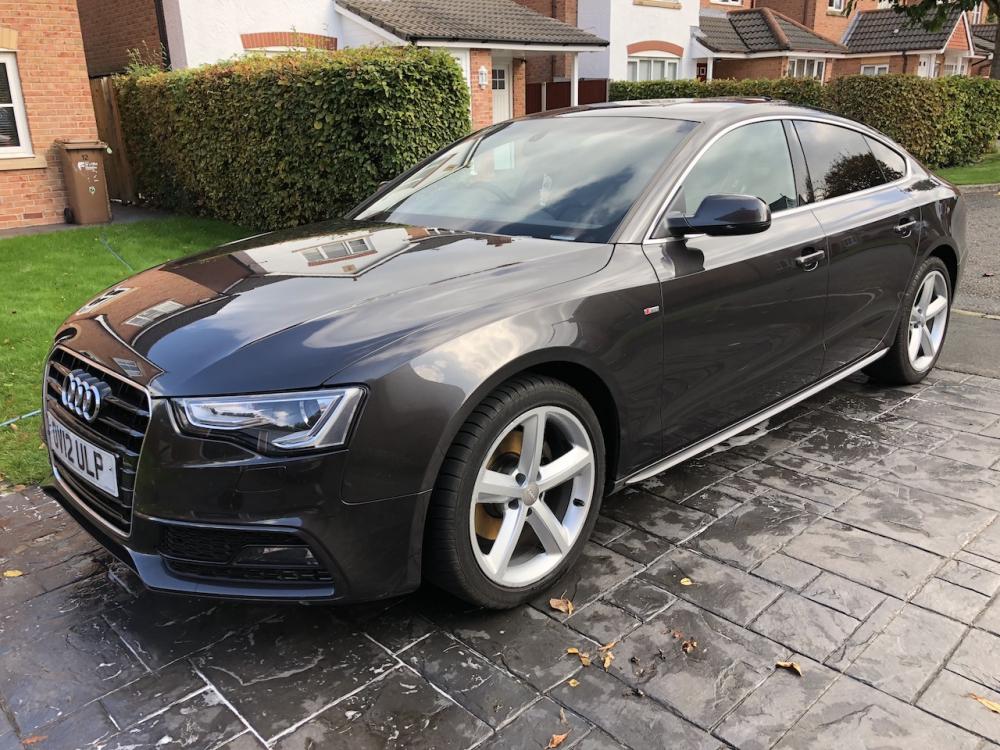
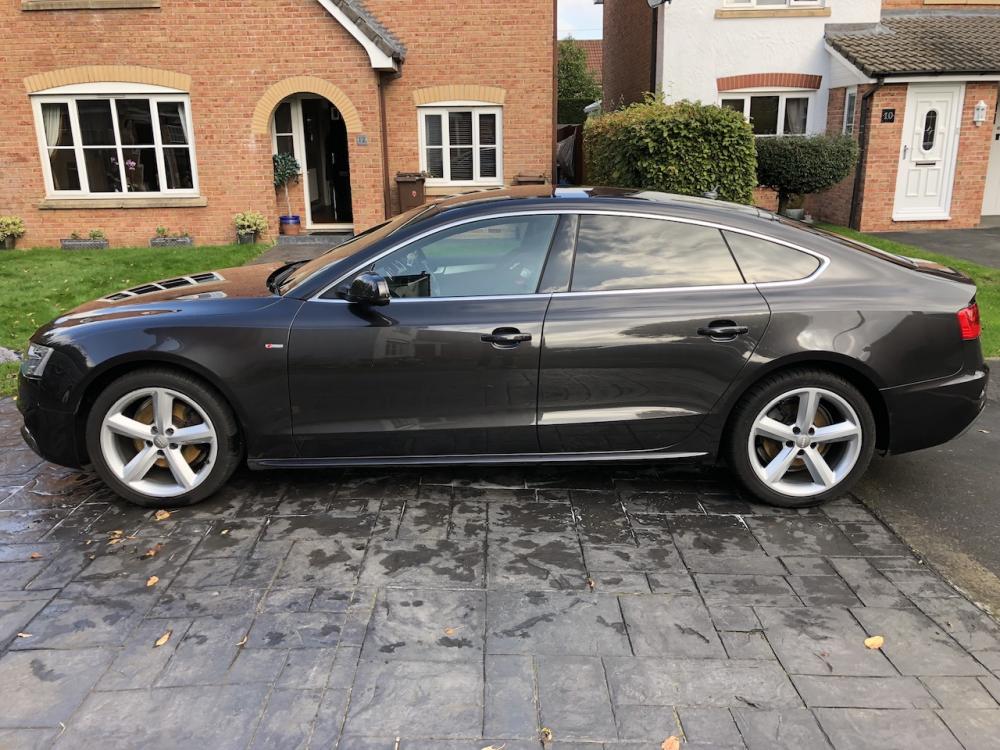
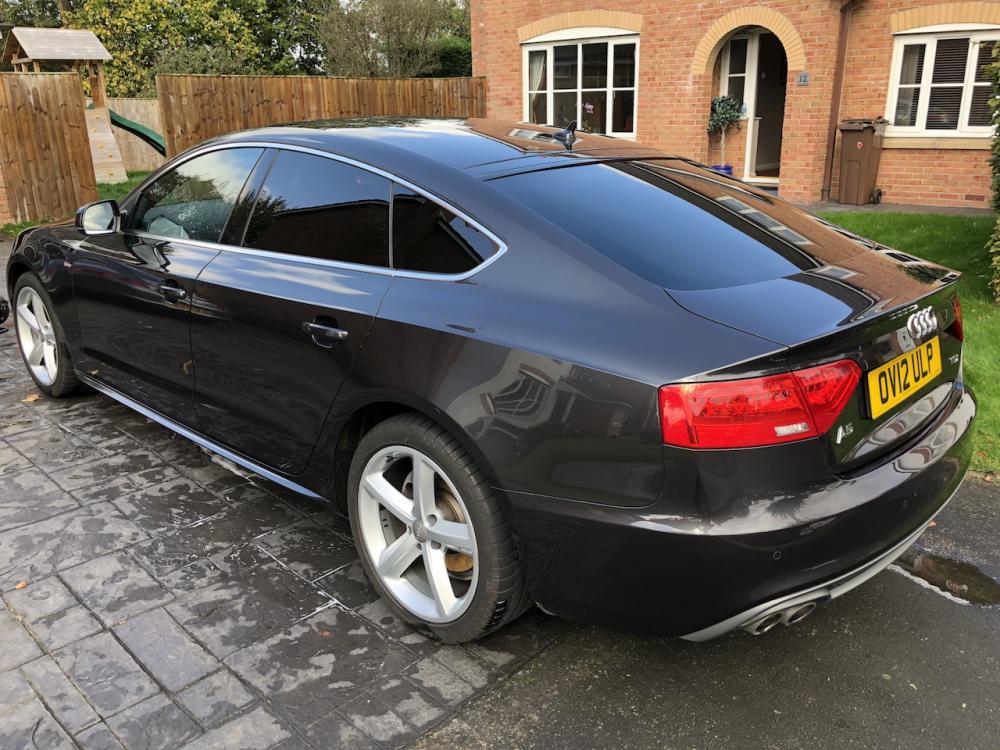
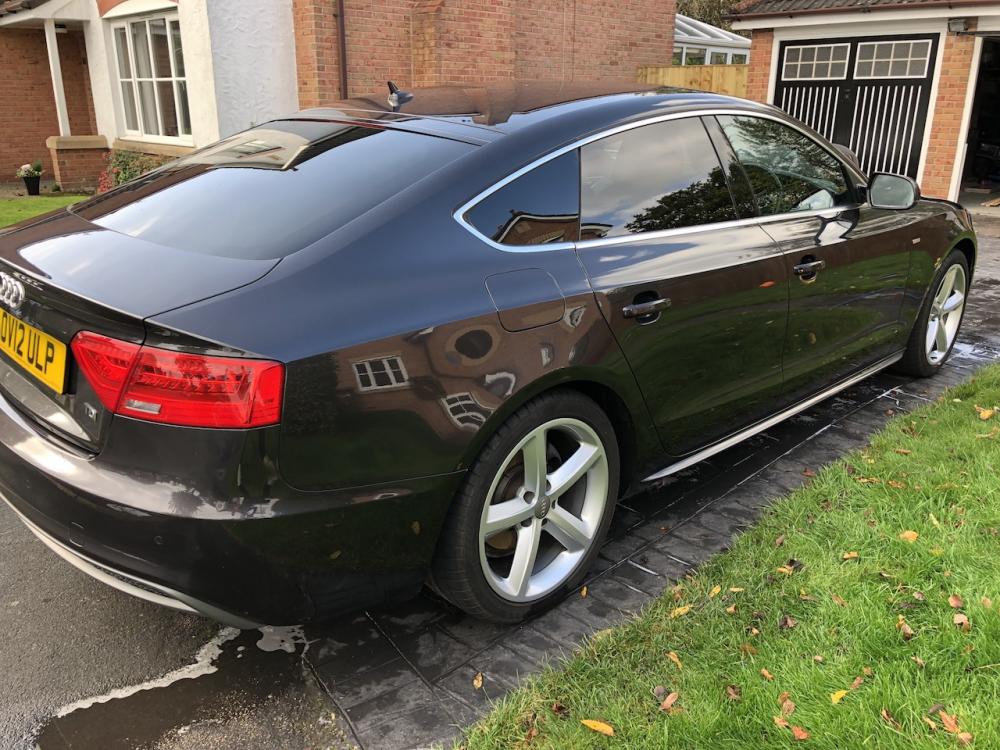
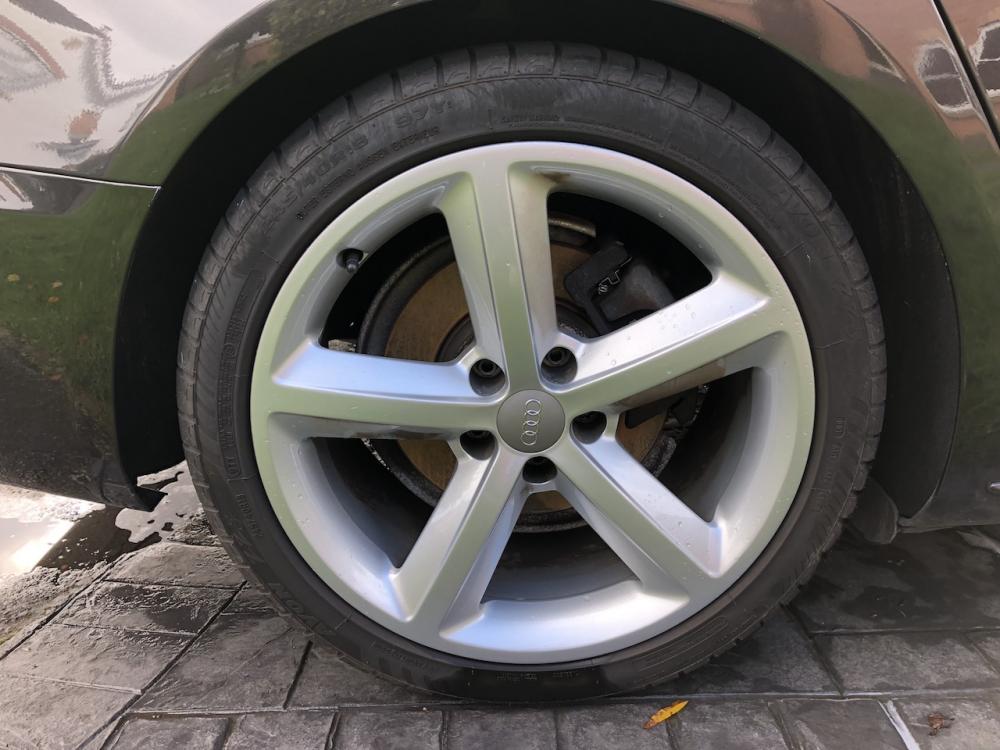
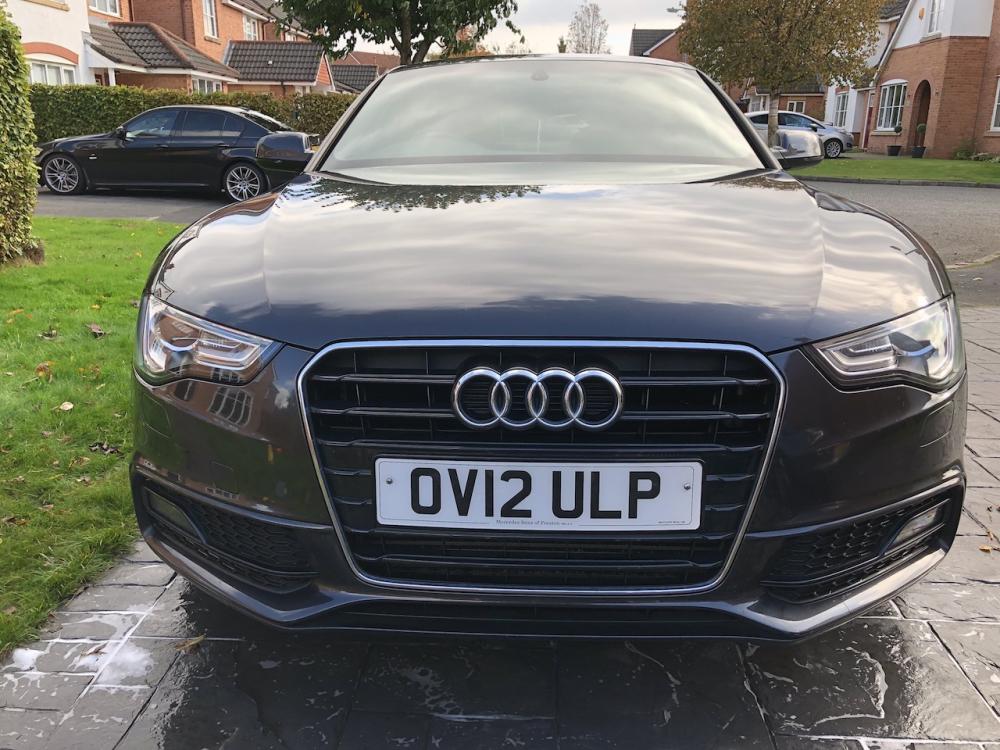
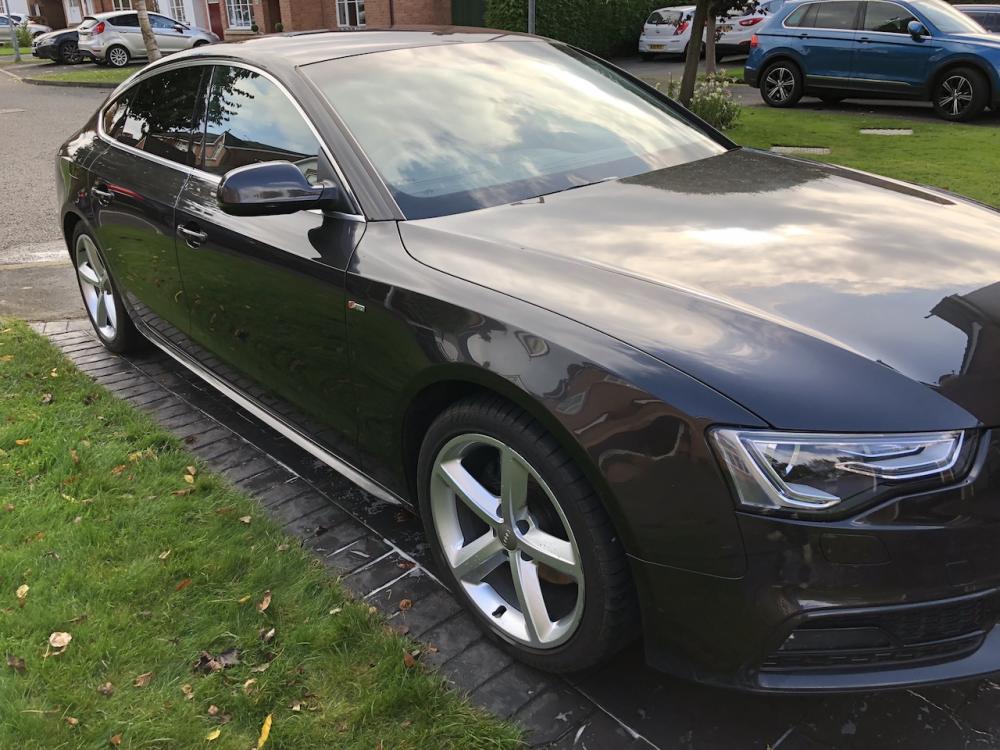
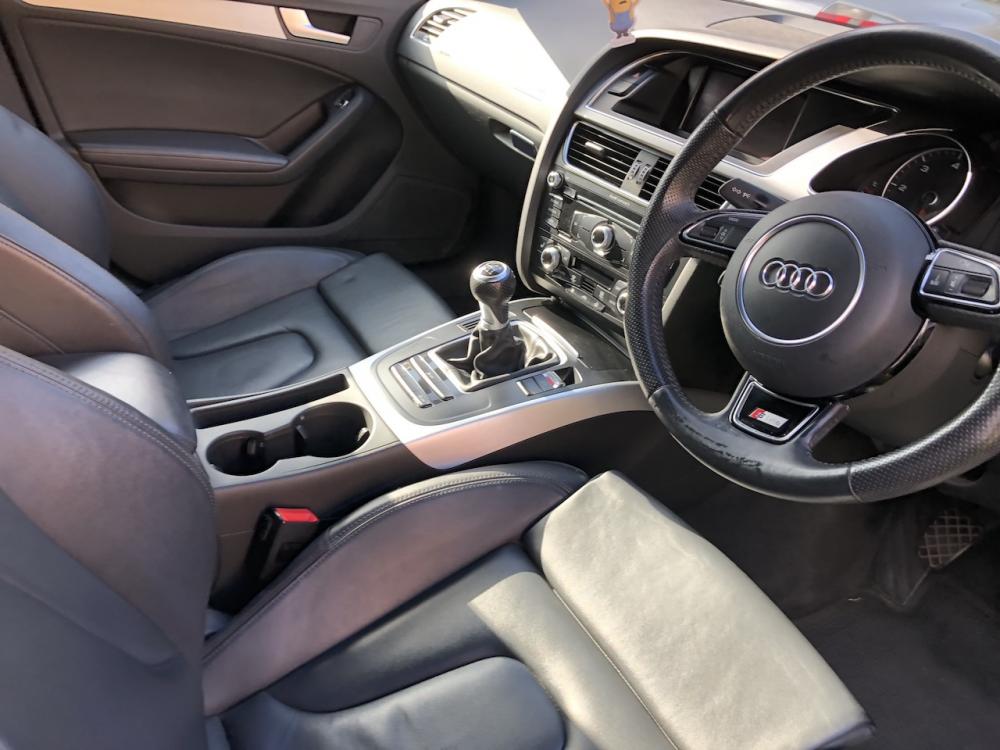
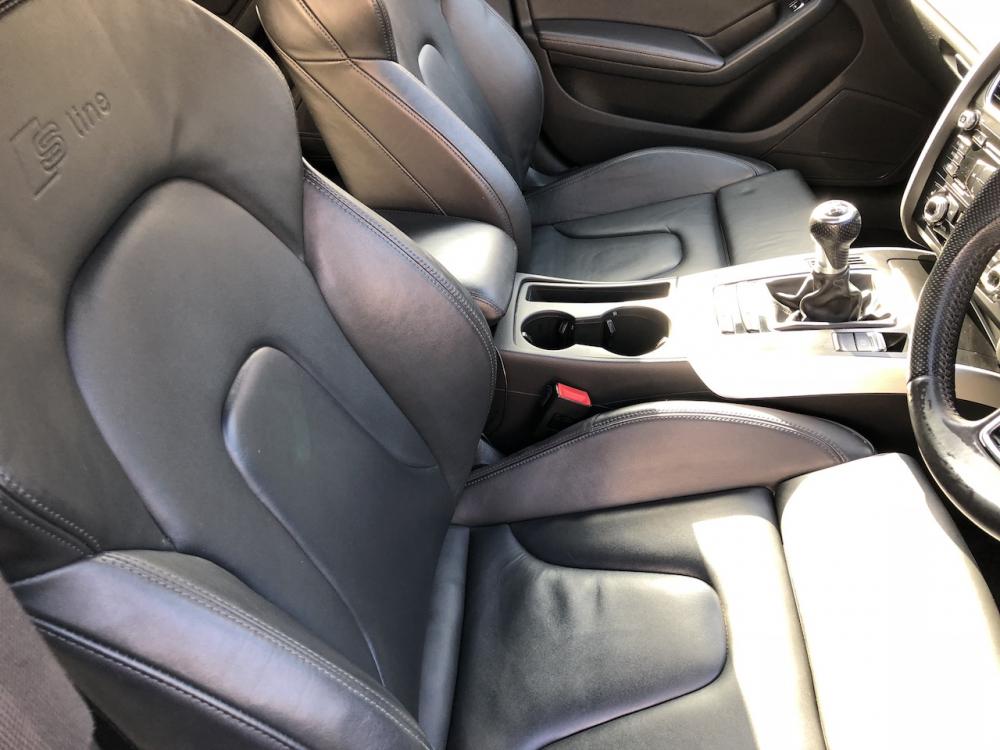
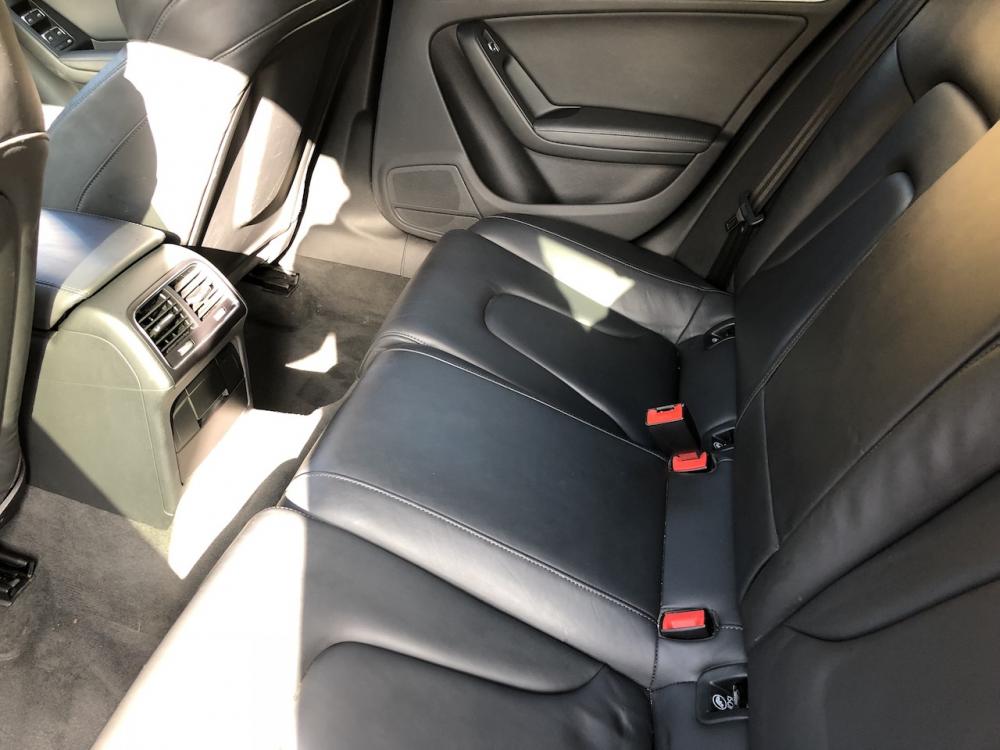
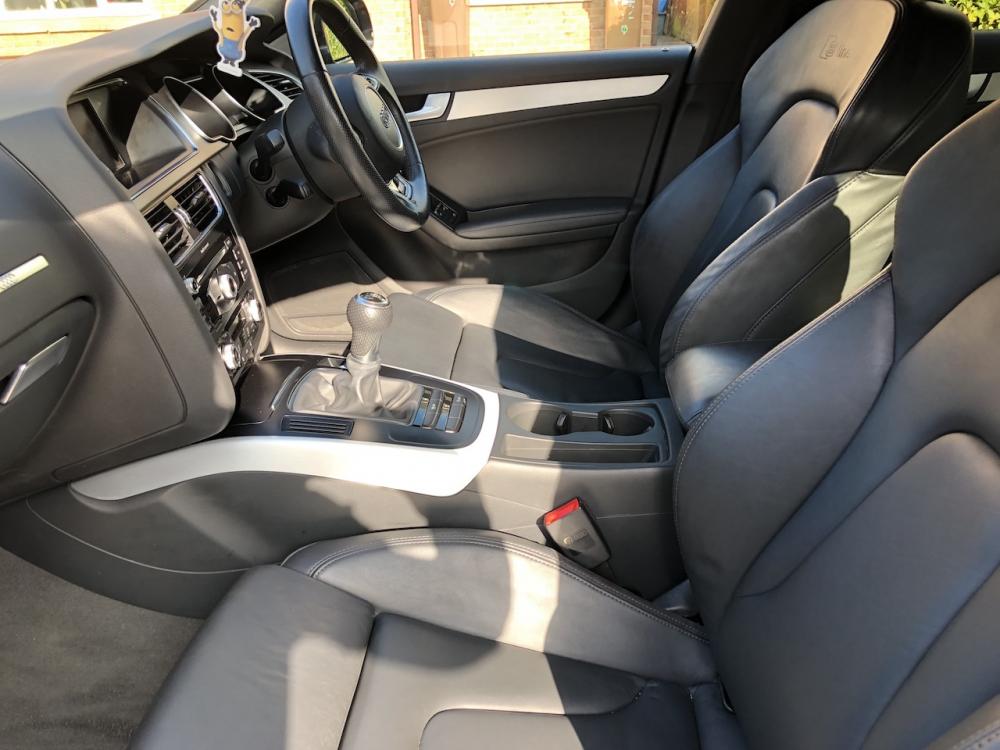
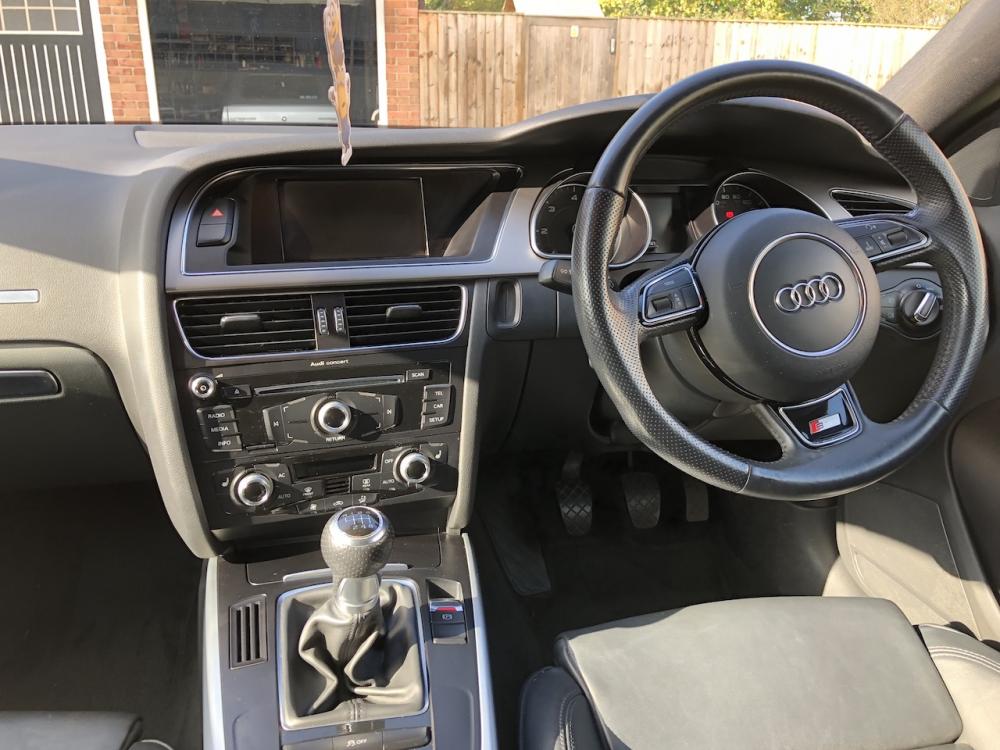
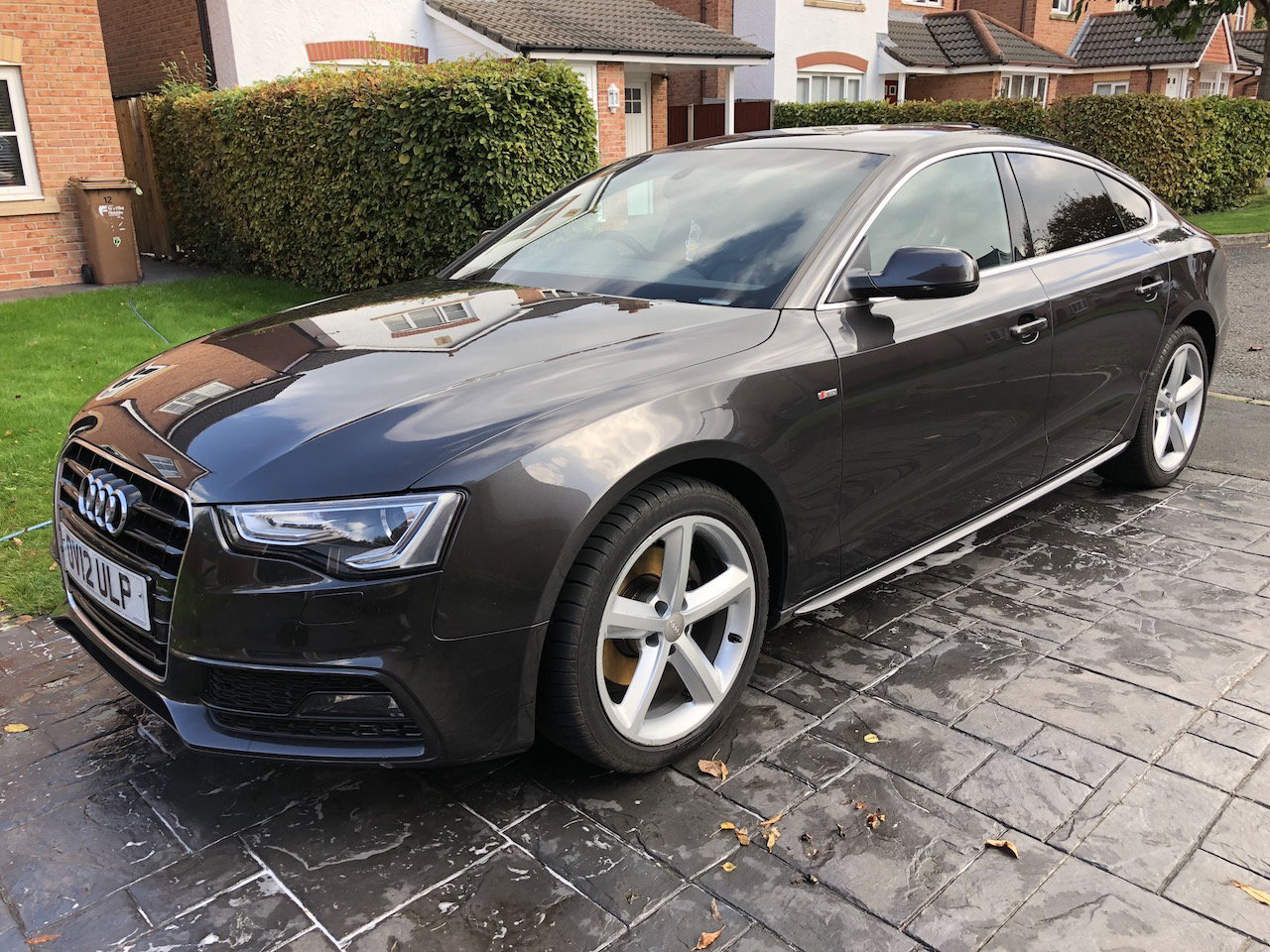
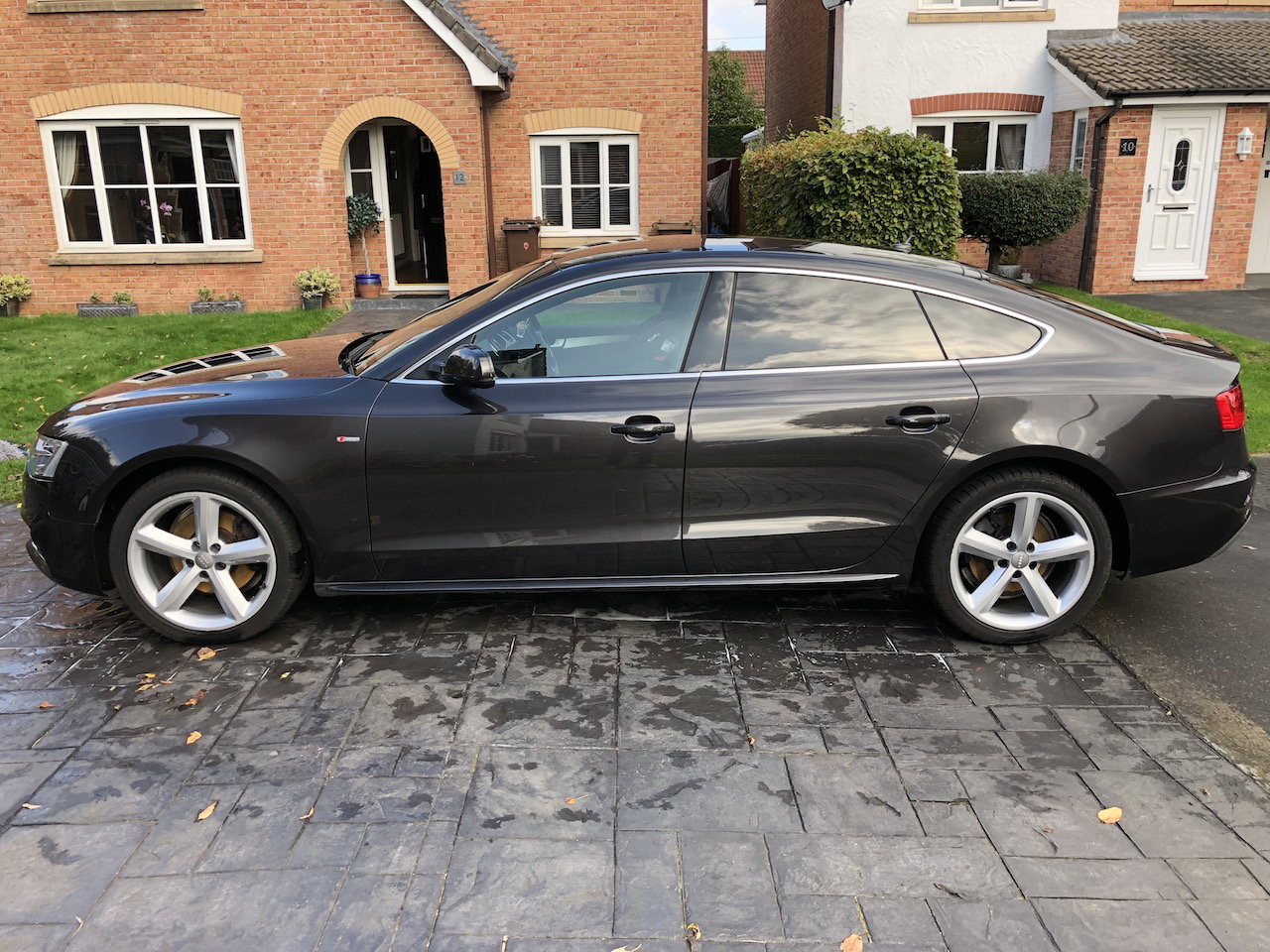
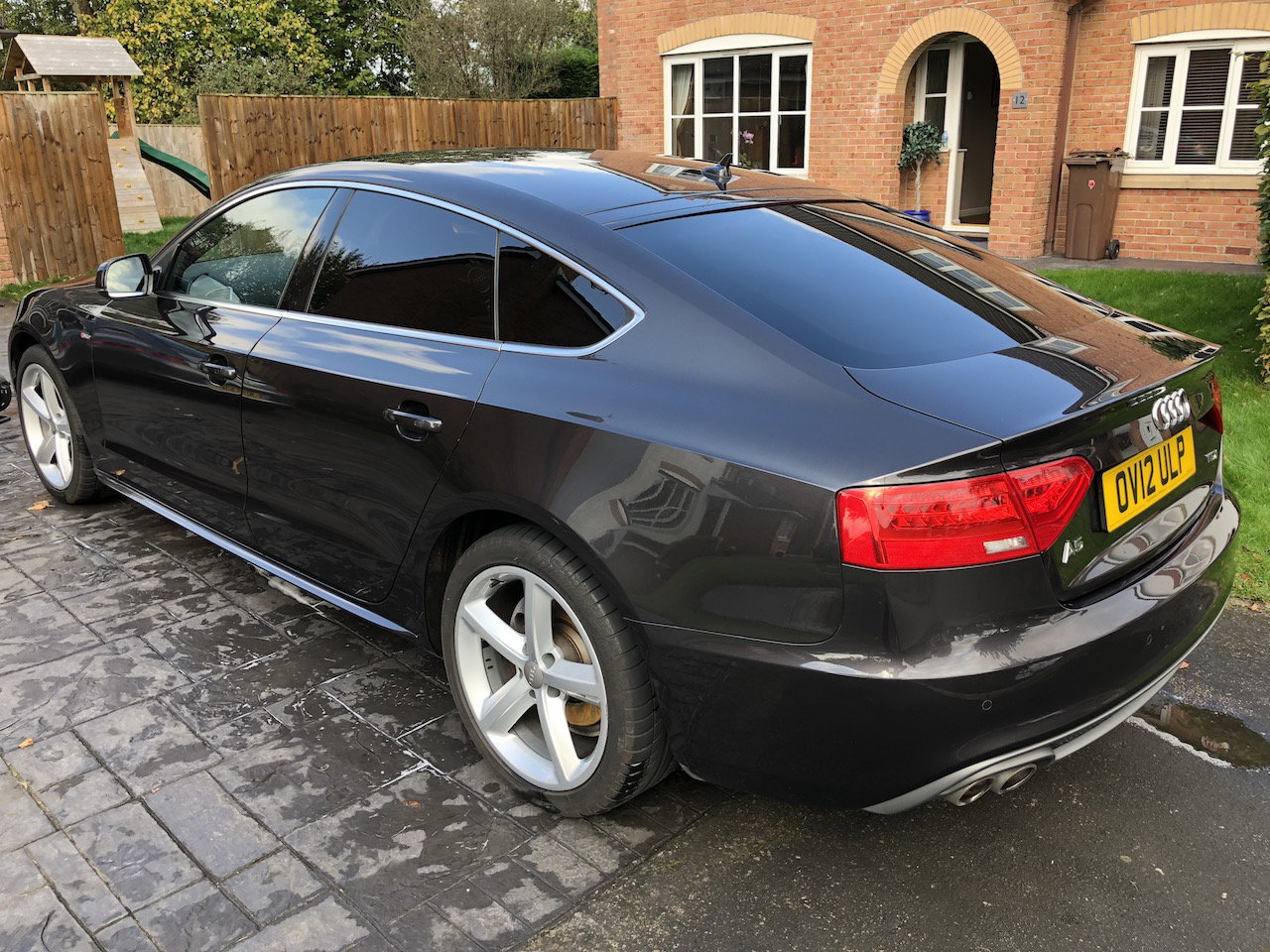
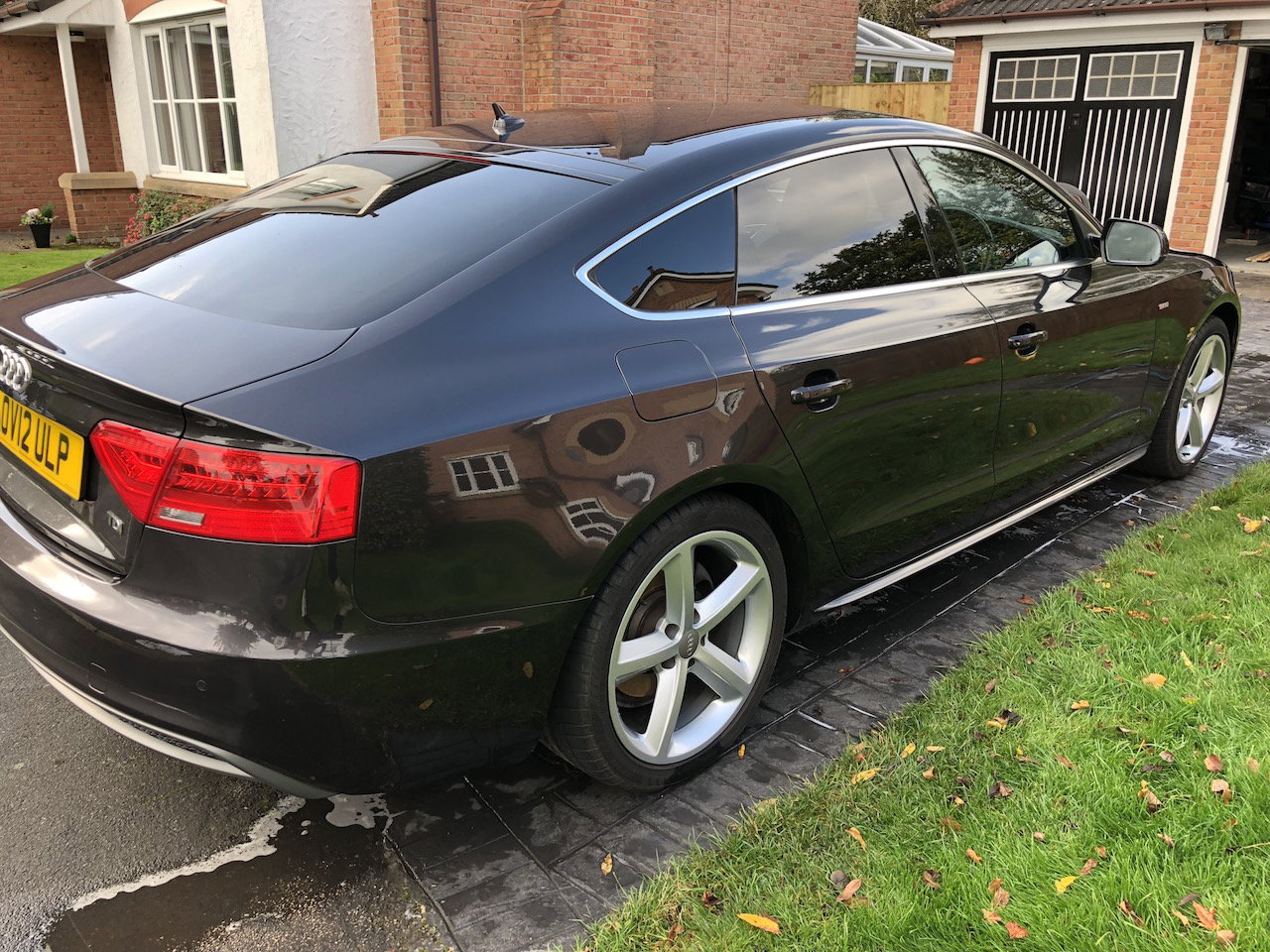
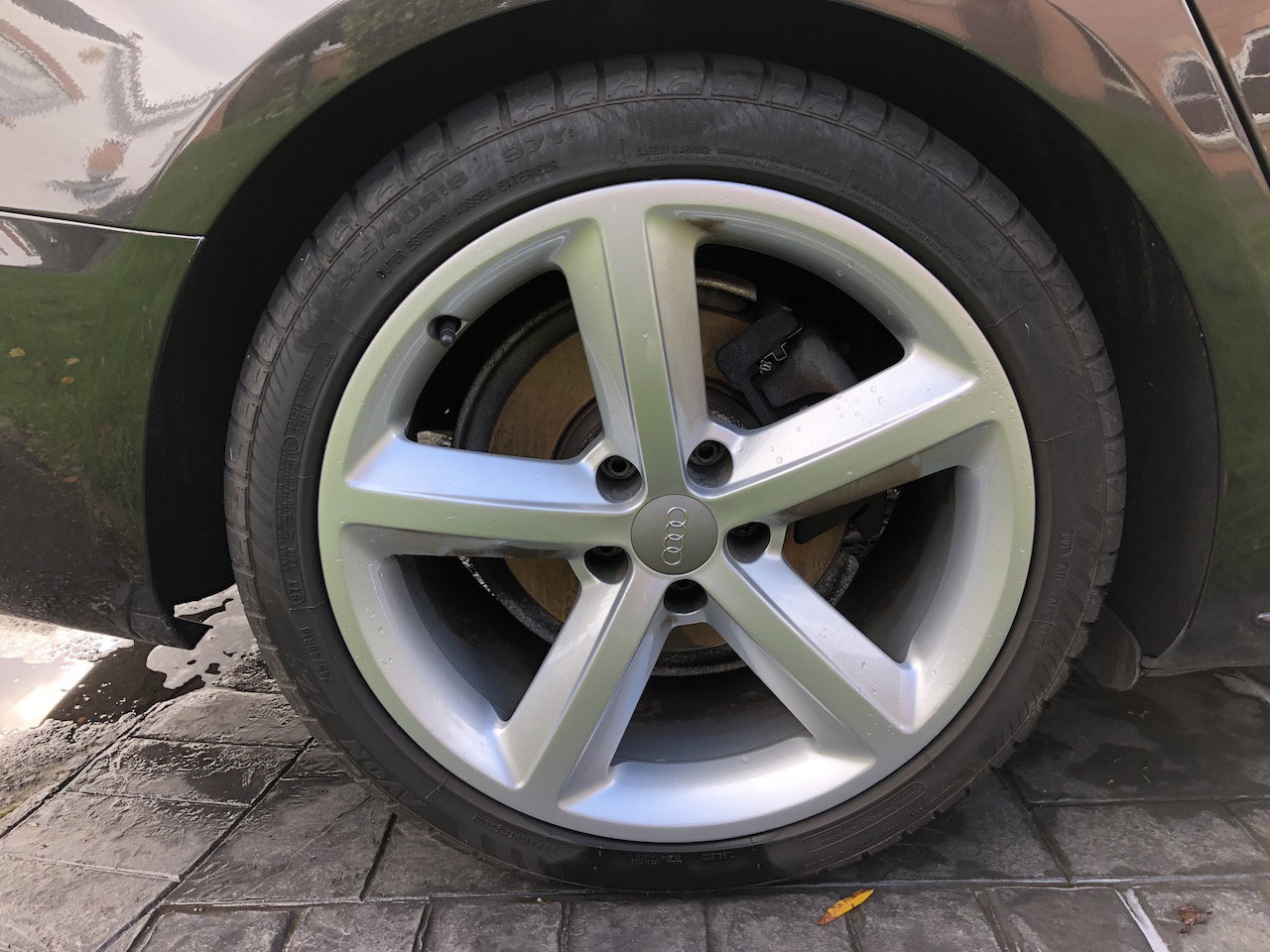
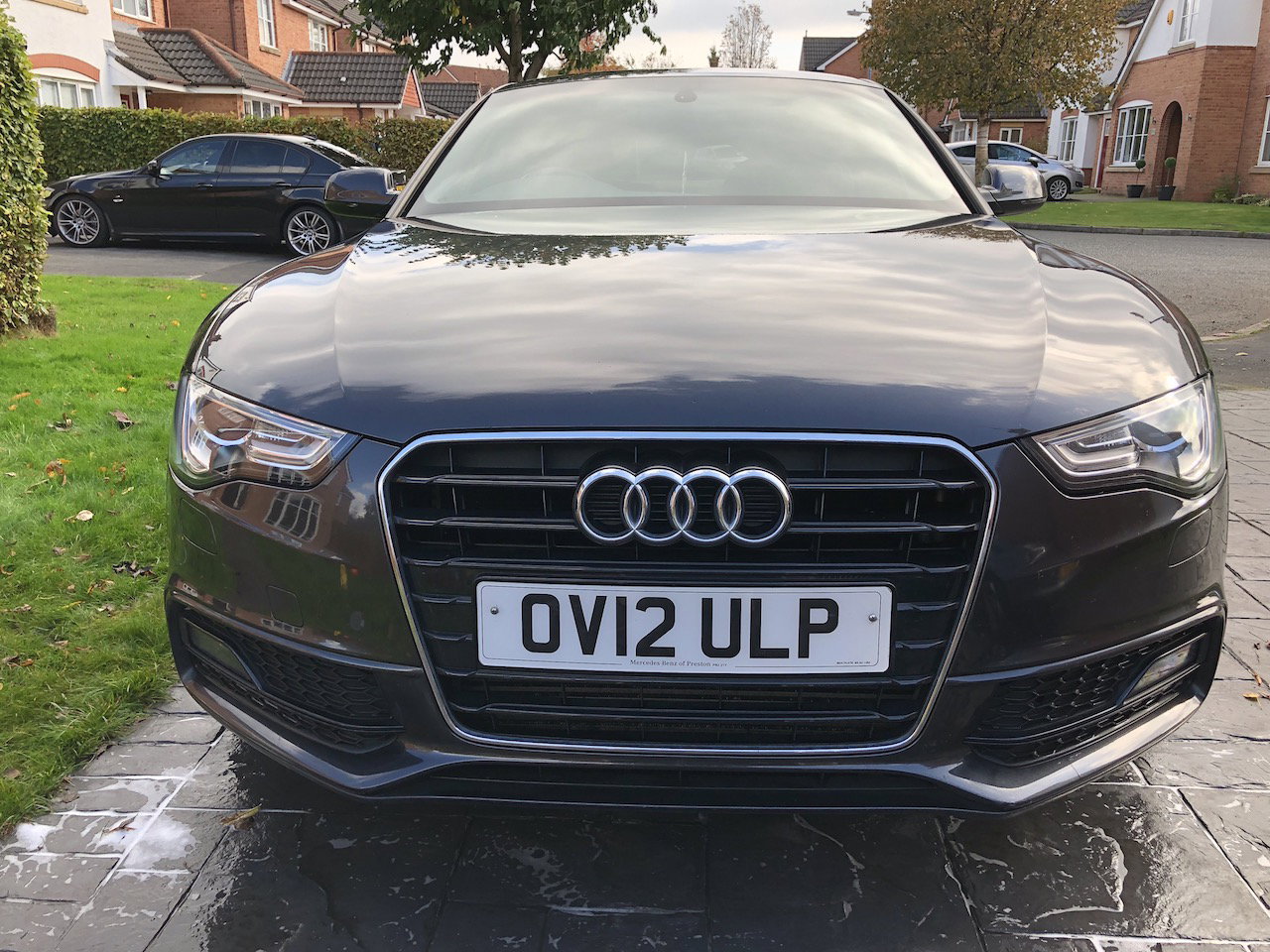
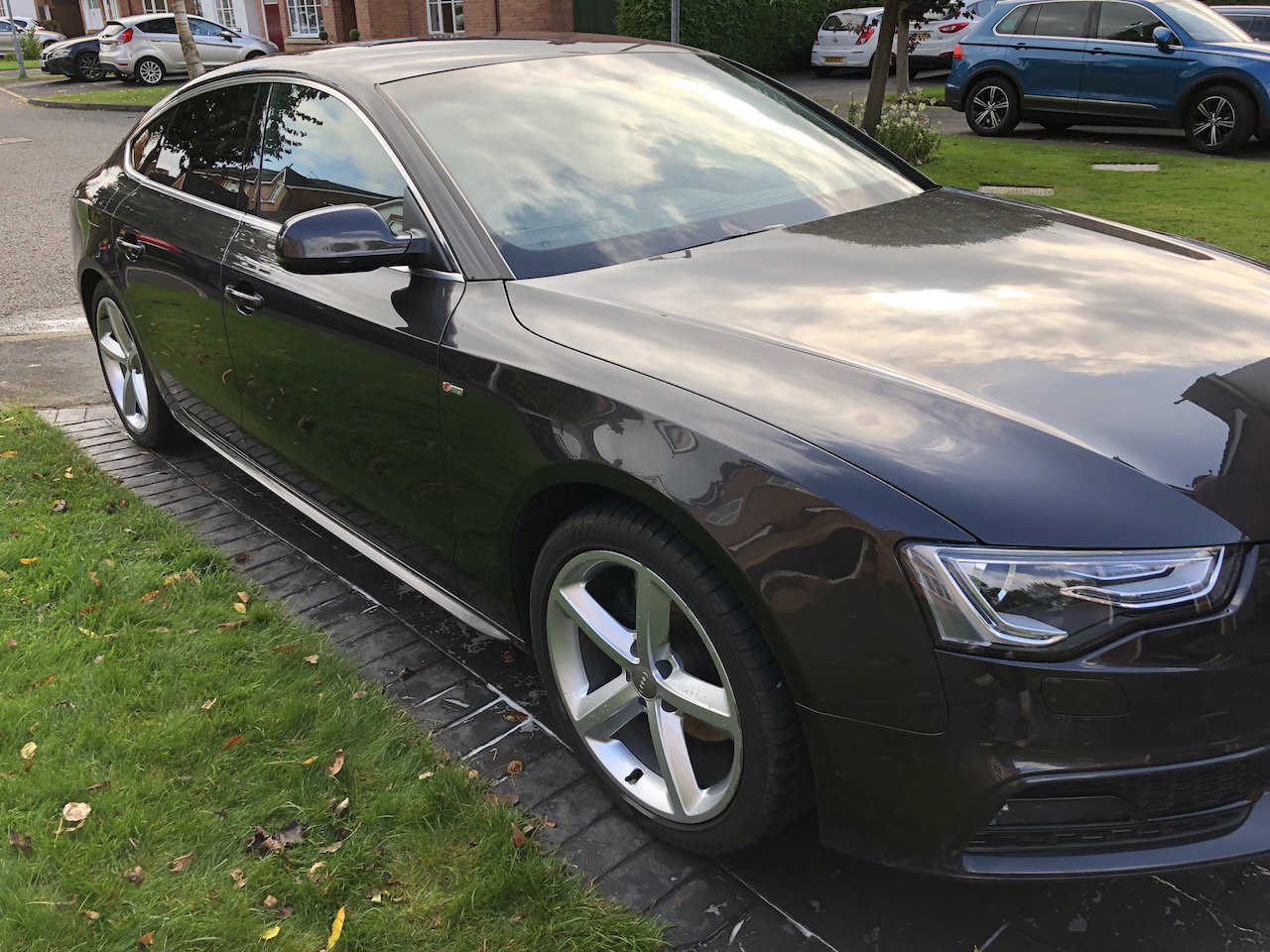
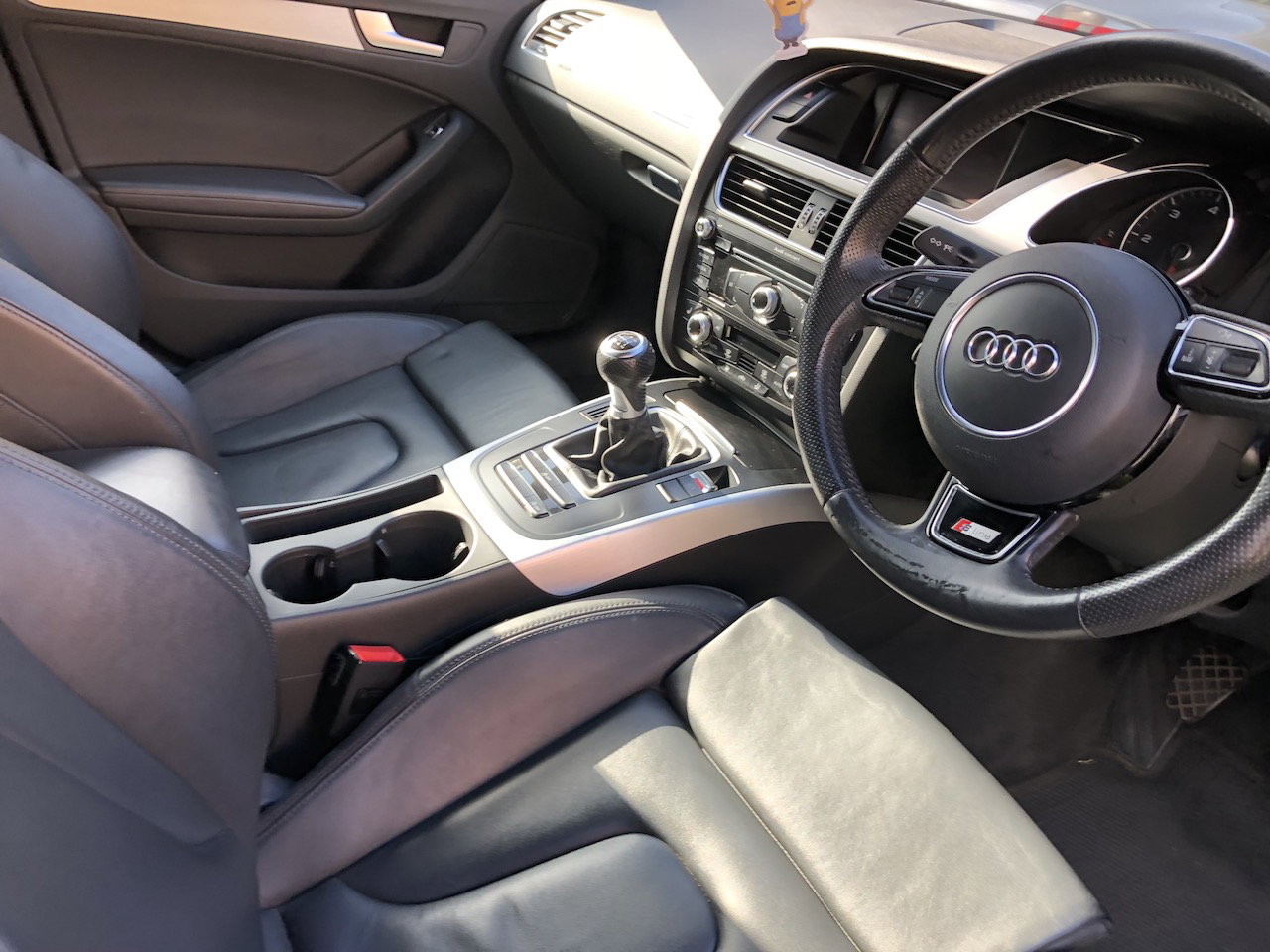
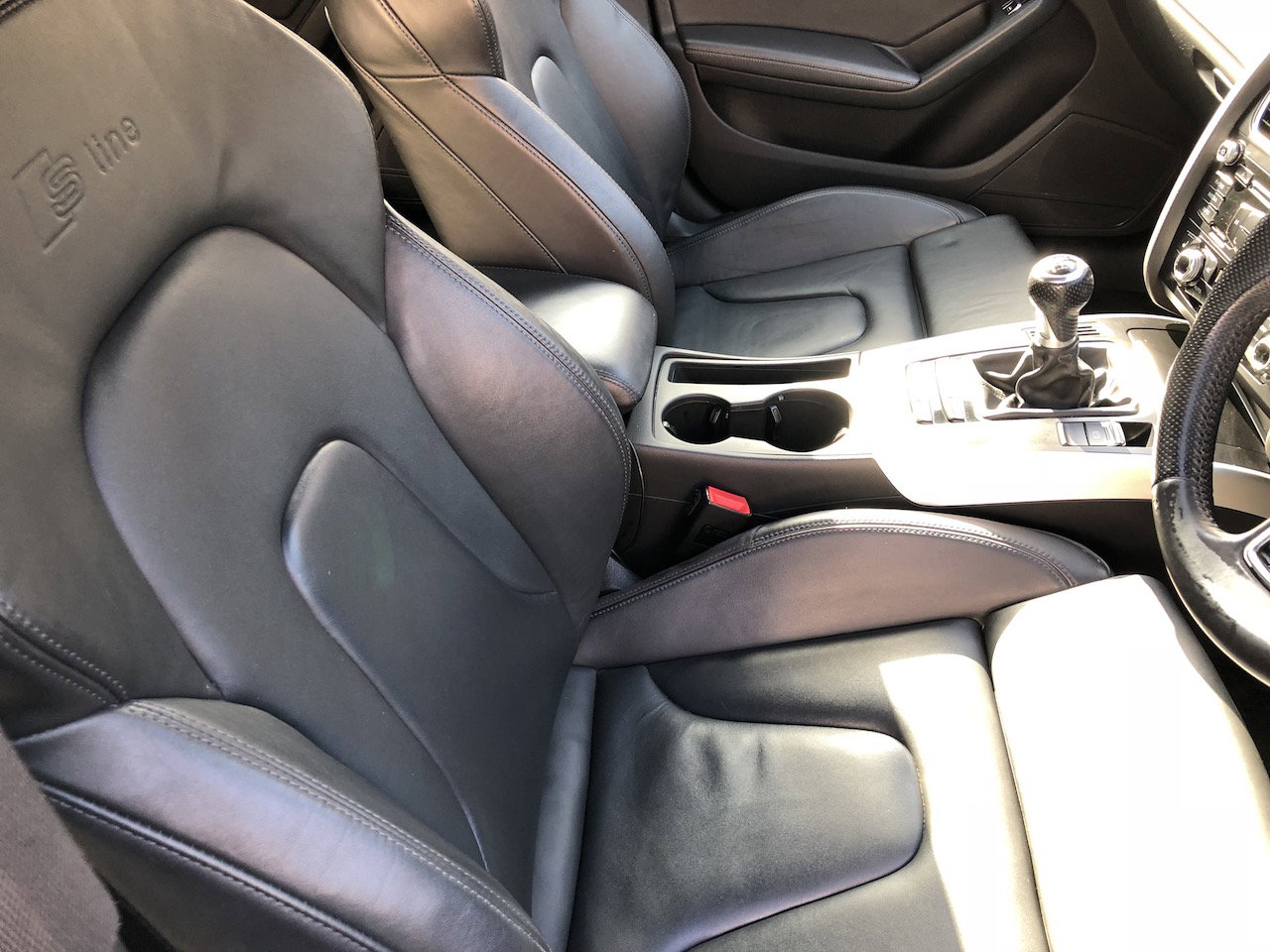
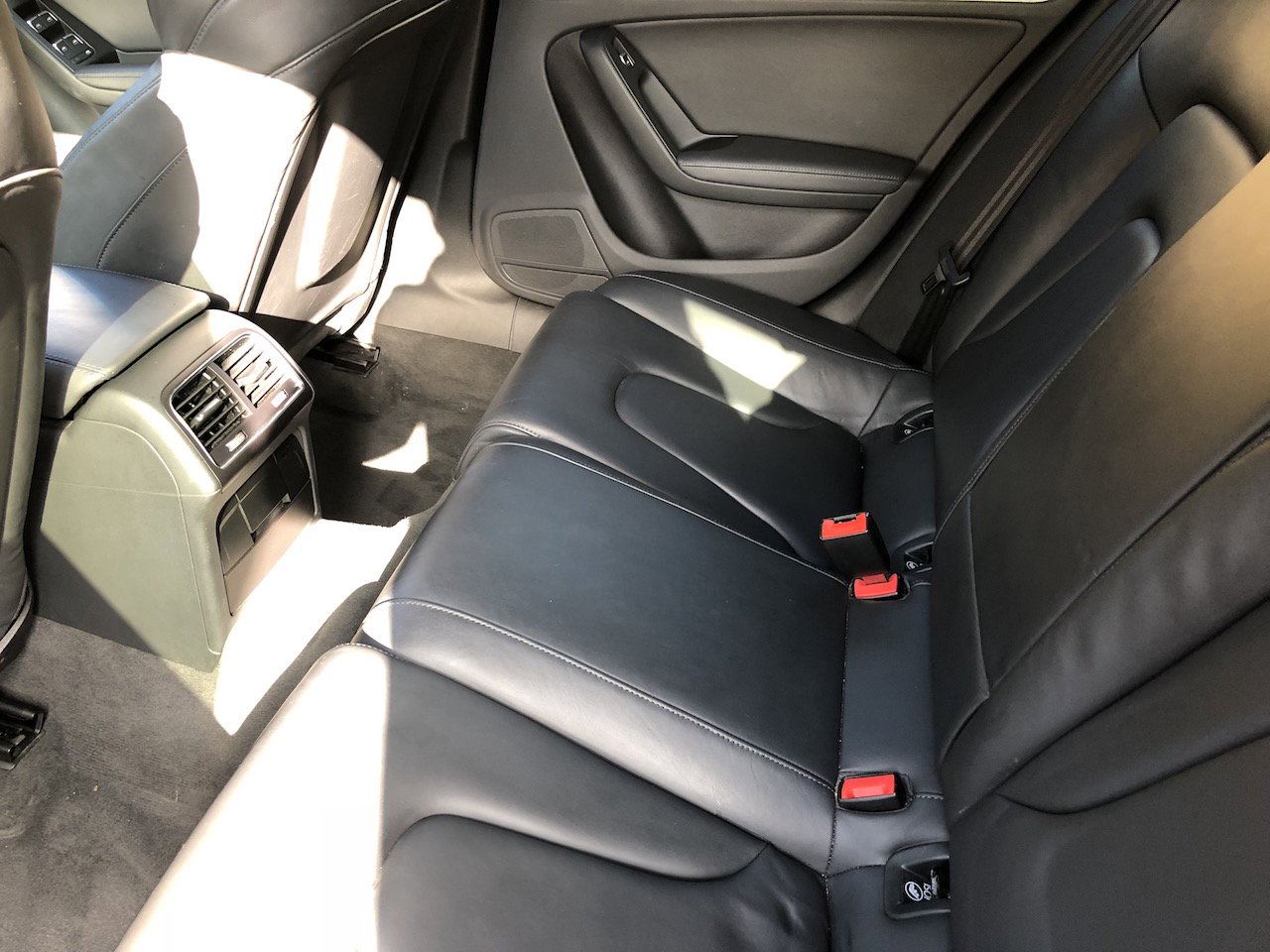
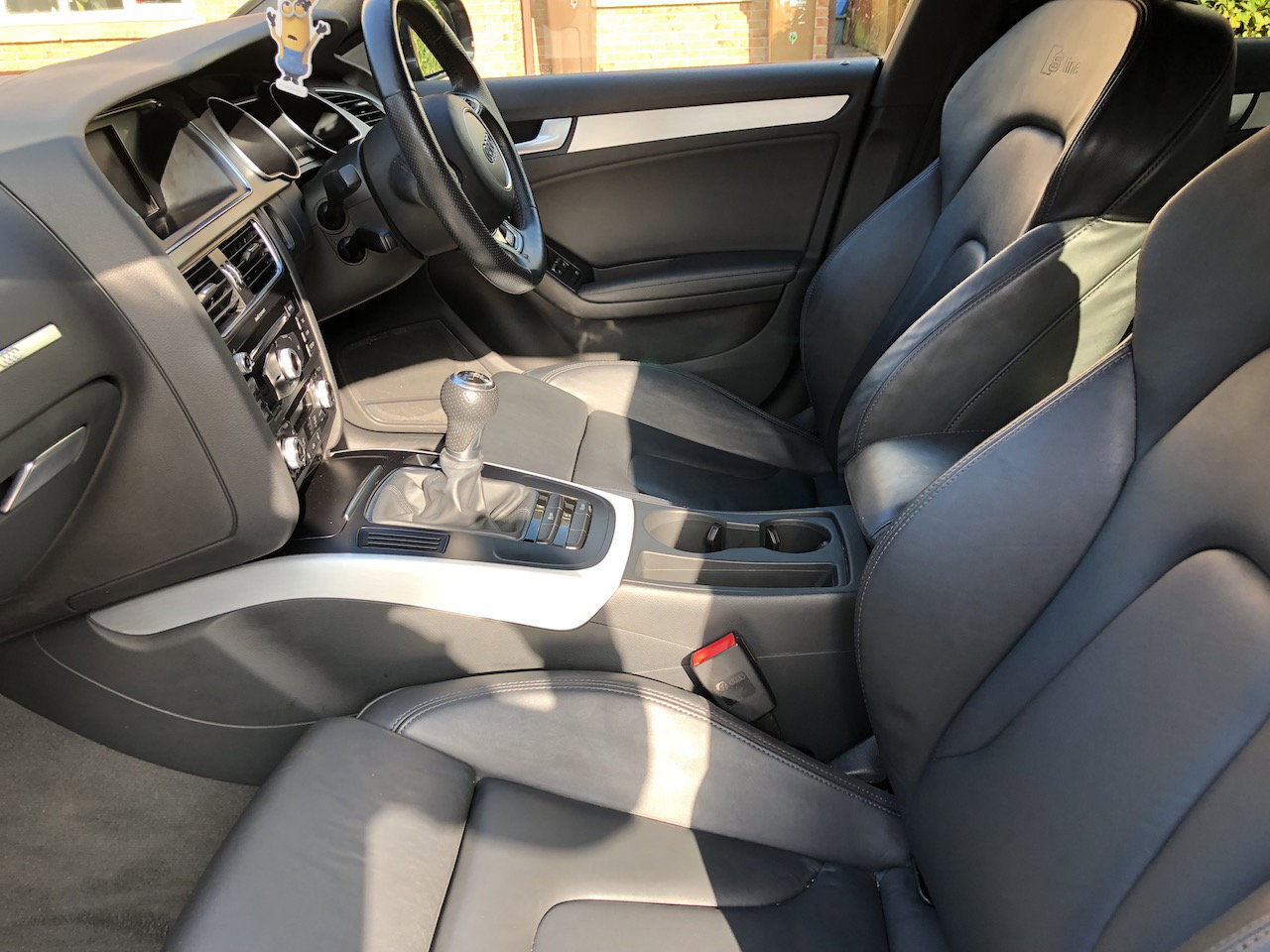
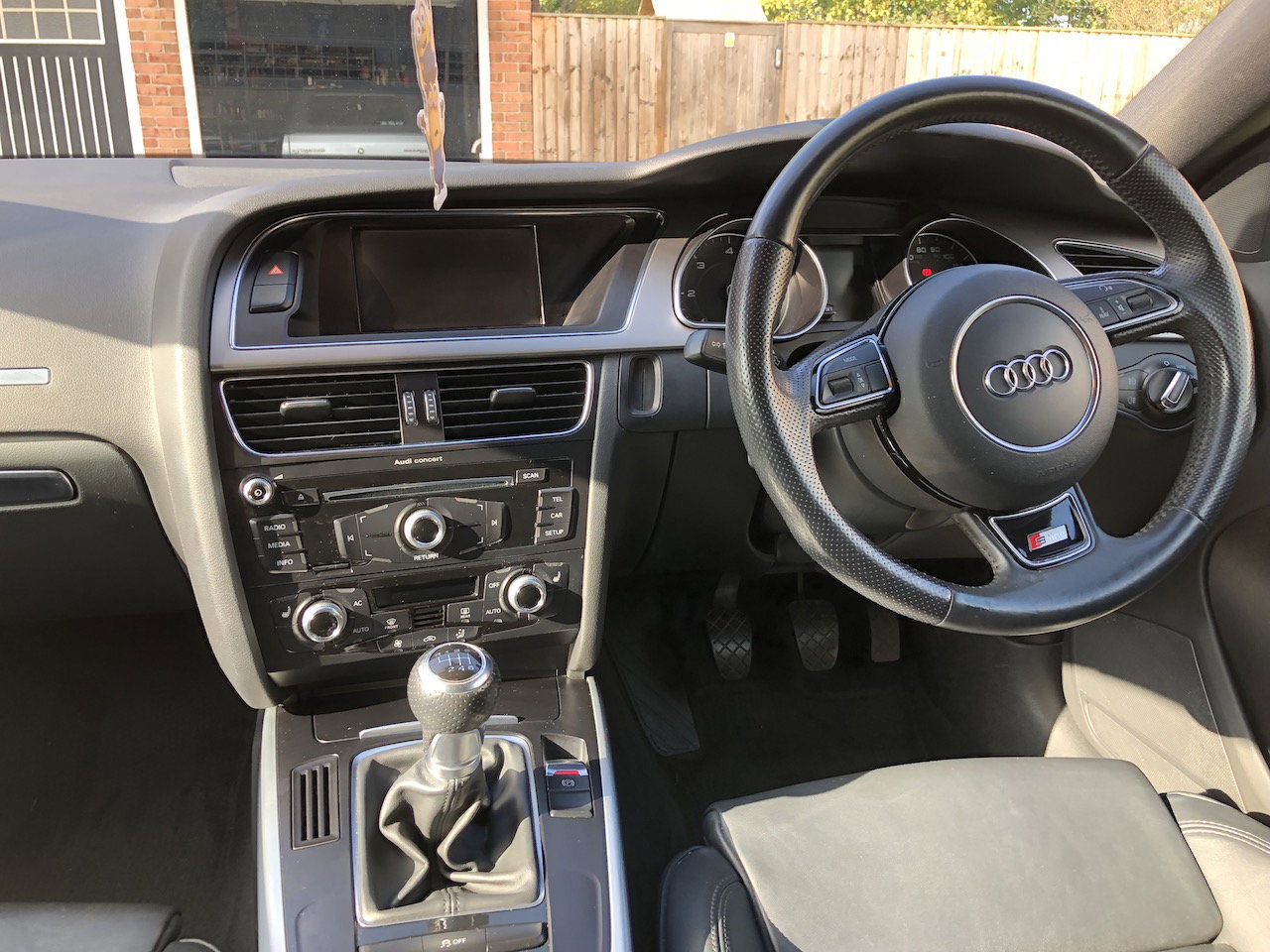
*** Reduced due to a time waster *** Please contact me if you would like to view or have any questions on 07973622823 £11,750 ono An amazing Audi A5 Sportback in very rare Lava Grey Pearl paint with full leather, heated seats and Bluetooth! Facelift Model - May 2012 Metallic pearl Lava Grey Full Audi Main Dealer service history - with next service free as part of Audi service pack!! 73,000 miles Manual 2 owners from new Lady Owner 2 keys All manuals present HPI CLEAR Good tyres all round Just had front brake pads done MOT April 2018 Tax October 2018 Only £30 per year tax!!! Amazing optional extra specification including: Full S-Line trim Fine Nappa Leather with S Line Embossing, Electric Front and Rear Windows Heated Seats Bluetooth Mobile Telephone Preparation SD Memory Rear parking Sensors (PDC) 18” 5 spoke alloys Factory Fitted Privacy Glass Auto headlights Auto Wipers Armrest Xenon headlights Deluxe 3 - Zone Climate Control Heated and Electric door mirrors Tailored Boot matt included Any questions please message me or call on 07973 622823 and I will get straight back to you - Viewing high recommended. No time wasters please thanks for looking