Skip to content
View in the app

A better way to browse. Learn more.

Audi Owners Club (UK)

A full-screen app on your home screen with push notifications, badges and more.

To install this app on iOS and iPadOS
  1. Tap the Share icon in Safari
  2. Scroll the menu and tap Add to Home Screen.
  3. Tap Add in the top-right corner.
To install this app on Android
  1. Tap the 3-dot menu (⋮) in the top-right corner of the browser.
  2. Tap Add to Home screen or Install app.
  3. Confirm by tapping Install.


Leaderboard

Popular Content

Showing content with the highest reputation on 04/07/2016 in all areas

  1. Oh dear Kate I'm sorry to hear about another A5 catching fire. Glad no one was hurt though that's the main thing! Sadly, you're not the first person to report this on our forums, have a look through and add yourself to this thread as it's good to keep a tally of how many people have been affected: http://www.audiownersclub.com/forums/topic/4607-a5-fire/?page=1 Did you manage to get any photos of it whilst it was on fire?
  2. 1 point
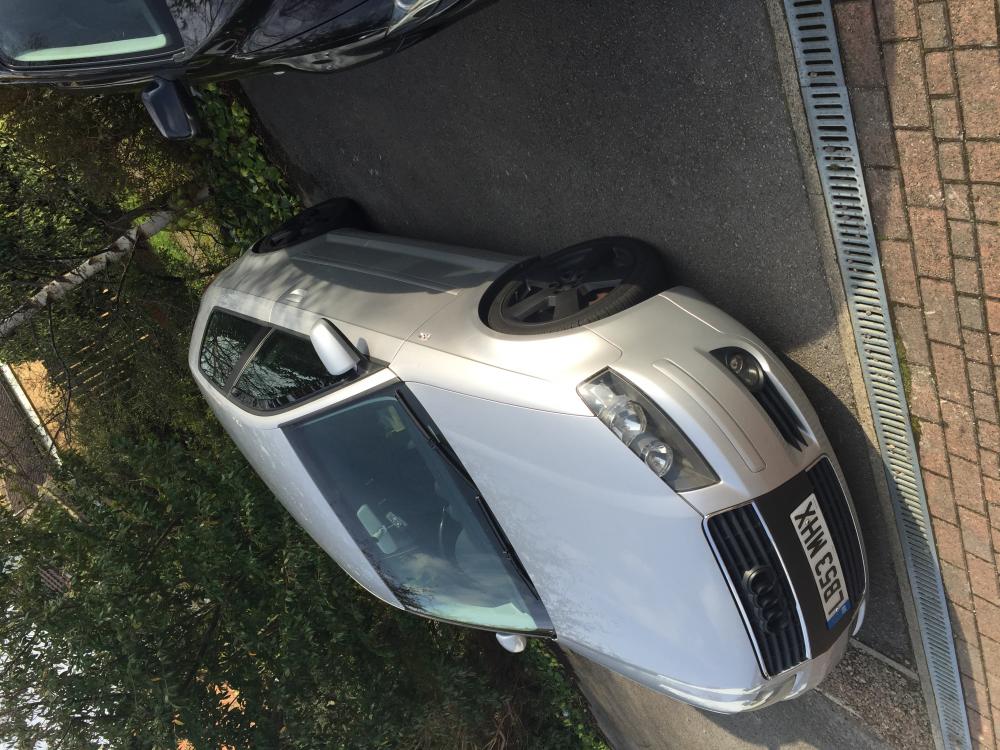
    I've just plastidipped my wheels thinking on upgrading turbo as mine and mine is passing a little bit of oil but it's not that bad at min I dunno what's best to do thinking off doing callipers because there just rusty at min lol.


Background Picker
Customize Layout

Account

Navigation

Search

Search

Configure browser push notifications

Chrome (Android)
  1. Tap the lock icon next to the address bar.
  2. Tap Permissions → Notifications.
  3. Adjust your preference.
Chrome (Desktop)
  1. Click the padlock icon in the address bar.
  2. Select Site settings.
  3. Find Notifications and adjust your preference.