Leaderboard
-
Ross montgomery
Established Member1Points28Posts -
trebus
Members1Points17Posts -
curtisr0213
Members1Points3Posts -
Jay a5 Quattro 2.0 tdi
Members1Points2Posts


Popular Content
Showing content with the highest reputation on 07/27/2016 in all areas
-
1 pointThanks Trevor I'm going to see the door it's a good deal £100 complete hopefully it's the same1 point
-
1 pointQuite easy I found it easier to remove wheel then undo the driveshaft bolt then undo the three bolts from lower ball joint , then pull out driveshaft from hub, keeping shaft straight screw in driveshaft bolt to push cv joint off the shaft carefull not to damage threads it's quite tight ,clean up joint and shaft use new driveshaft clip ,slide on new boot ,regrease joint, line up splines and gently tap the joint back (soft hammer) on to the shaft again carefully as its tight tap on until it sits against the cone washer, slide boot into place and fit clips ( old type carpenters pliers can be used) reassemble joint to hub and tighten driveshaft nut, job done would highly recommend using Audi genuine parts as they come with new clips grease etc and it fitted perfectly1 point
-
hi, i had someone look at it took them about a minute it turns out its the lower engine mount a easy enough thing to replace and not to expensive (around the £30 mark) thanks for the help hopefullt this helps someone else in the future..1 point
-
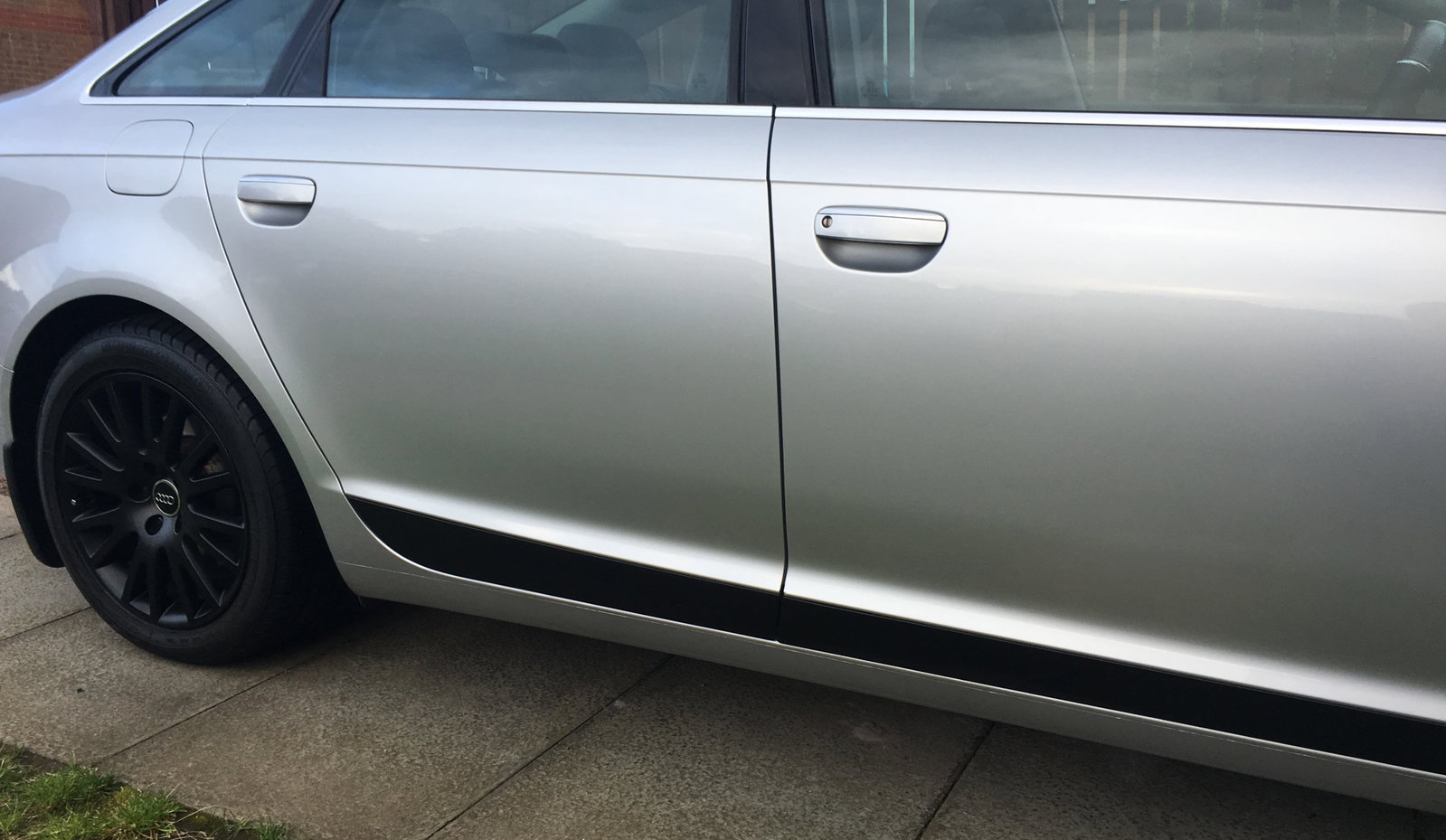
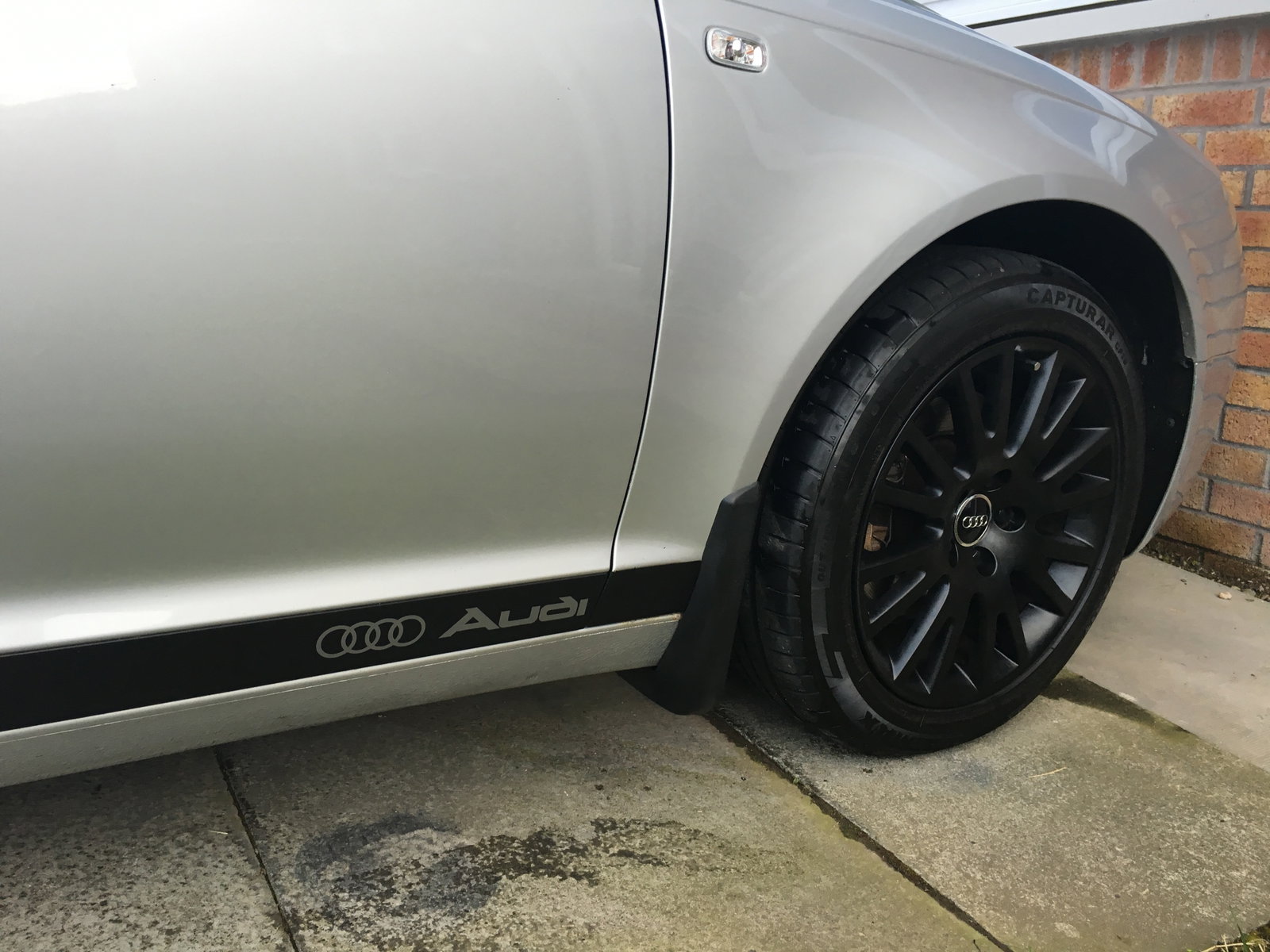
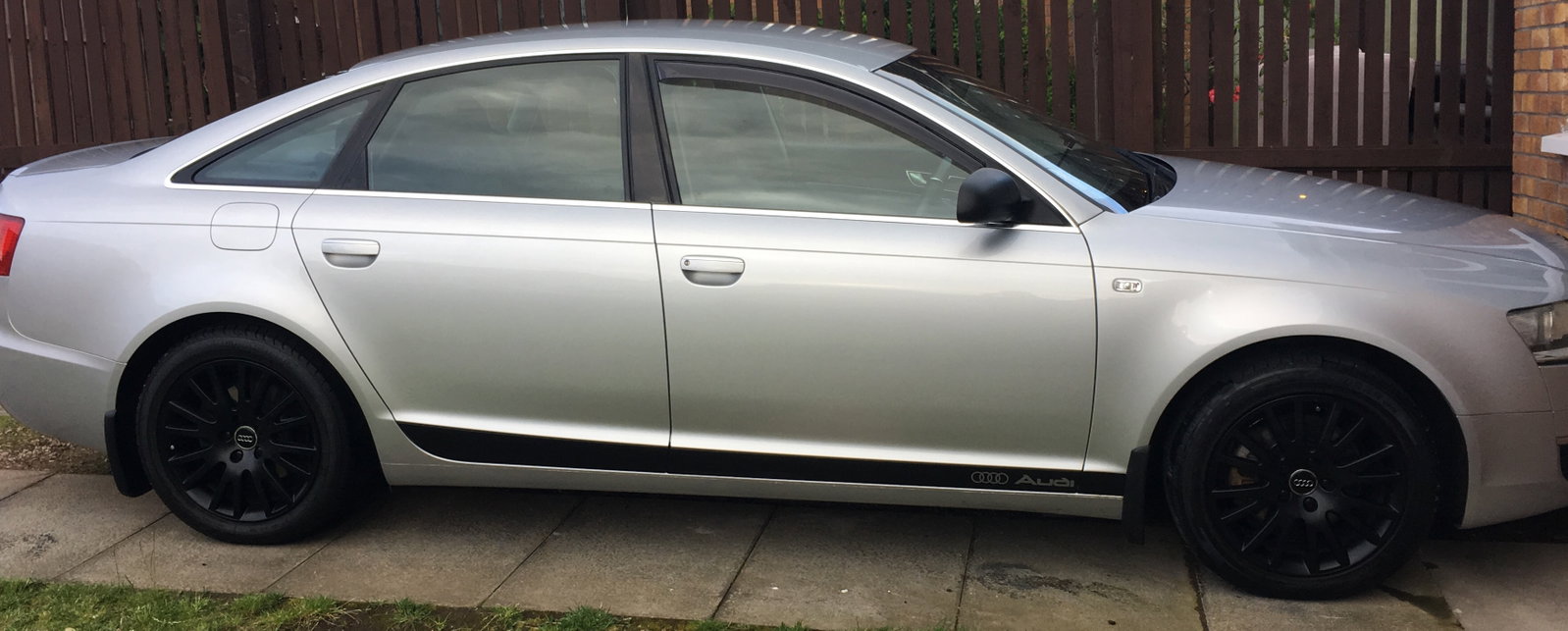
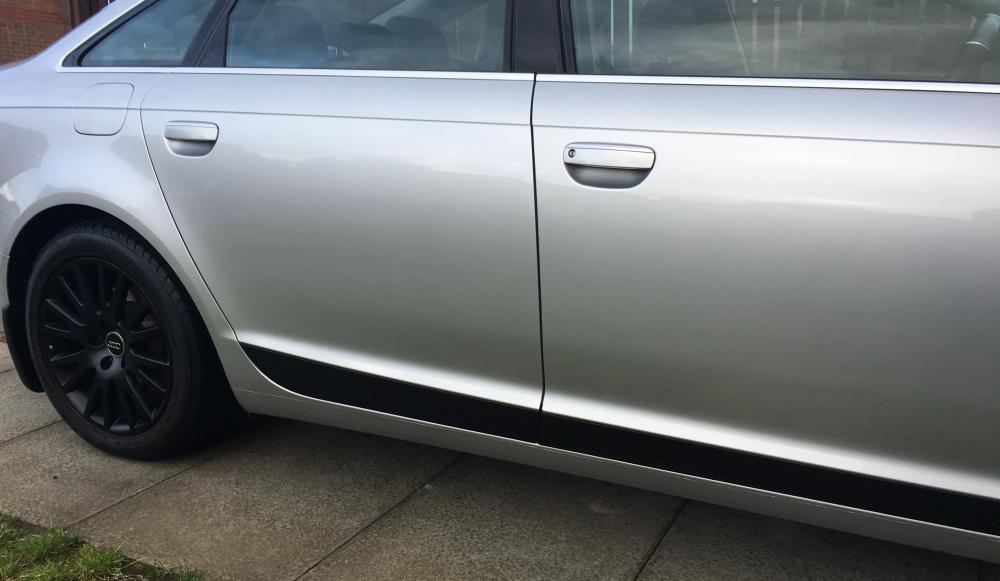
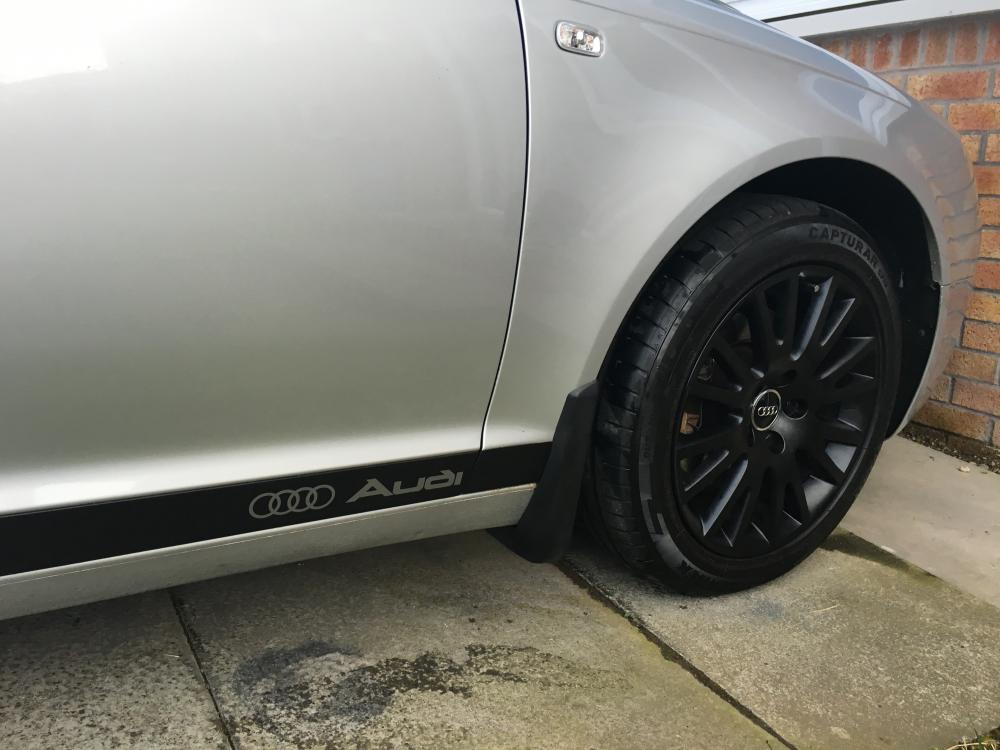
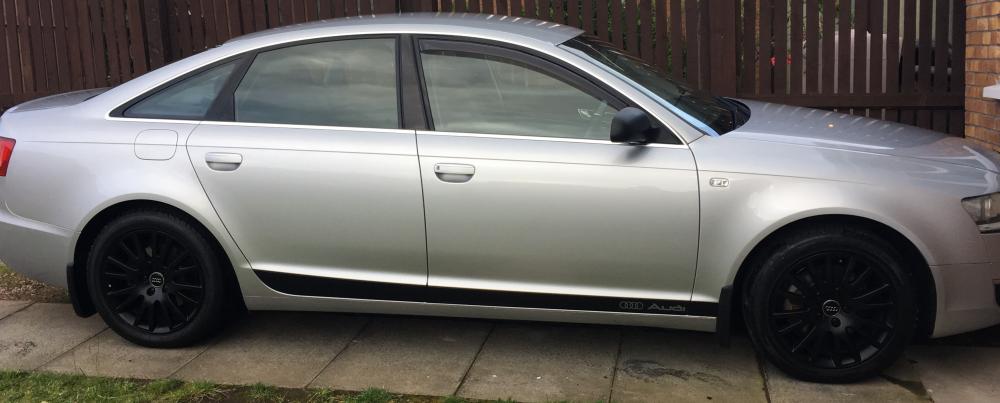
1 pointHi sorry been off a while . Door panels done wheels re coated what to do next lol
 1 point