Leaderboard

Popular Content
Showing content with the highest reputation on 09/14/2017 in all areas
-
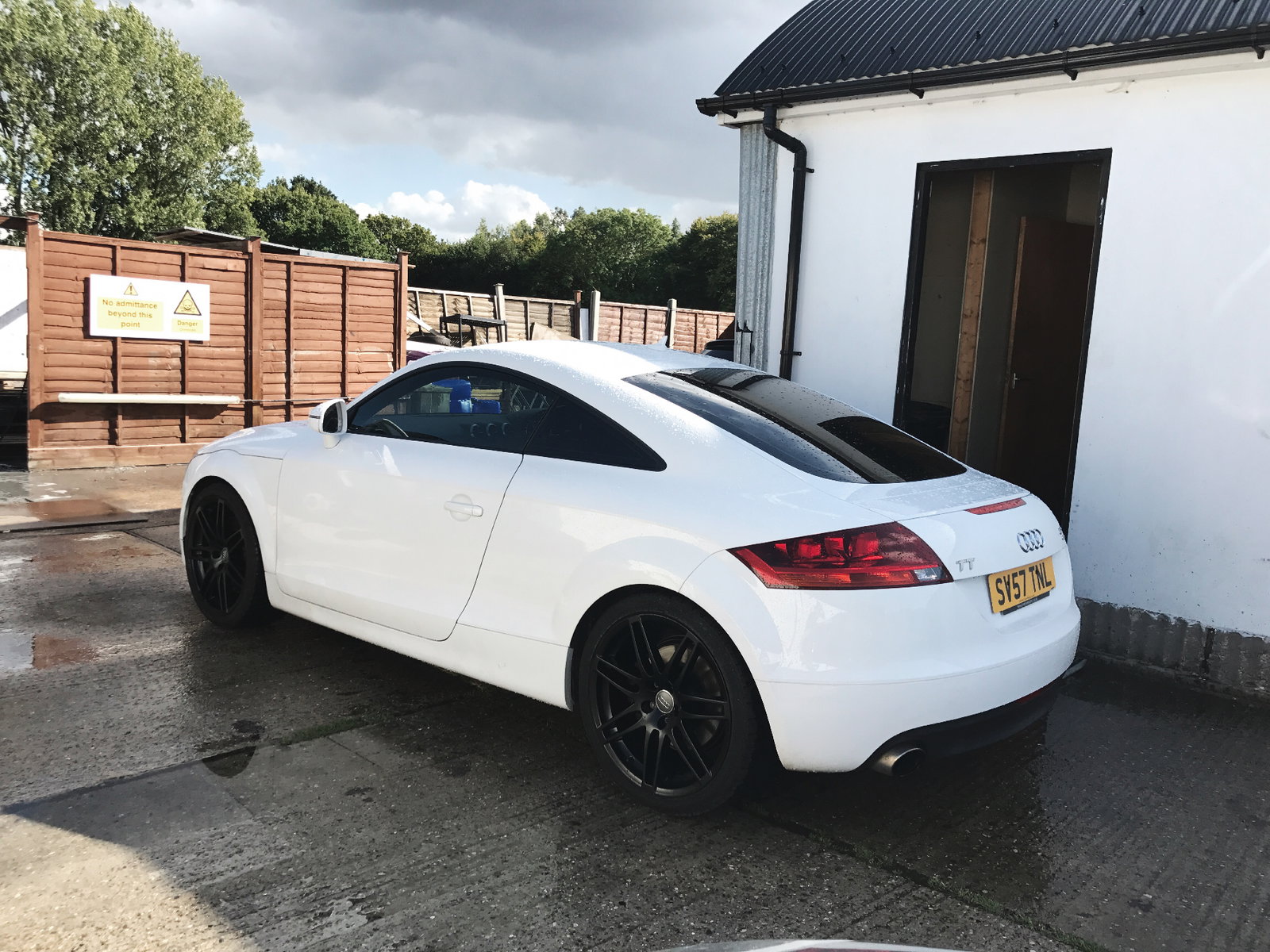
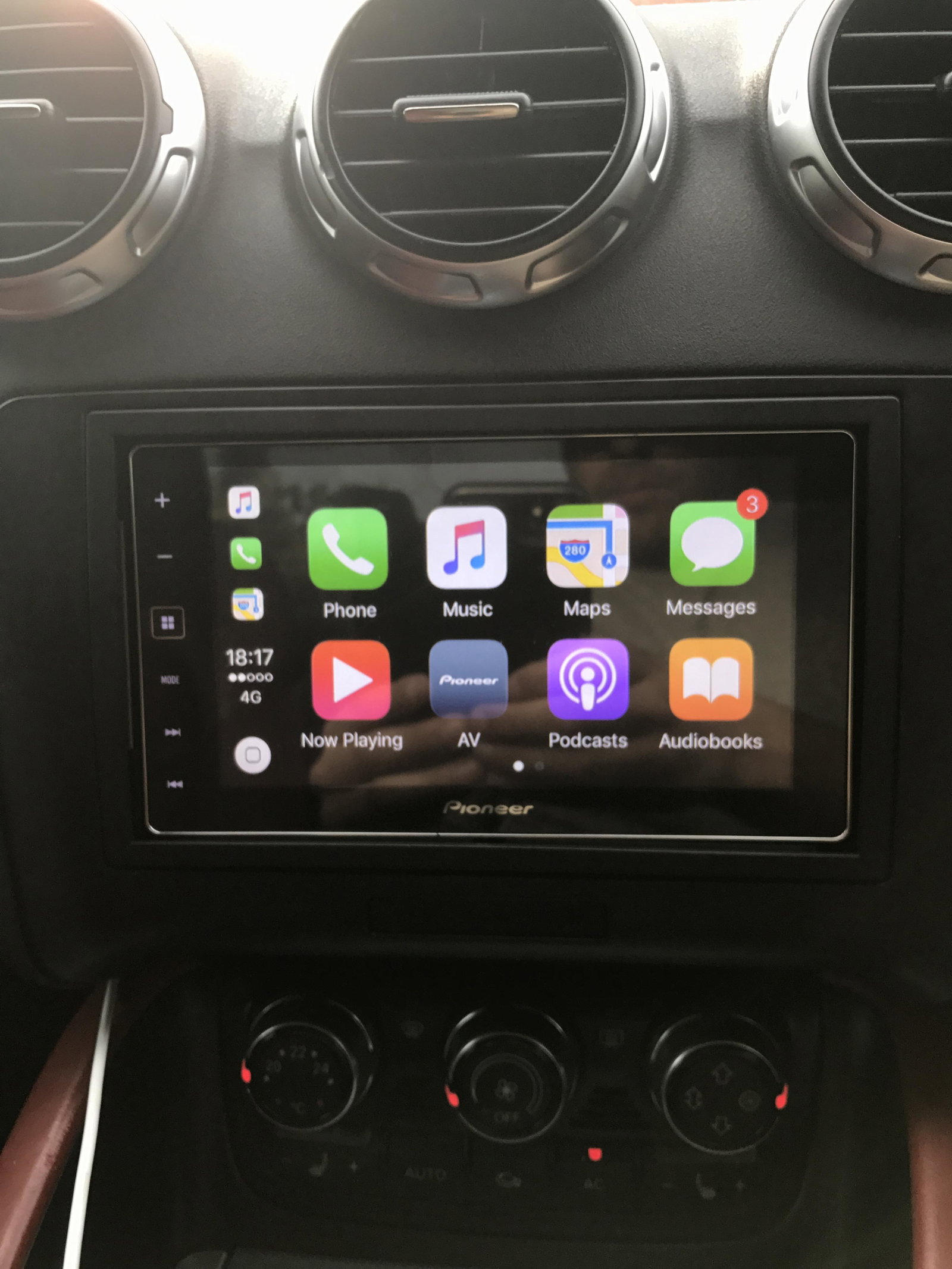
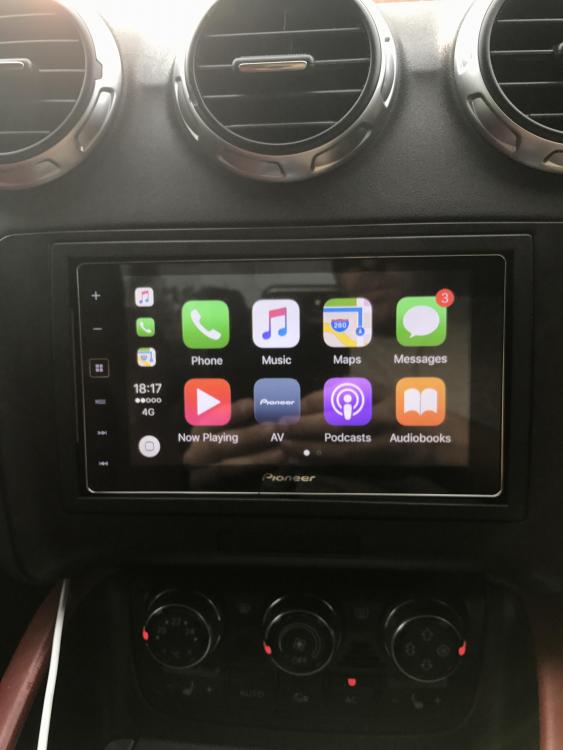
2 pointsSo I finally got my wheels done in black and tinted the windows. Iv got my pioneer apple play head unit inside it too which works with my phone apps. I love this car 👌🏻
 2 points
 -
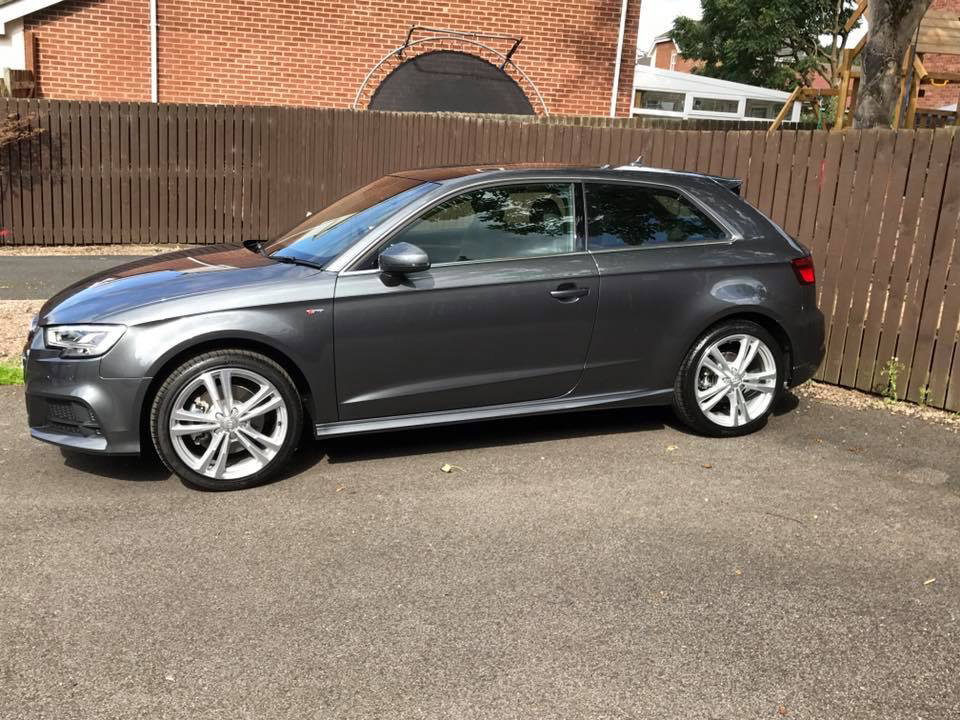
1 pointHi Guzza My personal choice is Daytona Grey. I ordered mine in May. As I didn't have a part-ex I got a quote off Drive the Deal which was about 15% off the list price. I took a screenshot with me and showed it to my local dealer expecting them to chase me away, but they agreed to match it much to my surprise. The price paid was slightly less than the basic price. I effectively got my options free. In terms of spec, mine is similar to yours. The Tech Pack is great. The navigation on the virtual cockpit screen is amazing. I wanted the front parking sensors and heated seats so the Comfort and Sound pack meant the B&O sound system was a bargain. I went for the convenience key, mainly because I was used to the push button start on my X1, but the keyless entry is so convenient. I went for the folding mirrors as I like the way the passenger one tilts when you reverse. I also went for the sunroof which brightens up the interior. I considered the reversing camera and maybe some of the tech stuff but decided against it in the end. As Steve said, I would be surprised if you can get anything thrown in. Mats are standard and you get illuminated door sills with the S-line (the Audi ring puddle lights are extra). Phil
 1 point