


Leaderboard
-
niedzial1983
Established Member2Points1,264Posts -

Steve Q
Moderators1Points15,243Posts -
McAudi
Members1Points3Posts




Popular Content
Showing content with the highest reputation on 09/26/2017 in Posts
-
1 point
-
1 point
-
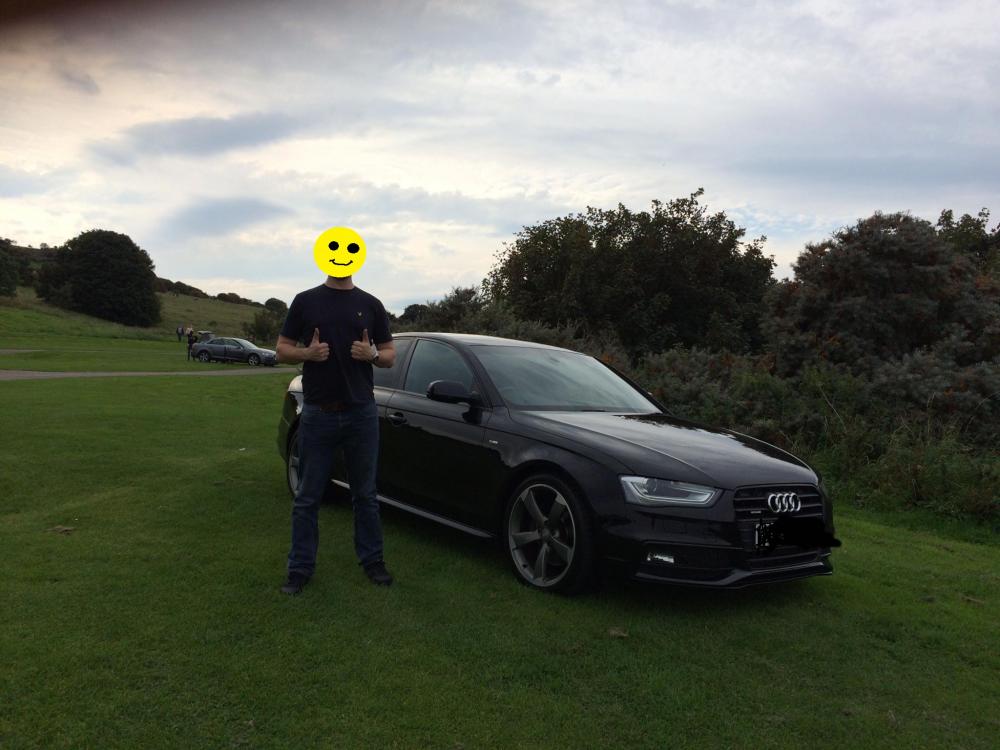
1 pointHi, Just bought a 2012 A4 Quattro S-Line Black Edition and I love it ! (as you can see from my smiley face in the picture) It is a 2.0ltr petrol TFSI. My last car was a Vauxhall Astra Diesel and what a difference this is, well worth the money. It has the automatic gearbox, which I would have preferred manual but cant be too fussy when buying a used car. Wee question, is there any way to use spotify on my phone while connected to the bluetooth ? I have seen there is a dongle which plug into the MMI port, but would that interfere with using the calls etc?
 1 point
 -
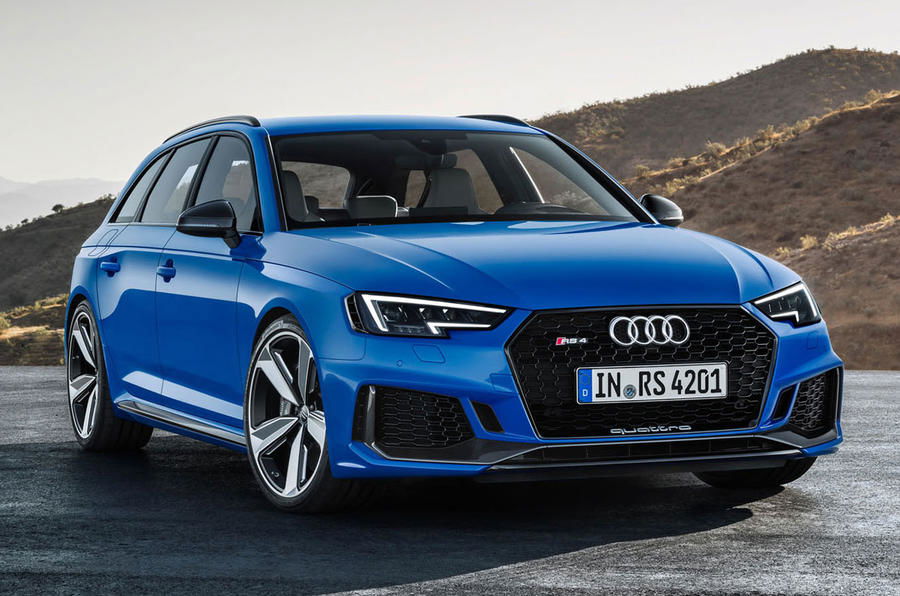
1 pointThe new RS4 has been shown at the Frankfurt motor show and with some changes! For example the V8 engine has been replaced in favour of a 2.9 twin turbo v6. This engine produces 444bhp which is the same as the A8 D3 w12! It also had 600Nm of torque which propels the RS4 from 0-62 in 4.1 seconds! Here is the full article: http://www.autoexpress.co.uk/audi/rs4/92266/scorching-new-audi-rs4-avant-uncovered-with-444bhp cheers steve
 1 point
 -
0 pointsThis may be because the fault occurred after a 100 miles after it was fitted if that makes sense? Obviously the garage wouldn't have road tested too far. Hence why it probably didn't show up.0 points
-
0 points

