


Leaderboard
-
WPAWS
Established Member1Points1,717Posts -
Southampton Graham
Established Member1Points160Posts -

Steve Q
Moderators1Points15,243Posts -
haleys2942
Members1Points1Posts




Popular Content
Showing content with the highest reputation on 01/17/2018 in Posts
-
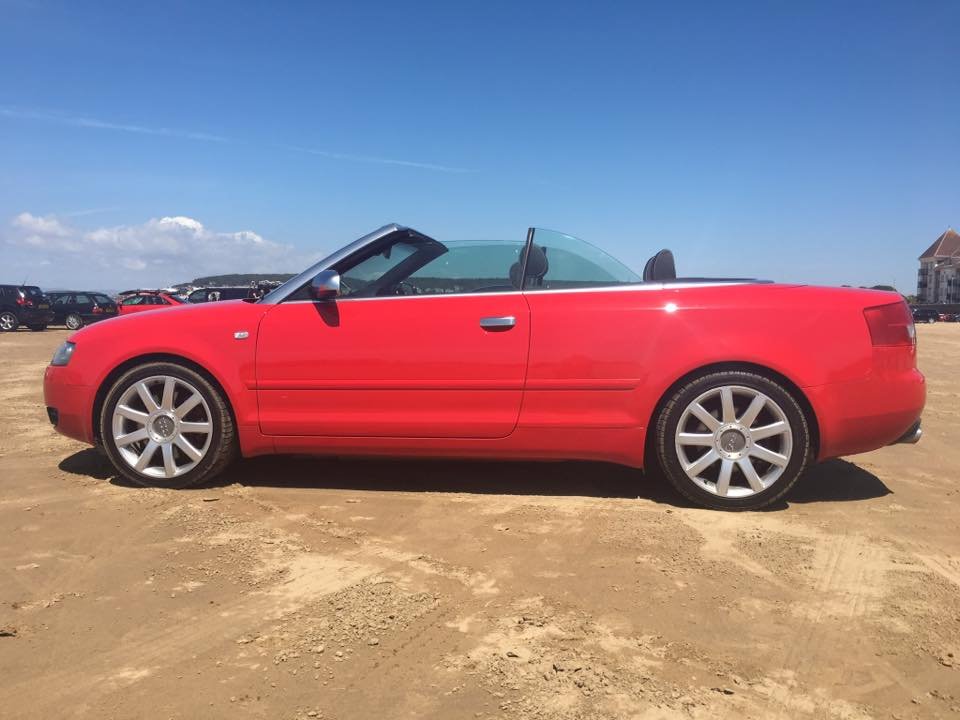
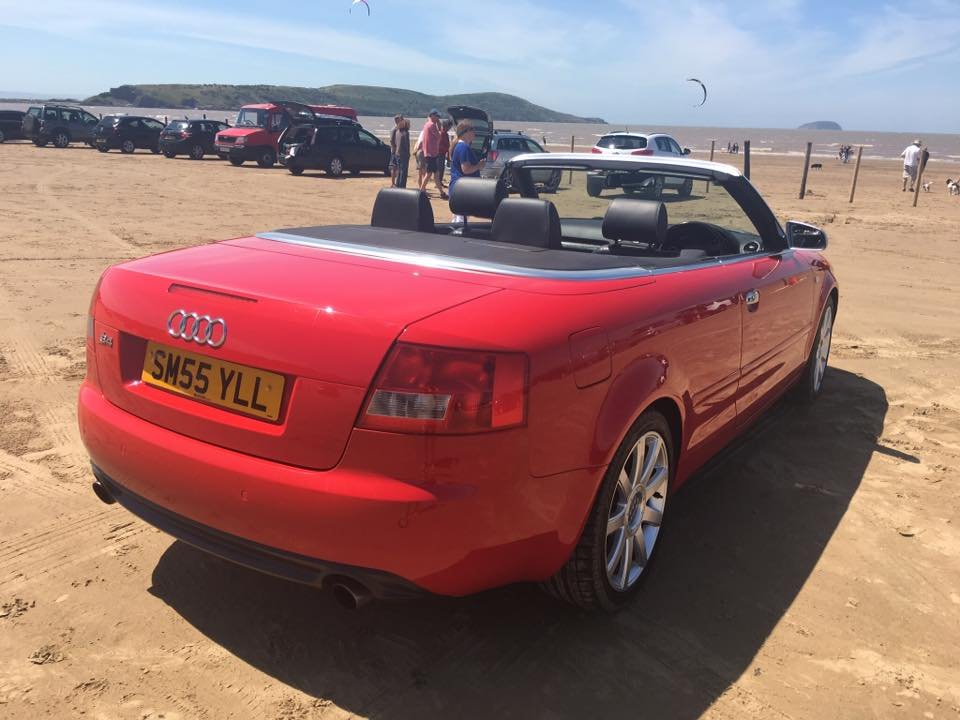
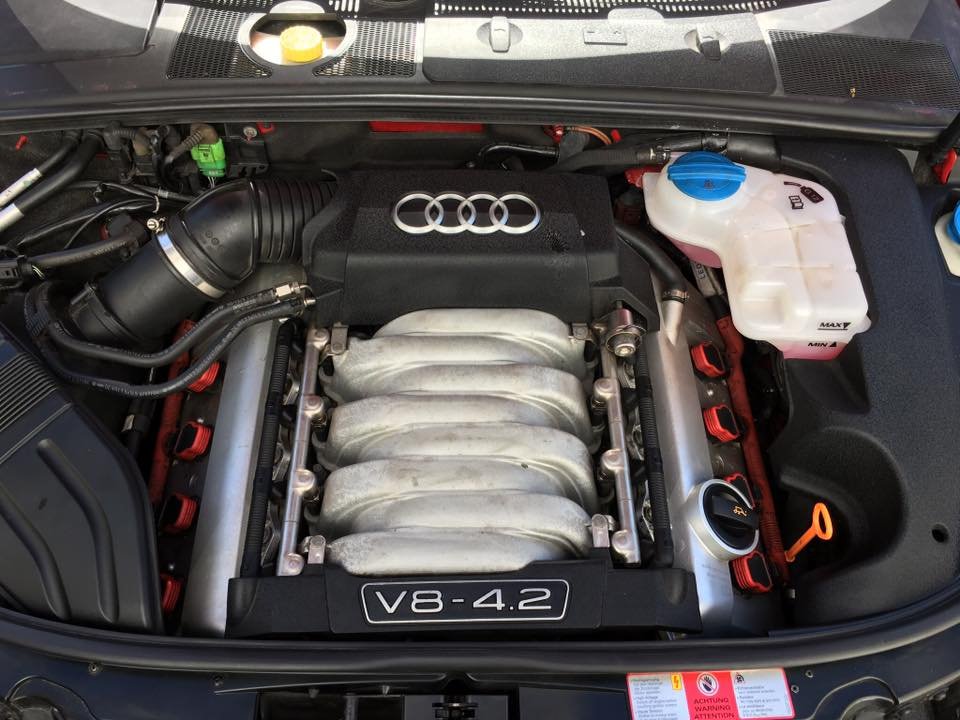
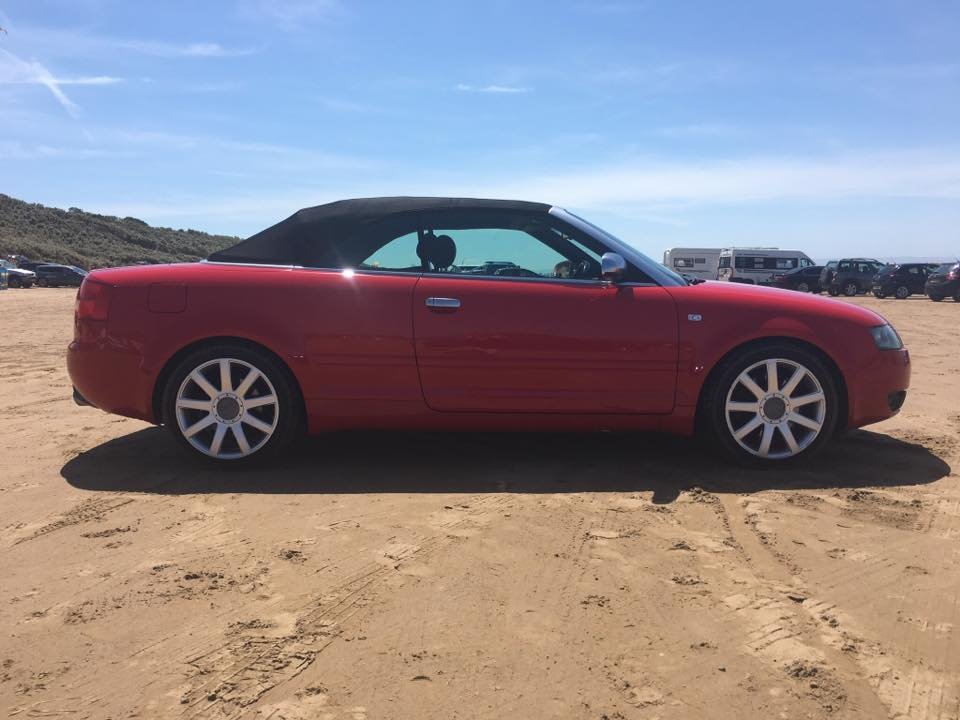
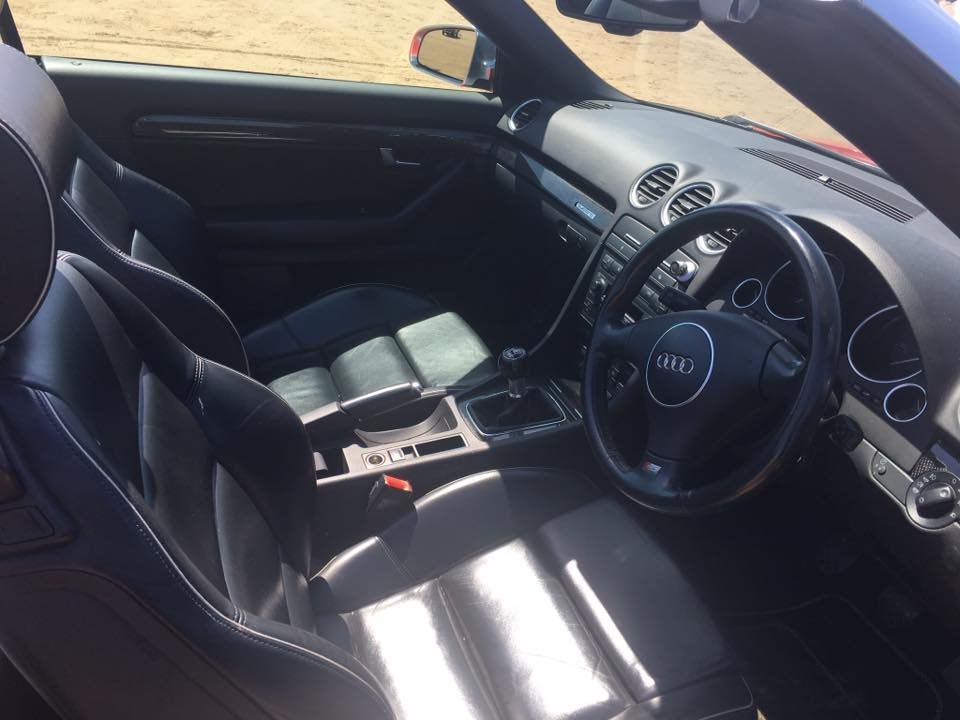
Selling Audi S4 cabriolet 4.2 V8, 2dr, 98,000 miles, MOT due 11/10/2018. Baby forces sale as vehicle is now scarcely used. 4 previous owners and full service history. Comes with all the usual; Electric windows, Air conditioning, Parking aid, CD player, Leather trim, Heated seats, Height adjustable driver's seat, Height adjustable passenger seat, Sports seats, Spare wheel (Full), Steering wheel rake adjustment, Traction control, Central locking, Alarm, Immobiliser, Driver's airbags, Side airbags, Passenger airbags
 1 point
 -
1 pointDefinitely! :) Erm, no. But we're always on the lookout out for new shows/events to attend :) Cheers Steve1 point
-
1 pointyep that is the one. you can see that the Blue Audi parked up is Robs and we are standing on the left had side of the picture enjoying our drinks (except Mrs F) who left hers behind1 point
