Leaderboard
-
ChrisMant92
Members5Points5Posts -
Steve Q
Moderators1Points15,253Posts -
coupe4
Club Supporter1Points384Posts -
Chet Patel
Members1Points8Posts



Popular Content
Showing content with the highest reputation on 10/03/2024 in Posts
-
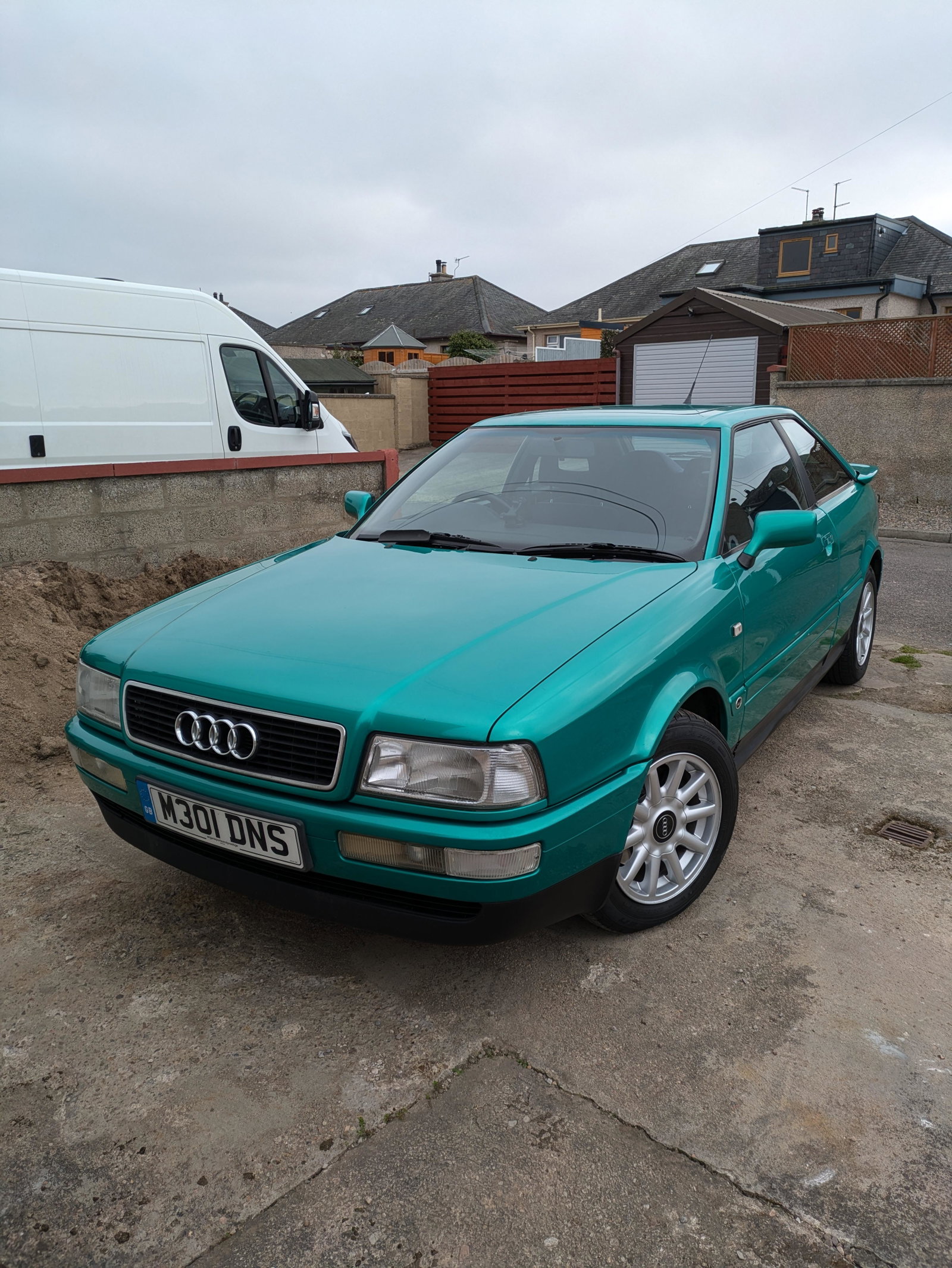
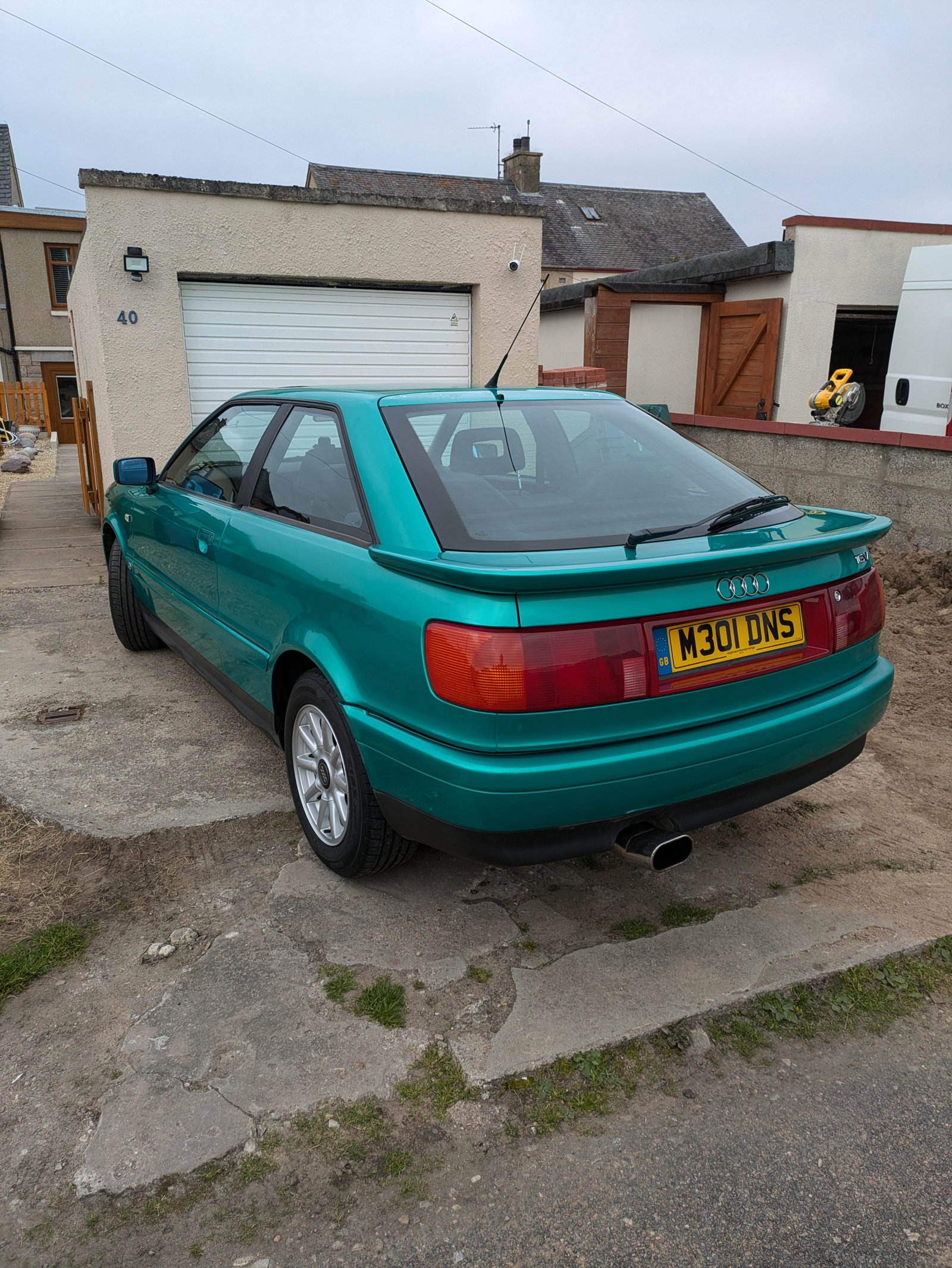
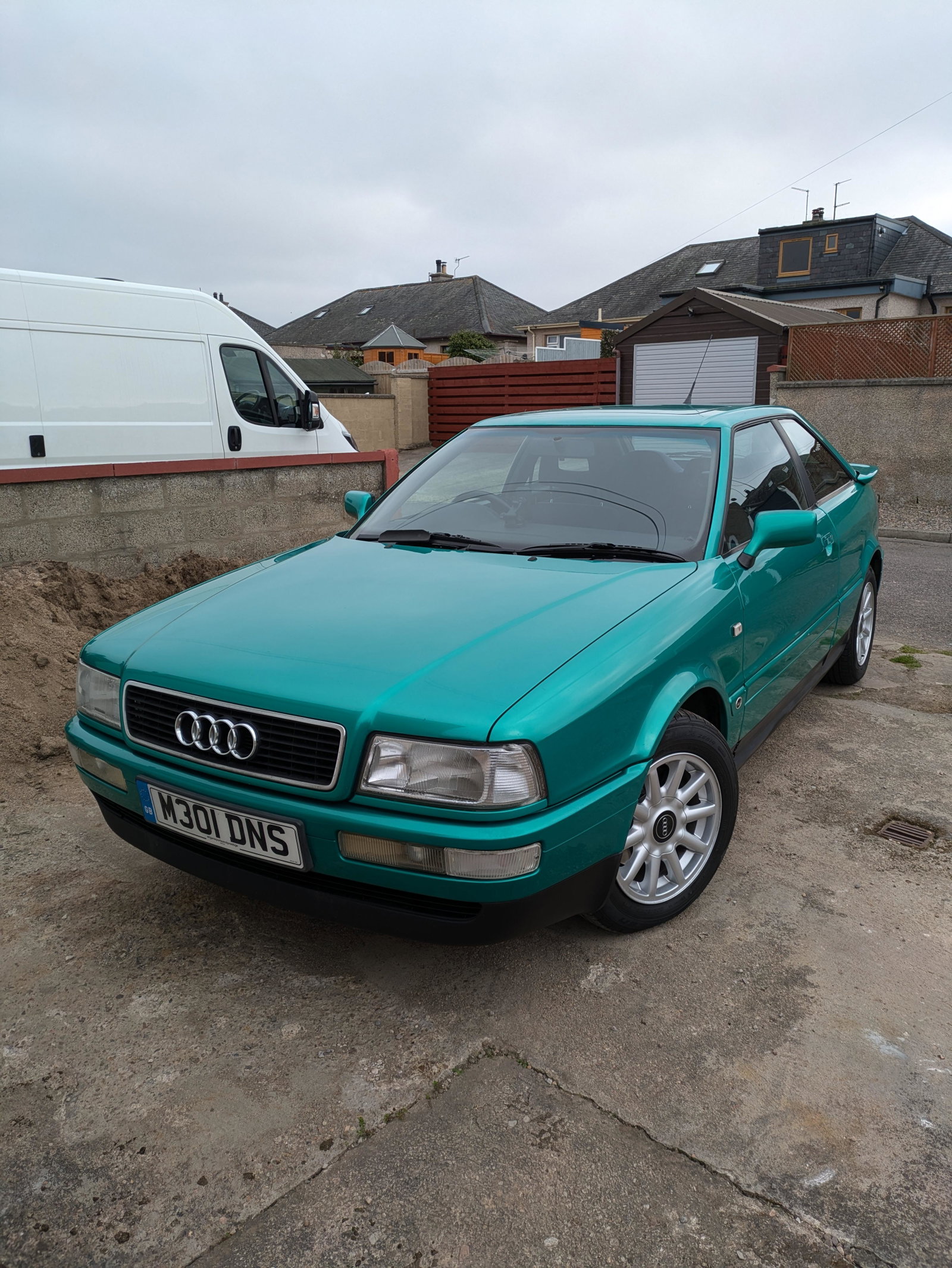
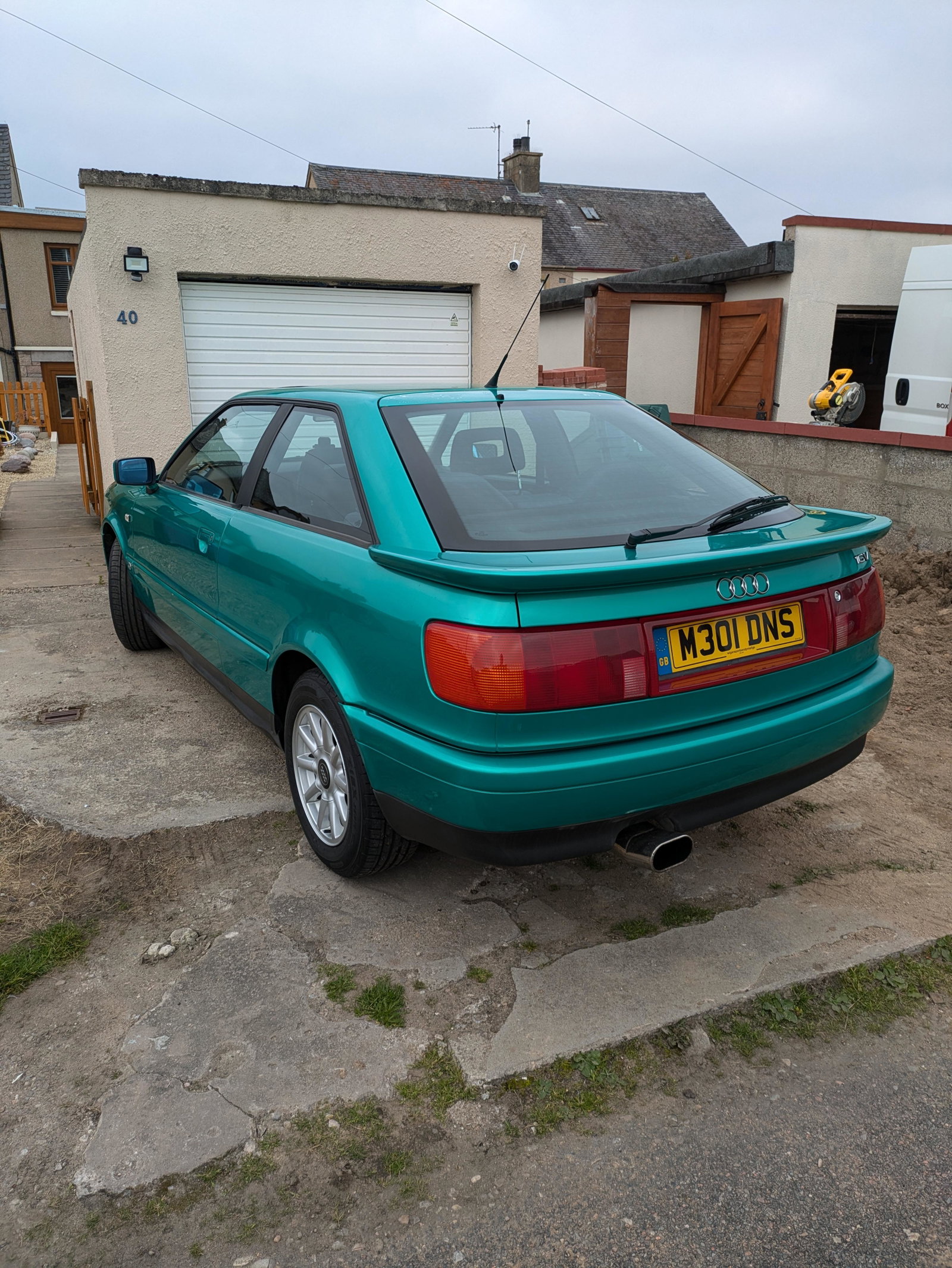
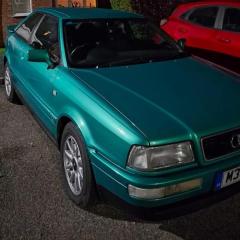
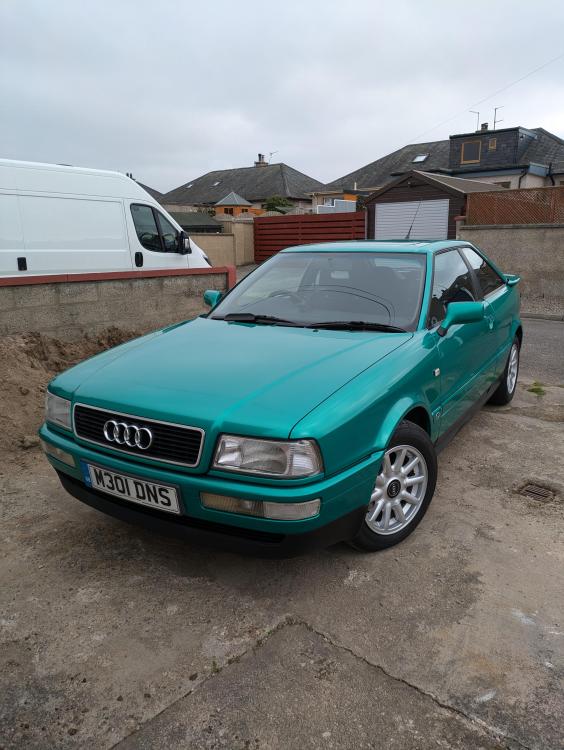
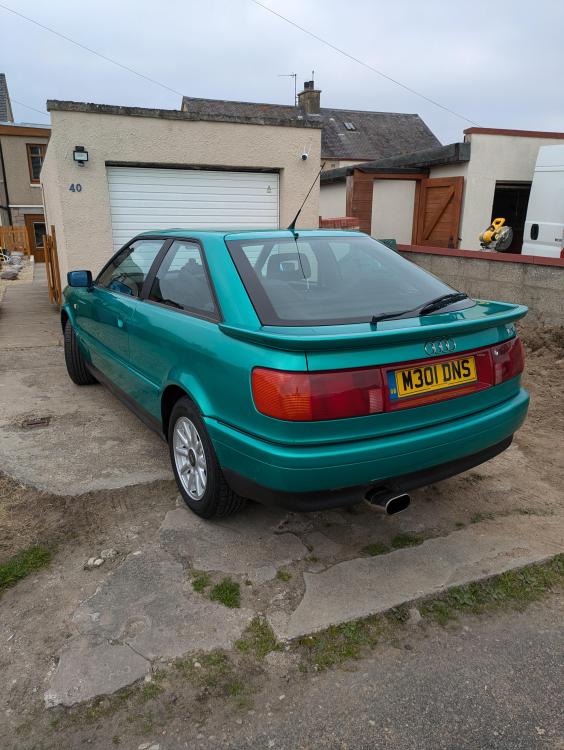
3 pointsIV just bought my first ever Audi and classic. My Dad had one over 20 years ago and I thought I would follow in his footsteps. Drove 10 hours up north to sunny Scotland and gave me no problems on the way. Hope to get it running more smoothly for next summer. Does anyone have any advice on owning, driving and maintaining one? I'm a car guy but not overly confident when it comes to tinkering with cars mechanically. It's a Audi 80 16v 2.0. Thanks Chris
 3 points
 -
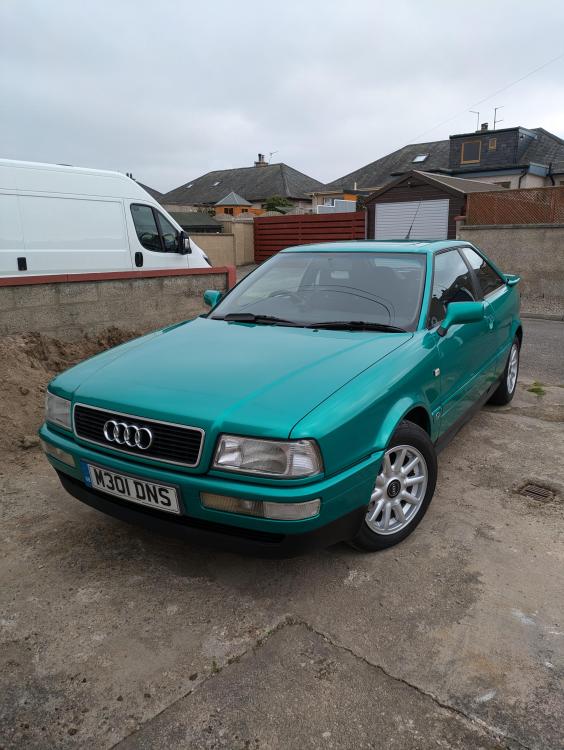
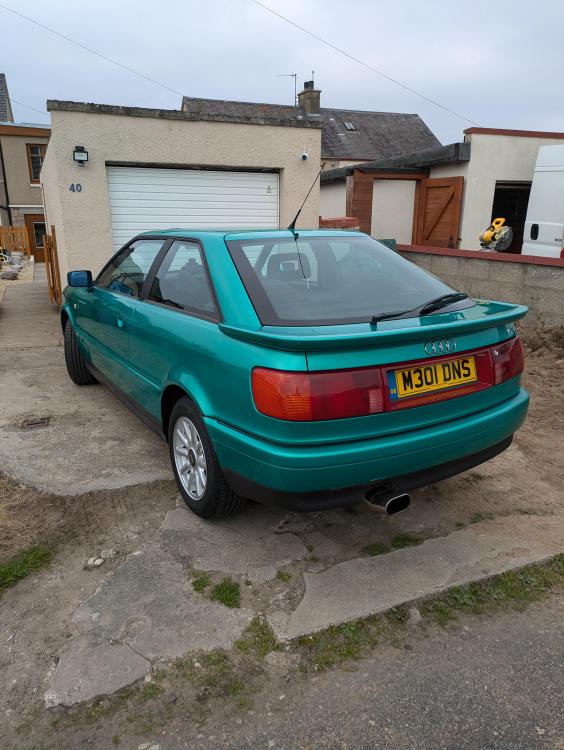
2 pointsThanks for letting me join. Traveled 10 hours to get this beauty to take it back up north to Scotland a week ago. Needs a few things fixed before next summer. My first classic car.
 2 points
 -
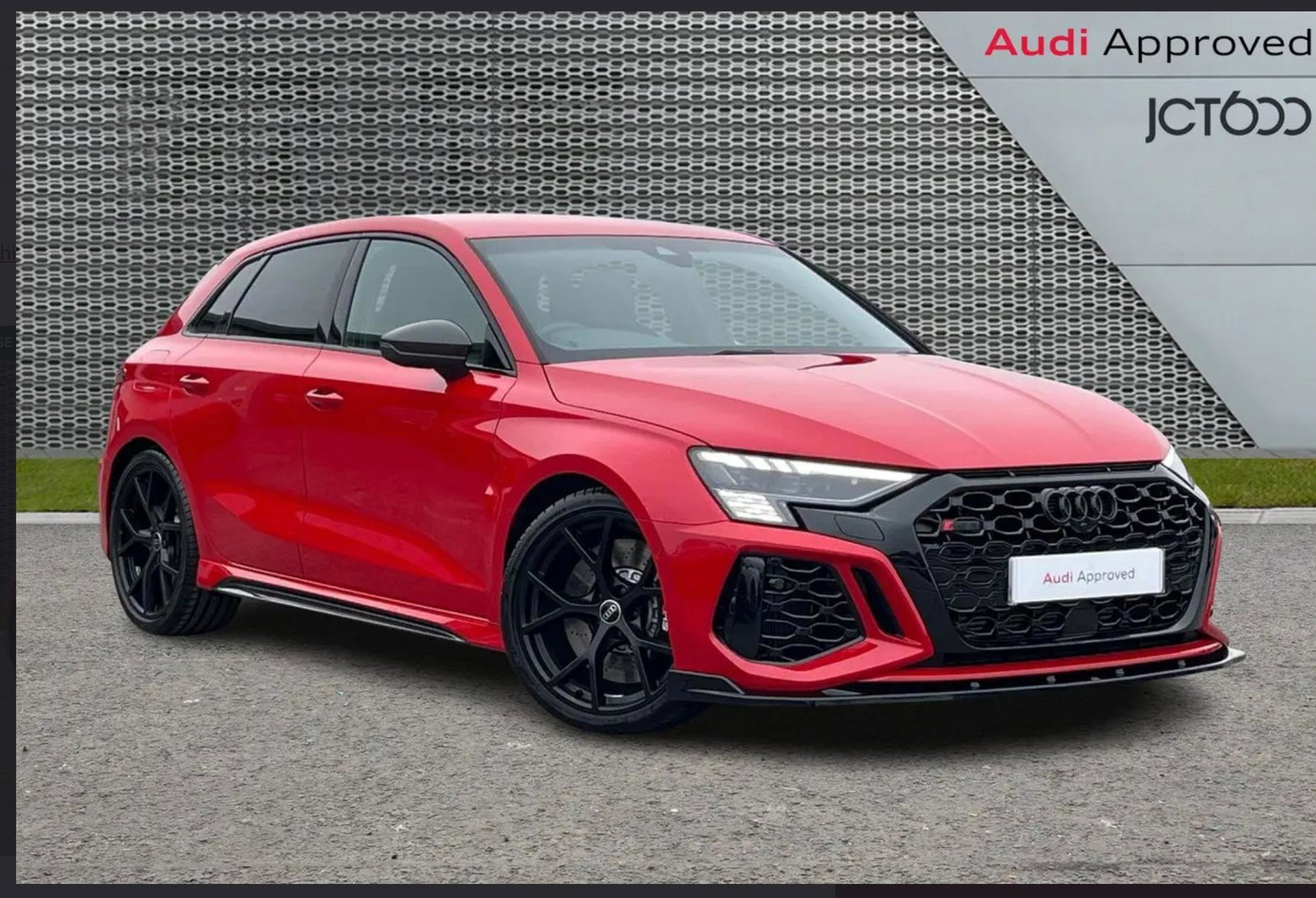
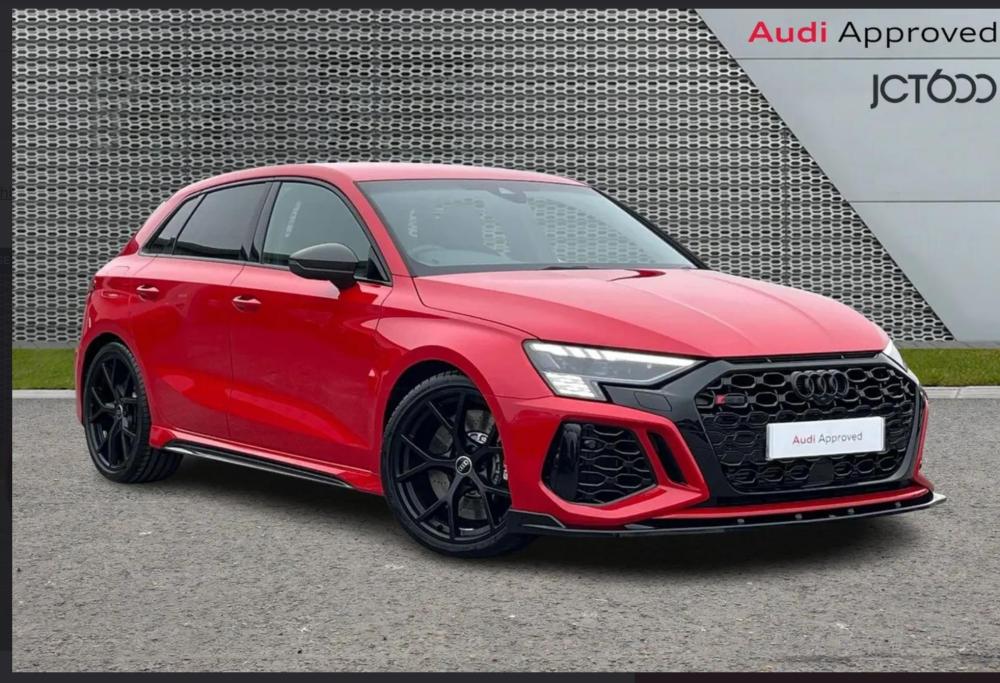
1 pointMorning everyone, I’ve just bought my first Audi a 2023 RS3. Pick it up on Saturday and I can’t wait!
 1 point
 -
1 pointwelcome to the forum,lovely car,ive the same model for the last 9 years so feel free to ask any questions and ill help if i can.Greg1 point
-
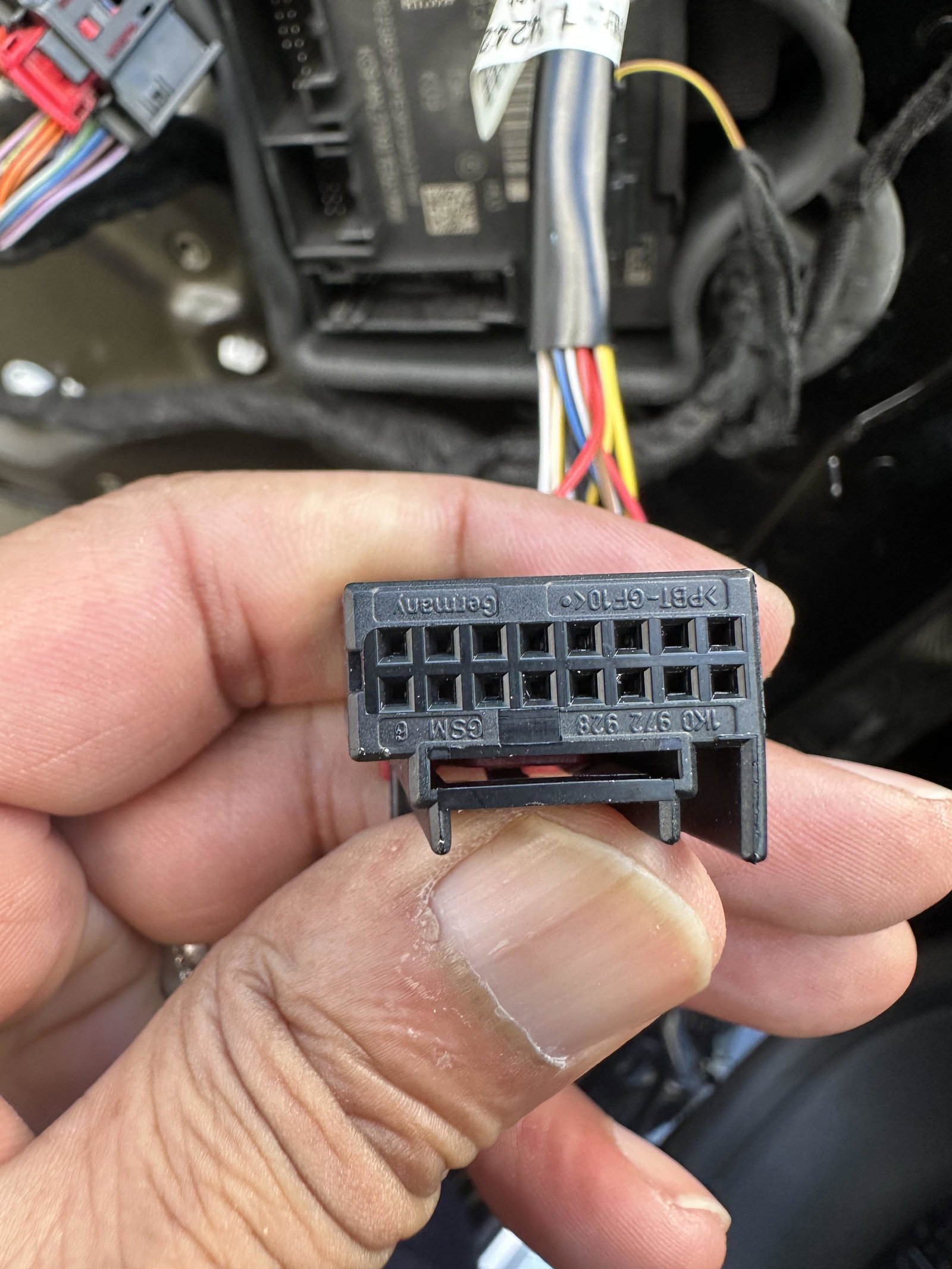
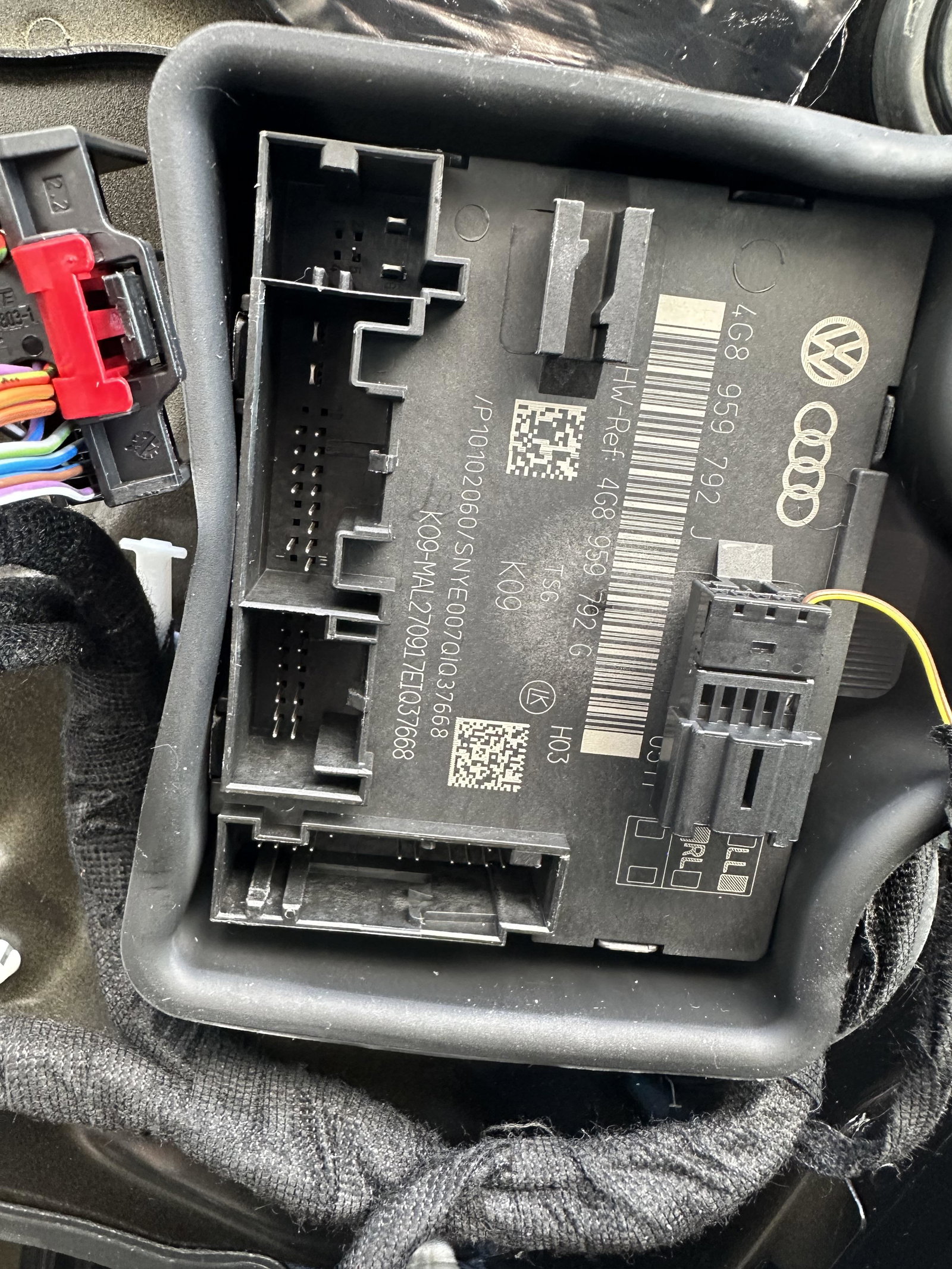
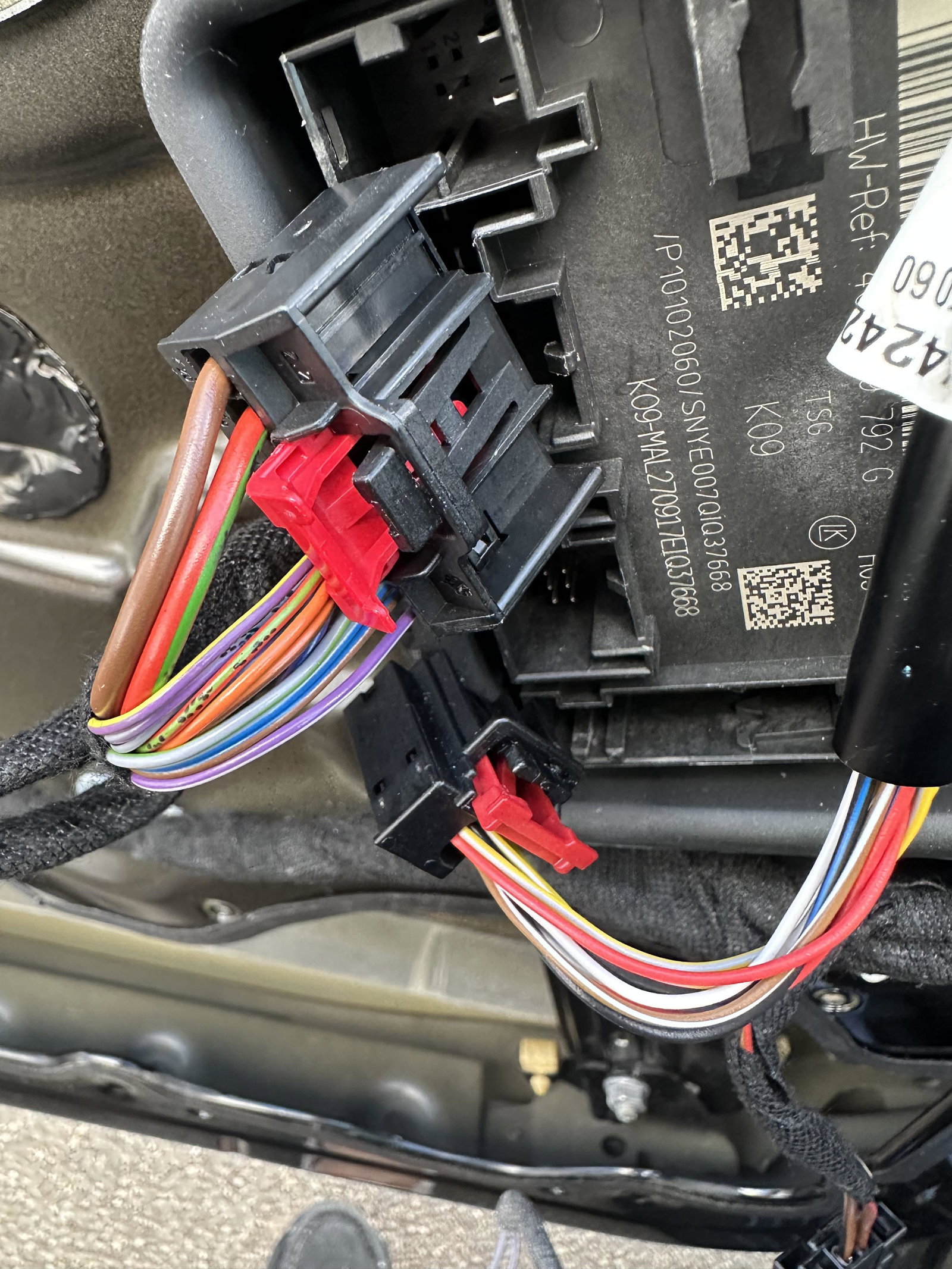
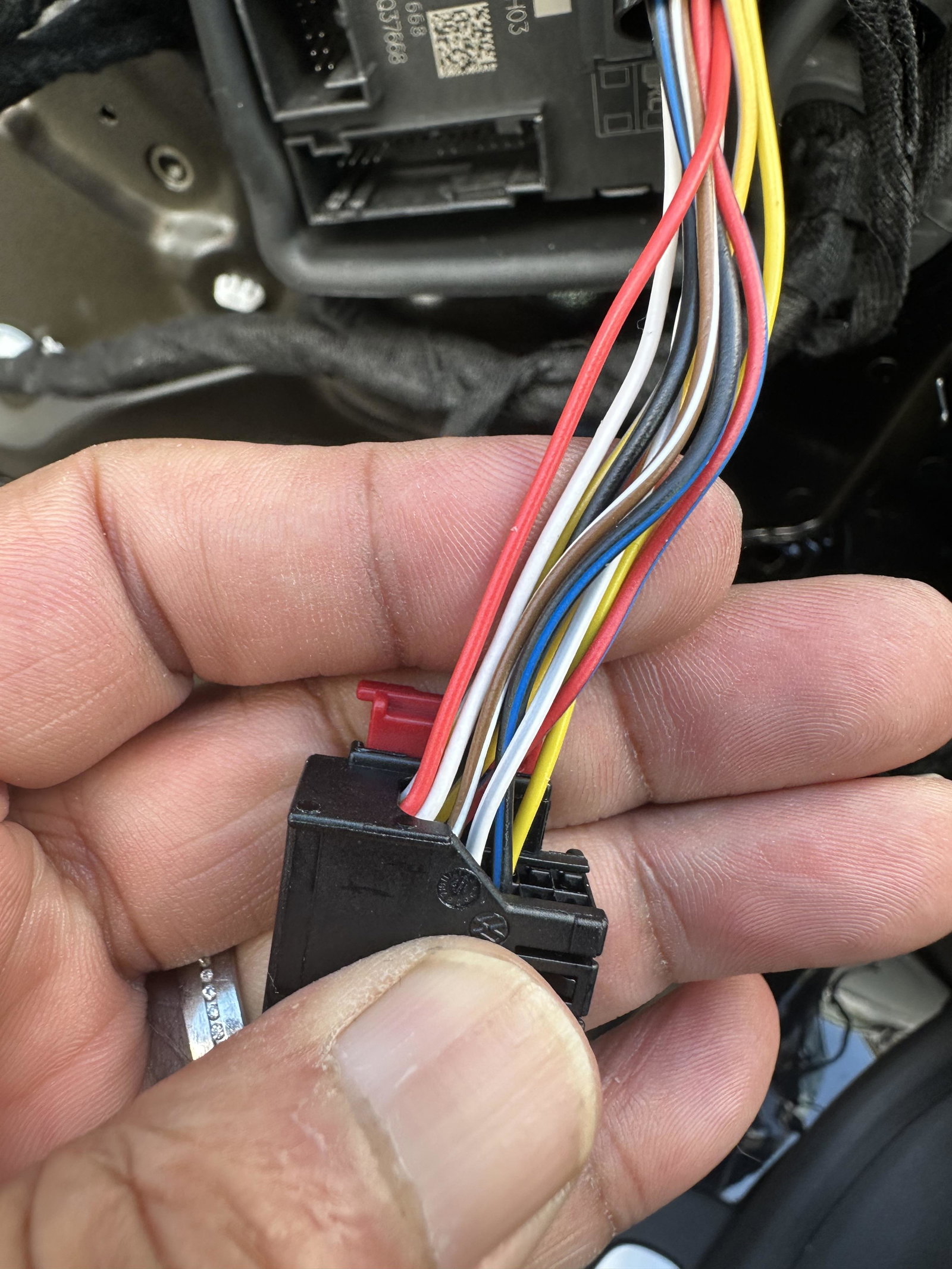
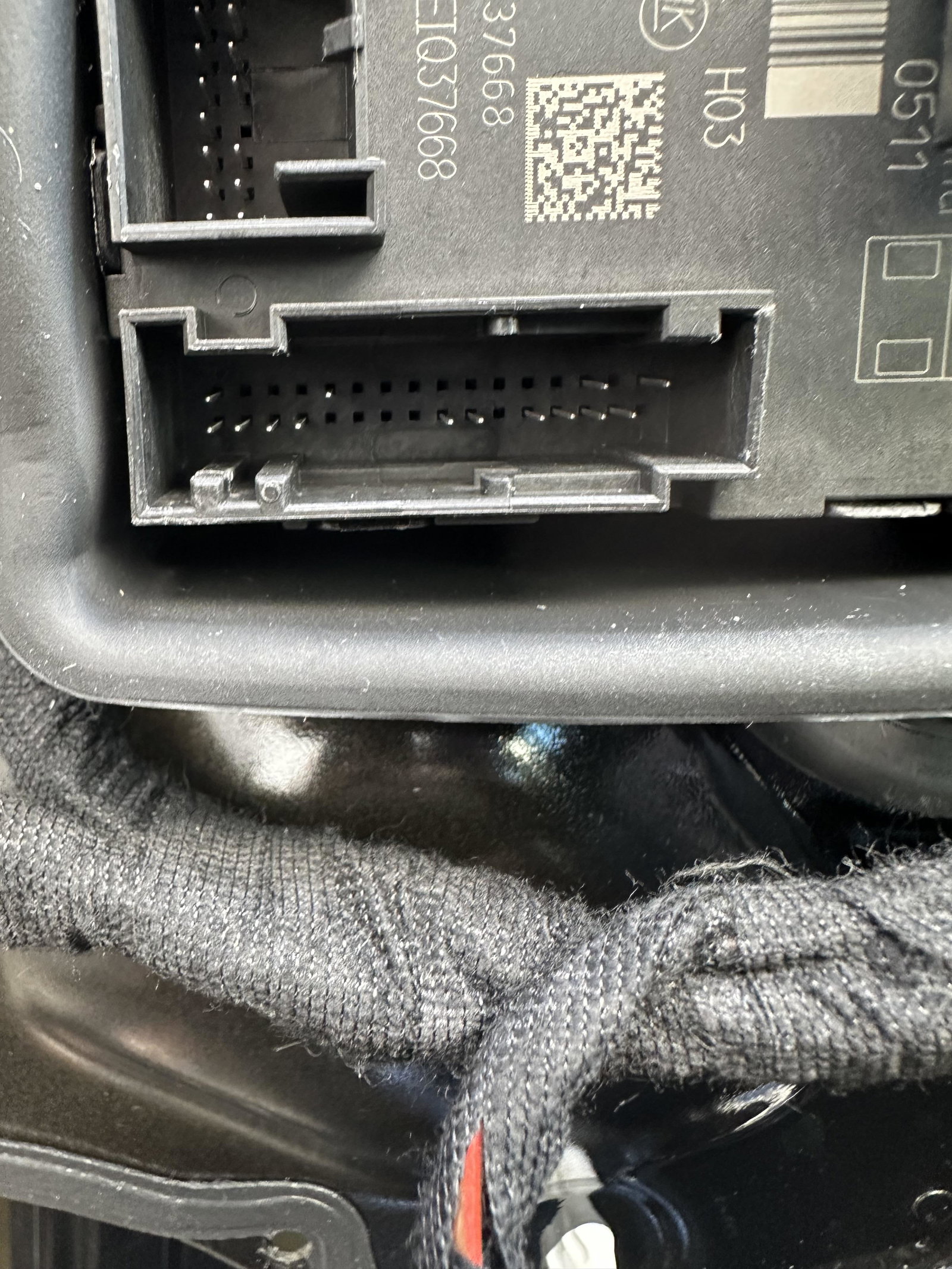
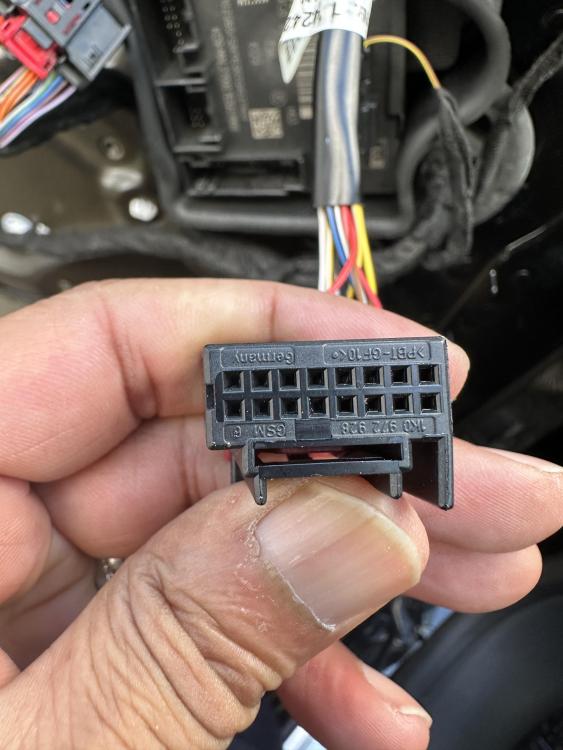
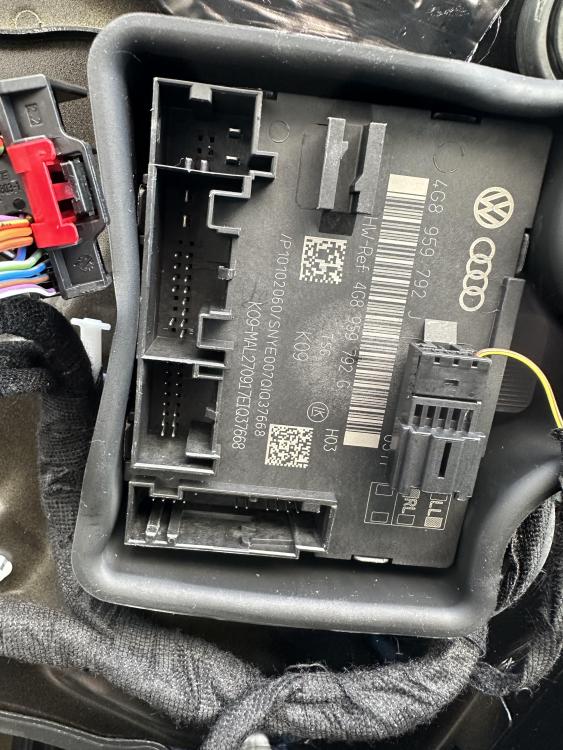
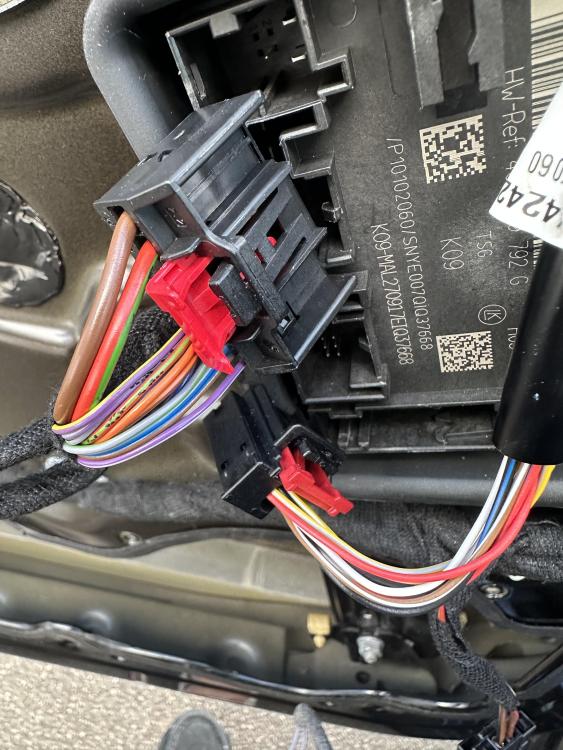
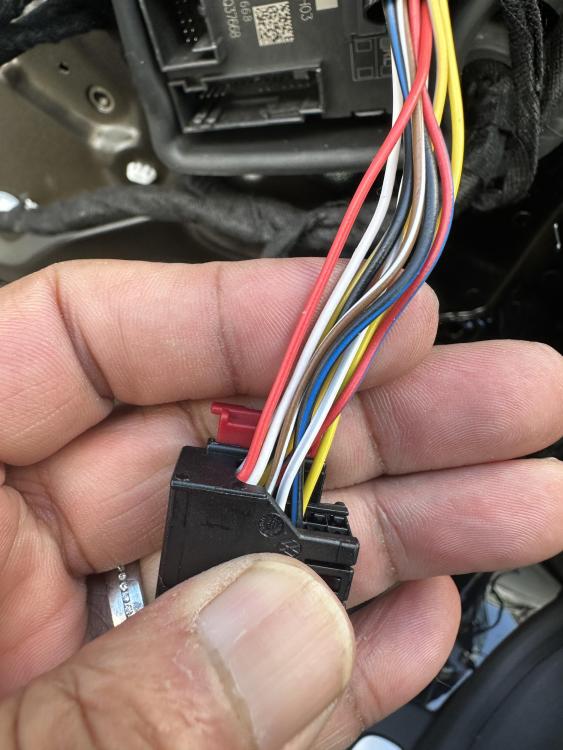
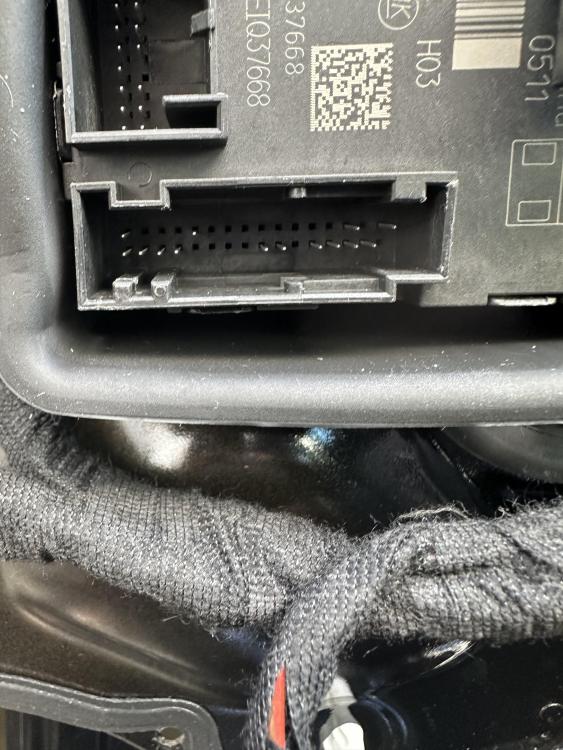
1 pointJust stripped the passenger side door card and the module is identical to the one with auto folding mirrors.
 1 point
 -
1 point
-
1 pointWelcome to the forum you'll find the members on here are a friendly and helpful bunch 🙂 nice colour 👍1 point