Skip to content
View in the app

A better way to browse. Learn more.

Audi Owners Club (UK)

A full-screen app on your home screen with push notifications, badges and more.

To install this app on iOS and iPadOS
  1. Tap the Share icon in Safari
  2. Scroll the menu and tap Add to Home Screen.
  3. Tap Add in the top-right corner.
To install this app on Android
  1. Tap the 3-dot menu (⋮) in the top-right corner of the browser.
  2. Tap Add to Home screen or Install app.
  3. Confirm by tapping Install.

Lottie Lynn

Members
  • Joined

  • Last visited

Everything posted by Lottie Lynn

  1. I would definitely go along the line of getting a new unit, sounds like a fault that would be hard to fix
  2. As someone who's owned both, I can't choose between the style of the Audi or the drive of the BMW haha
  3. Wow that's super strange! Have you got any pictures I could see? My partner is an outdoors man, works in the industry and would probably have a good idea as to what's causing it 🙂
  4. Mostly Pop music or musical soundtracks for me!
  5. Hi, can you elaborate on what you mean by no sound? Is it so sound at all or just through certain channels like CD, AUX, Radio, Nav? Thanks.
  6. If you were thinking of doing something a little different maybe painting them black would be a nice look as well 🙂
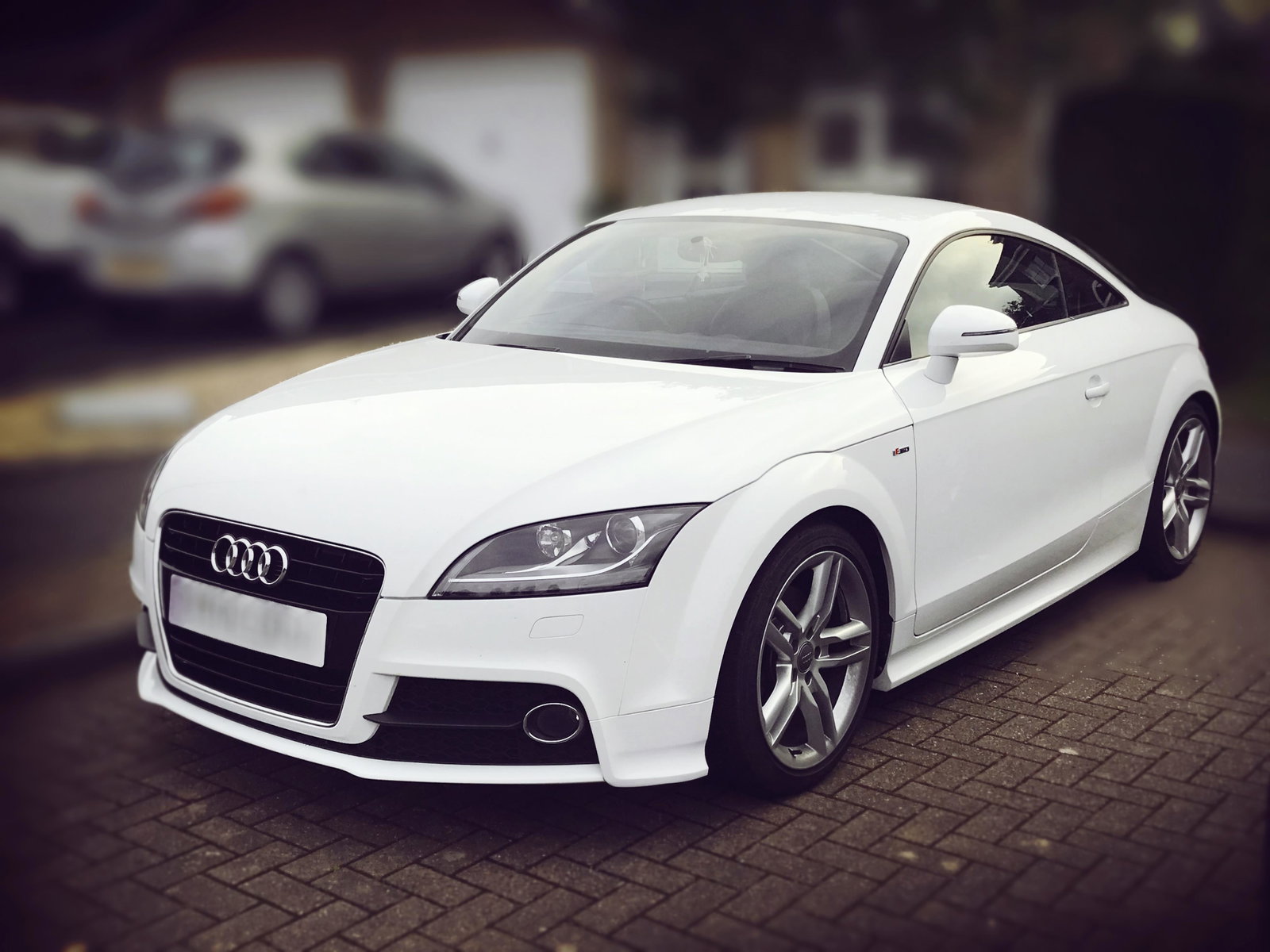
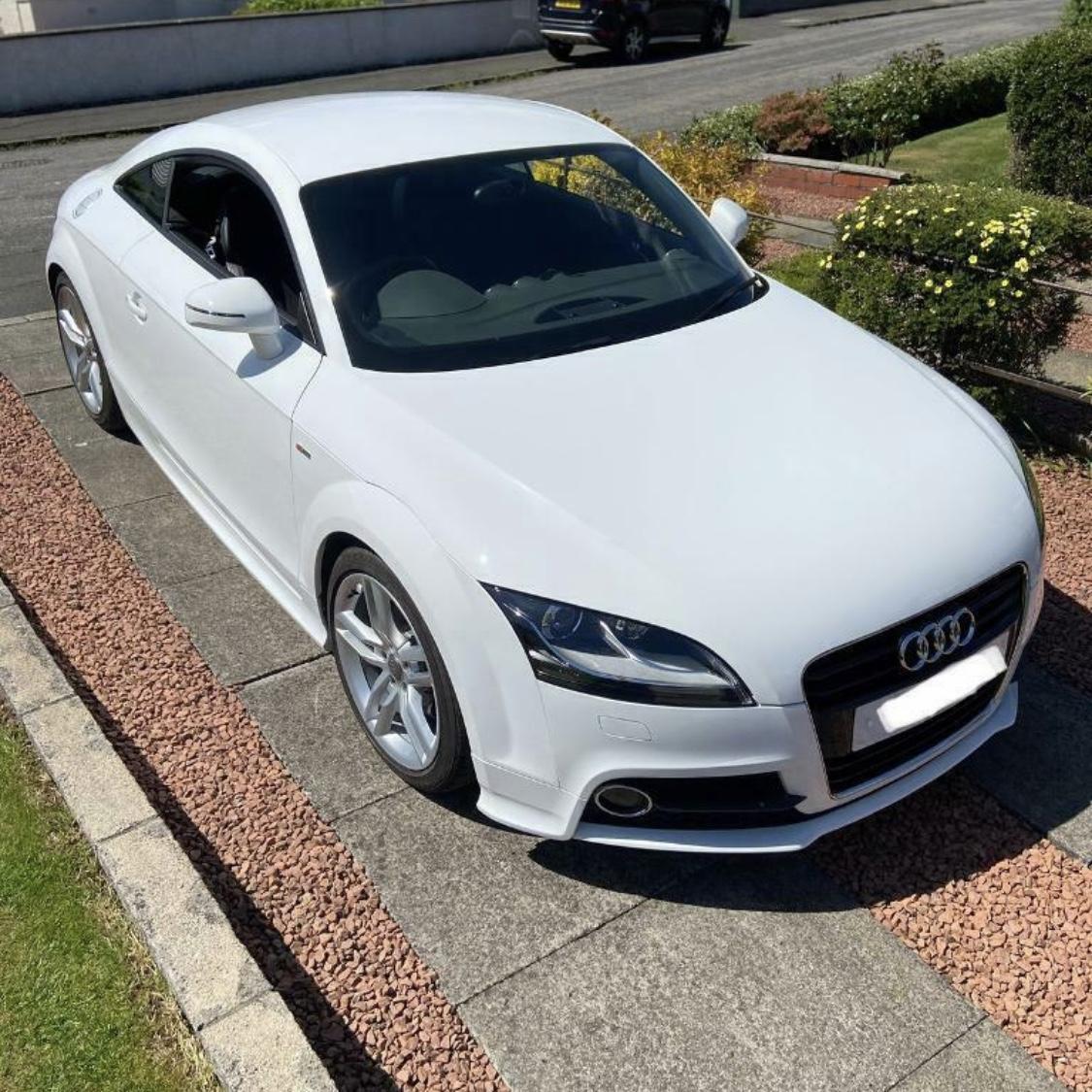
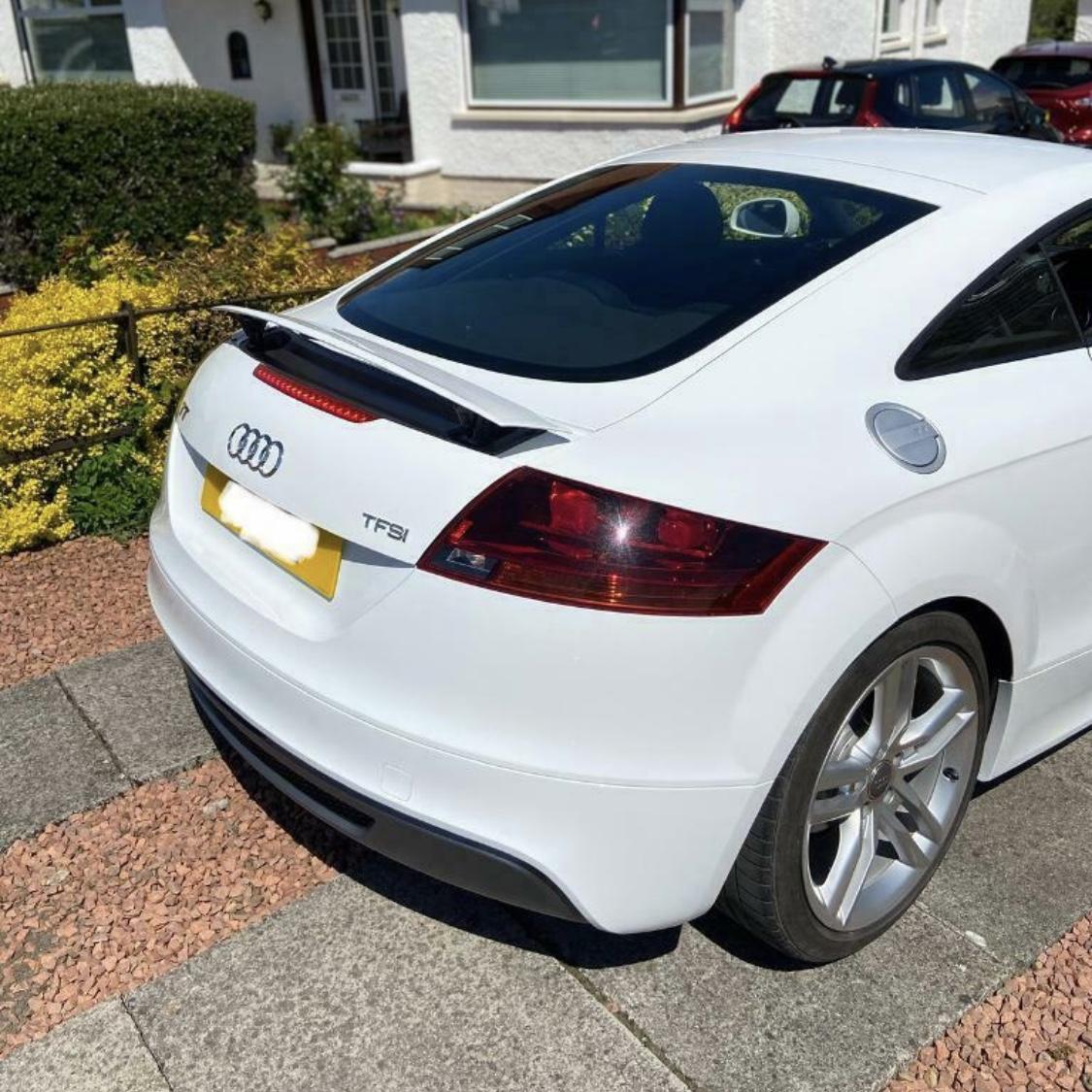
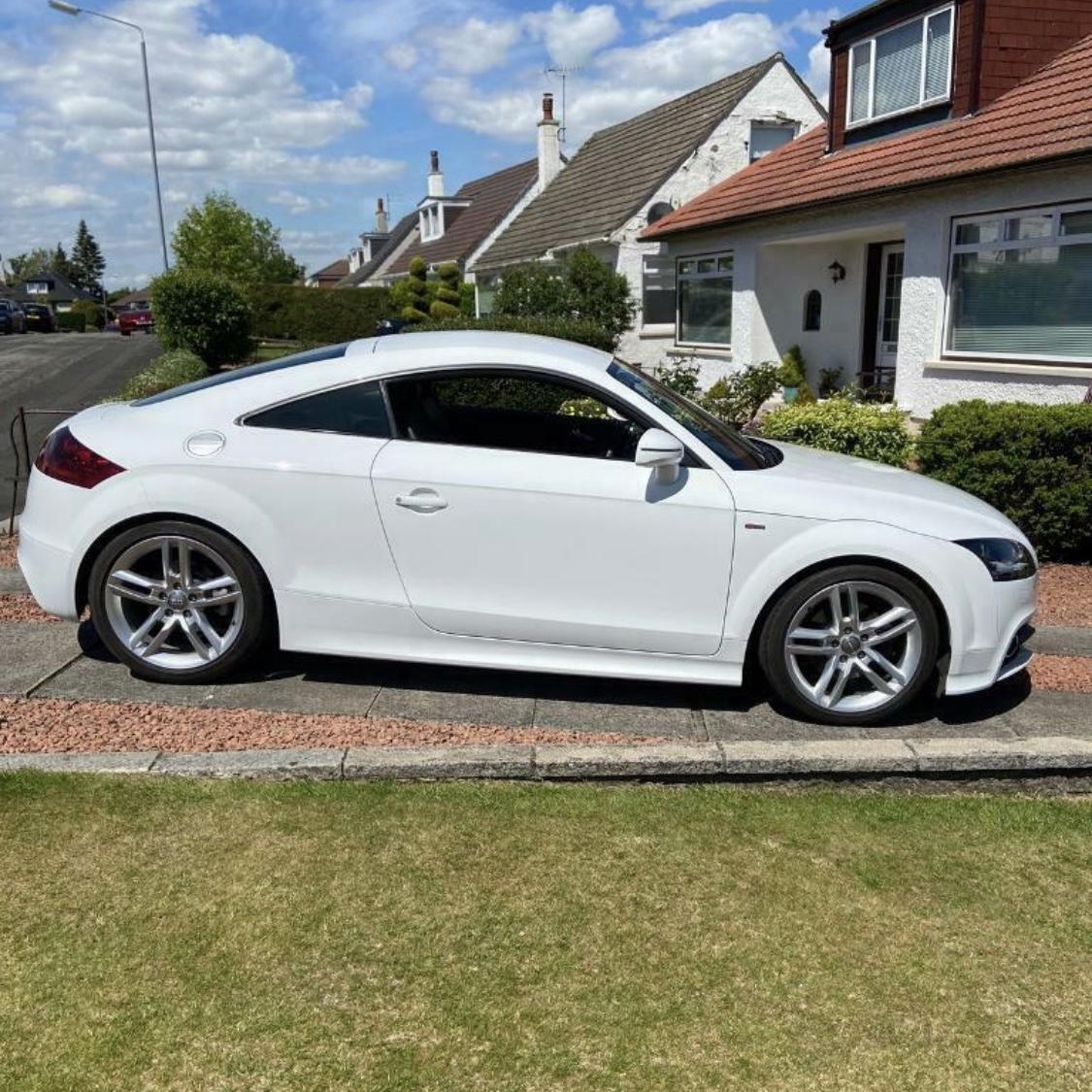
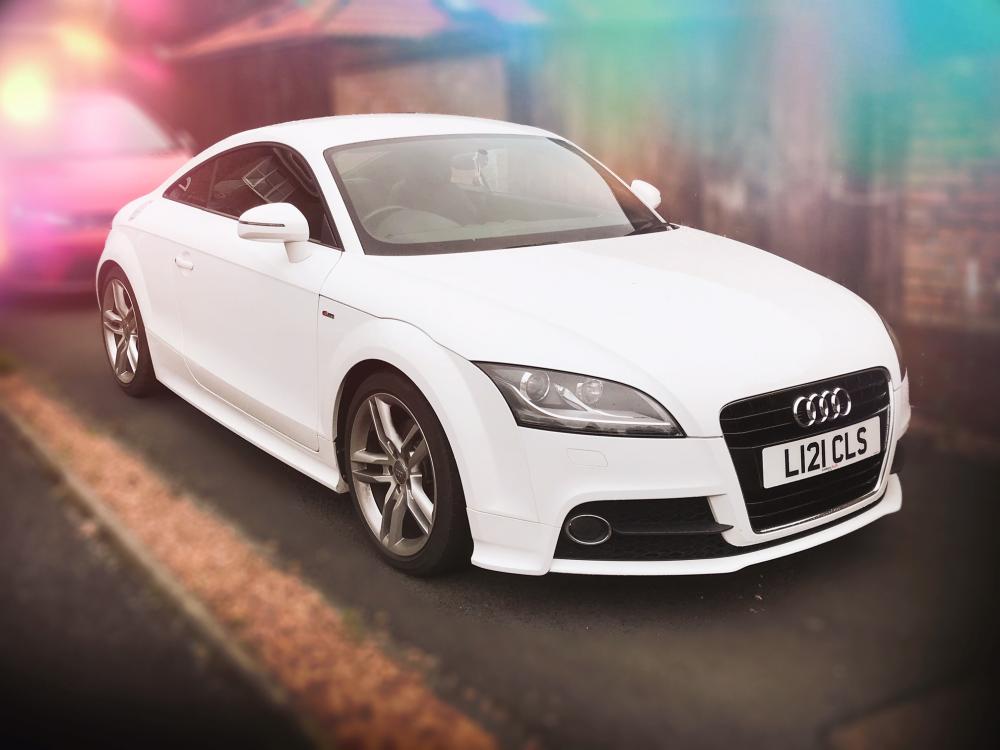
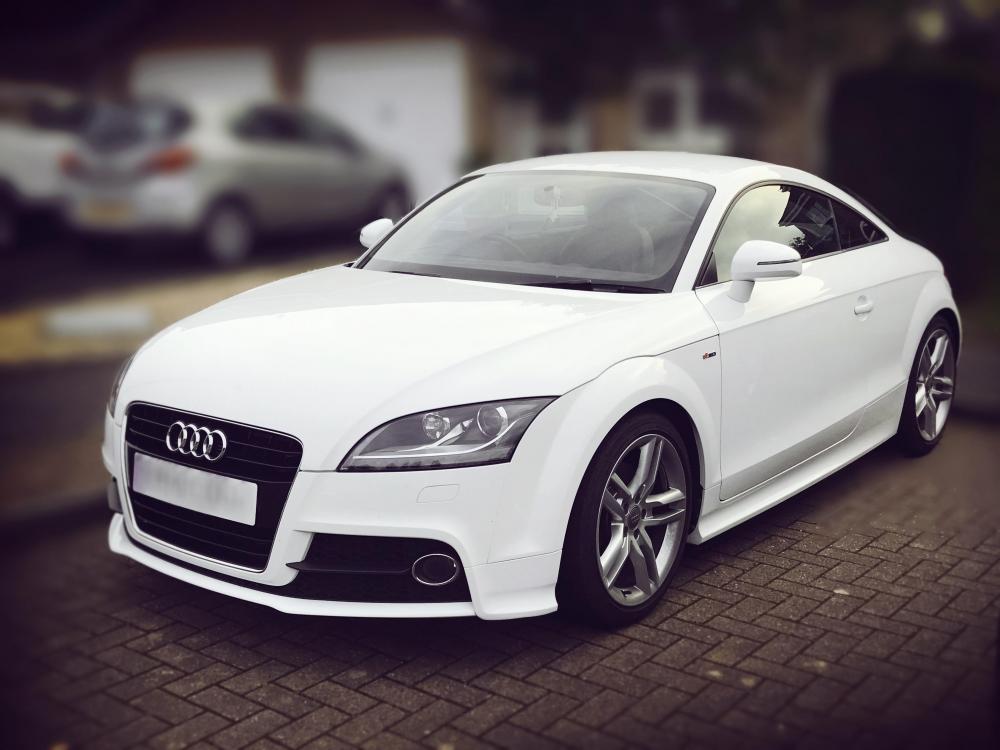
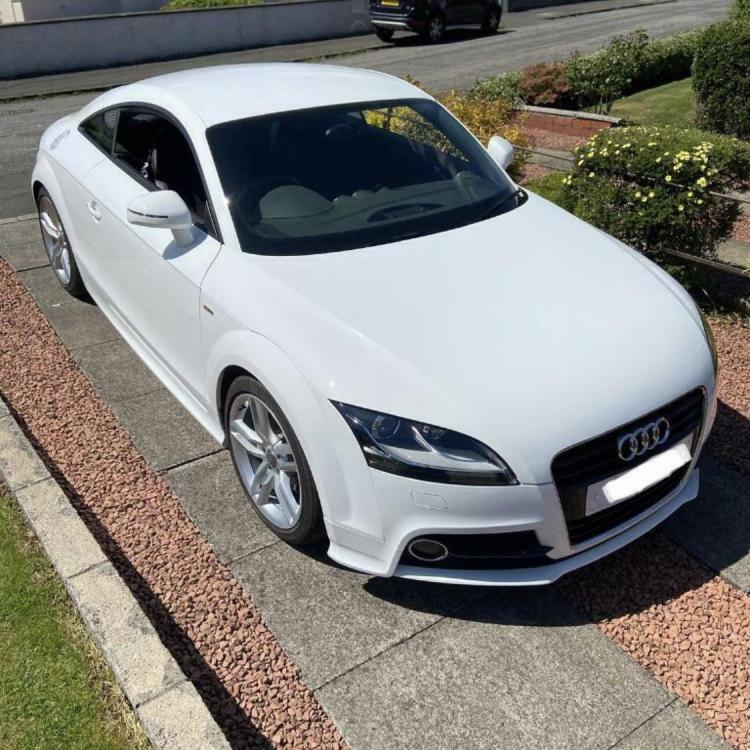
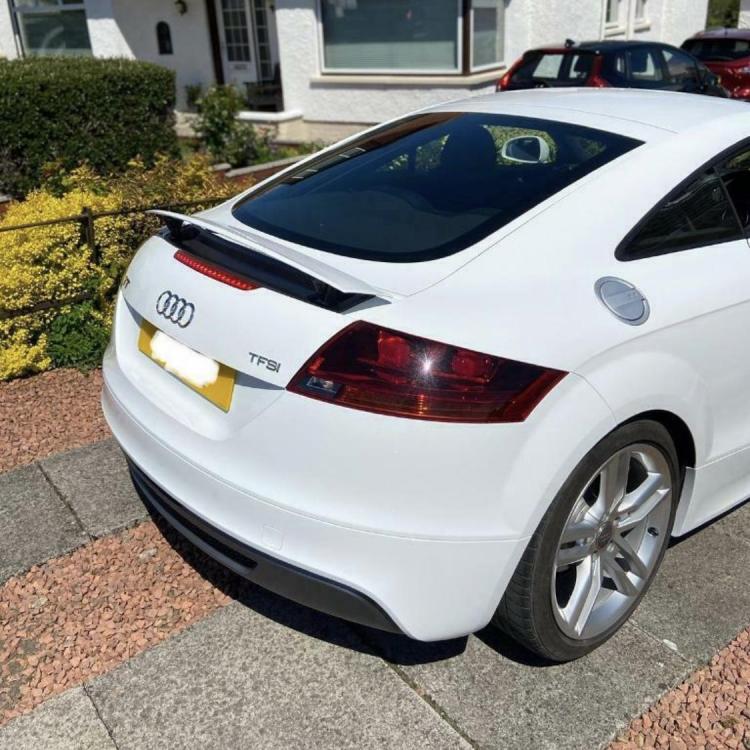
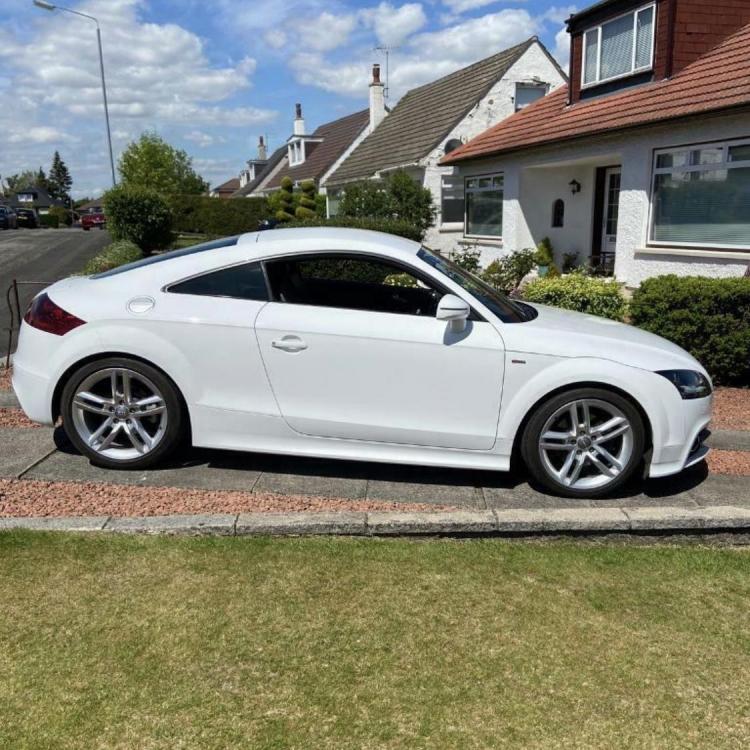
  7. Hello all! Here is my new baby, my Audi TT MK2 2014 S-Line. Just got her last week and I am keen to upgrade some parts, cosmetic and mechanical, on her with the help of my father who's currently restoring an '86 Porsche 911 🙂

Background Picker
Customize Layout

Account

Navigation

Search

Search

Configure browser push notifications

Chrome (Android)
  1. Tap the lock icon next to the address bar.
  2. Tap Permissions → Notifications.
  3. Adjust your preference.
Chrome (Desktop)
  1. Click the padlock icon in the address bar.
  2. Select Site settings.
  3. Find Notifications and adjust your preference.