VENOM7000
Members
-
Joined
-
Last visited
Everything posted by VENOM7000
-
-
Hello friend, Yes, ever since I can remember it being retrofitted. I swear to god the Audi official dealership here is a joke. Its like they forgot to unchecked/ or check some settings when they installed it. They had to fix my start/stop problem few months ago (the car didn't want some times to start again) Maybe they messed up something while upgrading my firmware or while in "MMI Hidden Green Menu"
-
Heloo there, I too own an Audi A1 with same specs as you, And the answer is YES and NO! NO You cant use your laptop to install it. YES it can be installed by Your local Audi Dealership for a price. (it involves installing the satnav software and inserting an SD card with Audi maps inside it) I did this because I get lost in my own town. Lol Well worth the money if you ask me, Contact Your local Audi Dealer for more information. They will most likely ask you to bring your car for them to asses.
-
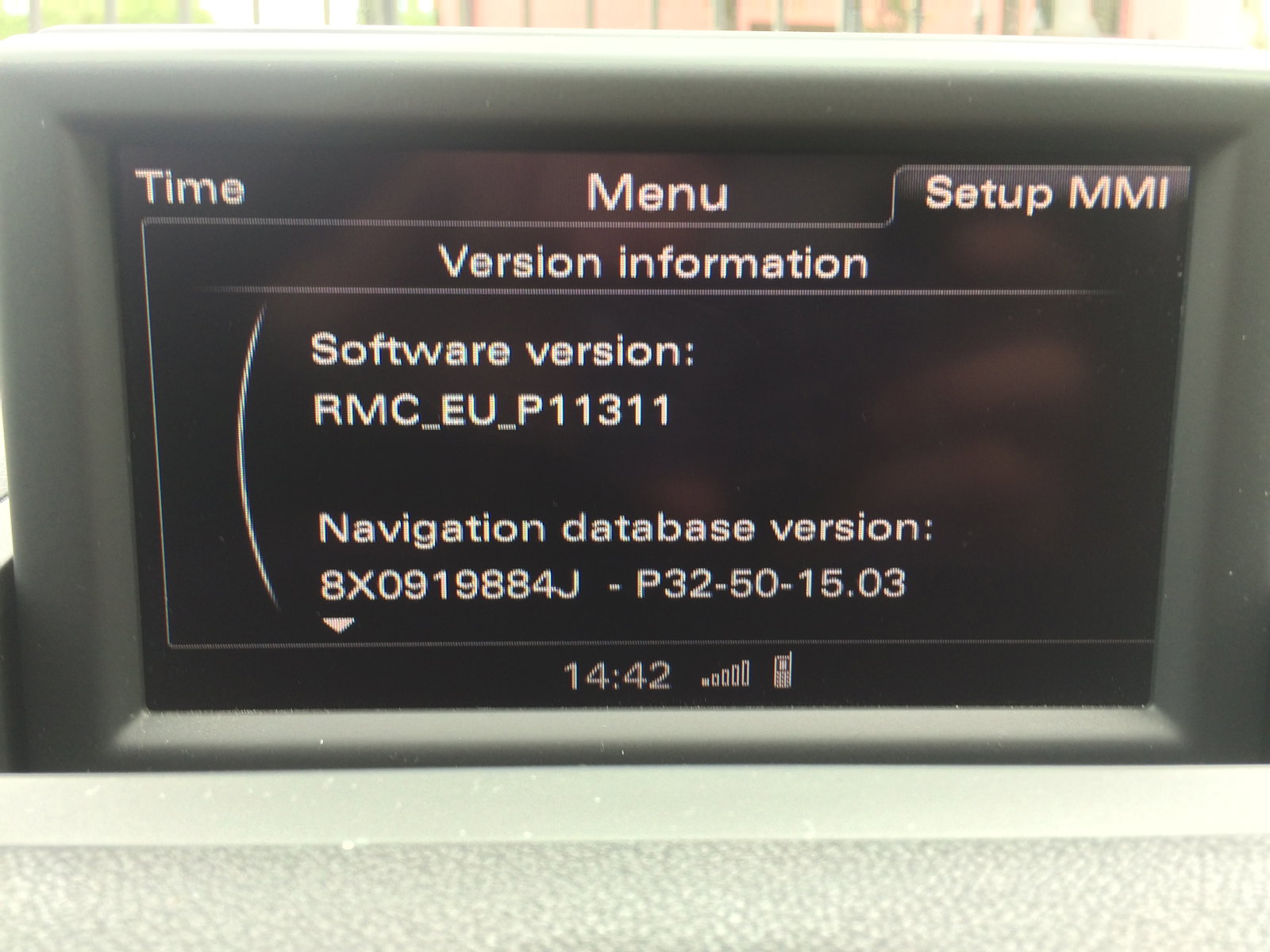
I own a Audi A1 with retrofited SD based navigation.For some reason few things the MMI system refuses to save once I set them:1. Autozoom (I set it to "ON" and it goes back to "OFF" then shut off my engine and come back tomorrow)2. Map display content (I check it to show nearby garages and parking only for MMI to un-check it at the next engine start)Does anyone else experience this issue on their car (regardless of the model)?