Brad-B5
Established Member
-
Joined
-
Last visited
Everything posted by Brad-B5
-
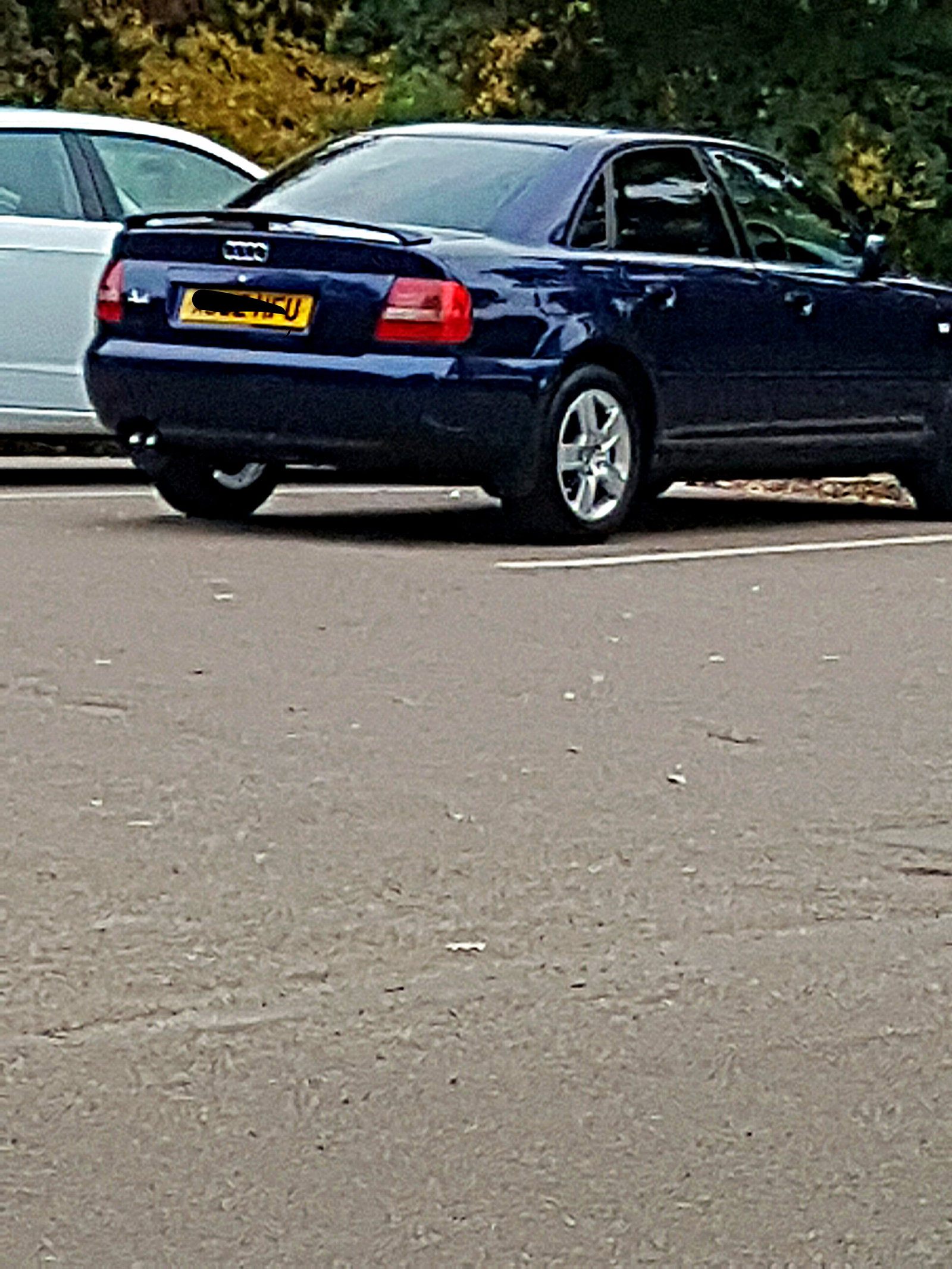
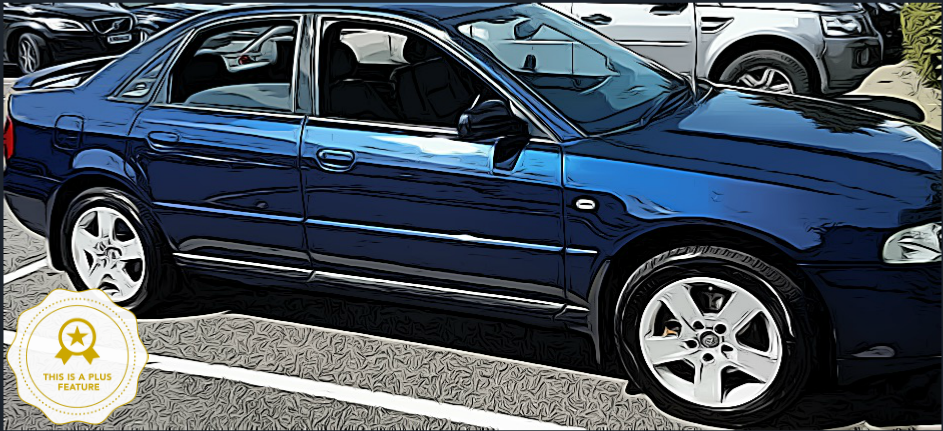
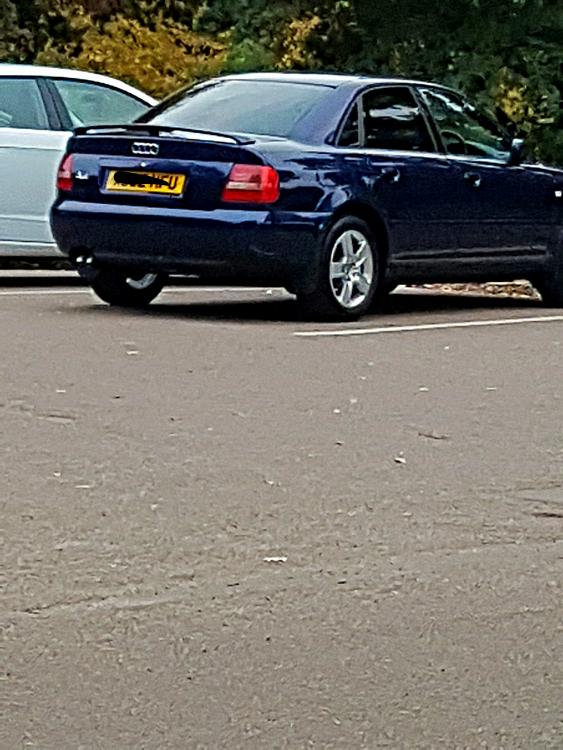
Hi all I was wondering what you think of me changing my back light the the LED style back light here; http://www.ebay.co.uk/itm/Back-Rear-Tail-Lights-Lamps-Replace-Red-Black-LED-Pair-For-Audi-A4-B5-11-94-9-00-/371058469542?fits=Car+Make%3AAudi|Model%3AA4&hash=item5664ceeaa6:g:RccAAOSw4shYBzl4 And Angel Head lights http://www.ebay.co.uk/itm/Audi-A4-B5-Type-8D-1999-2001-Chrome-Angel-Eyes-Headlights-Pair-Universal-RHD-LHD-/121572934133?fits=Car+Make%3AAudi|Model%3AA4&hash=item1c4e4fc1f5:g:eZUAAOSwPhdU4ylk I'm really wanting these, want to see what you guys think, but I may go ahead with it soon same with having my wheels gloss black. Already have windows black out (second photo is without blacked out windows)
-
Hi Natasha and Denzel :D Welcome to the forum! Great looking car! Regards Bradley
-
Really! oh dear well that's disappointing or am I thinking of the Q5 lol :s
-
Yes, but its a fun car to drive off road :p
-
Hopefully it will get sorted out in a quick manor, keep us updated Chloe, be interesting to see what they say :)
-
This is not a dating site Darren XD To answer your question Chloe, I'd contact head office and ask them :)
-
Yeah, it's not too bad :) if you was thinking of changing it I'd think a black one would go well too.
-
Nice, Like the red Audi Symbol :)
-
Hi Damion Welcome to the forum! Great car choice! ;) glad to have you on the forum! Regards Bradley
-
Hi Andrew Do you do short journeys at all? also what diesel do you buy (from where) I had it where Mine would smoke abit but started using Shell V+ and it went also engine runs so much better too don't forget is the when you have first started your car? it could also be because it's cold out atm Could try giving it a run on the motorway for abit or run your car at higher revs (when on perfect temperature) Regards Bradley
-
Hi Ryan Welcome to the forum! Great to have you on board :) Regards Bradley
-
Great! glad you're getting the issue fixed :) keep us updated! :) Regards Bradley
-
Awesome cars mate!
-
Nice, they both look good, and another remap would be good, loads of fun well even more fun lol
-
Banned.....Joking, joking XD
-
Well, you could always do it during the day :P
-
That would look awesome! keep us up to date with it :) I'm doing little changes, I've had my windows black out, but want to get honey comb grill, got Heko wind deflectors and going to have black gloss wheels :) so will also keep everyone up to date with that. You thinking of doing anything like remap?
-
-
Awesome! :) looking fresh!
-
Great looking car you have! I like it in black :)
-
That is crazy! :-O
-
I'd recommend some very strong bleach (joking! damn that's bad!
-
Hi! Welcome to the forum! Great looking car! is this your first Audi? Regards Bradley
-
Hey Darren Thanks for the update! glad it's all going well :D Regards Bradley
-
Hi Joseph Welcome to the forum! Lovely looking A4 :D Regards Bradley