


Leaderboard
-
WPAWS
Established Member1Points1,717Posts -
Southampton Graham
Established Member1Points160Posts


Popular Content
Showing content with the highest reputation on 08/06/2017 in all areas
-
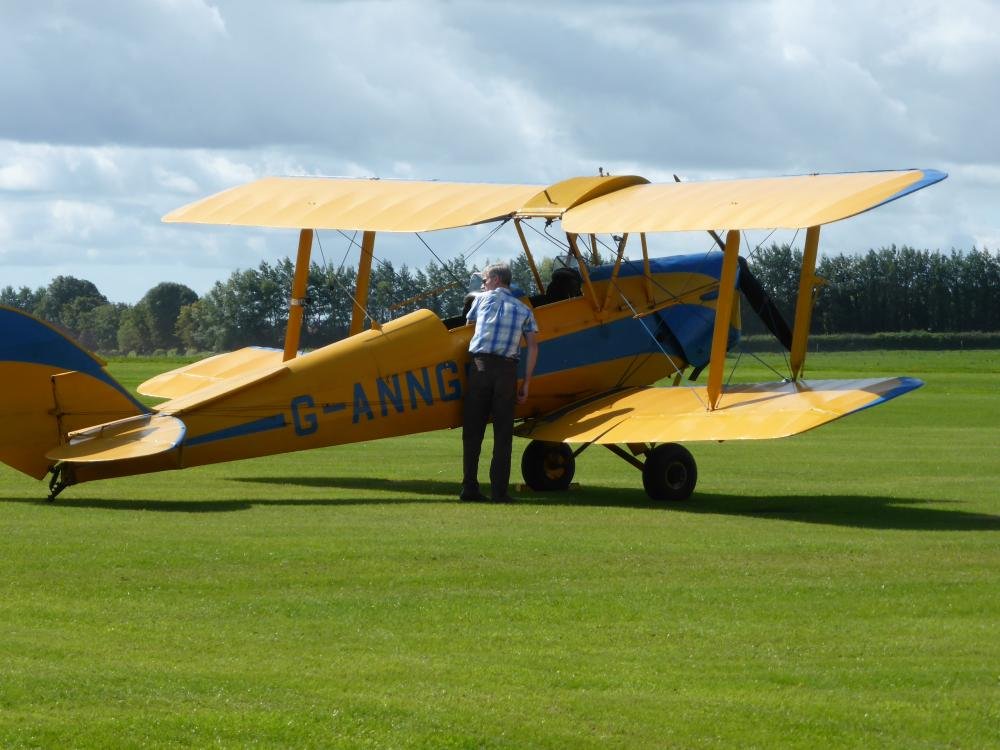
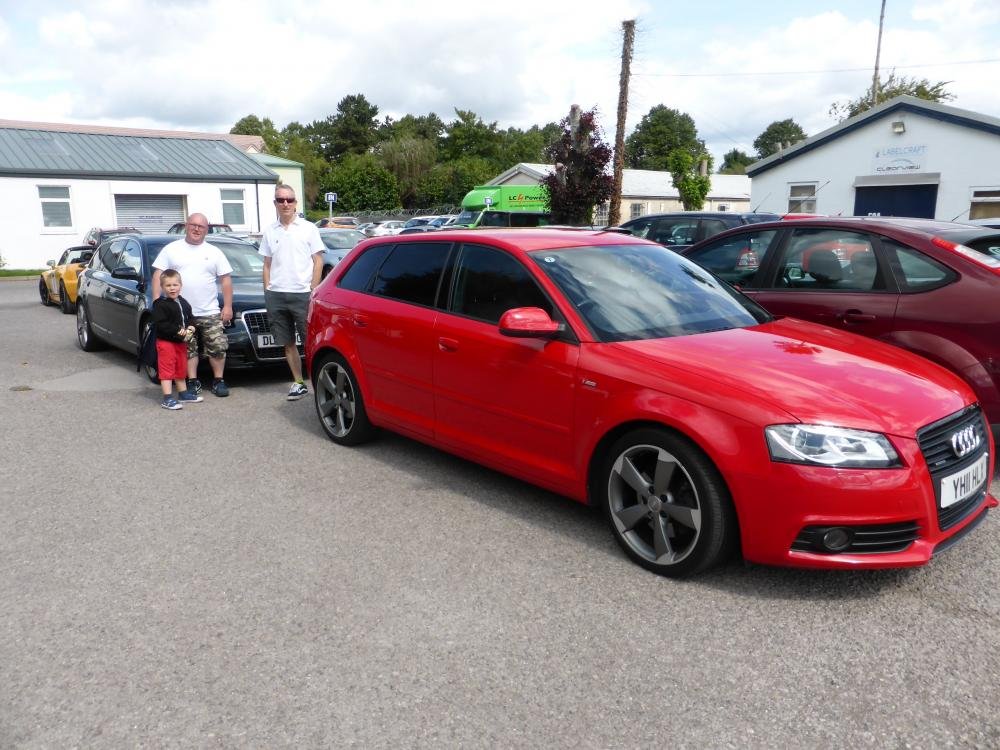
1 pointWell the day of the meeting has arrived. With a full contingent of family loaded, I left home about 9.20 am to meet at solstice park outside McD’s at 10 am. After getting past the traffic at Thruxton (British superbikes) on the A303 I managed to get to meet fellow member Paul at 10.05. With a quick Hello and handshake we made our way to Old Sarum Airfield, about 8 miles further south and on the outskirts of Salisbury. We managed to park together outside the Boscombe down aviation collection. On our arrival we also found out there was a model show on (airfix not catwalk!!). The Boscombe Collections aim is to bring the history to life by restorations, replicas and allowing people to experience sitting in their powered cockpits. We managed to get into a few cockpits so myself and Jacob, Pauls son, became experienced “hanger pilots” in fast jets and helicopters. We spent a good hour in the museum and afterwards had a look at the aircraft that were parked up outside. A good first meeting and it was good to meet Paul. I would like to organise another get together somewhere around the M4 Corridor in October and would be open to suggestions.

 1 point
 -
1 pointhave seen a few posts on other sites saying call Audi on 0800 336337 and say you want to extend your license but cant see how and they give you another 12 months free as their web system is not working right. lets us know if they are still doing this1 point


