Leaderboard
-
Danygeorge
Established Member2Points21Posts -
Steve Q
Moderators1Points15,253Posts -
road2ruin
Members1Points16Posts

Popular Content
Showing content with the highest reputation on 01/02/2018 in all areas
-
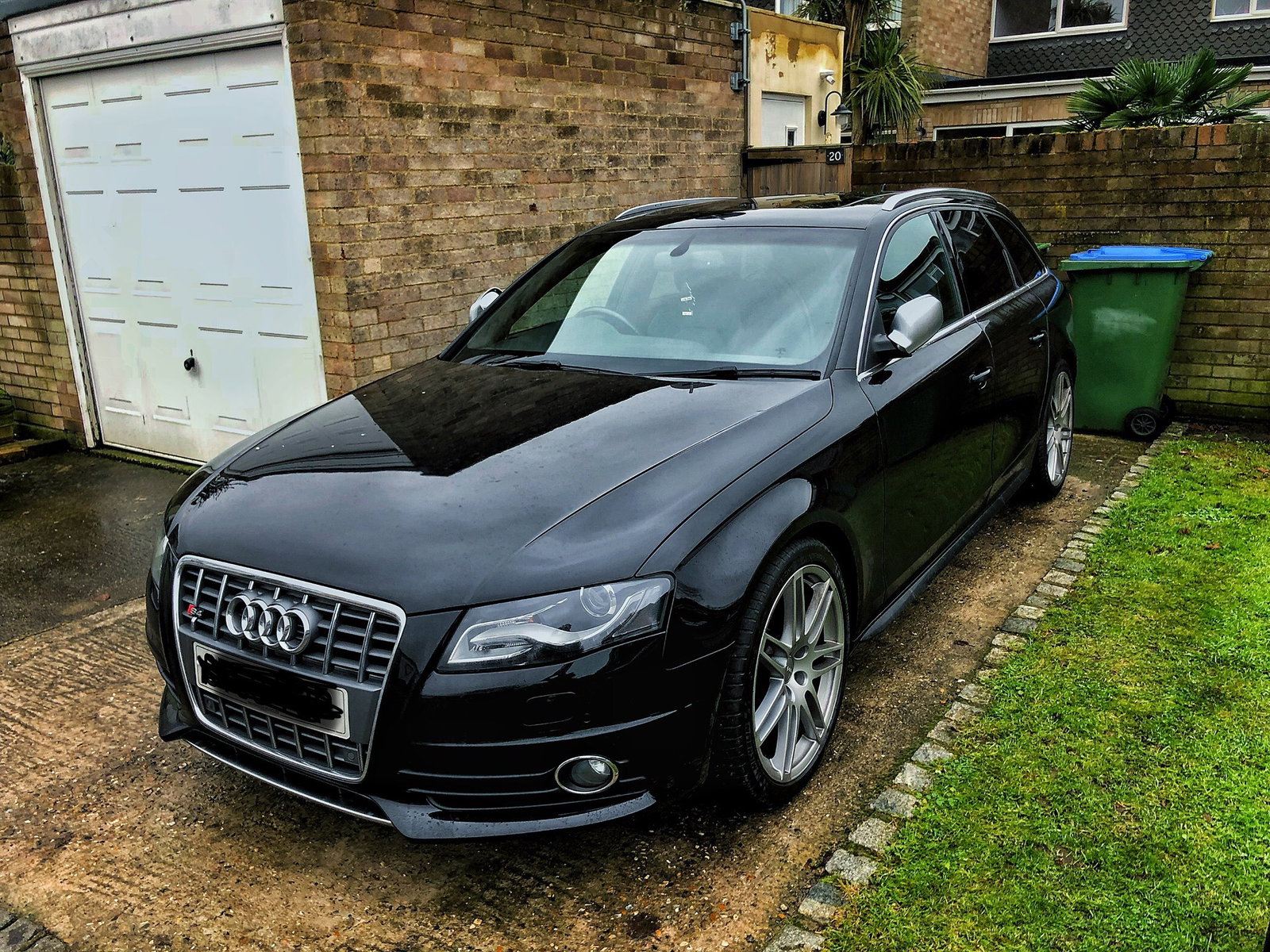
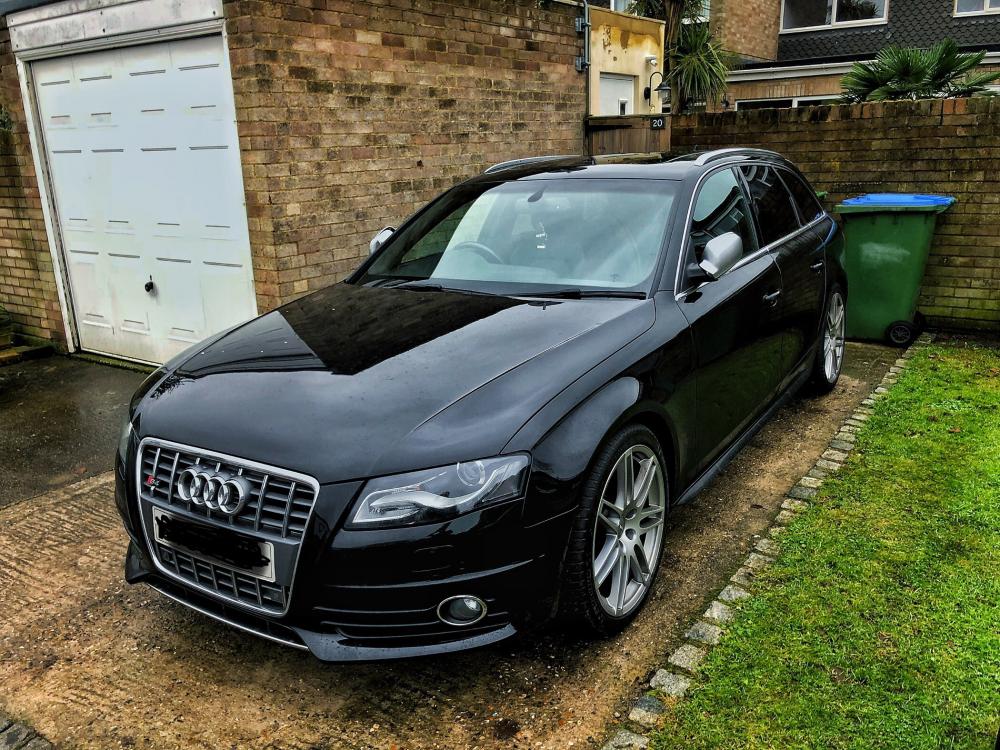
1 pointHappy New Year all! Thank you for the input pre-Christmas, all very useful and gave food for thought. In the end I decided against the whole S6 plan, on my budget the ones I looked at were too much of a compromise and I couldn't stretch to the required amount of money. I did take an A6 out for a run around and it was a nice car, it just wasn't what I was looking for. I decided to have a look at the S4, a little smaller but comparable to the car that I was in. Anyway, short story, having taken a number out and really enjoying the experience I pushed the button on this..... So far really pleased and is a really enjoyable motor! :)
 1 point
 -
1 point
-
And don't drive your car like that....you will brake your turbo and after that your engine1 point
-
1 point