Leaderboard




Popular Content
Showing content with the highest reputation on 07/05/2018 in all areas
-
1 pointHi Paul, sorry I missed your message, still trying to navigate this site. It took me long enough to put a new post up 🙈. Hopefully it has just been a glitch and it doesn't give me any problems as the car is great in every way 👍. It's only ever done it that one time while i was driving and the temp seemed to rise very quickly from cold. I'm thinking it may have been a wee air lock in the cooling system 🤔🤔. Yeah if it happens again I will get photos but fingers crossed it's all ok. Thanks mate and yeah I'll get a wee look at the forum rules once I find how to lol 👍1 point
-
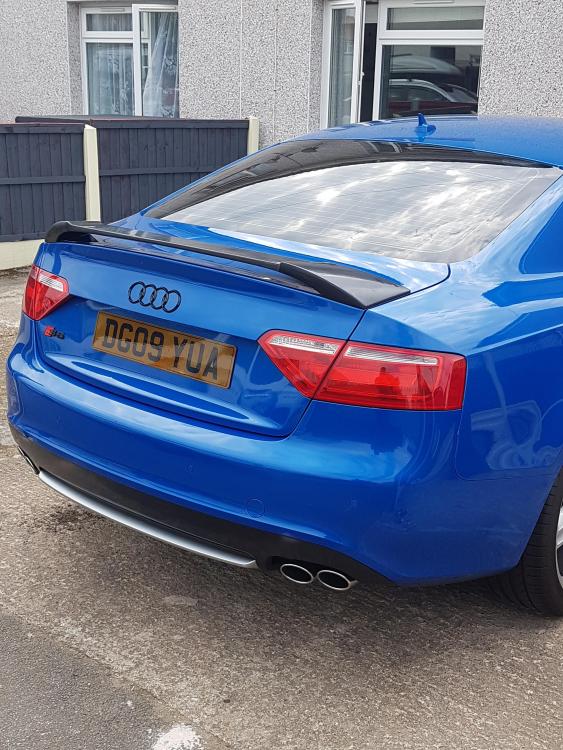
1 pointJust done a few changes for the VAG show. Any thoughts for what I have done?
 1 point
 -
1 point
-
1 pointDon`t know how i missed this post, but yes it was a good turn out even though it was very cold1 point
-
Great article....well done Steve! and thanks for the mention along with all the other guys who help to make this club a great one!1 point