


Leaderboard
-
WPAWS
Established Member3Points1,717Posts -
Dirktecknik
Members1Points4Posts -

AOC Admin
Administrators1Points3,807Posts


Popular Content
Showing content with the highest reputation on 08/15/2018 in all areas
-
1 point
-
Fair play to her, don't think I can even get up the stairs without being completely knackered 🙂 Good luck with the preparations for the big event....post it up on the social platforms nearer the time if you like.1 point
-
Have another member on the team @Reilly808 we will keep you guys updated on our progress over the coming year the date is set to either 11th or 18th July had a nice walk today with fellow team member Dave and his wife who may also be joining us she is not sure yet but with a date in place we have a target to aim for, welcome on board Steve
 1 point
 -
1 pointjust an update final bill for major service and replacement track rod end was £348.74 a lot of money but car is fully serviced and no faults found with it so peace of mind on the road1 point
-
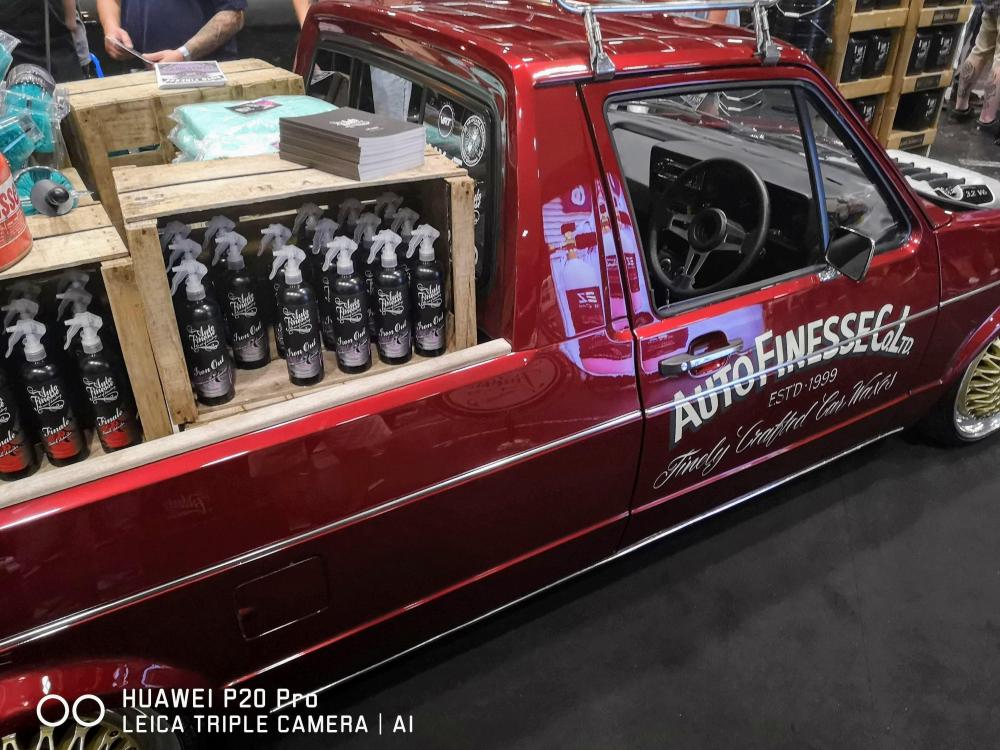
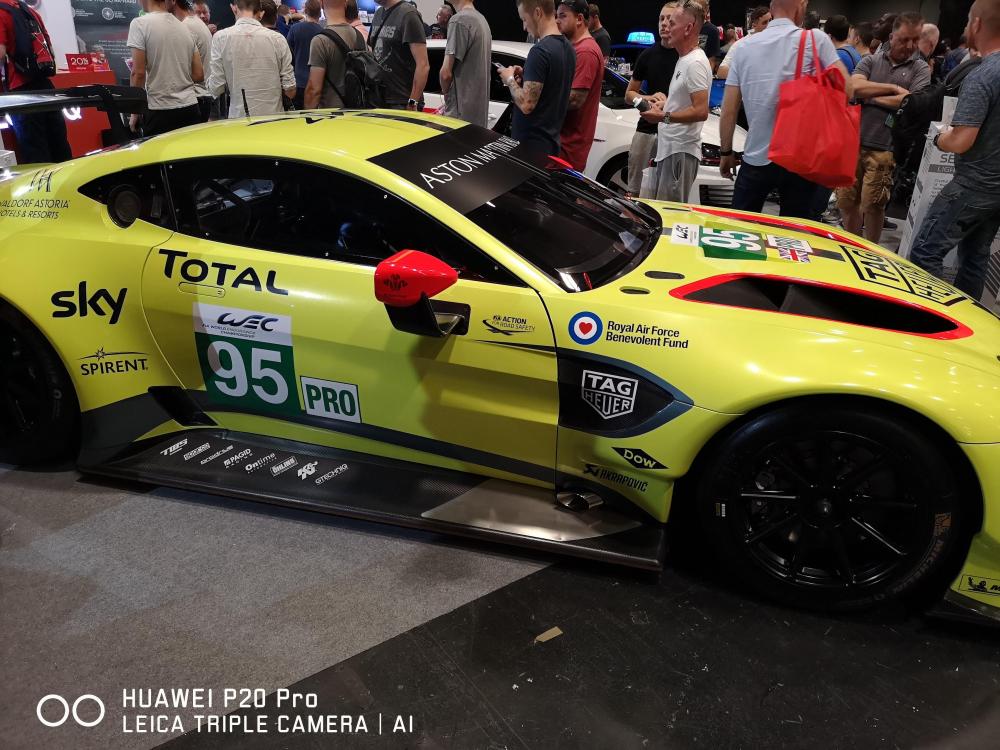
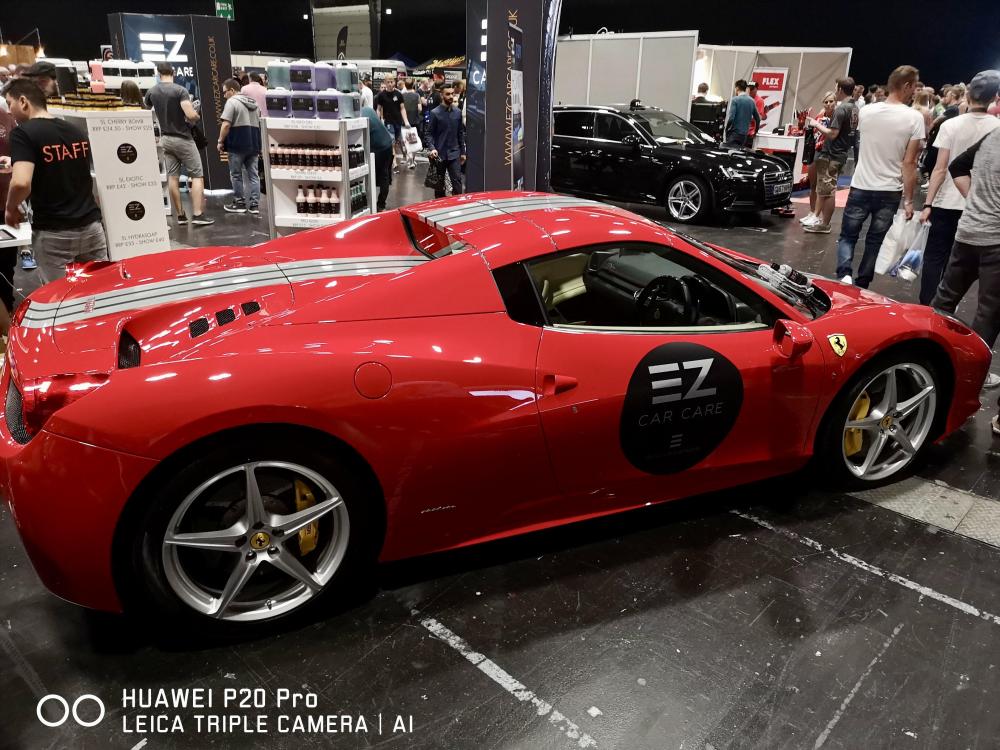
1 pointHey all, did anyone over the weekend 22/07/18 attend wax stock at the Ricoh centre in Coventry. It was my first visit so would be great to hear peoples thoughts and opinions. I enjoyed and snapped a few photos on my phone. They aren't great, as it was quite busy. By the way the Ferrari is my other car 😜. I wish.


 1 point


