


Leaderboard
-
cliffcoggin
Moderators1Points4,623Posts -
Devilbuick41
Members1Points3Posts


Popular Content
Showing content with the highest reputation on 10/05/2020 in all areas
-
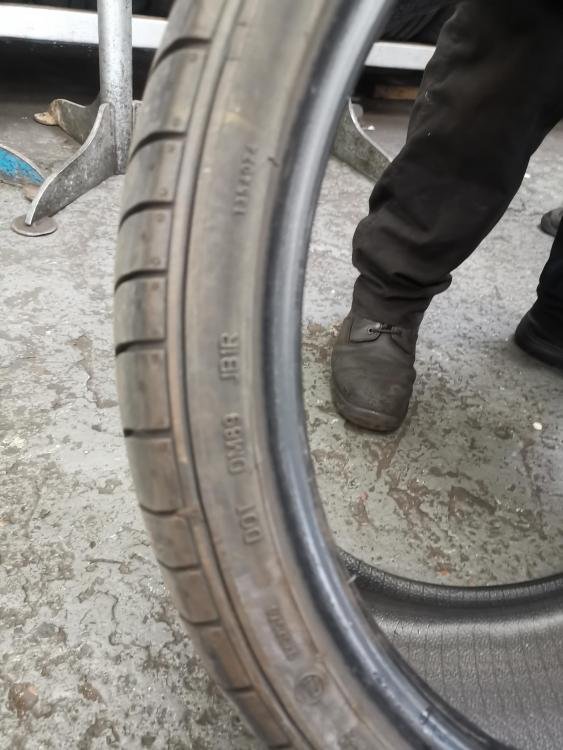
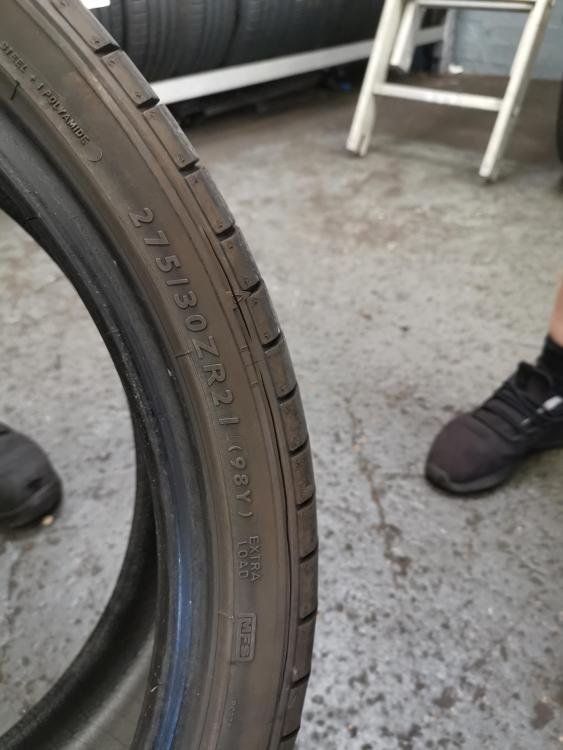
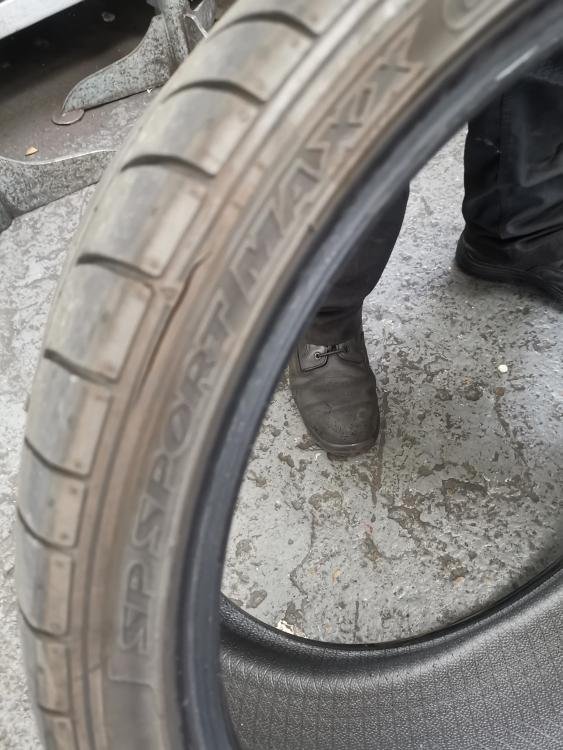
1 pointSo, to join the lengthening debate. I had two rear blow outs originally and not knowing any better I replaced with like (doh!). Since then I have had the other four tyres go the same way, the rears again being the latest. When the second set went I got the tyres back to Goodyear Tyre UK for examination and in the report they mainly hand their hat on two points; underinflation or accidental impacts which over extend the side wall of the tyres. I take issue with this on the following points: 1. It always seems to the be the inside wall of the tyre that goes, not the outside. Underinflation would cause both side walls to over extend. 2. Accidental impacts appear to be ruled out at tyres crack at the same time across axles, rears, then fronts and then rears again. Suggesting this is a lifecycle issue not underinflation nor impacts. 3. No uneven tyre wear was mentioned in the report which would be the case of underinflation, noting also the tyre monitoring system in the A7 should be sufficient to catch these things or why have it on the car Audi?, hence should be ruled out. 4.Noting the speed rating for the tyres being considerably in excess of UK road speed limits the impact would have to be severe to over extend the side wall and would therefore likely be evident on the wheel itself. I've just written most of the above back to them today asking for 60% of six tyres, as I did get some life out of them, as well as several hours messing around getting replacements. Time will tell........ Steve
 1 point
 -
Harry thanks for the update, few bother to do so after the initial question. Do let us know the outcome of the repair.1 point


