


Leaderboard




Popular Content
Showing content with the highest reputation on 10/21/2021 in all areas
-
1 pointPicked up my (2018) RS3 yesterday as a replacement for my (lovely, and under rated) S3. It's in Mythos Black with most of the extras boxes ticked by the original owner. WOW - you can read the figures, but when you press the loud pedal the difference is ******* marked! The sound is also something special, all I need to do is find a nice long tunnel now. I think that I'm going to enjoy this. I'm sure that a little while into ownership, I'll have questions for long term owners, so hopefully the advice will be forthcoming.1 point
-
1 pointJust goes to show there are still some good people in the world1 point
-
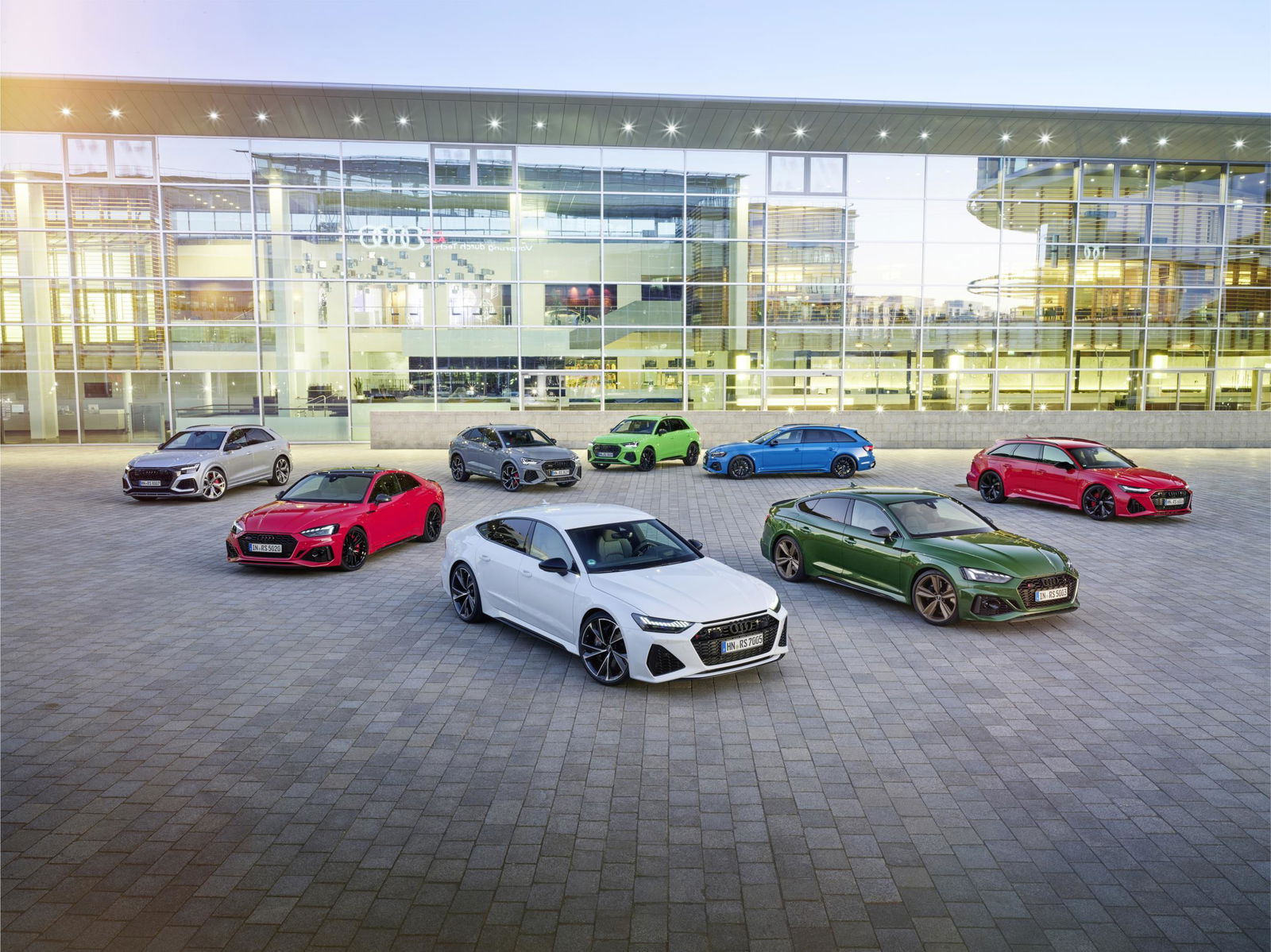 The RS models from Audi Sport GmbH are the dynamic spearheads of their respective product lines. They have a strong character that consists of distinct design differentiation, full everyday usability, effortless top performance, and a thrilling driving experience. This results from a relentless focus on minute details by the designers and development and test engineers, and it is perfected over numerous test drives around the world. This is a behind-the-scenes look at development work. 50a86966-db0c-4d2e-aec1-a236804321e8.mp41 point
