Sharkie
Established Member
-
Joined
-
Last visited
Everything posted by Sharkie
-
Bentley
-
dependant
-
Lash
-
Day
-
Peaks
-
Crab
-
Don’t worry Paul , as our first Audi club/meet/event defo will not forget. In fact good call, will probably put in glove box week before Cheers Mark
-
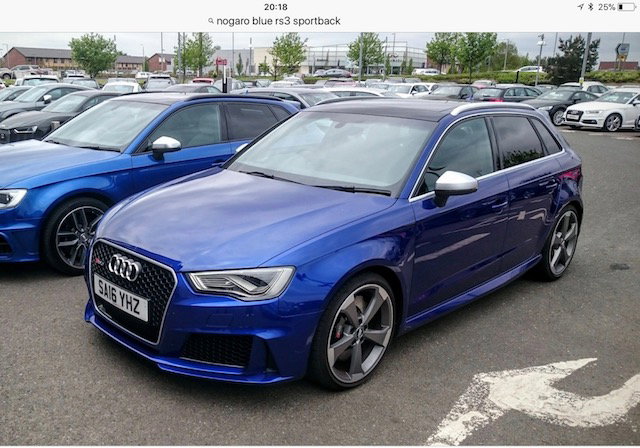
very nice Robert ! i love the Nardo , wife doesnt currently have 310 Bhp S3 loving that , definitely next will be RS3 , weve agreed on a Nogaro Blue one ... Cheers Mark
-
Gregg ... ive just got a november 2016 S3 310 bhp ...very very happy ...4.5sec 0-60 time lots of great sounds and the wife loves it to . overall very happy with our return to the Audi marque , yes i would love an RS3 and that will be our next in a couple of years In your position ...definately the RS3 if you can stretch just all round its a better choice in my humble opinion .... Sportback too ! Cheers Mark
-
Tickets on the fridge ...countdown begins
-
Hi Steve The Wife and I will be coming also , unless anything beyond are control crops up ! better not .... Cheers Mark
-
Welcome Selson nice choice , what colour ? Post some pics for us all to see cheers Mark
-
Lamb
-
Pallet
-
Graceland
-
Friend
-
Rota. ..... Audi Alloys !!,
-
I can confirm what Mark R1 has said i have sweeping on my S3 with led Headlamps
-
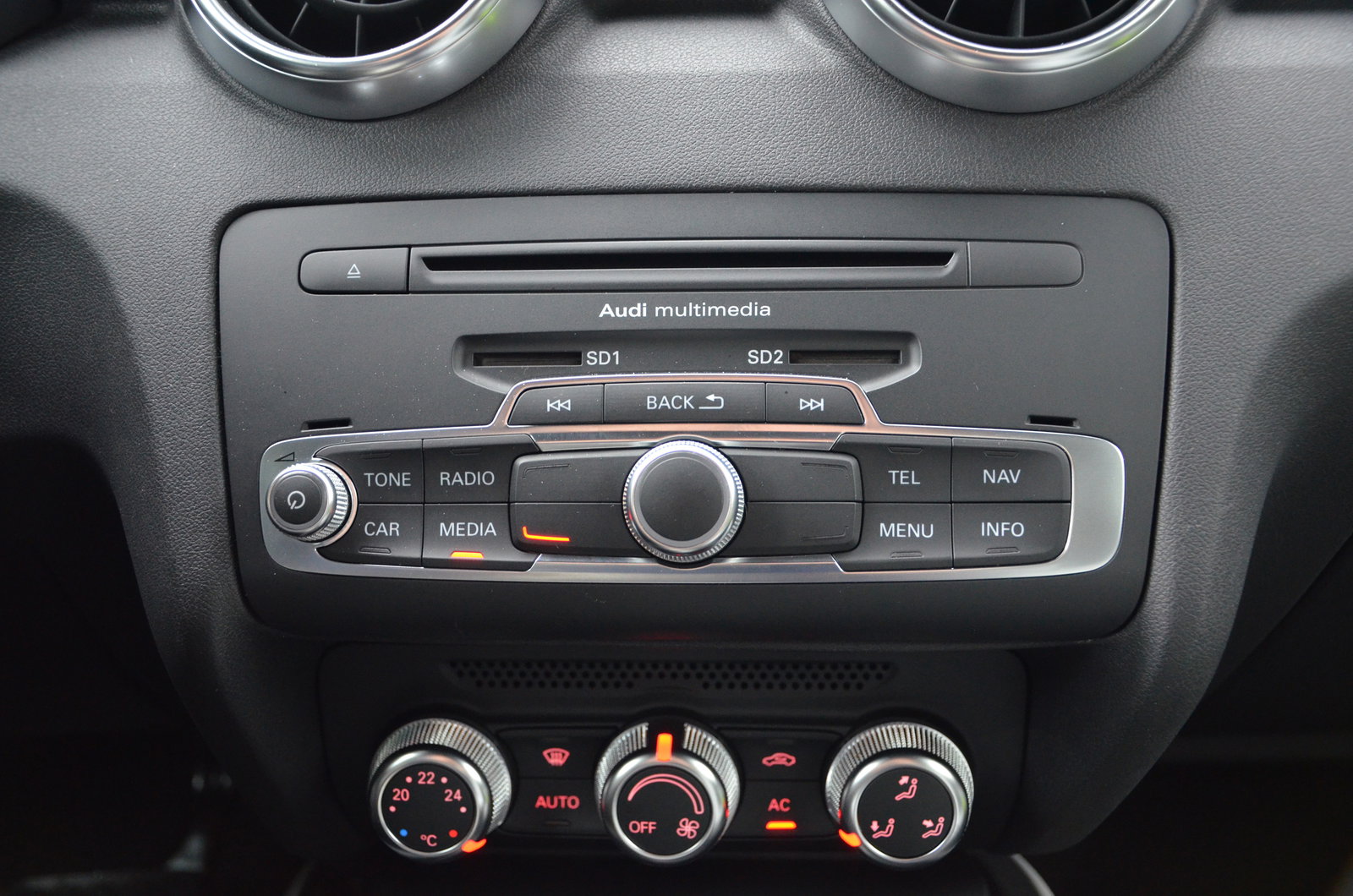
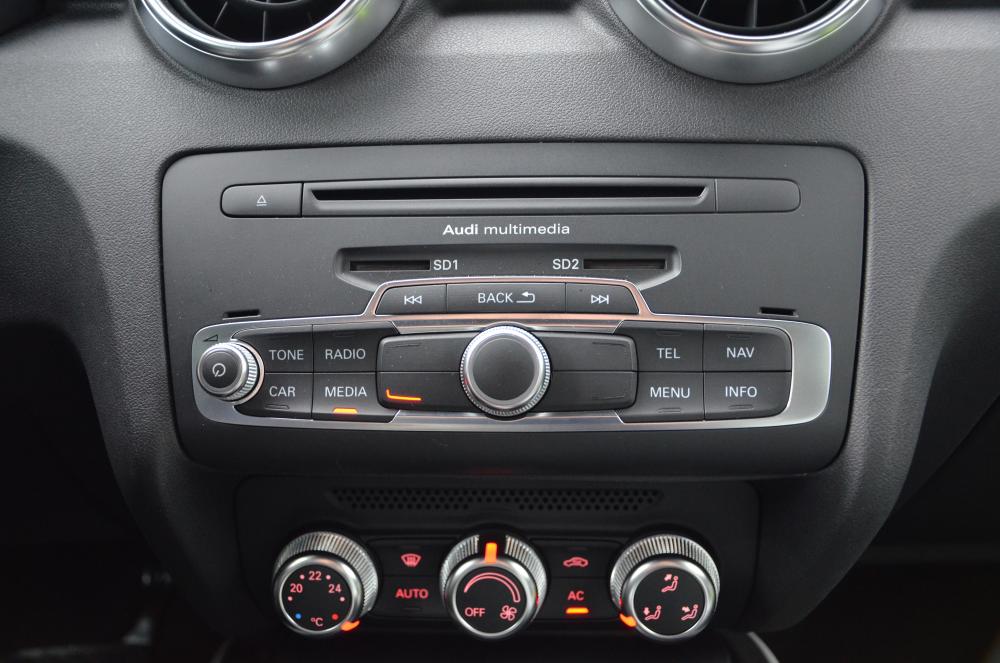
Audi dealers can only install the Sat. Nav. software if you have the double sd card radio which is sat nav ready model if it only has the one slot then no .
-
Matrix
-
Informed
-
Human
-
Time
-
Rolled
-
Might want to read this also http://www.audi-sport.net/xf/threads/fitting-the-rs3-grill-guide.237350/