Entwood
Established Member
-
Joined
-
Last visited
Everything posted by Entwood
-
If you need the hardware give these folks a shout Home | Retrofit They have just done my 2014 allroad with the hardware and everything to upgrade the 3g+ MMI to include carplay/android auto, and it all works a dream ... total cost was £650 with the work done on my drive (wiltshire). Very impressed and would recommend any day.
-
Due to 3G being shutdown so the MMI 3G+ no longer functioning as it used to, I've been searching for a way of getting Android Auto installed. Lots of places offer to provide the parts, or will fit at their premises, but very few offer an "at home" fitting service. "Simon" from "Autologics" (see previous recommendation) put me in touch with "Adam" from "RetroFit Cars" - [email protected]; https://www.retrofitcars.co.uk He does both, and did the job exceedingly well in a couple of hours, traveling from London to Wiltshire to do the work on my drive, all in cost £650.00 with a 12 month guarantee. Very pleased with the quality of work, his teach-in instructions on how to use it, and it is working very nicely indeed. So big thank yous to "Simon" from "Autologics", and "Adam" from "RetroFit Cars" Very satsified customer and Highly Recommended by me.
-
Interesting .. when I did mine through them they just sent 3 SD cards and the instructions, and their web site implies thats what they still do, so where/why the remote access comes from I don't know... but I agree .... not a good idea at all !! 😞
-
Check out these guys, and if what you want is not on their website send them an email .. they are exceedingly helpful and extremely professional. I have had software updates and a reverse camera done by them, and they are presently helping me source an "android auto" install. Highly recommended by me. Autologics | Vehicle Retrofit Specialists If they can't help, and that would surprise me .. some years back I used these guys who provided the software and I did a DIY job . not without its hiccups but we got there ... Audi Sat Nav Update Discs | Map DVD 2025
-
When I first got my A6 Allroad - 2nd hand - the towbar was also reluctant to drop, a few squirts with aerosol lubricant and some manual asisstance - waggling it up and down - over a few days - and it now works as intended . I suspect it had not been used for some time.... might be worth a try... The only "fuses" to check are those for the unlocked/locked indication/interlock system .. its a TOTALLY MECHANICAL system ... at least mine is !
-
I see you are trying to opt for 17" wheels ... perhaps 18" would give better options ?? I have an A6 Allroad which had 20" S line wheels on it from new, I found the ride hard and uncomfortable .. so changed to 18" wheels as these were the OEM option and I find the ride is so much better.
-
THis is on another car site I visit ... not what one would expect !! https://www.facebook.com/reel/738784335385142 Shows how "noises" are difficult to quantify without examination !!
-
HI, Thanks for the response.. sort of what I had come to assume. Phone is working on a 2G connection, but the lack of data connection limits the satnav to basic operation only. I guess I either live with it like this or pay for an Android Auto conversion and use the phone apps instead of the car satnav.........
-
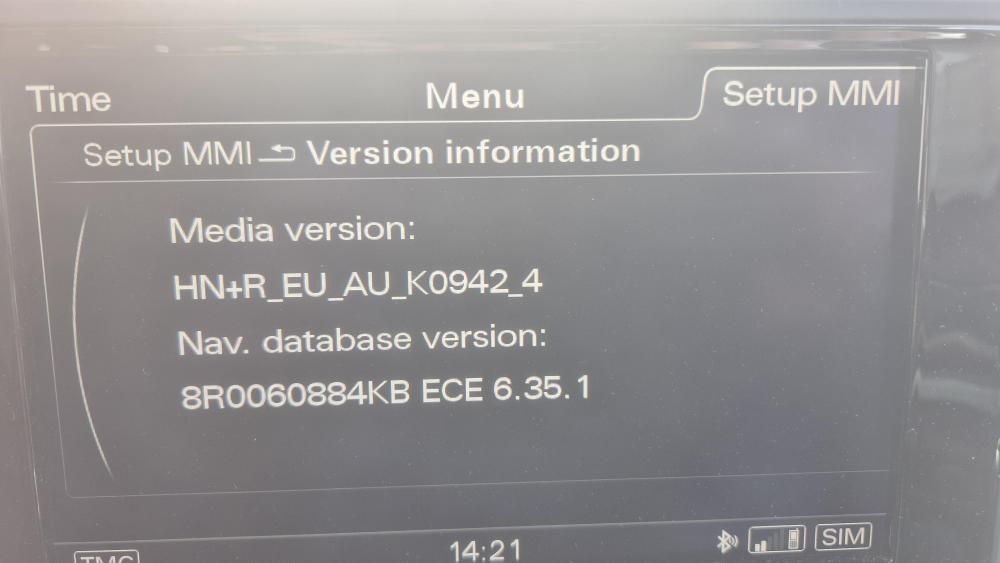
2014 Audi allroad with MMI HN+R which I believe is 3G so my "3" sim has stopped working now they have switched off 3G and don't do 2G. Is it possible to upgrade this to 4G or do I have to find provider who stil does 2G as all networks are binning 3G this year. Any thoughts from anyone 🙂
-
I used these guys a year od so back. Very helpful, excellent support, decent price and it all worked ..... and still does !! Audi Sat Nav Update Discs | Map DVD 2024
-
Hi All, 2014 A6 Allroad in black The "colour-coded" wheel arch plastic things are dis-colouring to a sort of greyish colour with the texture of, I believe it's called, "orage peel". Is there any advice as to how to rectify or prevent the problem, don't want to start messing with odds and sods in case I actually make things worse !! If a keen "detailer" has any advice I would welcome such asisstance Regards, E
-
There are various sites you can use to correctly compare the "rolling circumference" of different wheel/tyre combinations. The obvious reason is to get the answers as close as possible to reduce any effects on speedo/abs etc etc.. An example Tire Size Comparison If the wheel tyre combination is listed on the fuel flap then 100% it will be OK One certain advantage of dropping the wheels size is comfort! The A6 Allroad I purchased had 20" wheels (255/40/20 tyres) ... very quickly changed to 18" (235/55/18 tyres) just for the improvement to ride ! Put simply the total radius is the wheel + the tyre.. if the wheel is large the tyre is skinny, if the wheel is smaller the tyre is taller. The taller the tyre the more flexible and capable of absorbing impacts it becomes. The fact that 18" tyres are, generally, cheaper than 20" tyres was a secondary consideration for me ...... I just wanted to keep my teeth in when driving UK potholed roads !!
-
In the "pinned" section is my post from when I had a reverse camera fitted to a A6 allroad by Audi Retrofit Specialist | Autologics . Well pleased then, and still am, absolutely no problems with it at all, May I suggest you give them a ring ??
-
I used these folks, extremely helpful in all respects .. Satnavishop.co.uk worth a check of the website and maybe a phone call !
-
I used Satnavishop.co.uk to update my 2014 A6 allroad with 3G+ MMI. "David" was extremely helpful, answered every "help" email within an hour, and they sorted all the hiccups easily. Hiccups were unusual, it seems, as some other work had resulted in some of the MMI already being updated, but no-one knew... least of all me. !!
-
I used Satnavishop.co.uk to update my 2014 A6 allroad with 3G+ MMI. "David" was extremely helpful, answered every "help" email within an hour, and they sorted all the hiccups easily. Hiccups were unusual, it seems, as some other work had resulted in some of the MMI already being updated, but no-one knew... least of all me. !!
-
Might not be relevant at all, but a similar problem (heat one side cold the other) on a different car was also caused by a partially blocked matrix. It seems that a partial blockage allows a very low flow that provides a bit of hot water to give heat to one side, but once thats gone the "other" side only has lukewarm/cold water flow, so generates no heat at the vents. Replacing the matrix with a "freeflowing" one solves the problem as both sides get plenty of hot water. Hope that helps, although I accept it might not !!
-
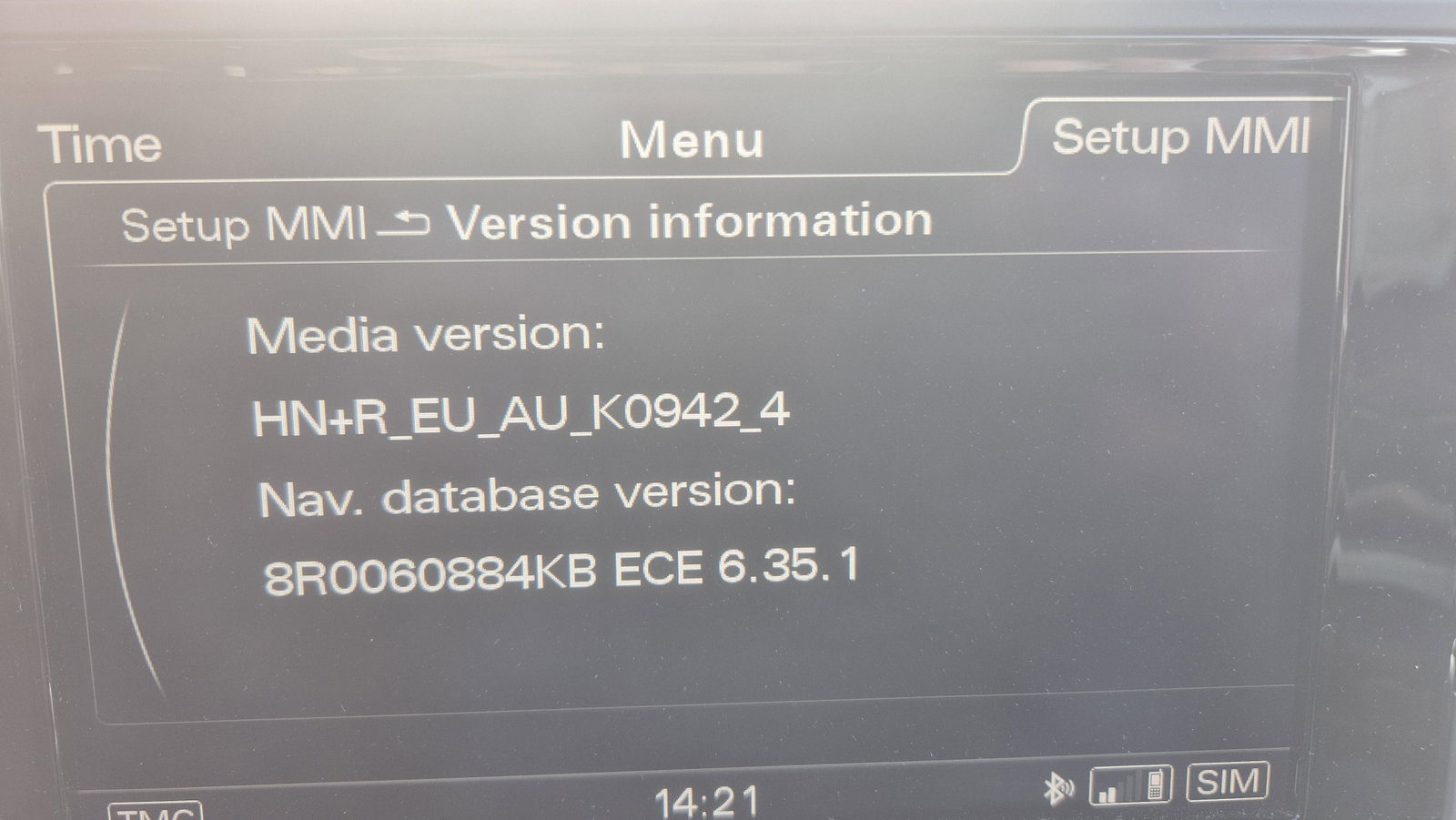
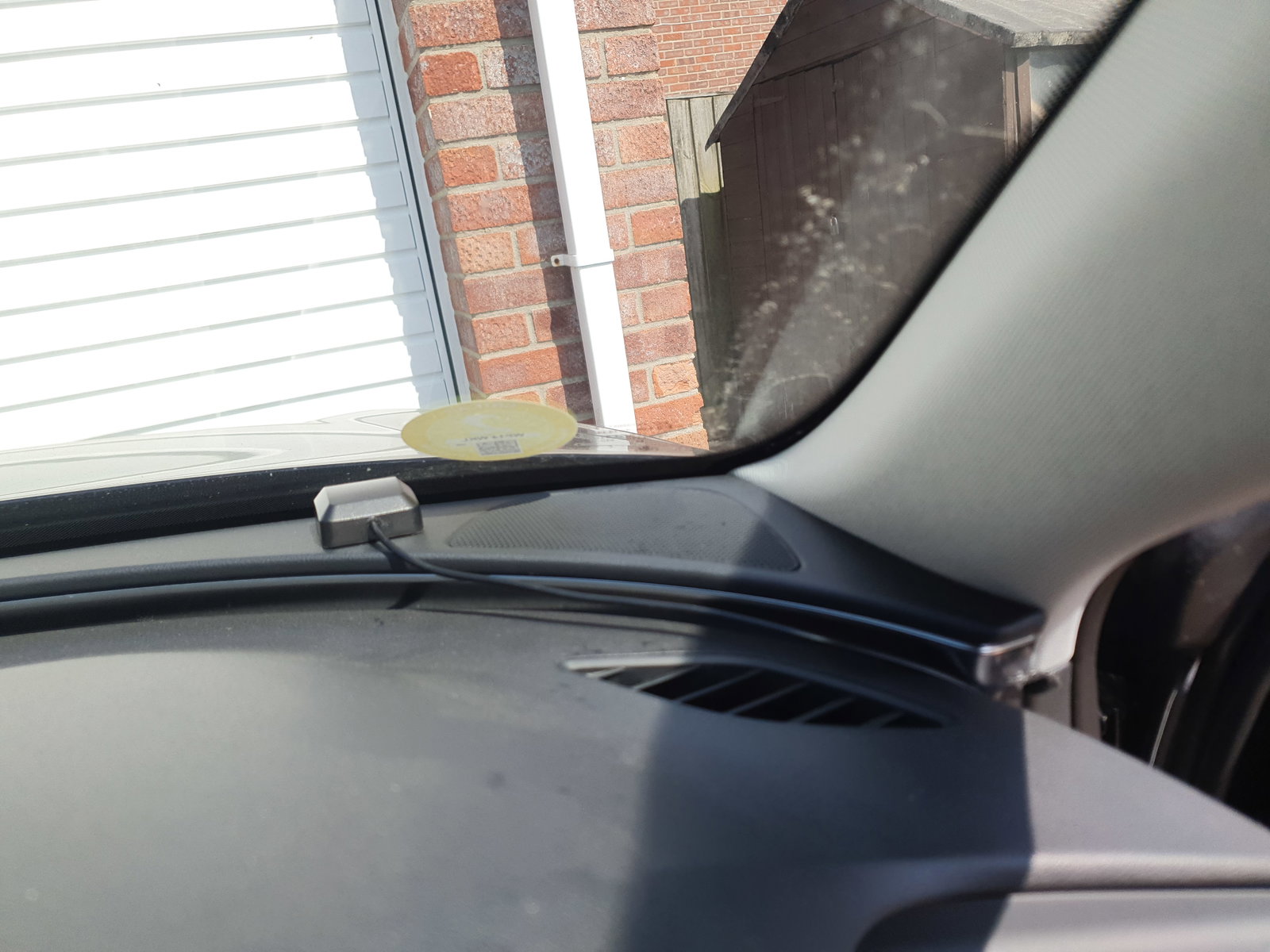
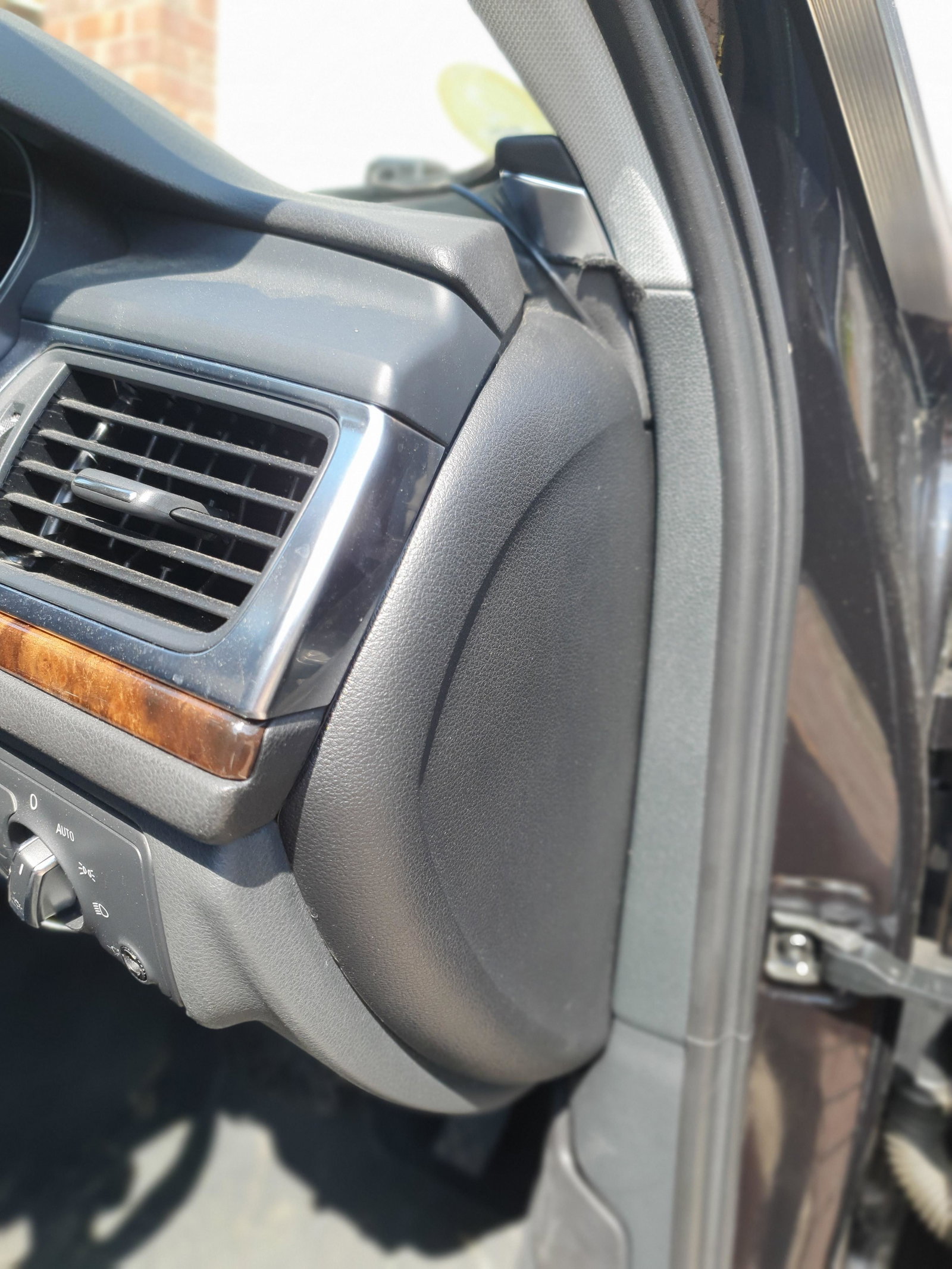
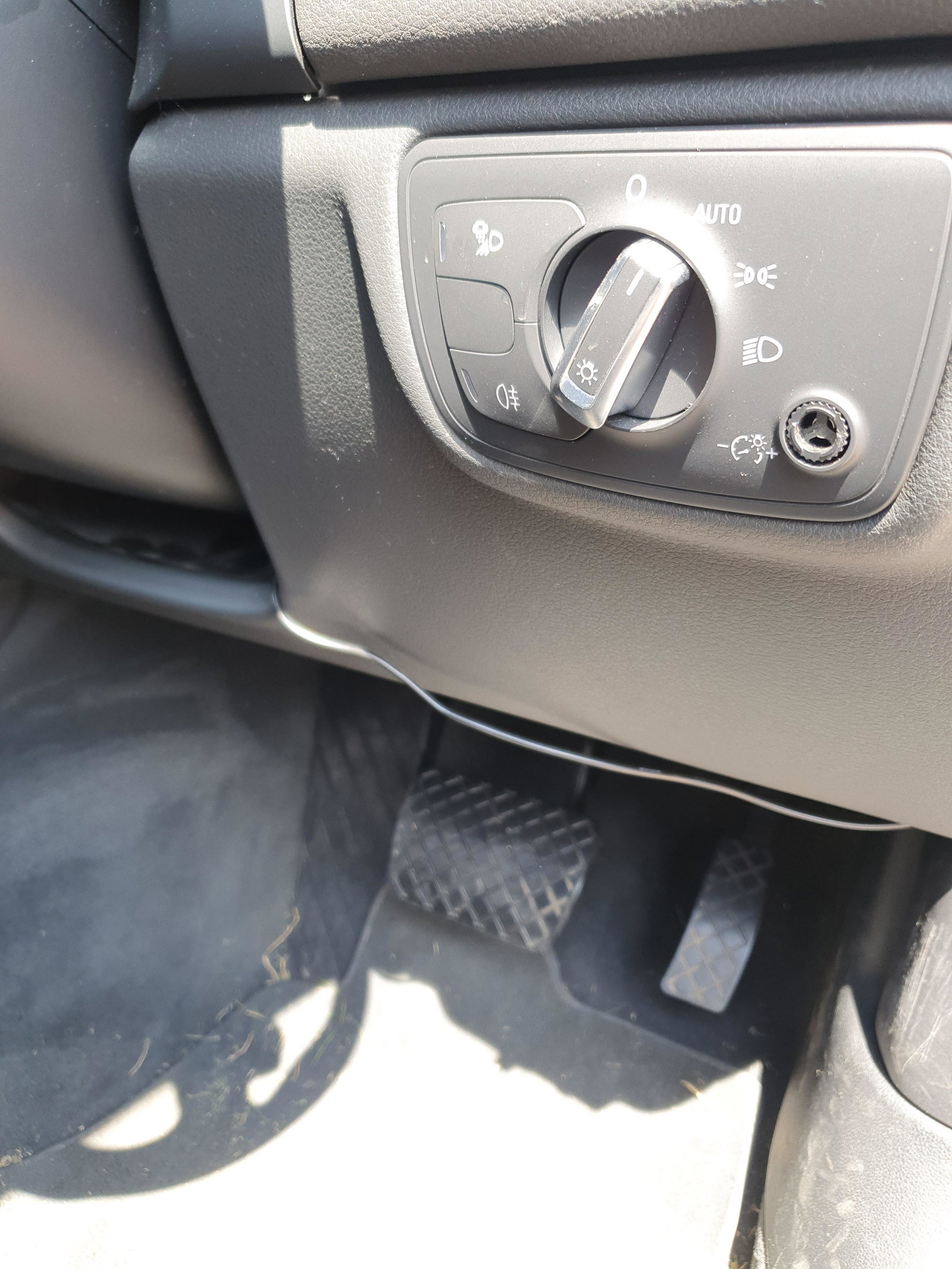
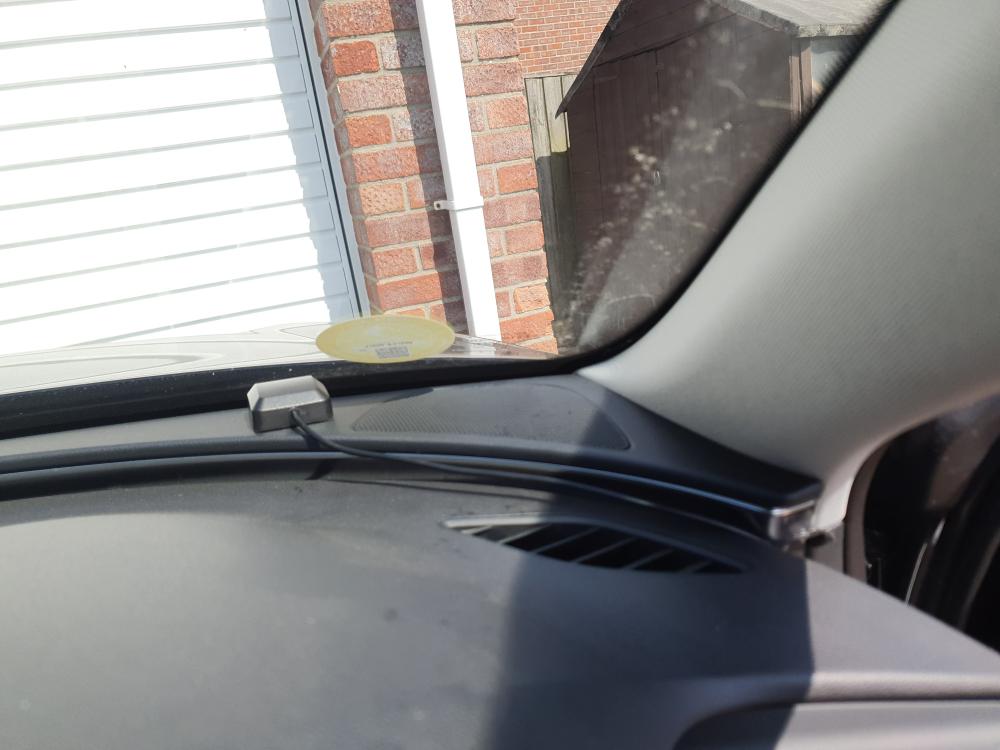
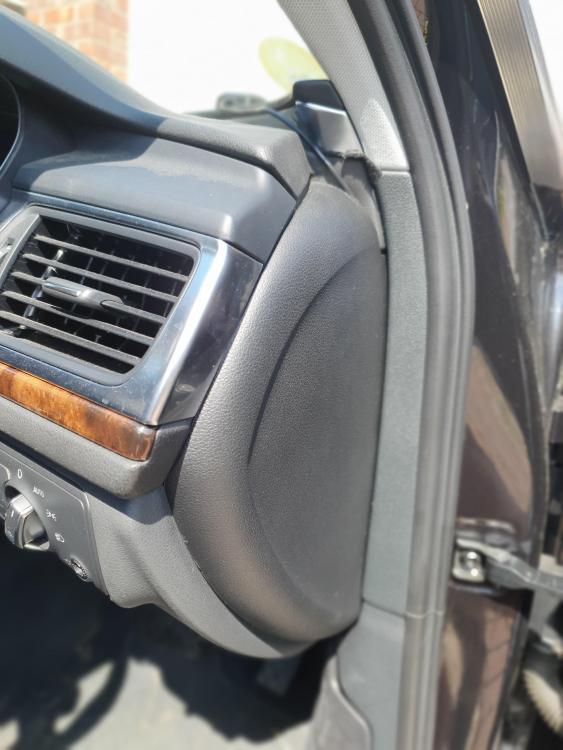
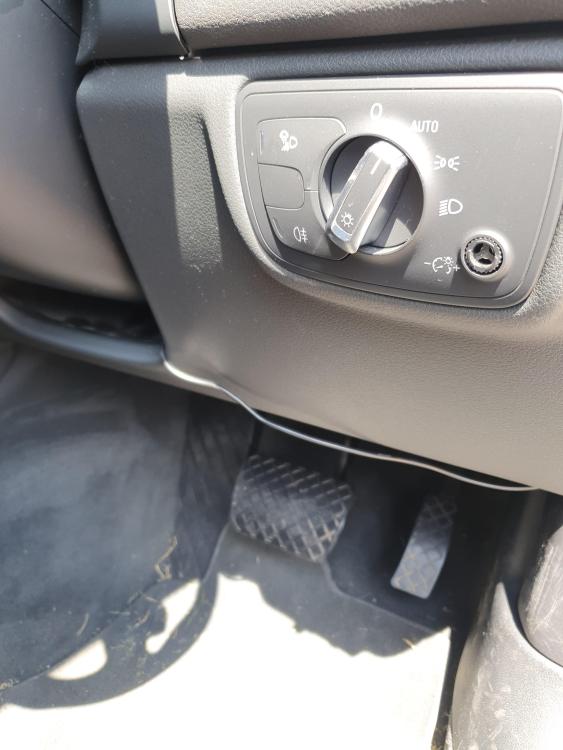
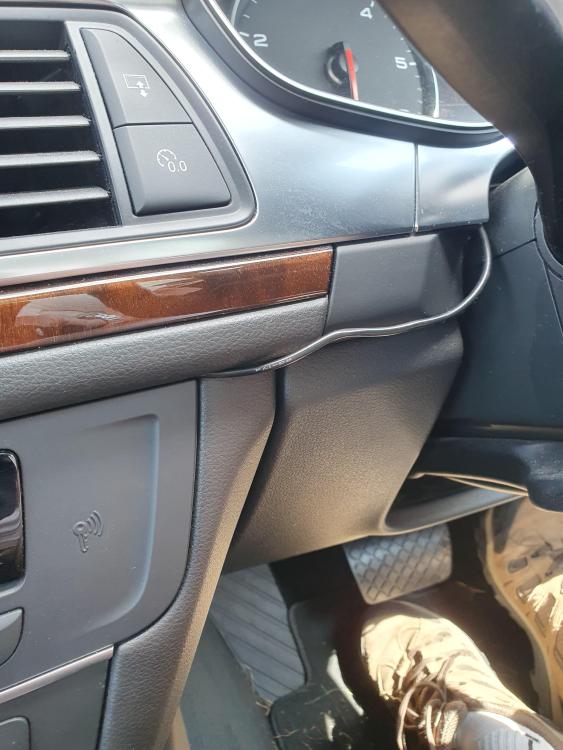
Hi memzey, antenna is placed front right hand corner of dash just beside the speaker grill (1.jpg). Cable goes down the right hand side, then in behind the fuse box cover,(2.jpg) then out and under the steering wheel area with excess cable pushed into the large recess, (3.jpg) cable then goes up and over, tucked in between the fascia and the steering wheel and into the MMI. I simple connected to the MMI then reseated the MMI with the cable coming out of the top right corner.(4.jpg) Not ideal in any way but it works. Car is booked in to a local auto electrician to have a new aerial fitted the week after next. The SRS warning light is apparently caused simply by having to unplug the two cables underneath the MMI in order to get sufficient access to the aerial socket. Simple reset with the appropriate kit sorted that.
-
Quick update folowing the weekends efforts. On Saturday I removed the MMI again and found a way to re-route the generic aerials cable such that, although not perfect it is out of the way and the aerial is at the bottom edge of the windscreen. Satnav has worked perfectly with 8/9/10 satellites when ever checked. At least this proves its the existing aerial that is the problem. Along with memzey I also still have the airbag light now on since I started this saga. I don't have a code reader so the car is booked in to a local non-audi specalist for next week. They will check out and fix the airbag problem, and advise me on their cost of fixing the satnav aerial properly. I know I've got it working with the bodge, but I like things done properly.....
-
Progress, of sorts..... using the second video above (thanks Alpha Omega) and the purchased tools, I successfully, eventually, gained access to the rear of the MMI. The cables are very short and a couple have to be unclipped to get to the back. Plugged in a generic GPS aerial off ebay (less the £5.00!!) and it all started working, 9/10 satellies received... happy me .. or so I thought...... I couldn't work out/see any way to mount the aerial near the windscreen, so simply placed it on top of the MMI. Then had some "fun" getting it all back together..... there is VERY little room and the numerous cables conspire to prevent easy access/movement ... but got there eventually. Test drove it and it was VERY erratic, quick check and only 3/4 satellites... so obviously on top of the MMI is useless. Another days work I guess trying to find a better place/way, but at least I know how to gain access. To add to my woes, the "safety systems" warning is now illuminated... I wonder if the repeated moving of the seat and kneeling on it to try and get a torch/eyesight into the MMI area has damaged something, a very quick look doesn't show any loose connections, again something for another day ... ......at 72 my arthiritus, bad back, eyesight and patience have all run short for today !
-
OK, from memory as the car isn't here at the moment..... with no route planned, select "Tour", then select the topline, regardless of what it says, press centre button, rotate centre button one click clockwise. Should now display number of satellites and assumed position .. in my case "0" and south wales-ish even though I'm 80 odd miles from there !!
-
I used these folks, very pleased with their support and their product. Audi Sat Nav Update Discs | Map DVD 2023 (satnavishop.co.uk)
-
Remove Audi MMI module (audizine.com) That's all it says .....
-
That looks a possibility, thank you, appreciate the help. Hopefully these tools will be man enough to do the job !! 12 Heavy Duty Car Trim Removal Set Radio Panel Door Dash Vehicle Repair Pry Clip 7427274231726 | eBay
-
Found an article that says the MMI is held in by one screw that is accessible after the climate control panel is removed....... but doesn't tell me how to remove the climate control panel ..... any one able to assist ?