S.J
Members
-
Joined
-
Last visited
-
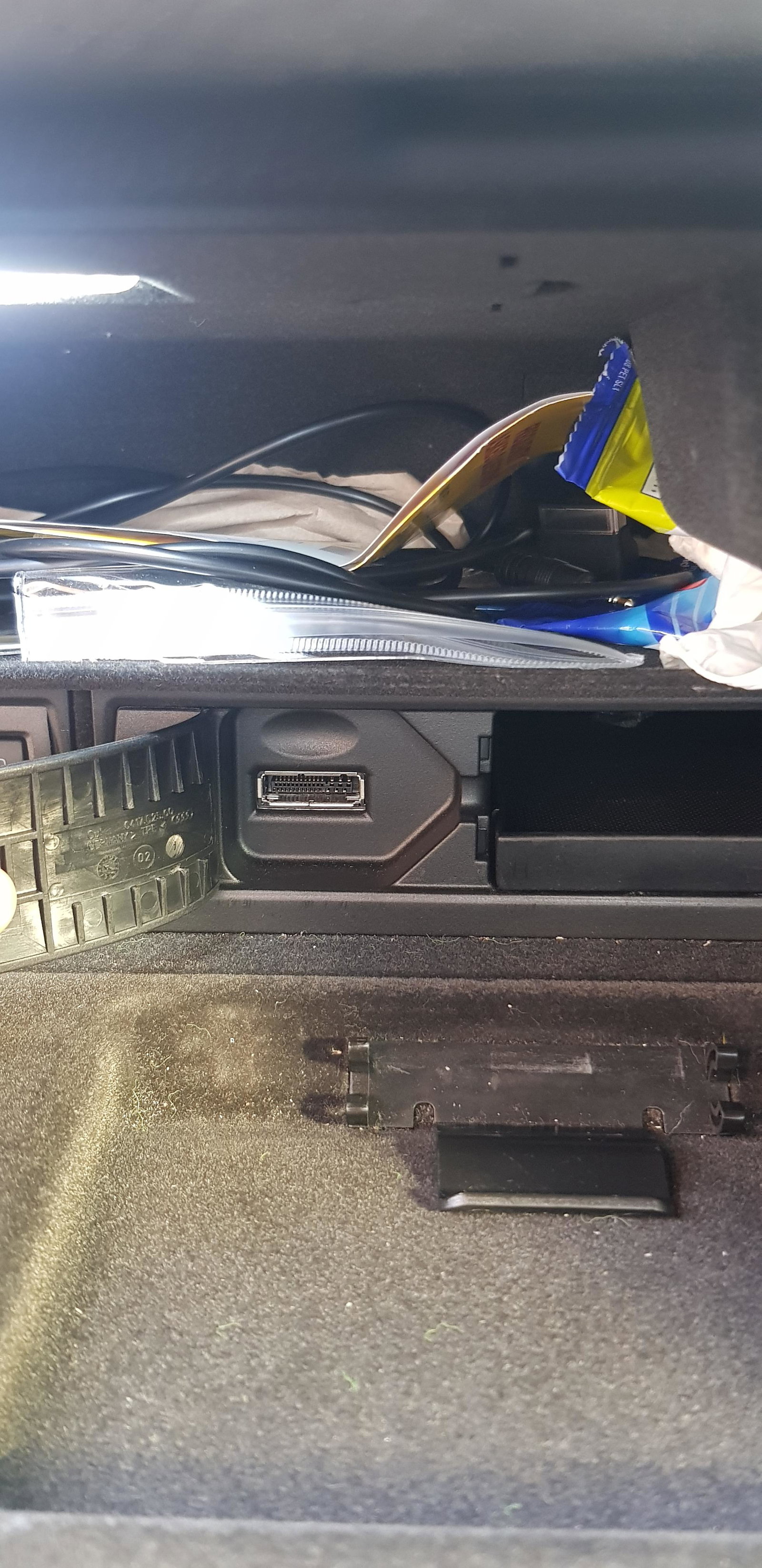
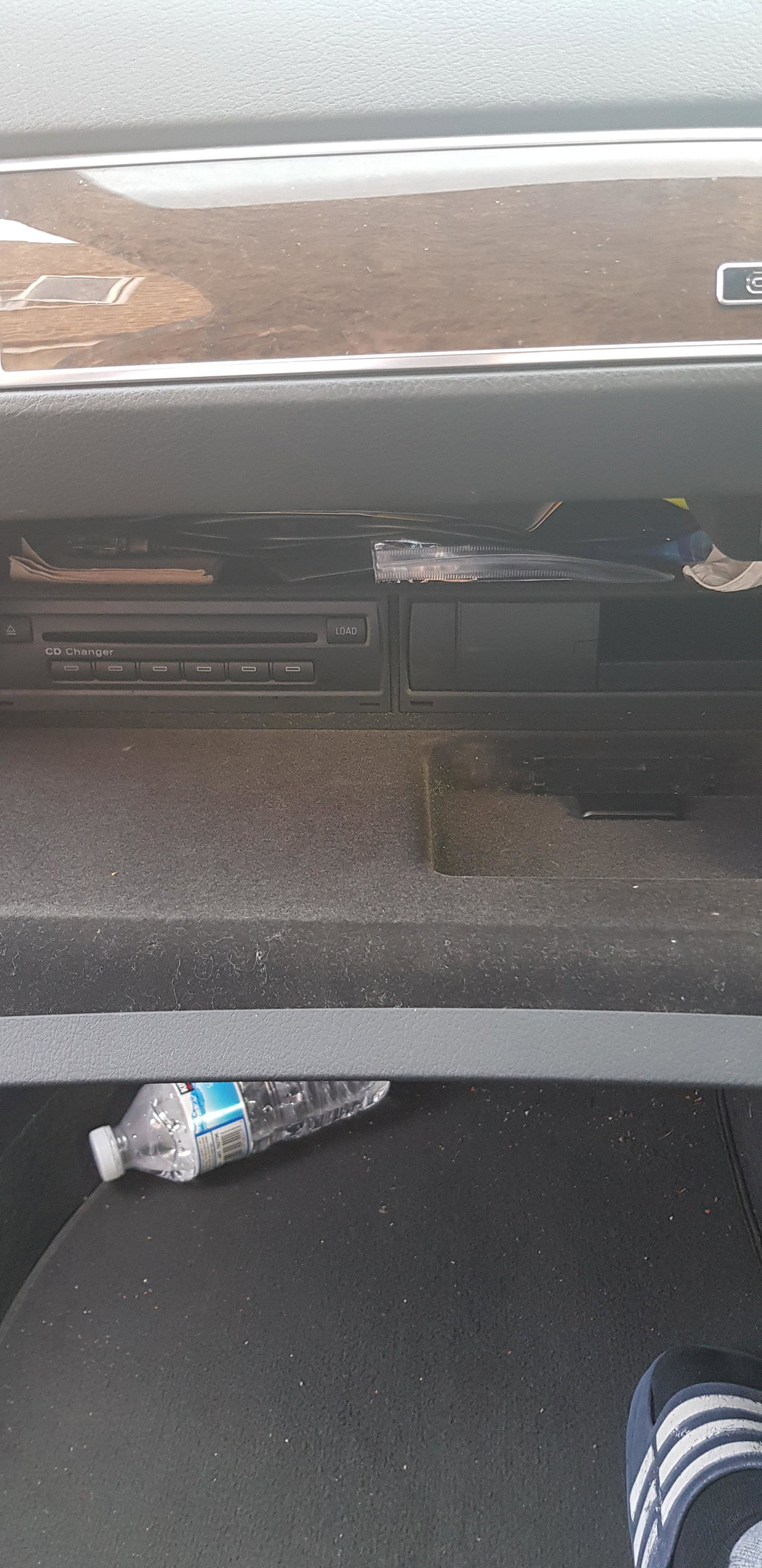
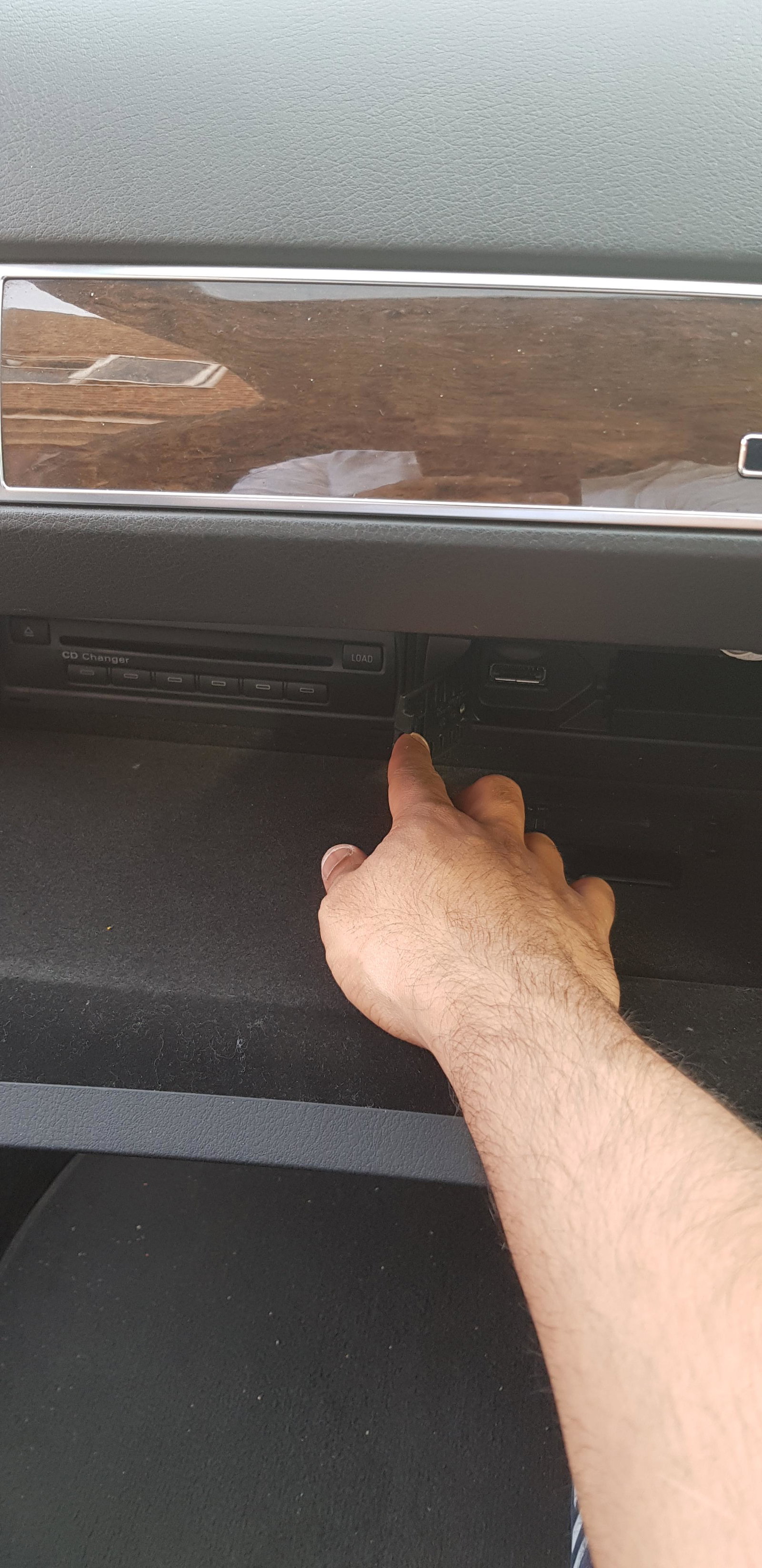
Hey all, My audi music interface aux has stopped working, i got a new cable to see if it was my cable playing up but even the new one doesnt work, which means the port itself isnt working, anyone know how i can fix this issue? Its located in the glove box
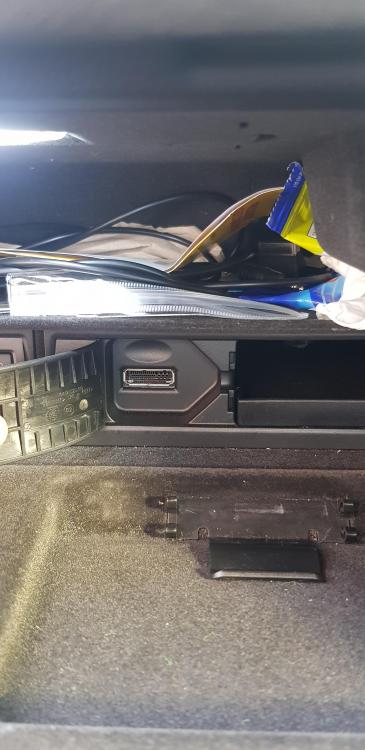
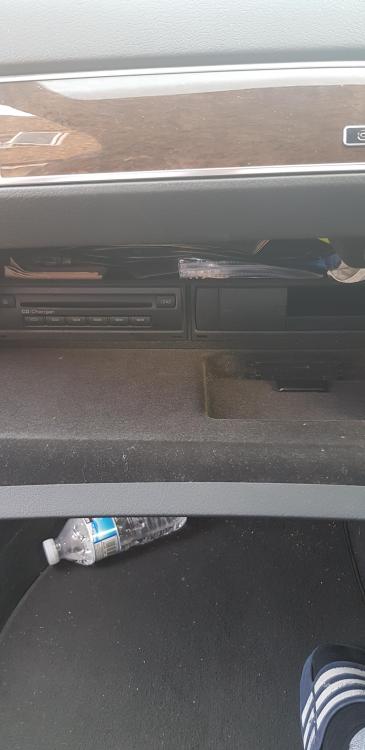
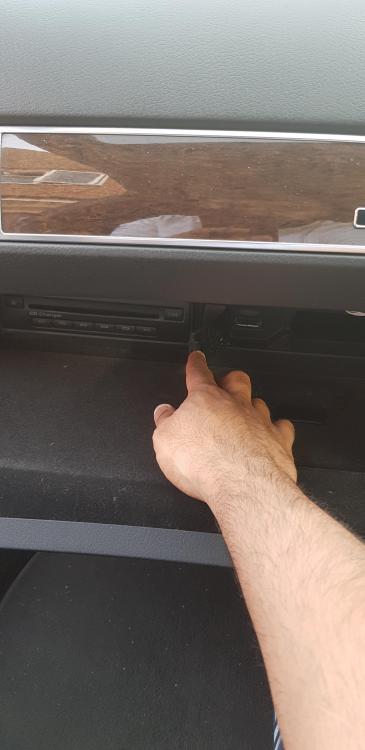
-
Im looking for the same thing but cant seem to find a guide anywhere
-
Hey mate ive got the same exact car as you except its an 2007 plate, you know where i can find how to remove the turbo/actuator off these cars?
-
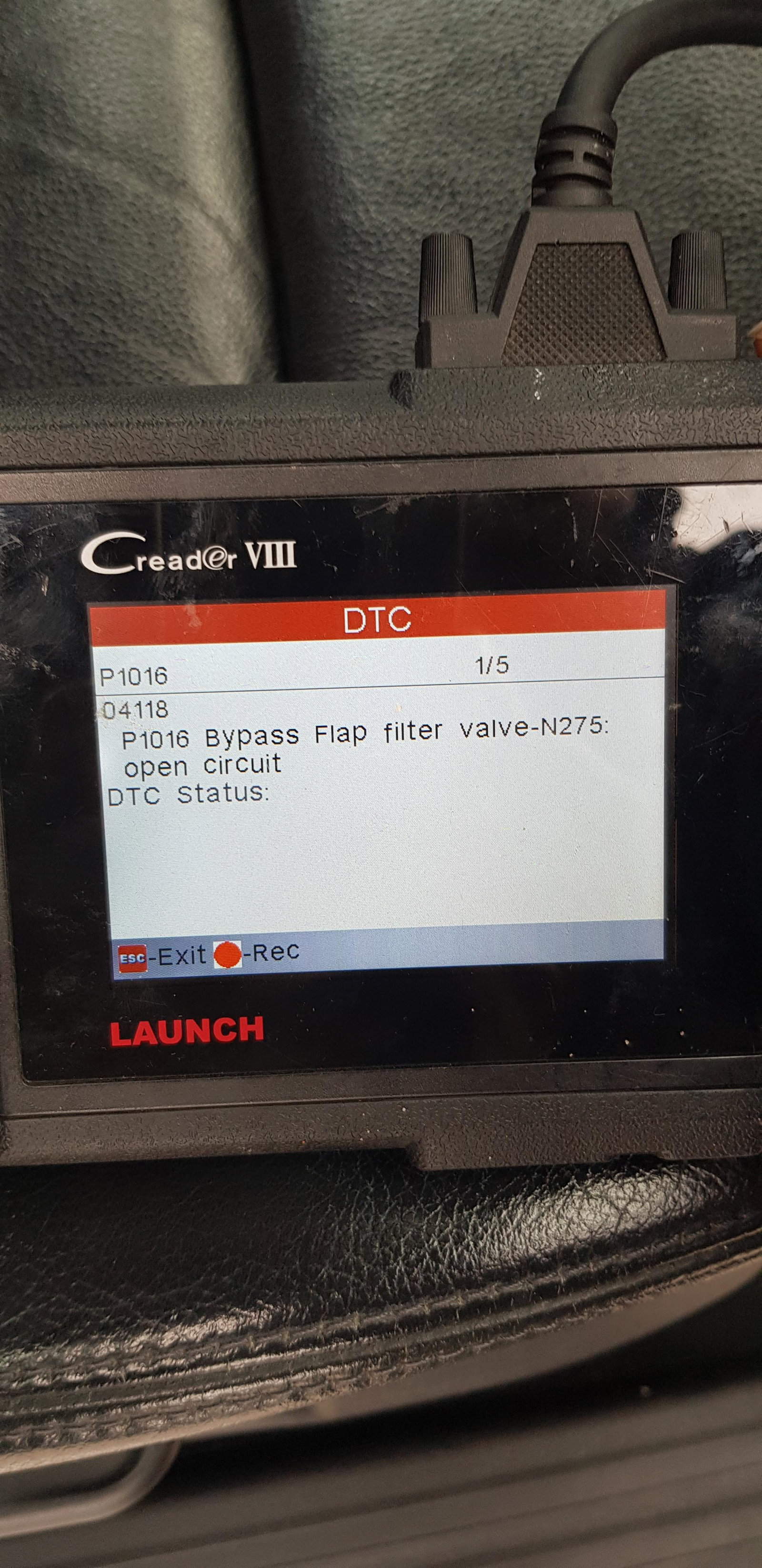
I have an Audi a6 2007 3.0 tdi s line quattro lemans, its showing this fault code: p1016 bypass flap filter valve n275 ... any idea what this means..?
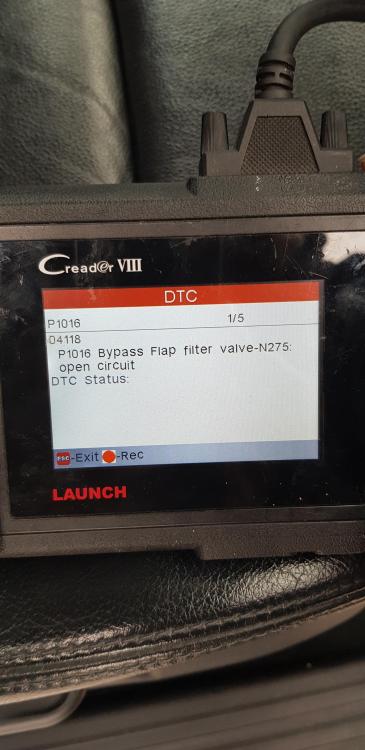
-
Thanks for the reply, would you be able to recommend which Actuator/Turbo model for my car ? Im so confused
-
A6 S Line Le Mans Quatt A i have a 2007 plate A6, 3.0, TDI, S Line, Le Mans Edition, Quattro, problem: intermittent limp Mode which loses power while driving, and i have the error code, p3348
-
S.J joined the community
-
A6 S Line Le Mans Quatt A i have the same car, 2007 plate A6, 3.0, TDI, S Line, Le Mans Edition, Quattro, and i have the same problem, intermittent limp Mode which loses power while driving, and i have the same error code, p3348, Any help?