


Leaderboard
-

AOC Admin
Administrators1Points3,807Posts -
cliffcoggin
Moderators1Points4,640Posts -
Adeelio
Members1Points13Posts -

Brad-B5
Established Member1Points757Posts


Popular Content
Showing content with the highest reputation on 01/13/2017 in all areas
-
1 pointHi all, picking up my first Audi tomorrow, it's an Audi Q7 S line plus in orca black. Hoping for quite a few years of enjoyment out of this car. Hopefully pick up some tips and good information on this site. Here are a few pics .......
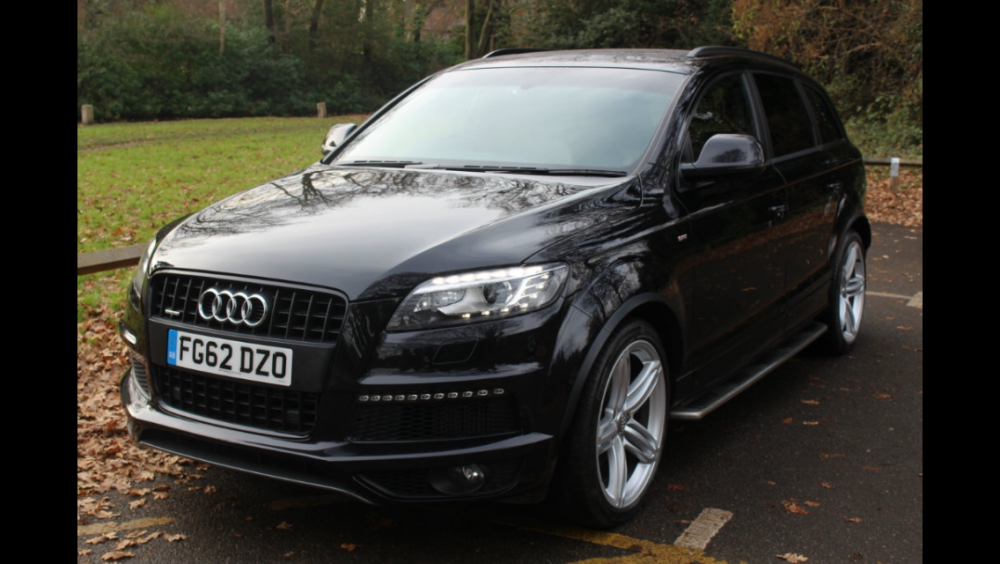
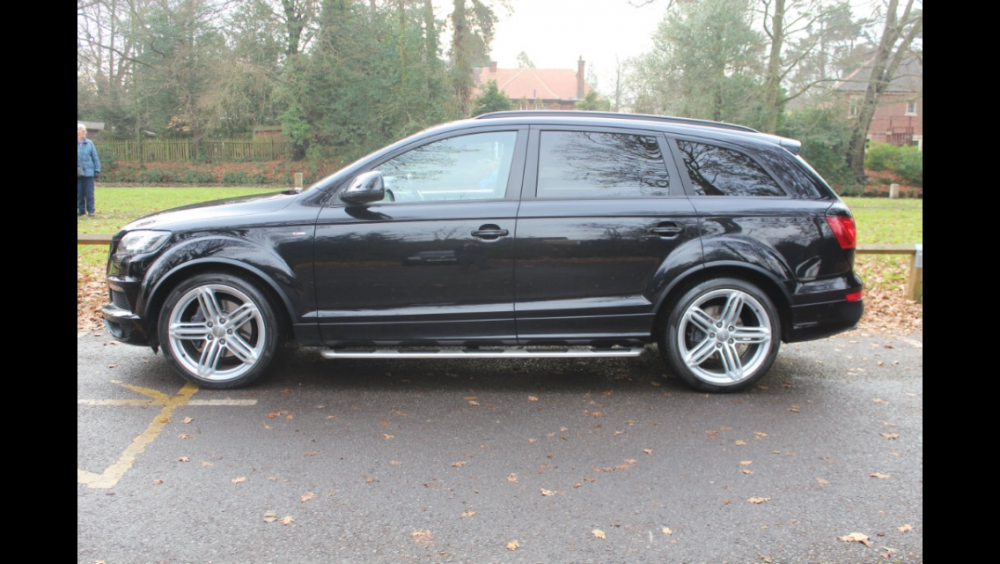
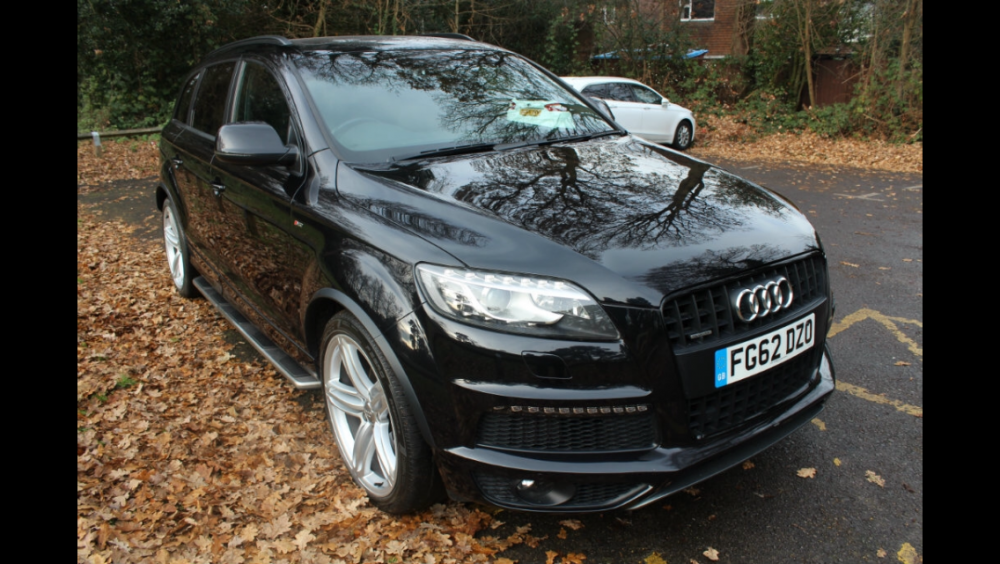
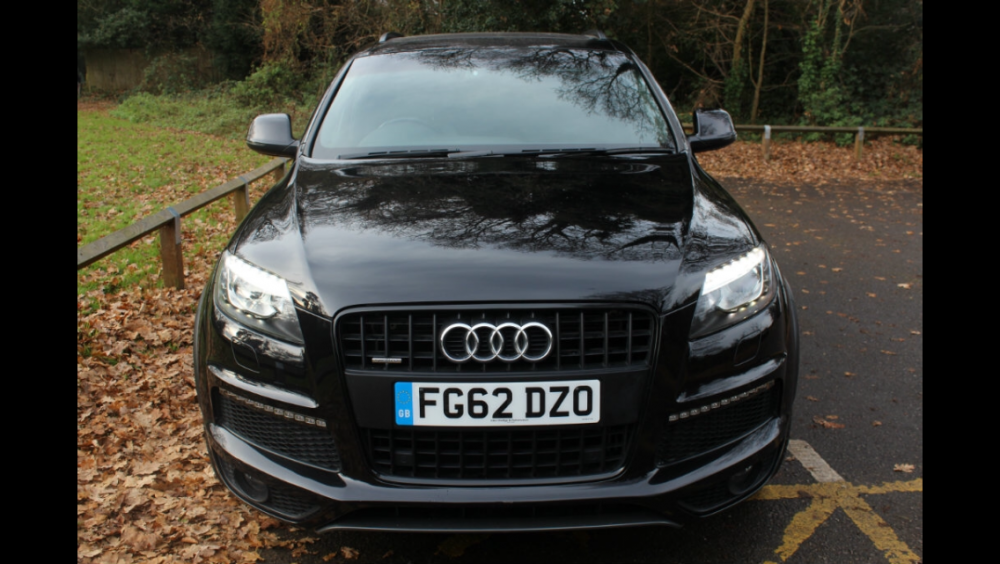 1 point
 -
1 pointHi Karl Welcome! Spoken already just thought I'd leave a comment on here :) Beautiful car, hope you definitely get years of much loved driving from it!1 point
-
1 pointHere's another option I found when I was considering such a change. In the end I was too lazy to do anything. http://www.ebay.co.uk/itm/AUDI-A3-RNSE-PU-S3-RS3-car-gps-sat-nav-dvd-head-unit-usb-3G-DVR-DVB-T-IN-7047-GB-/251656541025?hash=item3a97e61361:g:J3UAAOSwQTVV~-Er1 point
-
1 pointYou could look at what this company has to offer http://www.iceboxauto.com/audi1 point
-
1 pointHad a !Removed! nightmare with the xtron system, had 3 systems replaced, so ended up going to icebox, so far well happy, a few issues like sat mav not working and not getting a mic as i was told i would, but hopefully icebox will sort them out1 point


