


Leaderboard



Popular Content
Showing content with the highest reputation on 06/22/2017 in all areas
-
1 pointCheers Trevor I knew I could save for another car but better the devil you know lol1 point
-
1 pointHey all! right Update time! I've Had a new EGR as it was "farting" (knocking, tapping) also had a engine manifold seal changed, new front window wiper motor (well second hand but in good condition for fraction of the price of a new one) Air con re-gas and clean Now I have nice cold air (finally) and had a full service done too. last year was a new Turbo which changed it also So in the long run I have wanted to make this car new again, yes I could of bought a new car but this car is mine and I love it :)1 point
-
1 pointI know I know!! IT's the EGR its keeps shut or open have a look at If we could hear it, if not, the a ball joint? CV joint?1 point
-
1 point
-
1 pointRight. My tickets came today! :) your pack should contain: 1. Yellow wristband (one per ticket purchased) 2. Red VIP entry wristband(one per ticket purchased 3. Exhibitors vehicle pass (this will hook on your interior mirror) 4. Event information leaflet 5. An invoice of what you've purchased. Cheers steve :)1 point
-
1 pointThis 1996 Audi A6 2.6 is owned by fellow member Sam1977 who lives in Gibraltar and who has kindly allowed me to share the image on this topic. He is the second owner and the car has covered 250,000kms!
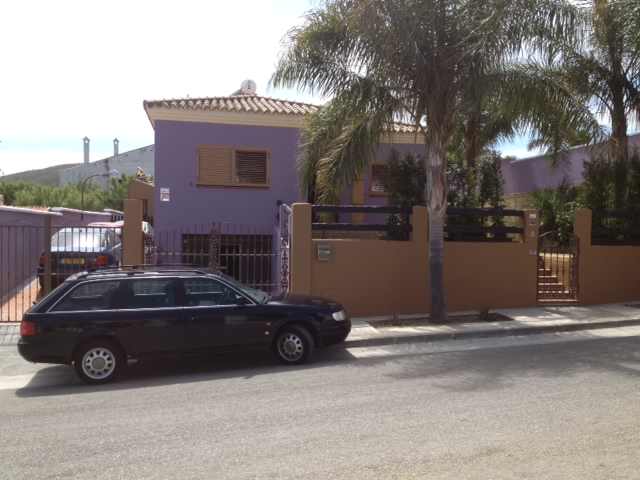 1 point


