




Skip to content
View in the app

A better way to browse. Learn more.

Audi Owners Club (UK)

A full-screen app on your home screen with push notifications, badges and more.

To install this app on iOS and iPadOS
  1. Tap the Share icon in Safari
  2. Scroll the menu and tap Add to Home Screen.
  3. Tap Add in the top-right corner.
To install this app on Android
  1. Tap the 3-dot menu (⋮) in the top-right corner of the browser.
  2. Tap Add to Home screen or Install app.
  3. Confirm by tapping Install.


akyhussain_

Members
  • Joined

  • Last visited

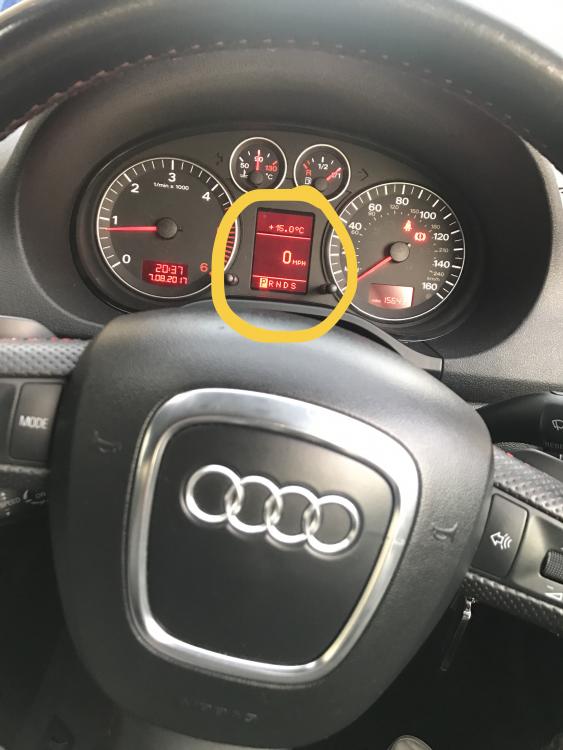
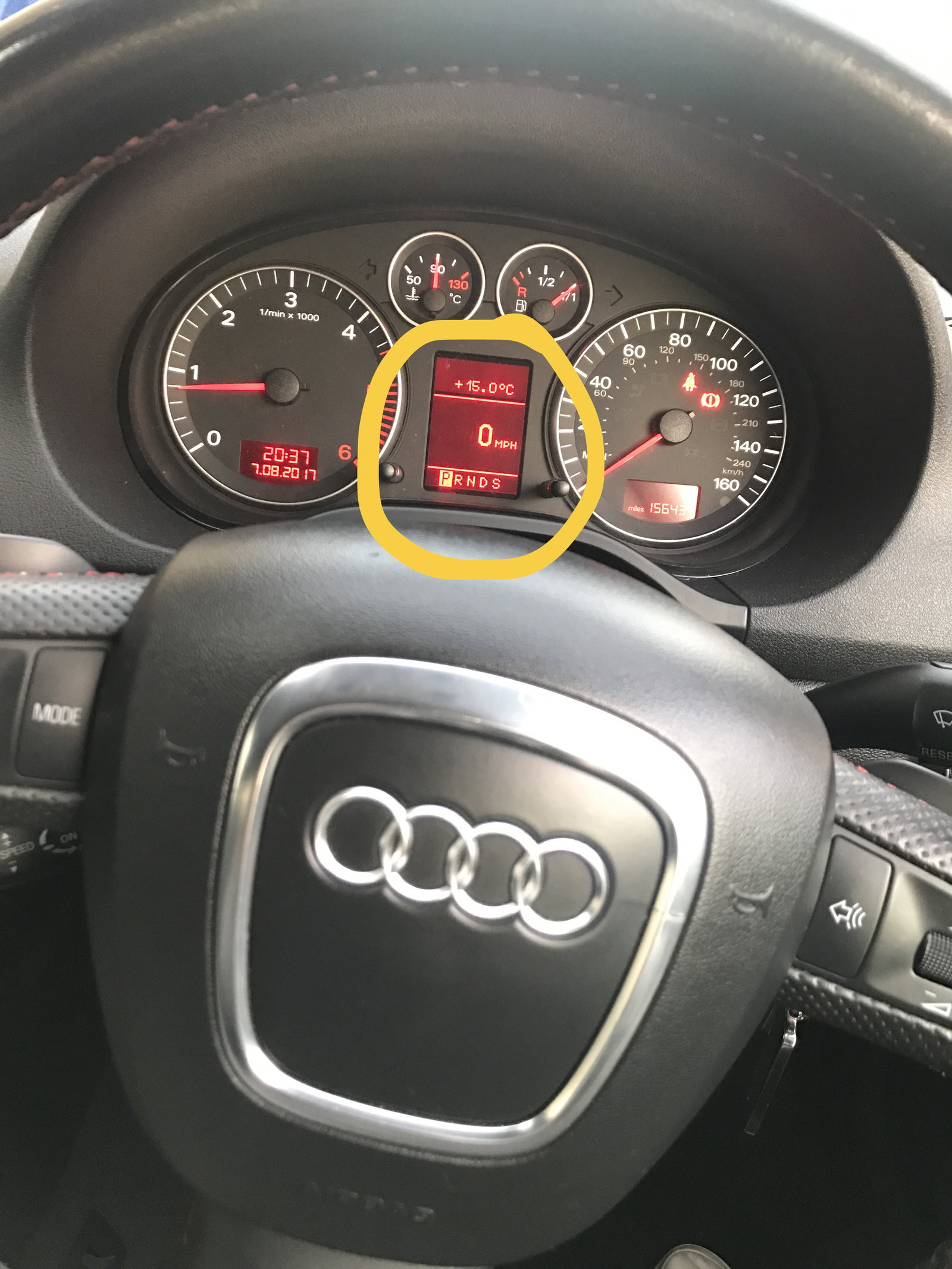
  1. Hi, Does anybody know how I can change the small display (as circled in the attached image) to show me how many miles remaining in my tank. I have tried to press the right stalk but that only resets the trip counter. I have also tried to hold the right stalk and it also resets the trip counter. I have tried pulling the right stalk and that does nothing. At the moment the display is showing me the speed, however I don't know how I got it to show this as previous it was showing ">ne<". Regardless, all I want to know is how to change this display to show me the fuel range. I am driving a 2006 Audi A3 2.0 TDI S Line. It comes with the multi function steering wheel and also the Audi Navigation Plus head unit. Not sure whether I use either of those to change it but if you guys could please help.


Background Picker
Customize Layout

Account

Navigation

Search

Search

Configure browser push notifications

Chrome (Android)
  1. Tap the lock icon next to the address bar.
  2. Tap Permissions → Notifications.
  3. Adjust your preference.
Chrome (Desktop)
  1. Click the padlock icon in the address bar.
  2. Select Site settings.
  3. Find Notifications and adjust your preference.