Leaderboard
-
long boy
Members2Points6Posts -
Steve Q
Moderators1Points15,253Posts -
james brown
Established Member1Points50Posts -
Stevey Y
Established Member1Points3,602Posts




Popular Content
Showing content with the highest reputation on 11/07/2022 in all areas
-
1 pointHi I think European type approval have probably changed the rules again, to many Euro MPs !Removed! off at being stuck at the side of the road in the dark mucking about with with weird and wonderful bottles of compressed latex repair fluid or trying to inflate the already flat spare, my Titanium x ford I bought had a recall to have a full size tin wheel and tyre fitted along with a new jack and wheel brace station because a director of Ford U.K. had been left in some lanes in Wiltshire with only a pot of glorified puncture fluid to repair a four inch tear in the tyre wall, he threw his toys out of the pram and demands the Belgians built the cars with a proper spare wheel. Its a bit like the Holy Grail there is no point of looking for it as the car is under warranty. Steve. Steve.1 point
-
1 point
-
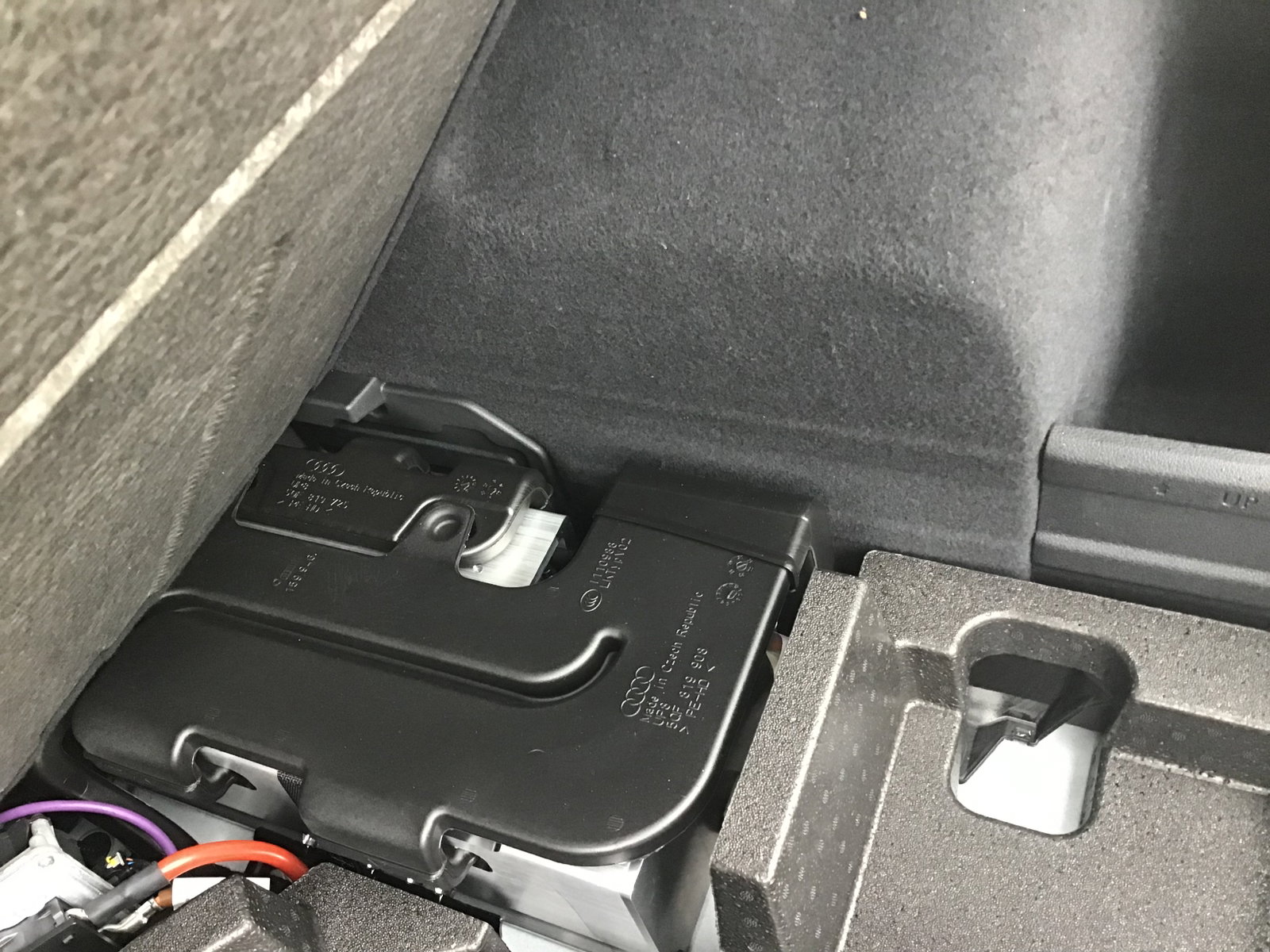
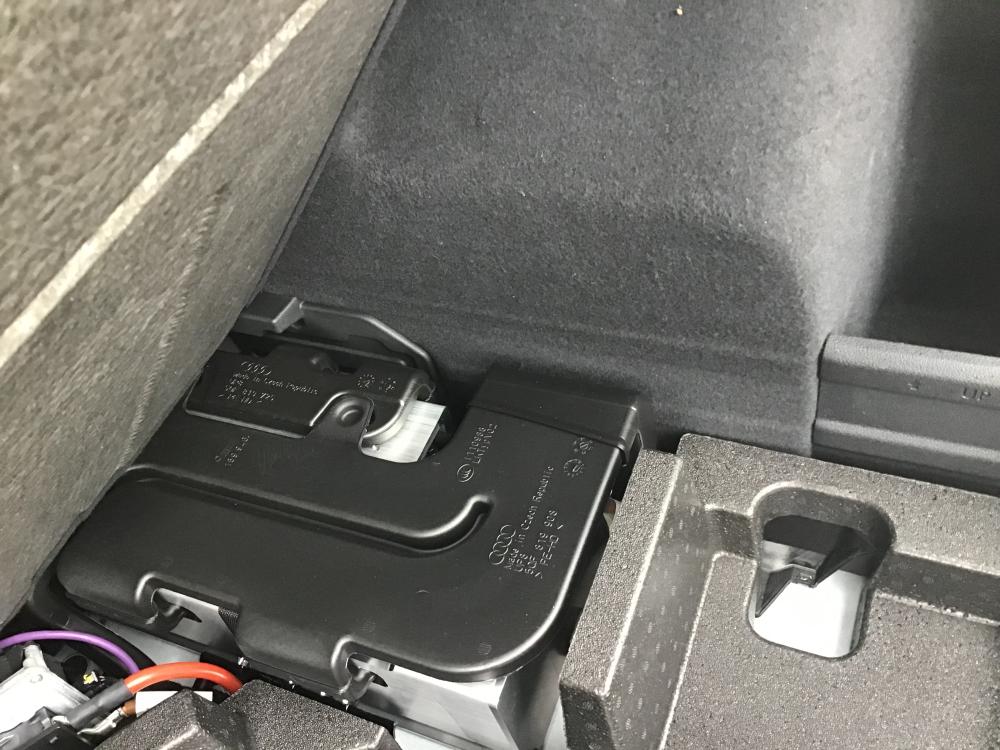
1 pointHi Gareth.this is a photo of the C O D equipment in the boot ,there is room for a collapsible spare wheel I think.
 1 point
 -
1 pointNational Drive It Day was created by the Federation of British Historic Vehicle Clubs in 2005. It is the occasion when historic vehicle enthusiasts and the public at large have the opportunity to celebrate the One Thousand Mile Trial organised in 1900 to prove the viability of the new invention, the motor vehicle. It’s also a chance to raise awareness and support amongst the public for the historic vehicle movement and keeping transport heritage on UK roads.1 point