


Leaderboard
-

Brad-B5
Established Member2Points757Posts -

Steve Q
Moderators2Points15,243Posts -
WPAWS
Established Member1Points1,717Posts -
niedzial1983
Established Member1Points1,264Posts





Popular Content
Showing content with the highest reputation on 08/12/2017 in all areas
-
I'll bring along a VCDS (CAN bus) cable and laptop. £10 for anyone that wants anything tweaked. I'd recommend you lookup the required codes first, in case there isn't a good data connection at the event.1 point
-
All Done :D I'm not sure mate could try Youtube or Heko they give some good tutorials on how to do things, but if not then we could all try and help fit it tomorrow :D1 point
-
1 pointtoo true, i cant do 100 with her in the car 60 is fast enough for her back now so all good1 point
-
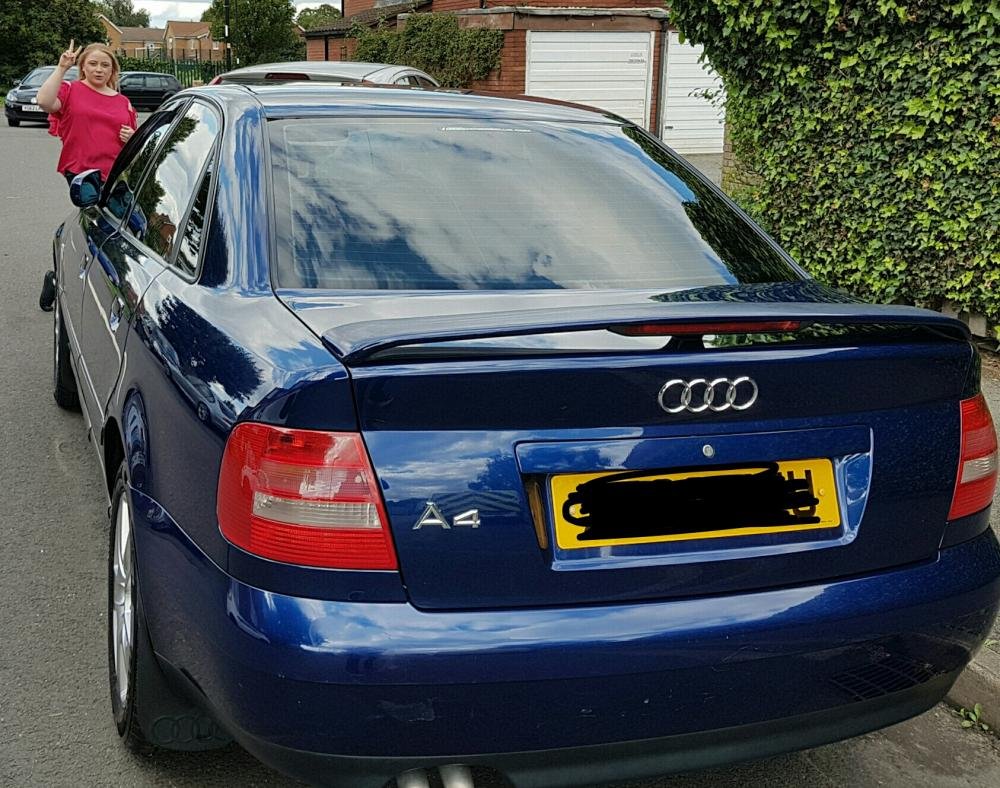
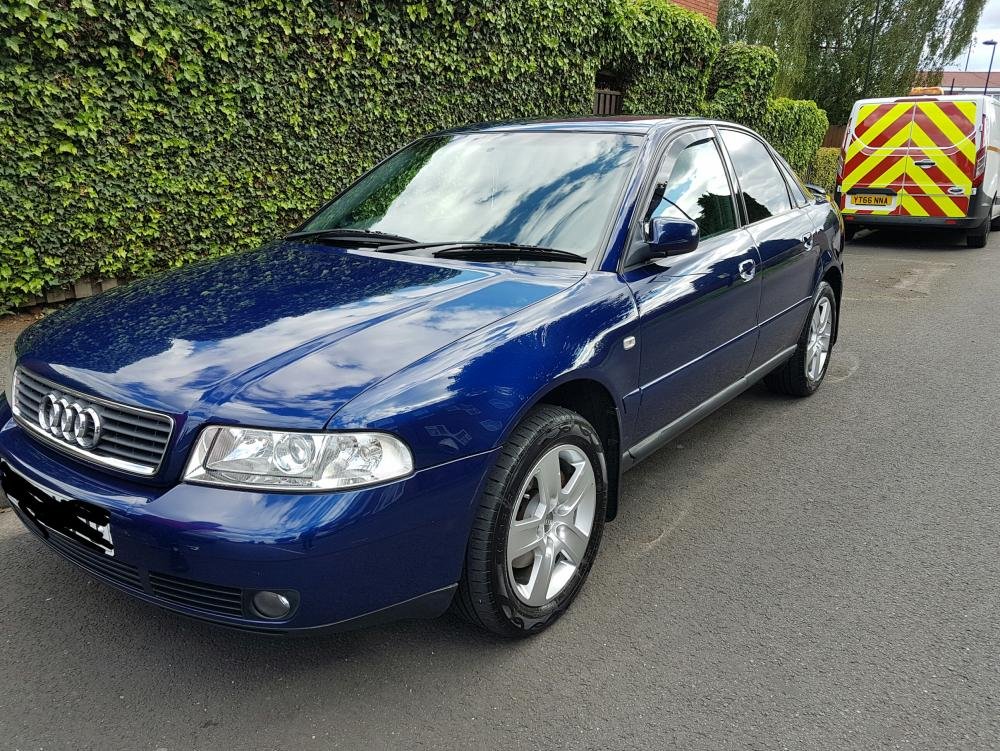
Car all cleaned ready for AITP :D
 1 point
 -
1 pointWelcome to the forum Ben :) youll find the members on here are a friendly and bunch :) i would agree with Bradley and say it's the remap. But what condition was the car prior to the remap? I ask as a remap can accelerate thaw wear on various components if the car was not in fine fettle when the remap was carried out. Cheers steve1 point
-
1 pointWelcome to the forum Craig :) uoull find the members on here are a friendly and helpful bunch :) it could be the element but it could also be as simple as a loose wire under the seat. I doubt it would be a fuse or relay to be honest as I suspect both seats will run off the same fuse and relay. Cheers steve1 point
-
1 point


