


Leaderboard



Popular Content
Showing content with the highest reputation on 11/09/2017 in all areas
-
1 pointAs it says, Audi are recalling approx 5,000 a8 v8 diesels built between 2013-2017 for an emissions recall/update to the computer software. This will commence early 2018. Here's the link for further info: http://www.autoexpress.co.uk/volkswagen/92893/vw-emissions-scandal-recalls-compensation-is-your-car-affected-latest-news Also please check out other info regarding emissions recalls under the recalls section so that you can make an informed decision on whether or not to have the recall done. As with all other emissions recalls this will NOT be compulsory and you can opt out of it. This also will not affect your tax of your vehicle. Cheers Steve1 point
-
Oh yes, I can try and increase numbers on the A6 group I tap into occasionally if all are ok with this.1 point
-
Starting to look like a line up of the usual suspects1 point
-
Good evening gentlemen and gentlewoman , i'm in for this one and my daughter again, happy days, it's just up the road too so none of the 04:30-05:00 road journey.
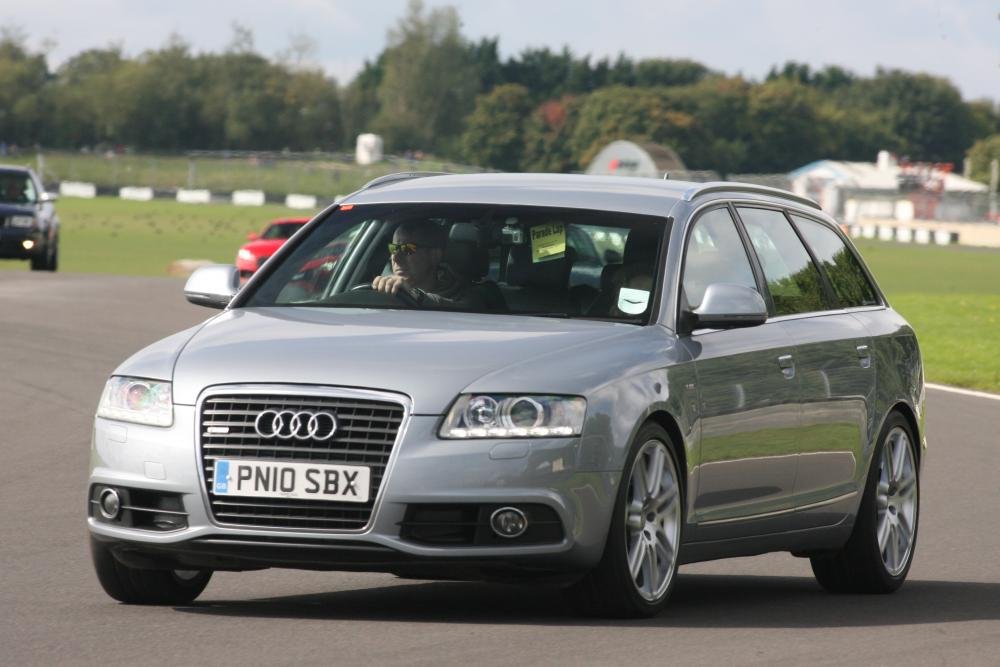 1 point
 -
They done it again, 30 years after his death The Royal Philharmonic Concert Orchestra and Roy Orbison make an album. i am loving these albums brought this one today and also got the two Elvis and The Royal Philharmonic Concert Orchestra albums. Yes i`m showing my age1 point
-
1 pointHello Steve, Worth pointing anyone who is thinking about subjecting their vehicle for an emissions recall to read the comments under that heading on this forum?? Kind regards, Gareth.1 point
