WPAWS
Established Member
-
Joined
-
Last visited
Everything posted by WPAWS
-
cool see you there m8 beat me to it m8 i cant afford my refurb this month been saying this for last few months lol
-
carriageway
-
you meeting up for breakfast too?
-
Dusk
-
beach
-
on my A6 it lives in the glove box not sure if its the same on yours but take a look
-
Welcome to the forums m8
-
Welcome to the forums m8
-
welcome to the forums m8
-
i can be there for breakfast Google says i`m 1h 19mins away i can smash that time
-
was it a dealer or private buy? if a dealer was no warranty given
-
Hello and welcome to the forums
-
floor
-
Hi and welcome to the forums
-
Hi and welcome to the forums
-
Hi and welcome to the forums
-
i would m8 you ordered yours before me
-
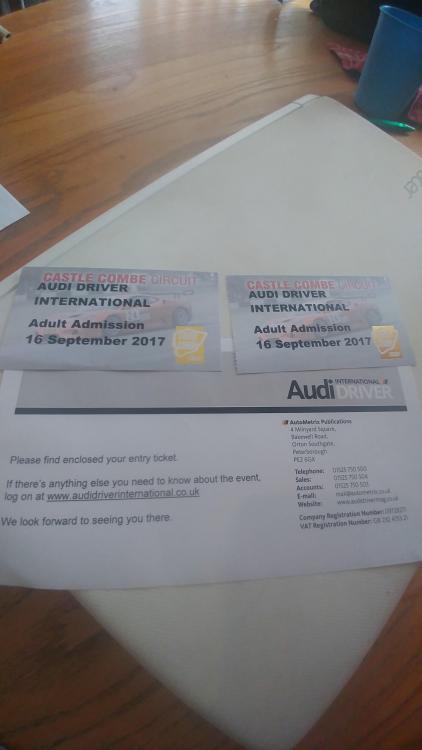
got my tickets in post today :)
-
Hi Drew and welcome Bradley is right about no stupid questions i`ve asked a few lol
-
easy clue, robots come to earth to save us
-
hi Diggy welcome to the forums
-
-
kind of, i think so far 5 in the saga
-
Hi Robin, the Vinyl spray is nice to use and comes of easy and smear free :) for my seats i`m still using our DFS leather wipes for some reason when we brought our sofa we ended up with a ton of the wipes lol
-
oh yes i have band of brothers i have a few including lotr, the hobbit , bourne , rocky etc