


Leaderboard
-
Lanky111
Established Member3Points76Posts -

Steve Q
Moderators3Points15,243Posts -
niedzial1983
Established Member3Points1,264Posts -
Baggy
Established Member2Points70Posts





Popular Content
Showing content with the highest reputation on 07/21/2017 in all areas
-
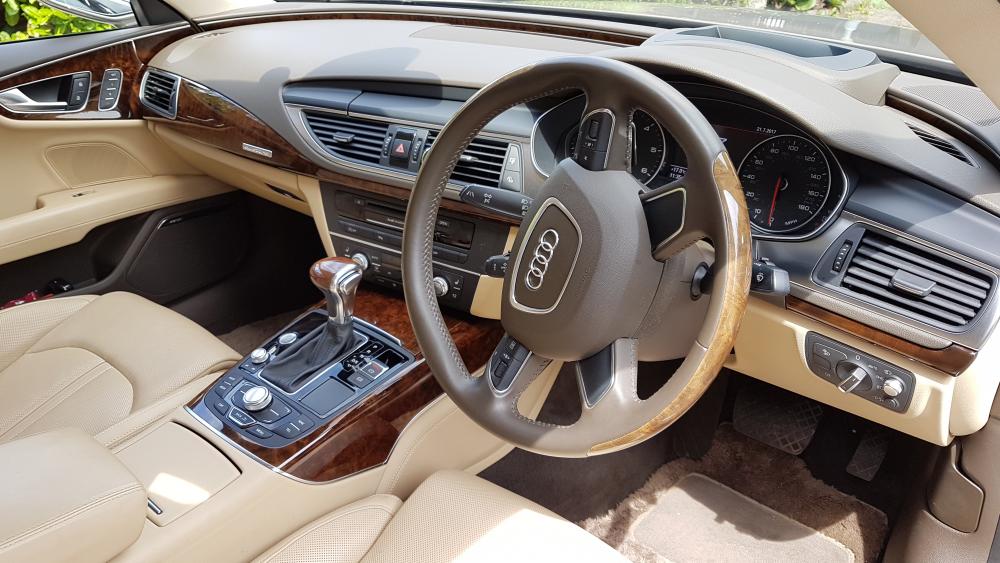
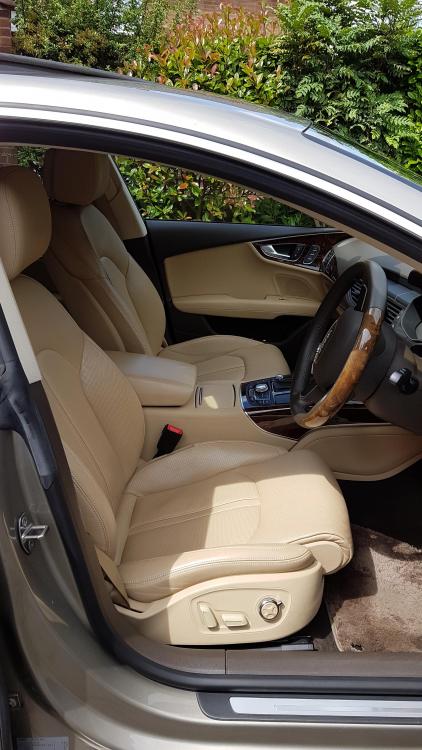
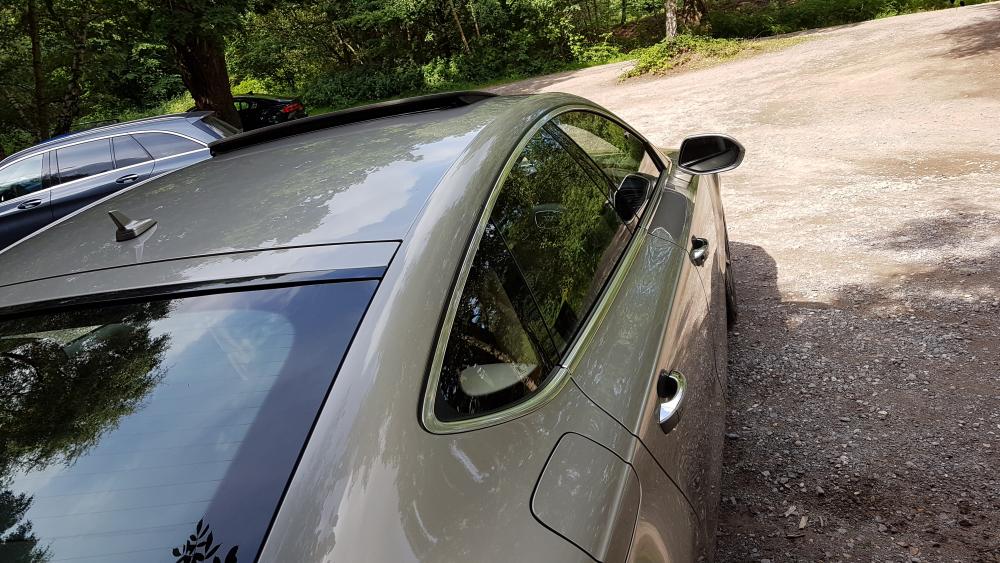
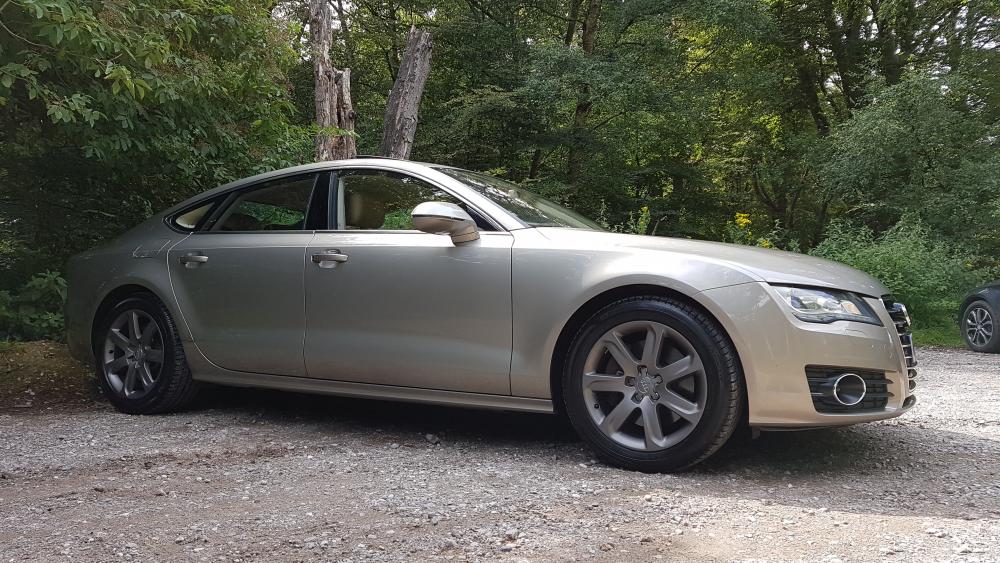
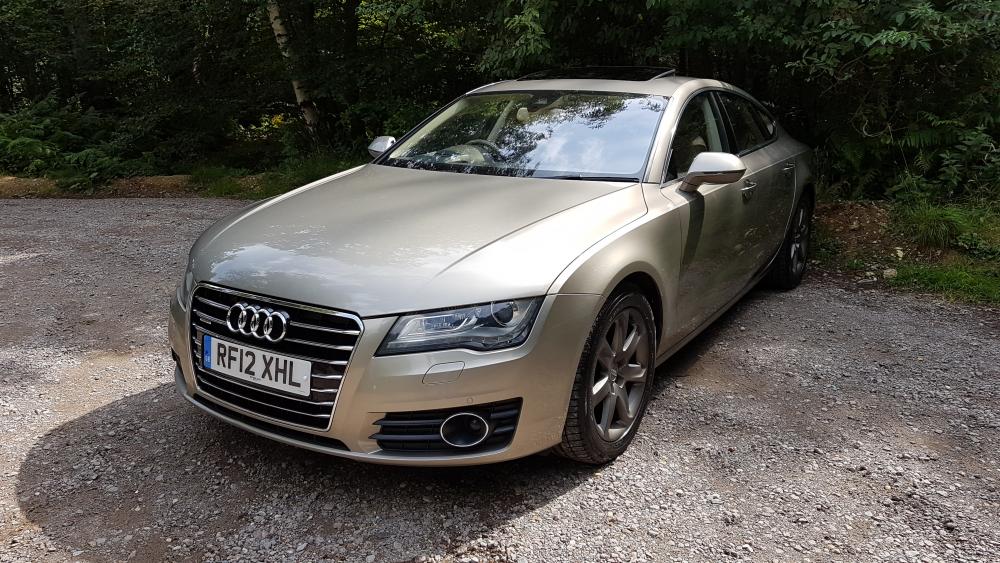
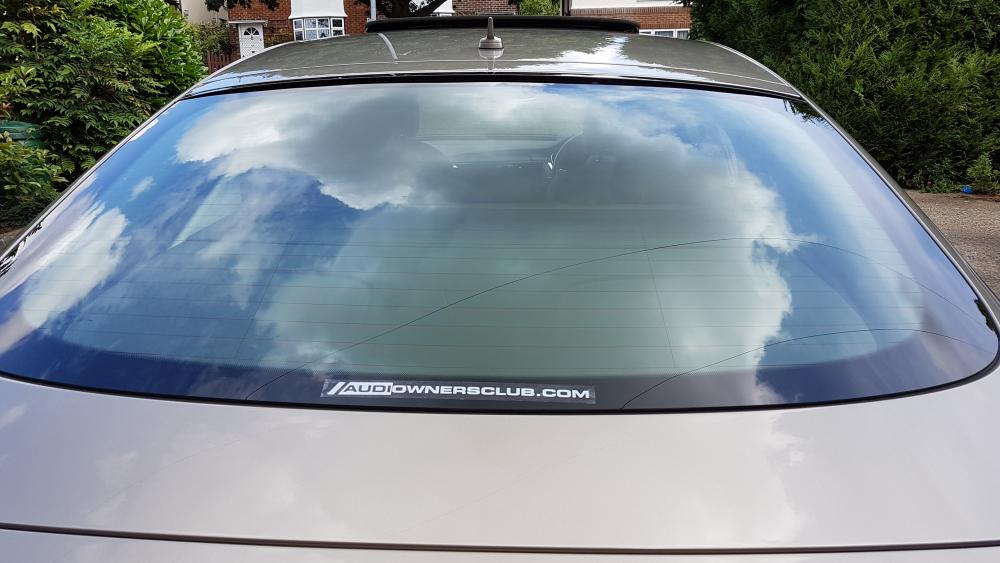
3 pointsHi all, Finally got the time to get some proper pictures of the beige beasty. Hope you like, hoping to make some of the meet ups next year. Cheers Mark
 3 points
 -
2 points
-
1 pointI bought these from ebay, BEST £4 ive ever spend I belive these were standard on some avant cars...1 point
-
1 pointjust checked the car after a few minutes and they must be on a timer as they have now gone back in, strange lol1 point
-
1 pointNot a problem :) and Your welcome :) the sticker looks good too btw! :D1 point
-
1 point
-
1 pointHey Mark, that interior is gorgeous! :) i believe the steering wheel is an optional extra as well as the sunroof :) why don't you bring your a7 along to Audis in the park on Sunday 13th August? We have a club display and we'd love to have your a7 on display with the club :) cheers steve1 point
-
1 pointShe looks lovely! Bet your dead chuffed! :) you'll Deffo have to display your a1 with us at Audis in the park in August :) cheers steve1 point
-
1 pointThanks guys. Like i said i have nothing to lose and its audis job to prove that this is not under warranty not mine :) And yes i will tide it up myself if need to but i was planning to use rubberised paint that is designed to protect wheel archers and undercarrages of cars1 point


