Steve Q
Moderators
-
Joined
-
Last visited
Everything posted by Steve Q
-
I would say if the part number is the same then you should be ok. It might be a newer/older version of the same part. Cheers Steve
-
Fitting wise they should all be the same but as you've rightly pointed out it will depend on the engine and spec of the a5 of which rear diffusers and exhaust are a part of that. I'd try abd get one that's the same spec as yours abd same engine. Cheers Steve
-
2.0tfsi? I'd say check the service history, see if it's had any warranty work on the engine. Cheers Steve
-
Who
-
Hi Jonny, Is this it: https://www.ebay.co.uk/itm/192603875435 Cheers Steve
-
Plastic
-
Hi Lisa, if you're changing them because the lenses have faded and gone milky my advice would be to get them sanded and relacquered. Far cheaper option 👍 Cheers Steve
-
This sounds very unusual. You've done everything if suggest. Might be worth checking the system with a multimeter. Cheers Steve
-
I believe it's ko4 🙂 But I'd go off the part number on your current turbo. Cheers Steve
-
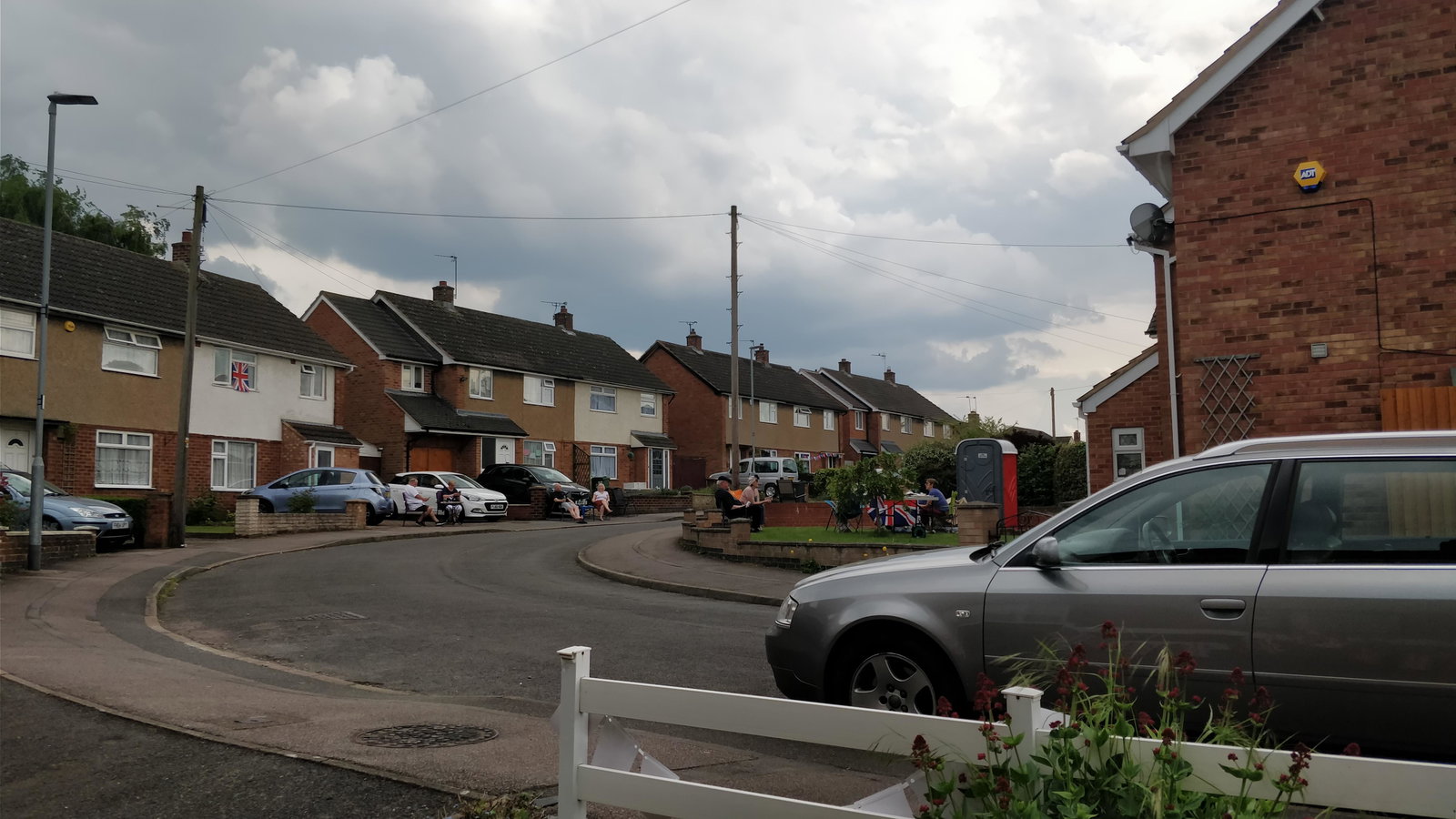
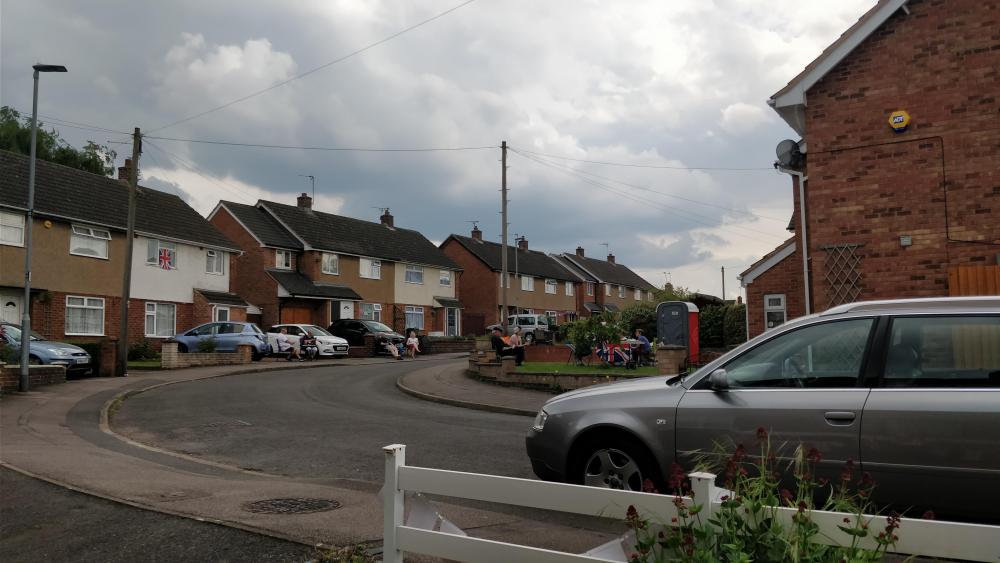
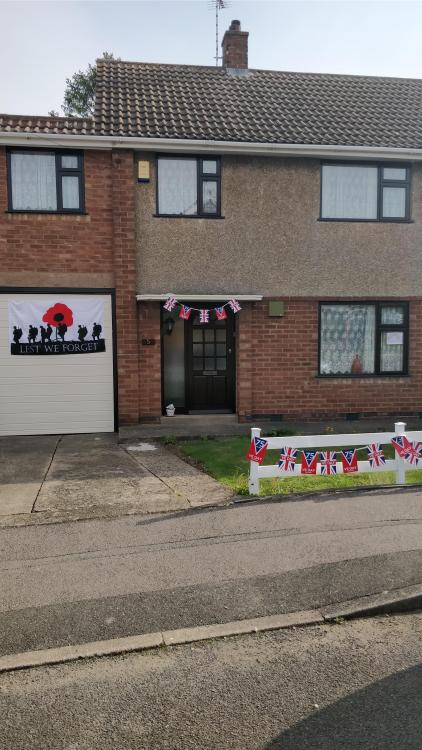
Thank you Gareth 🙂 Had a street party with neighbours but within our front gardens to keep with social distancing 👍


-
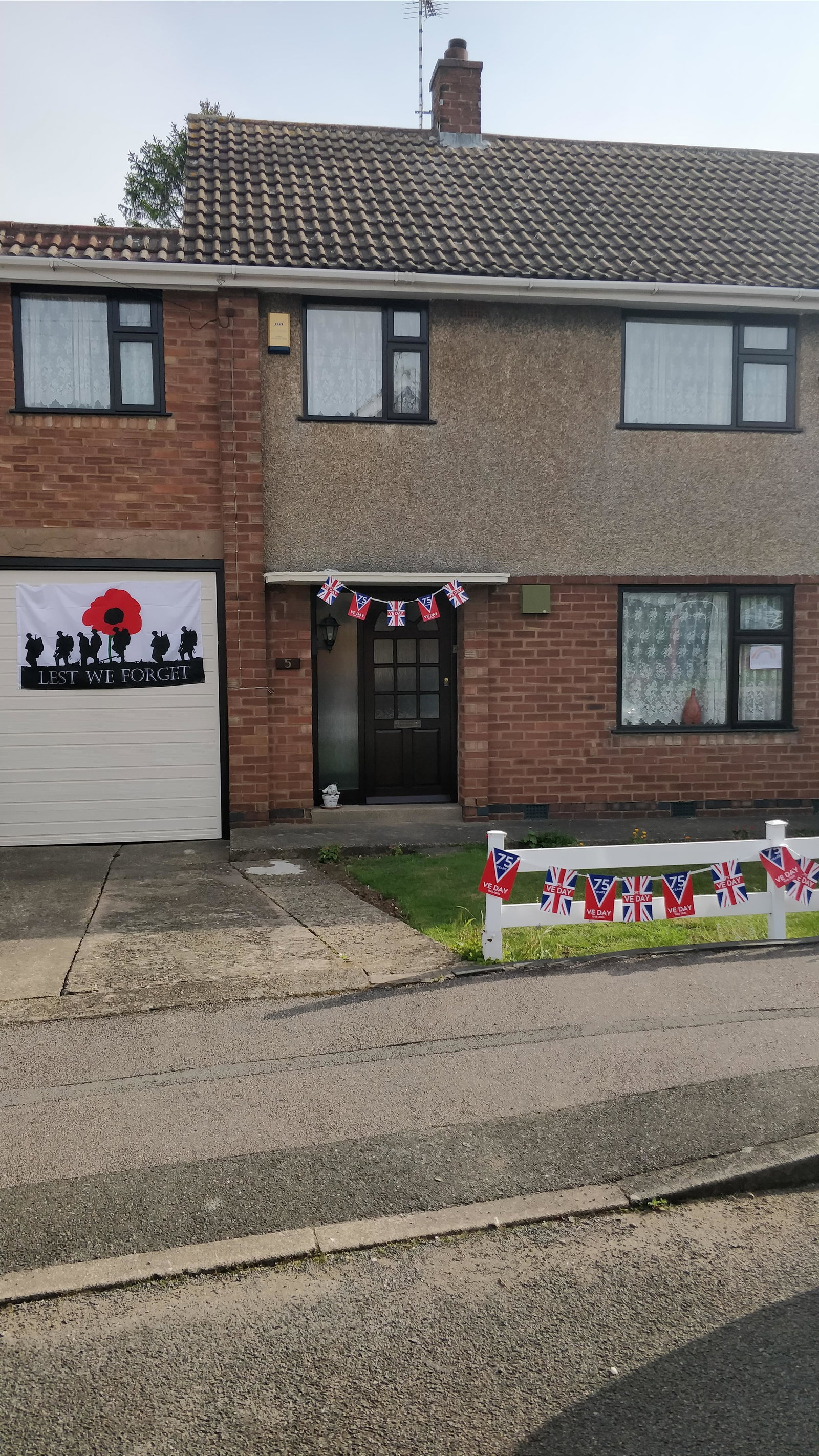
Happy VE Day all 🙂 whilst we celebrate today lest we forget those servicemen abd women who didn't make it home.

-
Hey Stevie, I do not believe they will fit. Seats might but deffo not doorcards. My advice would be to get a b8 convertible interior. Cheers Steve
-
Sounds good but bare in mind no cat may mean you'll fail an mot and void your insurance.
-
Glad you got a quick sale 👍
-
The joys of Italian cars! Great when they're working even if that's not very often lol 😂
-
Welcome to the forum Tim, you'll find the members on here are a friendly and helpful bunch 🙂 Just letting you know I've moved this thread to the for sale section and amended the title slightly. Good luck with the sale, it certainly sounds a very interesting car. Cheers Steve
-
You're welcome 🙂 That is true. What have you replaced it with?
-
Glad I could help 🙂 Well as the windows are operating normally, I think we can rule out the regulators, motors and fuses. I'm wondering if there's an issue with the drivers side switch. My advice would be to try and reprogram them before you replace them. Here's info I've found on line for the a3 8p: "Window programing. Are you experiencing issues with the auto up/down function? Well, you may just need to reinitialize the window switch or each panel. Every time the car battery is removed, the window switches are required to be reprogrammed in order to have the auto-roll down function initiated. To program the switches, do the following: Press the down button for 10 seconds. Press the up button for 10 seconds." If that doesn't work then it might be worth removing the drivers side switch and cleaning the connectors. Hope I've helped. Cheers Steve
-
Door
-
Tour the design laboratory of Audi online with “Insight Audi Design” Experience design development at Audi conveniently from home Use your smartphone, tablet or PC to explore design processes at Audi with the new “Insight Audi Design” live stream. The interactive discovery tour has now been added to the online tours at www.audi.stream. Experienced tour guides present the “Insight Audi Design” live stream from a studio and explain the Audi design philosophy. Using video sequences, they explain how the designers work and show how the team is developing the design language of the future. The guides answer questions in dialogue and construct the roughly 20-minute live stream according to the wishes and interests of the participants. Interested parties can choose a suitable date for “Insight Audi Design” online at www.audi.stream. The interactive guided tours on AudiStream are free of charge; fees may be charged for Internet access, however, depending on the selected provider. The new “Insight Audi Design” live stream starts with presentation in German and an English version will follow. With AudiStream, Audi is the first manufacturer to offer online discovery tours. The “Insight Audi Design” stream complements the “Audi live at the Ingolstadt factory” online tour. This virtual factory tour has been offered since November 2019 and provides insights into selected production sections as well as technical highlights of the brand. article courtesy of automotiveworld.com: https://www.automotiveworld.com/news-releases/tour-the-design-laboratory-of-audi-online-with-insight-audi-design/
-
I would look in the boot, behind the rear seats etc. You'd be surprised how many items get dropped and you don't realise it. I remember a case where it was a shoe that had jammed the mechanism. Cheers Steve
-
Welcome to the forum Will, you'll find the members on here are a friendly and helpful bunch 🙂 Your a3 looks in.good condition, good luck with the sale. Why are you selling it? Cheers Steve
-
You're welcome, please keep us posted on how you get on 👍 Cheers Steve
-
Welcome to the forum Jason, you'll find the members on here are a friendly and helpful bunch 🙂 I wouldn't normally direct our members to another forum but this thread is particularly usefull on Audi sport.net: https://www.audi-sport.net/xf/threads/audi-a4-cabriolet-soft-top-roof-hood-motor-repair-guide.131801/ Cheers Steve
-
I know that feeling Lol, to be fair I'm 28 and didn't look after my body when I was younger, and I guess even now. Working 6-7 days a week. My back is already shot, along with my neck and in the process of being diagnosed with carpal tunnel. Some of it is due to some serious car accidents haven't helped to be fair. But hey ho we carry on 👍