




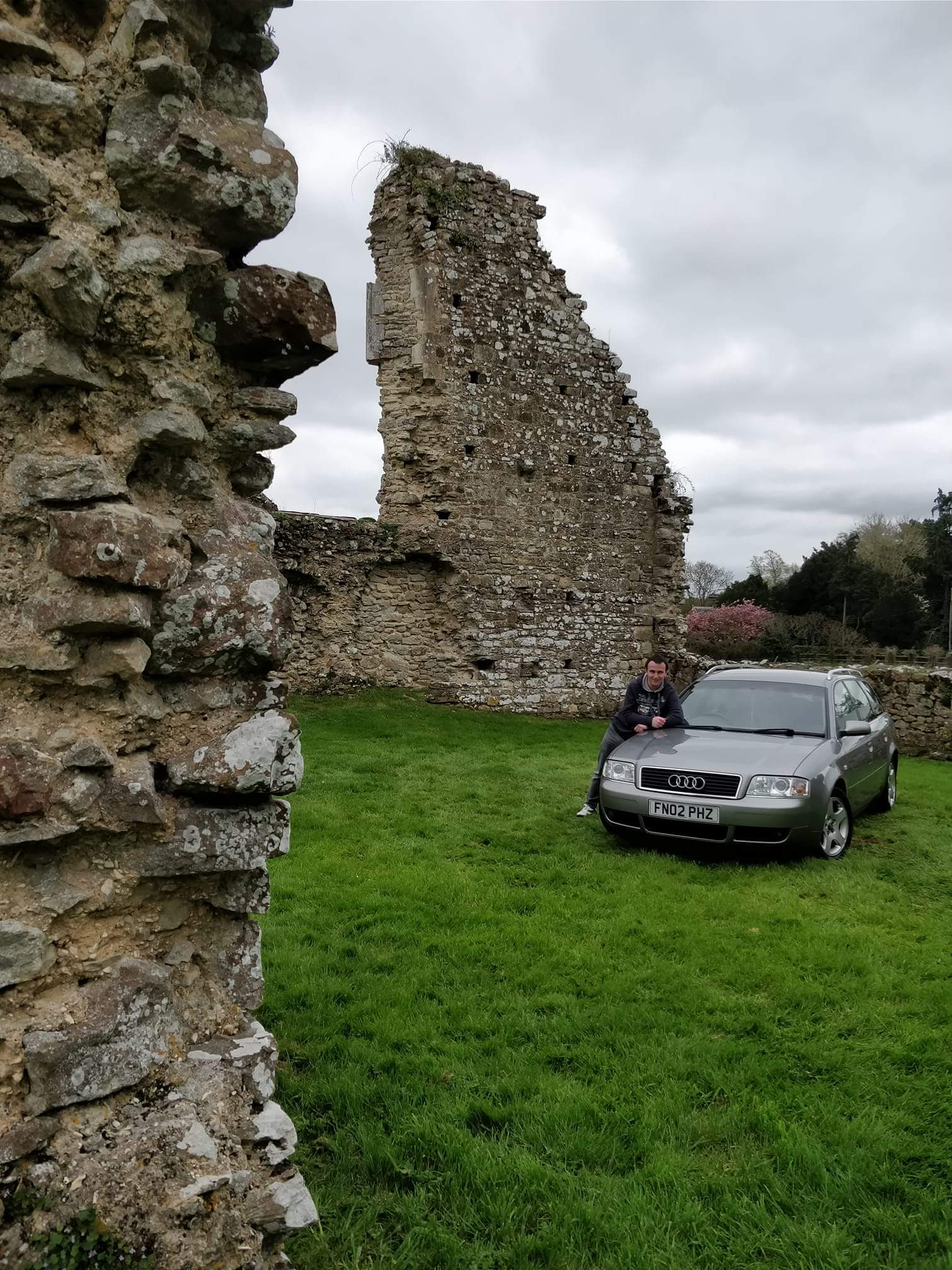
Steve Q
Moderators
-
Joined
-
Last visited
Everything posted by Steve Q
-
Welcome to the forum JT, beautiful looking R8 you have there. Wasn't aware of the meet at ace cafe. Was it an Audi one? Cheers Steve
-
Think otl need coming off and refitting. You could always take it to a local body shop, get a quote and see if the garage will pay it.
-
Glad you're on the way to getting it sorted 🙂 not going to lie they're expensive cars to maintain. Spent £1k on mine last month alone. But theyre fantastic abd strong cars.
-
If cold and hot air is blowing then there could be an issue with the control unit. Yu could get a diagnostic check carried out to see if any fault codes flag up. Did you buy from a dealer? If so , abd within 30 days of purchase I'd take it back to them to look at as you have 30 days to return the vehicle for a full refund.
-
If it were me I'd leave it for a garage to sort but I'm.not most mechanically minded. You could also consider a diagnostic check to see if any fault codes flag up regarding the system
-
-
I'd also argue, that by them agreeing to foot 75% of the bill, they agree with your opinion that the frame is the issue. Therefore in a way they're admitting they haven't repaired it.
-
If it's been back whilst under warranty then you should be covered as the issue still hasn't been repaired. Might be worth you speaking to Audi customer care too.
-
Welcome to the forum Chris, you'll find the members on here are a friendly and helpful bunch 🙂 Nice S6 you have there 👍
-
-
The fan might stay on when the car is doing a regen in the dpf if it's diesel I believe.
-
Door seals could also be a problem including the boot seal. Or rear light seals can let water into the boot I believe.
-
-
Can't go wrong with an induction kit, sports exhaust and remap. Think you'll be looking at a touchscreen type head unit so expect to pay at least £300 I think.
-
To find the interior colour they'll be a sticker in the boot floor on the edge of the wheel well. Once you know what colour your interior is, my advice would be to look through eBay, at cars being broken for spares.
-
Funnily enough this came up on the a6 c5 forum a while back. Might be worth you measuring conventional mattresses to see if any fit. I'm sure you'd find one as the q7 has a very large and flat boot area.
-
That's great work! 👍
-
Unless your car specifically requires it then I think you'll find no or hardly want change. Plus any benefits are often out weighed by the purchase cost.
-
As you've changed the battery, have you checked it's holding charge or that's no battery drain on the car. Also is it worth having an auto electrician check the wiring loom for any loose connections or frade wires etc.
-
Please keep us posted on how you get on 🙂
-
-
I'd get a regas abd leak test done, or a diagnostic check carried out to see if any fault codes flag up.
-
If it can be done, then I think the setting can be found in the cars infotainment system.
-
-
Such a shame as the d3 was a beautiful car. Unfortunately all cars are getting to dependent on electrical gadgetary in my opinion.

